Table of Contents
This guide explains Raid? Common Types of RAID Compare Their Similarities and, why it matters, how it works, and how to evaluate or use it in practical situations.
1. What is raid?
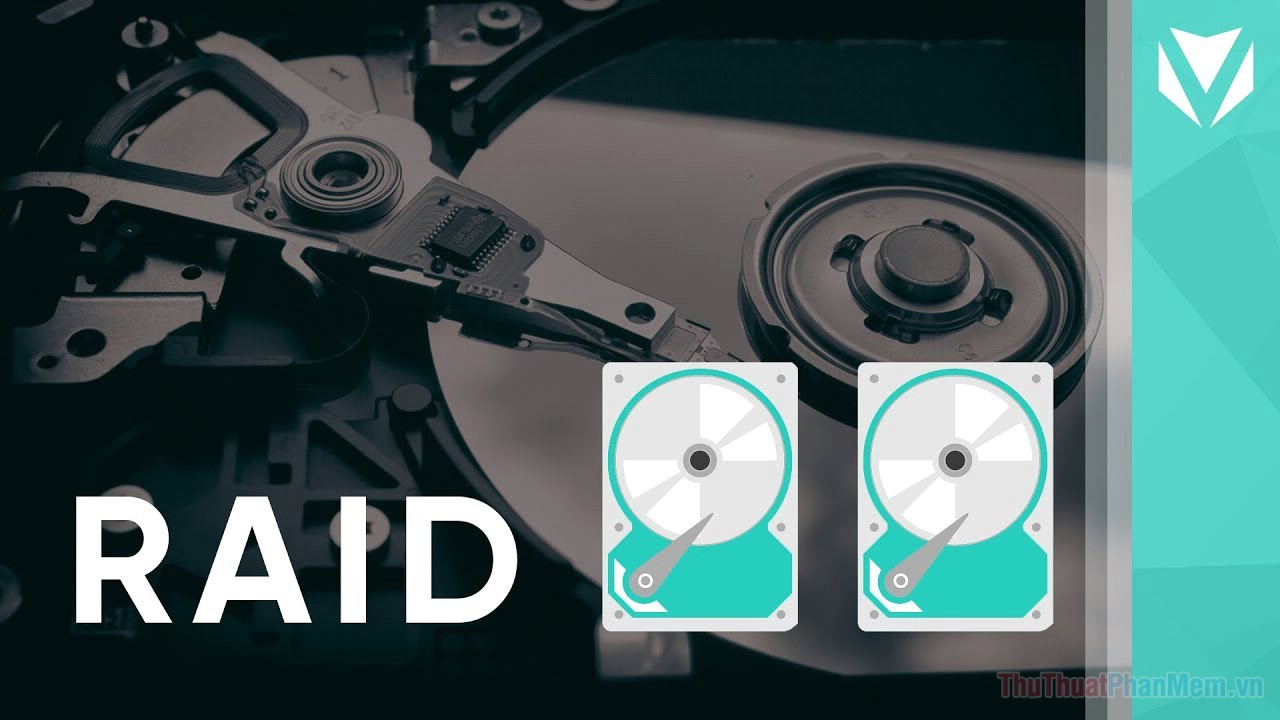
Raid stands for Redundant Array of Inexpensive Disks (Backup Disk System). Initially, RAID was used as a protection solution because it allowed to write data to multiple hard disks at the same time. Later, RAID has many variants that not only ensure data safety but also significantly increase the speed of accessing data from the hard disk. RAID was first developed in 1987 at the University of California at Berkeley to pair smaller hard drives through software to create a larger capacity disk system so that you don't have to buy a new large hard drive., Cost savings.
2. Common types of RAID
Regarding classification, there are many types of Raid being used such as Raid 0, Raid 1, Raid 4, Raid 5, Raid 6, Raid 0 + 1. But we will learn the common types of RAID that are 4 types of Raid: Raid 0 - Raid 1 - Raid 5 - Raid 10
- Raid 0 : RAID is the preferred type of users due to the ability to improve the data exchange performance of the hard disk. Requiring at least two hard disks, RAID 0 allows the computer to write data to them in a special way called Striping. Data will be divided into equal parts. For example, if we use two 80GB hard drives, our disk system is 160GB. So it's no surprise that it's the number one choice for speed enthusiasts.
- Raid 1 : is the basic type of Raid that is used quite a lot today due to its ability to achieve data safety. To install Raid 1, just like Raid 0 requires at least 2 hard drives to store. But unlike Raid 0, Raid 1 ensures more data security because data is written to two identical drives (Mirroring). For network administrators or those who need to manage a lot of important information, a RAID 1 system is indispensable.
- Raid 5 : An improvement of Raid 0 by providing more data recovery mechanism. In addition to the drives used to write data, Raid 5 will use additional drives to hold data copies of the recording drives. In case one of the recorders fails, there will be replacement data. Therefore Raid 5 uses a minimum of 3 hard drives.
- Raid 10 : is a combination of 2 common types of Raid 0 and Raid 1. For Raid 10, you need to use at least 4 hard drives, of which 2 drives store data as Striping and 2 data drives. Data in the form of Mirroring.
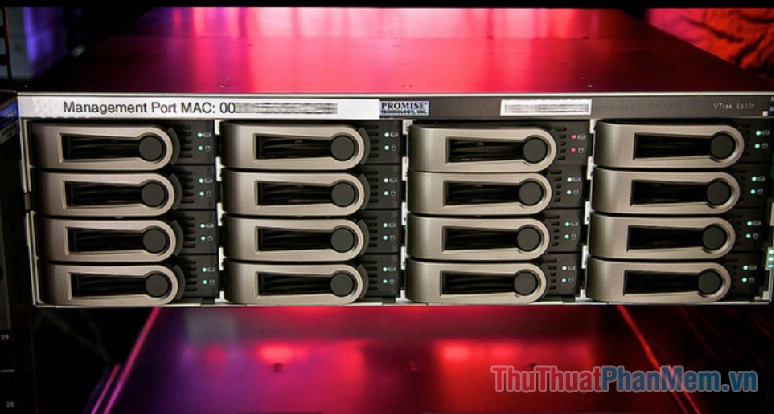
3. Compare similarities and differences between common Raid types
Raid 0
Raid 1
Raid 5
Raid 10
Same
Used to store data
Different
Number of drives
Minimum of 2 drives required
Minimum of 2 drives required
Minimum of 3 drives are required
Minimum of 4 drives required
Advantages and disadvantages
-Use: Write speed to read fast
-Disadvantage: There is a risk of data loss
-Use: Data security
-Disadvantage: The performance is not high, raising the cost
-Use: Improve performance, data safety
-Difficult: generate 1 more disk just for normal storage
-Use: Store fast, safely, improve performance
-Disadvantage: High cost
Technical hosting
Striping
Mirroring
Mirroring and Striping
Mirroring and Striping
Priority object
Services that need to store and access at high speed
Services that require data security
These services have a small number of accesses and requests
Suitable for all audiences, services
Above is the basic concept of RAID and classification of common types of RAID used by many people. Hopefully the article will help you choose the type of Raid appropriate for your intended use. Thank you for watching the article!
FAQ
What should I know about Raid? Common Types of RAID Compare Their Similarities and?
Focus on the key features, requirements, limitations, and practical use cases explained in this guide.
How do I get the best results with Raid? Common Types of RAID Compare Their Similarities and?
Follow the recommended steps, use current software or information, confirm compatibility, and review settings before major changes.
Are there any risks or limitations?
Potential limitations depend on compatibility, data quality, cost, privacy, support, and how the product or method is used.
Related Articles
 What Is Raid? Learn About RAID 0, RAID 1, RAID 5, RAID 6, RAID 1029 minutes read
 What Is an HDMI Cable? How Many Types of HDMI Cables Are There? the3 minutes read
 Comparing Adobe Illustrator and Photoshop: Similarities and Differences5 minutes read
 What Is RAID 1? How to Use RAID 1 on a Mac Explained4 minutes read
 What Are the Similarities and Differences Between Gaming PC6 minutes read
 Adblock and Adblock Plus: What Are the Differences?5 minutes read
Reader Comments 0
Sign in with email or Google to join the discussion.