Table of Contents
The headphone housing is the structural enclosure around the driver and other components. In over-ear and on-ear models it is usually called the ear cup; in an in-ear monitor it is the shell. Its shape, vents, internal volume, damping, rigidity, seals, and attachment points all influence acoustics, durability, weight, and fit. Material name alone does not predict the sound.
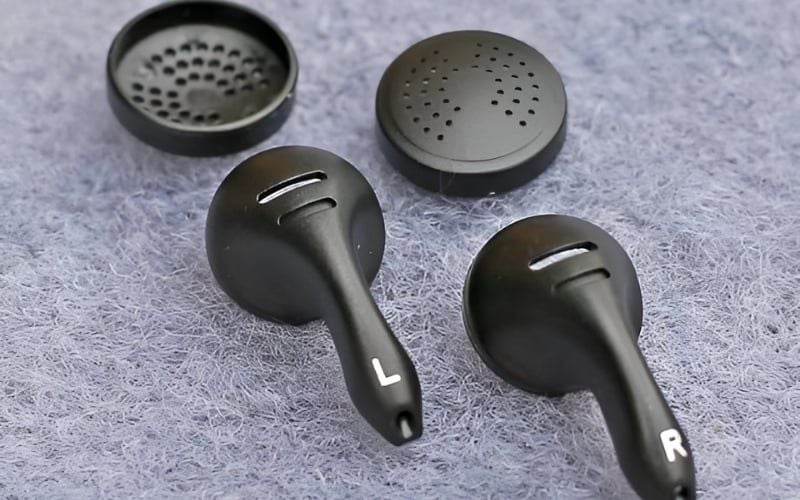
What the housing does
- Protects components: shields the driver, wiring, microphones, battery, controls, and circuit boards from ordinary contact.
- Forms an acoustic system: the volume behind and in front of the driver, plus vents and damping, shape frequency response and resonances.
- Supports fit: nozzle angle, cup depth, pad mounting, hinge geometry, and weight distribution affect the seal and comfort.
- Controls leakage and isolation: open areas and seals determine how freely sound passes in and out.
- Provides structure: connects the driver to yokes, headband, cable sockets, and controls.
A housing does not make a product waterproof or sweatproof unless the complete headphone has an appropriate, documented ingress-protection rating.
In-ear shells and open-fit earbuds
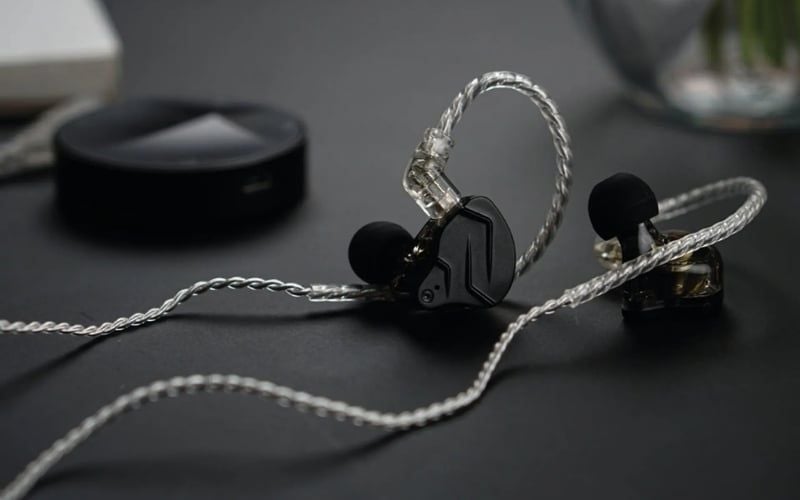
An in-ear shell positions the nozzle, driver, sound tubes, crossover, vents, and connector. The ear tip—not the hard shell alone—normally creates the canal seal. A custom IEM shell may be molded to the individual ear, while a universal model relies on shell shape plus replaceable tips.
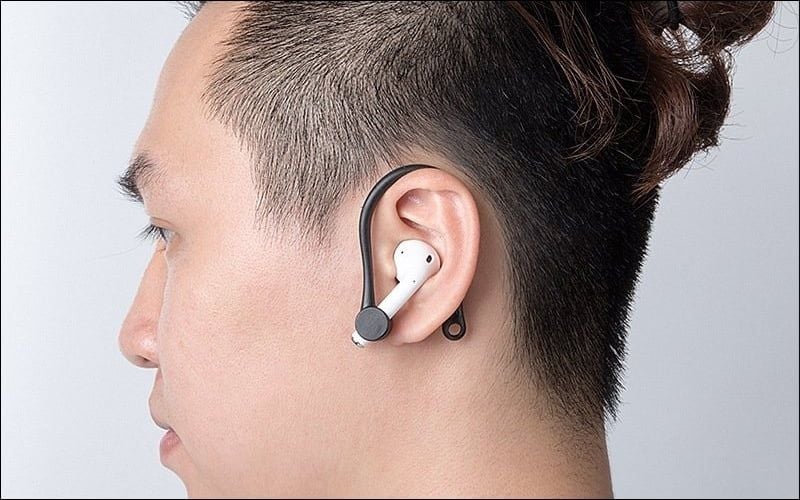
Open-fit earbuds rest near the canal and do not seal it. They usually leak more and provide less passive isolation. The earbud and in-ear comparison explains the fit distinction.
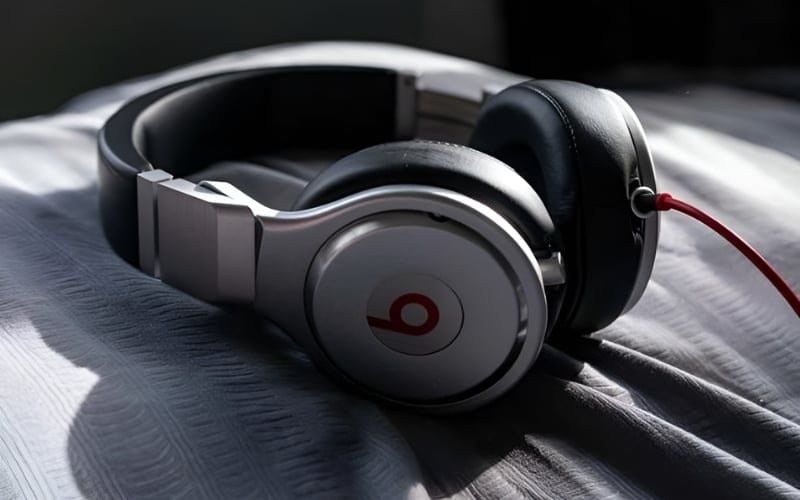
Closed-back, open-back, and semi-open ear cups
| Design | Leakage and isolation | Acoustic considerations | Typical environment |
|---|---|---|---|
| Closed-back | Usually less leakage and more isolation, depending on pads and vents | Enclosed air and reflections require careful damping | Shared rooms, recording, travel, gaming around noise |
| Open-back | High leakage and little isolation | Rear radiation passes through an open grille; room noise remains audible | Quiet private listening and editing |
| Semi-open | Varies; the term has no single venting amount | Partially vented design whose behavior must be judged per model | Depends on actual leakage and tuning |
Closed-back does not mean completely sealed, and it does not guarantee narrow soundstage or powerful bass. Open-back often sounds airy, but it does not guarantee accurate imaging. Pads, driver, baffle, damping, and tuning are equally important.
Housing materials
| Material | Useful properties | Possible tradeoffs | Sound implication |
|---|---|---|---|
| ABS or polycarbonate | Light, moldable, economical, can be reinforced | Thin parts or weak joints may creak or crack | Can sound excellent when geometry and damping are correct |
| Aluminum or steel | Rigid, durable in suitable thicknesses, premium finish | Weight, dents, cold touch, electrical design requirements | Rigidity can control panel vibration; metal does not guarantee lower resonance |
| Acrylic or resin | Complex IEM shapes, clear finish, custom molding | Can crack or chip; repair and UV stability vary | Fit, sound tubes, vents, and damping matter more than resin itself |
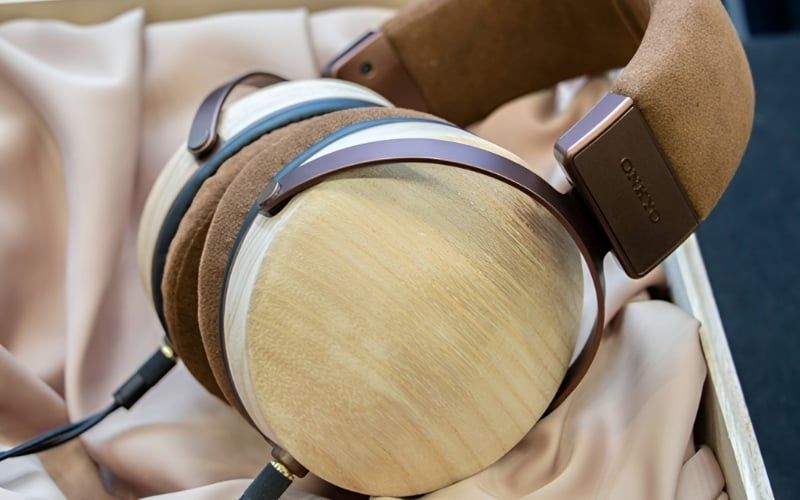
| Wood | Distinct appearance, machinable shapes, stiffness and damping vary by species and treatment | Weight, moisture sensitivity, unit variation, cost | Does not automatically create “warm bass”; final tuning determines response |
Manufacturers often combine materials: plastic cups with a metal yoke, an aluminum grille, rubber seals, and acoustic fabric. Judge the whole structure rather than treating plastic as cheap or metal as automatically durable.

How enclosure design changes sound
The driver does not operate alone. Rear volume and vents change its load; front volume and pad seal affect bass and treble; cavities create resonances; damping absorbs selected energy; grille and filter materials add acoustic resistance.
A hard material can still ring if its shape and thickness create a resonance. A well-braced plastic cup can be quieter than an undamped metal one. Engineers control these effects through geometry, ribs, composites, damping foam, meshes, ports, and equalization.
Read how headphone drivers work to see how the transducer and enclosure interact.
Fit, comfort, and glasses
Housing size affects ear clearance, but comfort also depends on pad opening, cup depth, swivel range, clamp, headband pressure, total weight, and center of gravity.
- For glasses, check whether pads seal around the temples without painful pressure.
- For large ears, make sure the inner cup does not touch the pinna or driver cover.
- For long sessions, evaluate heat and weight distribution rather than choosing only the lightest material.
- For IEMs, check nozzle angle, shell contact points, tip size, and stability while speaking or walking.
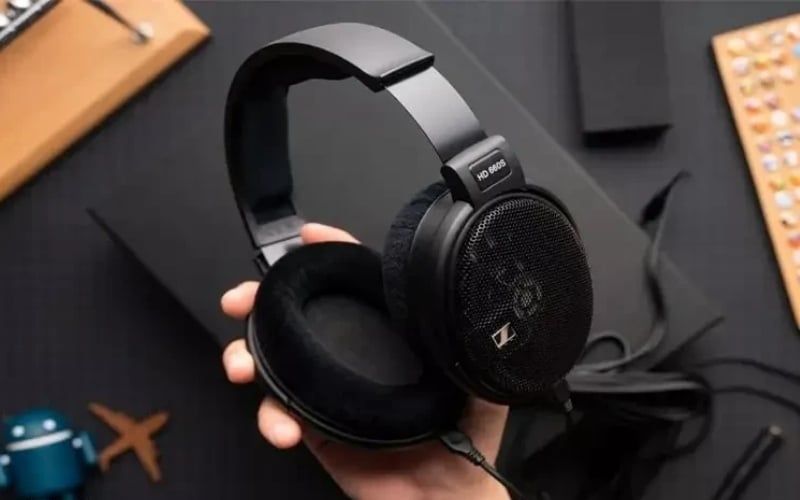
Open-back cups may feel cooler, but the pad material and room temperature remain important. They do not prevent ear infection, and no headphone should be worn through pain or skin irritation.
Choosing a housing by environment
- Noisy PC room or shared office: begin with a closed-back or sealed in-ear design; compare actual isolation and microphone leakage.
- Quiet home listening: open-back can be suitable if sound leakage will not disturb others.
- Recording near a microphone: closed-back reduces click-track or music spill into the recording.
- Commuting: prioritize fit, passive isolation, ANC performance, packed size, and durability.
- Gaming: enclosure type is secondary to comfort, channel balance, tuning, latency, and microphone needs.
The over-ear, on-ear, and in-ear guide compares the contact points and portability of each form.
Cleaning the housing safely
- Power wireless headphones off and disconnect cables.
- Wipe the exterior with a clean microfiber cloth. For stubborn dirt, use only the moisture and cleaning method approved by the manufacturer.
- Remove pads or tips only when the manual permits it, and clean each material separately.
- Use a soft dry brush around grilles and seams; do not push debris through meshes or vents.
- Let every part dry completely before reassembly or charging.
Alcohol can damage coatings, adhesives, leather-like pads, and printed markings, but it is approved for some surfaces. Follow the product instructions instead of applying a universal ban or recommendation.
Storage and repair
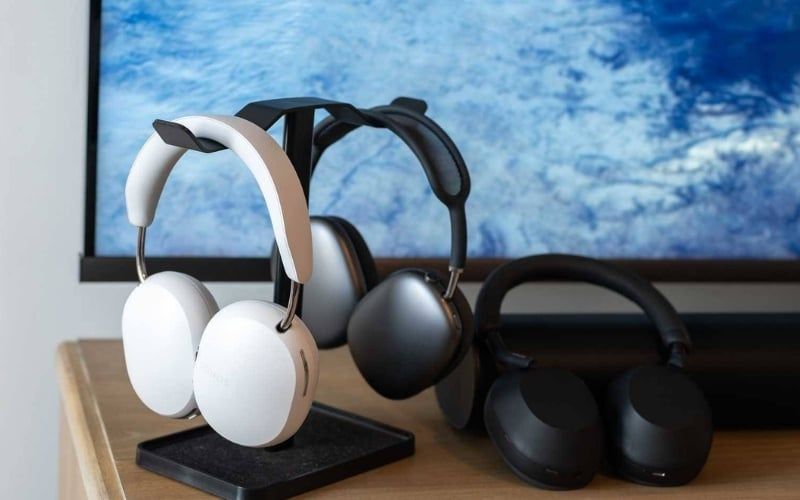
Store headphones away from heat, direct sun, moisture, and cable tension. A case protects portable models. A stand should not be so wide that it permanently compresses pads or stretches the headband; a flat, clean surface can be safer for some designs.

A cracked shell, loose hinge, or failed socket may expose wiring and change the acoustic seal. Stop using the product if metal housing causes repeated tingling or shock; disconnect it from the source and charger and have the equipment and power setup inspected. Do not assume the cause is harmless static, and do not bypass grounding or safety protections.
Before opening a housing, check the warranty, hidden cables, adhesive, and replacement-part availability. Poor reassembly can damage the driver or alter sound, so a service center is appropriate when the construction is unfamiliar.
Related Articles
 Hey Phone Manufacturer, Give Us Back the Headphone Jack!5 minutes read
 A Headphone Jack Explained6 minutes read
 Top 5 Cheap, Cheap Headphone Headphones9 minutes read
 5 Tips to Choose the Right Cheap Headphones6 minutes read
 8 Brands You Can Trust When Buying Headphones8 minutes read
 Evaluate Sony MDR-ZX310AP Headphones: Personality Design, Impressive6 minutes read
Reader Comments 0
Sign in with email or Google to join the discussion.