Table of Contents
This updated guide explains how to Organise a Gig through clear steps, practical examples, and important checks that help prevent common errors.
Method 1 of 8:
Making Your Contacts
-
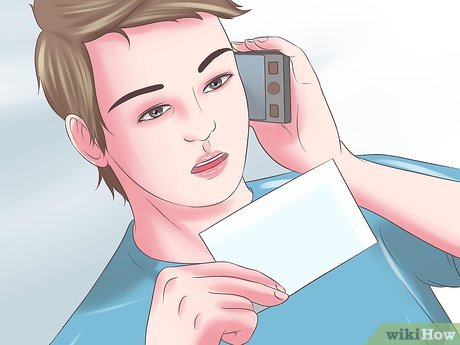 Talk to bands and organizers at local gigs and stay in contact with them. [1]XResearch source
 -
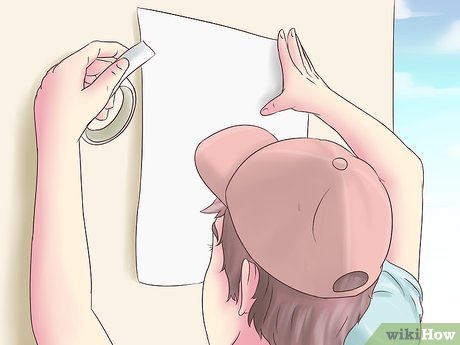 Offer to help on gigs that they are organizing; e. g. offer to be a roadie and help set up equipment, or put up the posters or sell tickets. Be sure to do it for free; it will get you free access to the gig anyway and they will owe you a favour.
 -
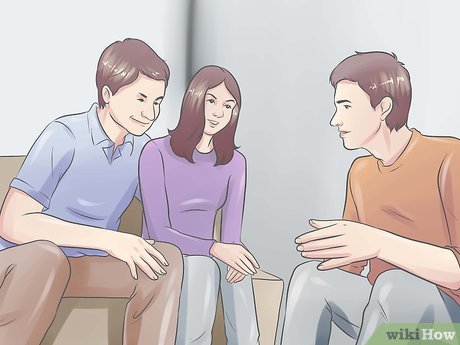 Once you have been to a couple of gigs you should have met at least 5 bands or artists. Make sure you keep a good relationship with them.
Method 2 of 8:
Getting a Venue
-
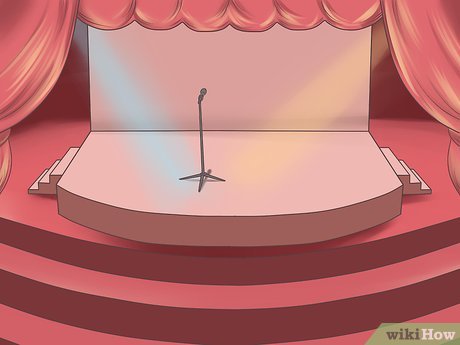 Find a venue for your gig. Local theatres, cinemas, schools and function rooms are open to be rented.[2]XResearch source
- However, once you find it talk to the manager to make sure it's within their rules to hold a live event. Your best bet is to use a theatre, as many theatres have the option of holding a seated or standing gig and already have a PA system and stage installed; this cuts costs.
- There are also an increasing number of pubs dedicated to live music, these are generally around 100-300 capacity and should also have sound engineers on their books and an in-house PA. This last point is vital, if this is your first time putting on a gig, having an in-house PA not only cuts costs but means that A) this is a venue where people come often enough to warrant an in-house PA, B) the system should be set up to work with the room making your sound engineers job easier, and C) this will greatly reduce the amount of time and hassle before/after the gig as there is one less thing for you to sort out and there will only be a minimal amount of gear going in/ coming out of the venue.
-
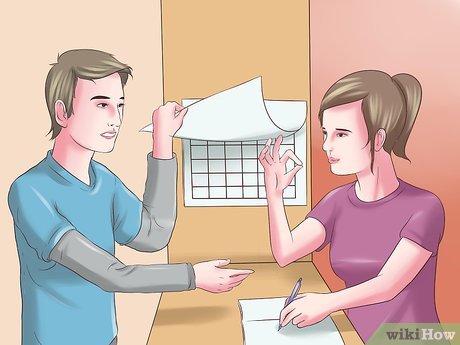 Make sure you book your venue at least a month in advance of the gig, but the more advance it is would be better, so you can promote it better and get everything done before the gig.
 -
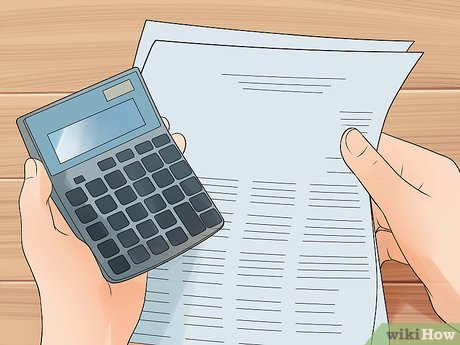 Get the cost of renting the venue for the night and add it to your budget. (sometimes venues want a cut of the ticket sales instead, don't let them have more than 40% as that's already far too much if you have extra costs)
 -
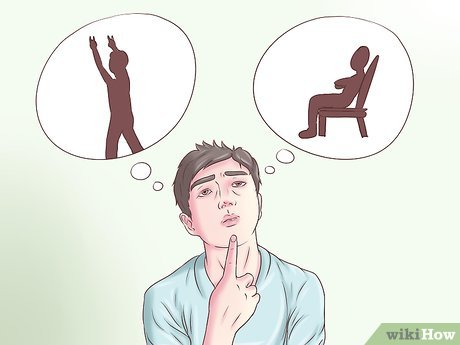 Decide whether it is to be a seated or standing evening. When it's a standing gig, you can usually have a larger capacity and the public often prefer standing gigs as you can dance and mosh if it's a metal gig.[3]XResearch source
 -
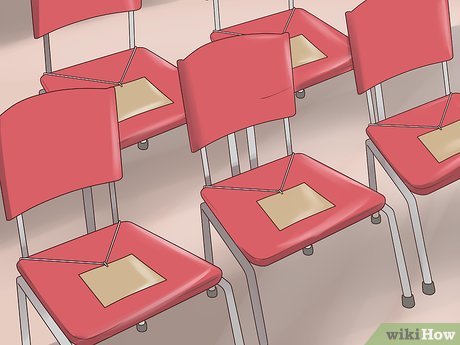 Decide whether the gig will have assigned seats or general admission. People usually prefer general admission because everyone has a shot at front row for the same price. However, a seated, assigned seat gig requires less security and less hassle for you.
 -
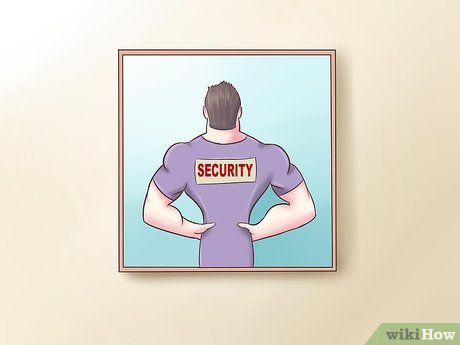 Organize security. Theatres and venues often have door staff employed, but you may need to pay extra for their services. If this is a very localized gig with few people you may be able to get some of your larger, more confident friends to do security at it. However, laws often require that you get professional security staff. Add this cost to your budget
 -
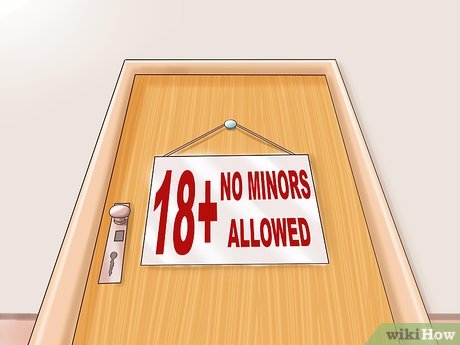 Set an age limit. If the venue has a bar, decide whether it will be distributing alcohol or not. If it is, it must be an over-age event. Alcohol being sold may increase your insurance costs.[4]XResearch source
 -
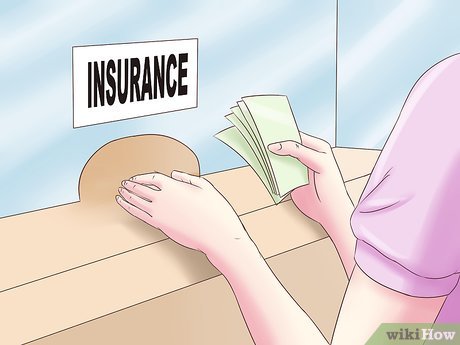 Get insurance. Public Liability Insurance (PLI) may be included with the venue, but always check. 200 bucks for insurance for the night is better than a million-dollar lawsuit. All insurance companies have an option for PLI, but shop around for the best price. Also, with each gig you organize, as long as there are no accidents, the cost of your insurance will go down because you have proved you're responsible and there is less risk. Add the cost of insurance to your budget.
Method 3 of 8:
Getting Bands, Extra Staff, and Equipment
-
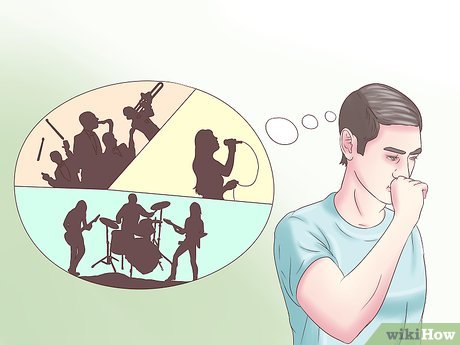 Determine which bands will be playing at the event; you will need between three and six acts.
 -
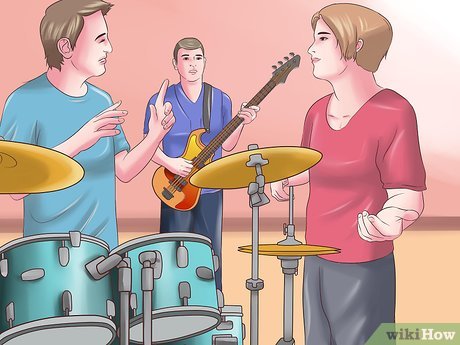 Pick one band that has a large fan base and often headlines gigs about this size. They will be your headliners and will ensure that you get a large enough crowd. Hopefully, they will supply you with the drums for the night and some amps. If they won't, get one of the other bands to do this. It's more effective, and it's cheaper than renting instruments.
 -
 Pick your other bands. It's recommended that you get at least one band that is totally unheard of; they can open the night and it will promote them, as well as earn you one new contact.
 -
 Calculate the costs of getting bands. Some bands may have a fee, but often, unsigned/local bands will play for nothing if you throw in a few free tickets for their friends. However, don't take advantage of their generosity and always set aside some cold hard cash from the budget to give each band. Even if its only 40 or 50 quid a band, they'll appreciate it. Throw in a few quid extra for whichever band supplied the drums, etc. just for wear and tear, and as a thanks. Add this cost to your budget figure.[5]XResearch source
 -
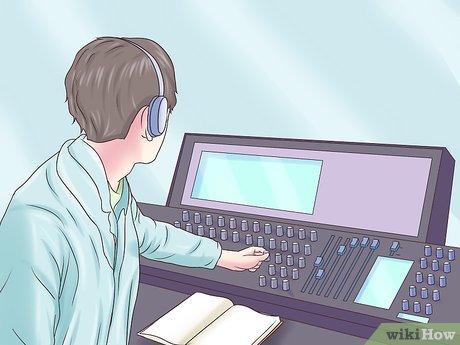 Get a Sound Engineer. If the venue has one, and has a PA installed, use him. If not, a Sound Engineer may supply a PA and set up the system for a cost. If you are familiar with using a PA and miking amps etc, feel free to organise this yourself, but it is an added hassle. Maybe one of your friends/new-contacts can do this for free. Add any costs incurred to your budget.
 -
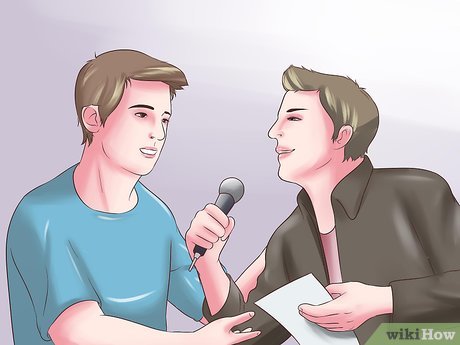 Get an MC. This is the guy that introduces the bands, and closes the night. Try to get someone locally famous on the band scene, or do it yourself. It just takes some confidence, and a few minutes of preparation. Caution, a rubbish/drunk/unpopular MC can ruin a night and cause unnecessary hassle, better no MC than one that causes you problems
Method 4 of 8:
Line Up, Times, and Timing
-
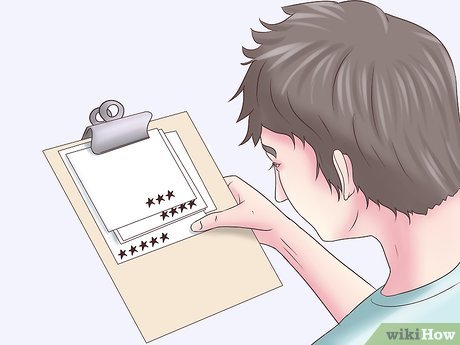 Put the most popular band on last, and the least popular first. [6]XResearch source
 -
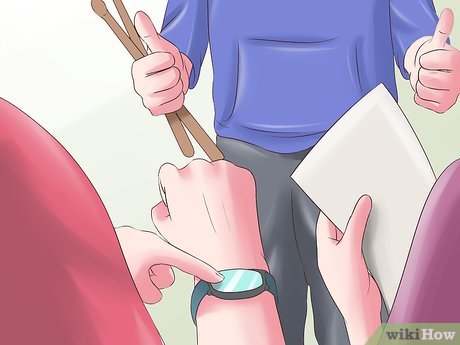 Give each starting band equal stage time; the final two bands should get a little extra time.
 -
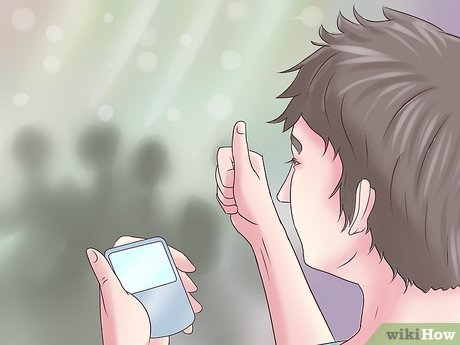 Tell the bands they prepare their set for extra 5 minutes longer or 5 minutes shorter than they actually have. For example, if they have a 30-minute set tell them to prepare a 25-minute set and also a 30-minute or longer set, to keep everything running smoothly even if that goes out of control. However, be gentle and do not cut their performance while it is live (such as cutting amplifier's power, turning off volume, etc). Secretly get your messages to the band behind the stage. Chances are, that one edgy band keeps on playing and you should stay calm, get a few security officers with you and finish their set after they finished the current song.[7]XResearch source
 -
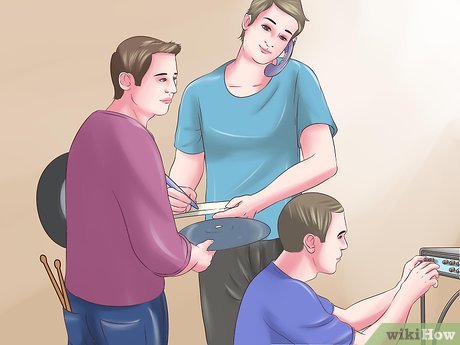 Organising gear requirements, gear sharing and sound check times is tricky. constant communication is required, there is no point in 5 bands bringing 5 drum kits, and 5 sets of amps, only for four of them sit outside in vans ready to be stolen. generally it is the headlining acts job to supply a drum kit, and the other drummers will have to provide what are known as breakables, (snare, cymbals, bass drum pedal) However, some drummers are not comfortable with this and will want other bands to use another kit. If each band does use their own kit, the gap between bands will go from 15 minutes to 25 and sound checks will be at least 5 minutes longer. On a night with three bands, not a problem, 5 bands and an 11 O'clock cut off, you will have major night mares. Likewise with guitarists, it is generally acceptable to use other people cabs (the speakers under their amps) but not the amps themselves unless the bands know each other and/or are particularly laid back. This gets tricky when headlining acts have combo amps or not enough cabs to go around. Then you have the added complication of a bands that isn't just drums/bass/gtr/vocals. Keyboards, Acoustic Guitars, mandolins, banjo's, kazoos, brass sections, harps etc can bring on premature aging in a sound engineer if they are presented on the night with no prior warning. Start with the headlining act, What will they bring, what will they need, what will they share. Tell the next band down what is available to them, then ask them the same three questions. By the time you get to the bottom couple of bands, you should have all your shortages sorted. There may be drum kits coming from one band, cabs from others that only certain bands can use etc, but as long as you have it all written down, it should be fairly easy to keep track of. From this, you should be able to, with the help of your sound engineer, work out how long they need for sound checking, if they all need a sound check and then organise times and let the bands know. Sounds like a lot of work, and it is, but it will save you from some big time stress on the night.[8]XResearch source
 -
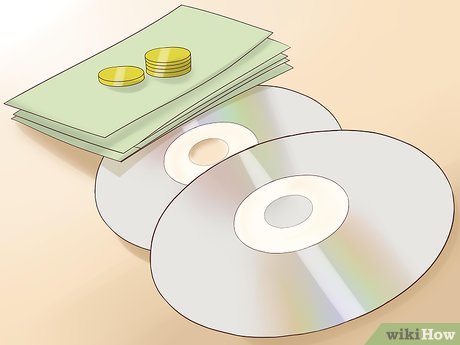 Allow bands to sell CDs and merchandise if possible during breaks and after the show. Don't charge them for doing this.[9]XResearch source
 -
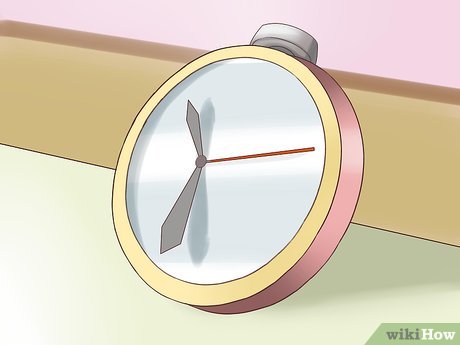 Stay within the venue's time restraints. [10]XResearch source
 -
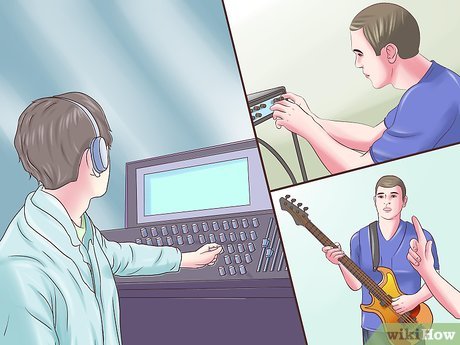 Generally leave 15 minutes between each band for setting up. It is however a good idea to check this with the sound engineer as some bands may take more time to set up/pack down depending on gear changes etc.
 -
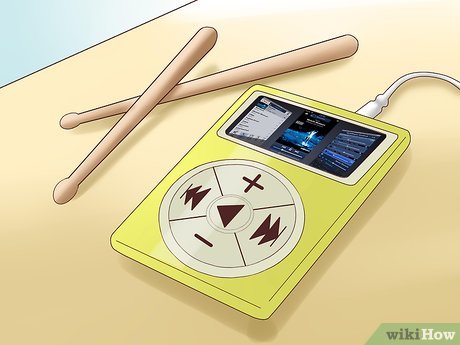 Play music during the breaks. Music styles similar to the band on the nights, but none of their music. Sound Engineers will do this for you, just tell them before hand so they bring the connection for your MP3 player.
Method 5 of 8:
-
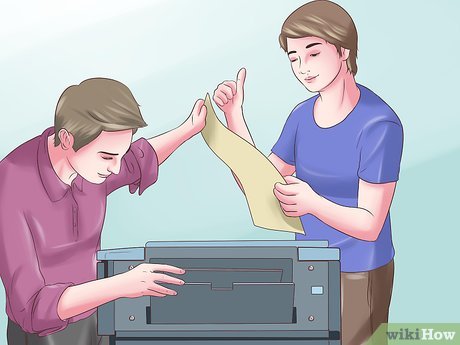 Make posters. The 'budget' but classy way to do this is, to make one simple poster with white writing and a black background and get someone who works in an office to photocopy it as much as possible. Otherwise, you will have an extra cost for printing. Put the following on the poster
- Headlining Band
- Band on before them
- Opening band
- Location
- Date
- Cost
- Any and all websites relating to bands, venue, tickets, you etc.
-
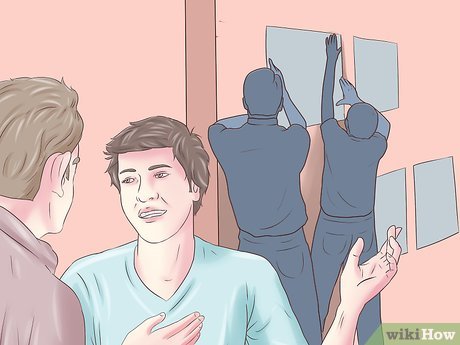 Put the posters up everywhere, but always ask permission before putting them up. Put them up in music stores, local youth hangouts, Internet cafes, schools/colleges (if allowed) and modern clothes shops.
 -
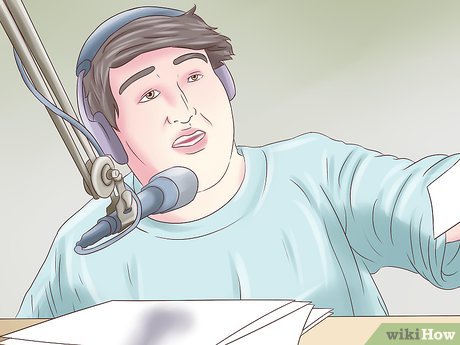 Ring your local newspaper/radio-station/etc. and tell them that the gig is on. Give them all the information you have on the poster, or even post them a copy of the poster. Write a Press Release, and send it to newspapers in your area, and the area of the gig, a few weeks before the gig. Try to get the newspaper to send a photographer if they have an 'Out& About' section or similar.
 -
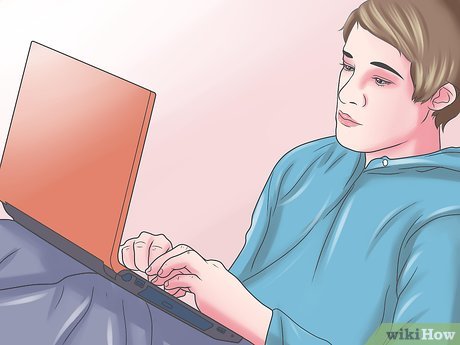 Encourage the bands to put the gig on their social media accounts, such as Facebook and Instagram. Try to set up your own account dedicated to your organising gigs if you are really serious.
Method 6 of 8:
Calculating Ticket Prices
-
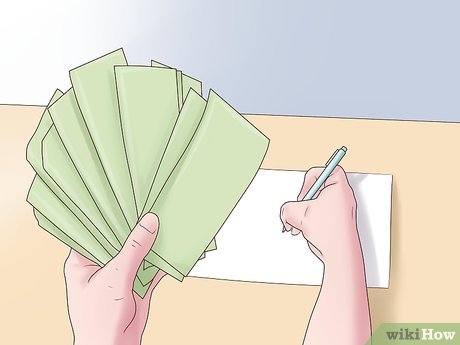 Add together all your costs so far to get your budget.
 -
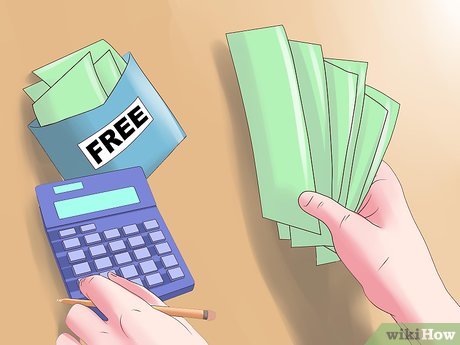 Divide this by the number of tickets you have available for sale, not including ones you plan to give away for free. This is the minimum amount you can charge per ticket to break even. You may like to run your first gig as non profit, to get people in your area interested in local gigs.
- If you may need to make a profit, add on about 20% to this figure, but always have a round ticket price. It must be divisible by either 2 or 5. For example 11 is not OK but 12 or 10 is fine.
-
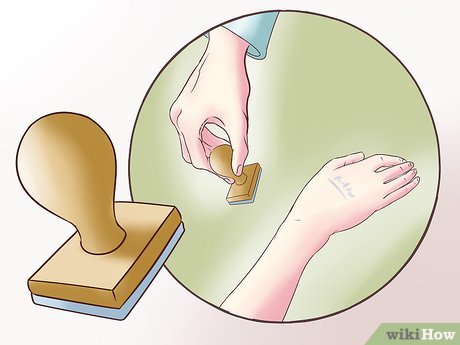 Get the venue to print your tickets, unless you're experienced in running gigs; it is probably included in their fee anyway. If they don't print tickets, sell tickets on the door; there will be no paper and/or forged tickets involved this way. Use a hand stamp on people as they arrive. Get an original stamp, but remember, unless it's hand made someone else could have one. So get an original colour ink pad to use, and change the colour and stamp for every gig you run.
 -
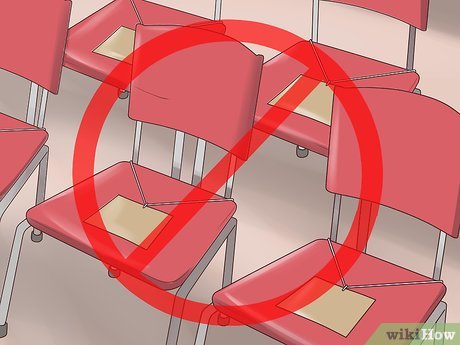 Try to avoid assigning seats unless the venue absolutely insists, first come, first served is much more appealing to a young crowd, and it will make sure everyone gets there on time for the first act.
Method 7 of 8:
On the Night
-
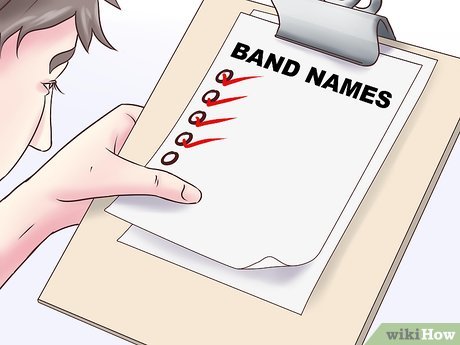 Make sure you get all the bands there early, as 'no-shows' ruin the night. A good two or three hours before the doors open would be good.
 -
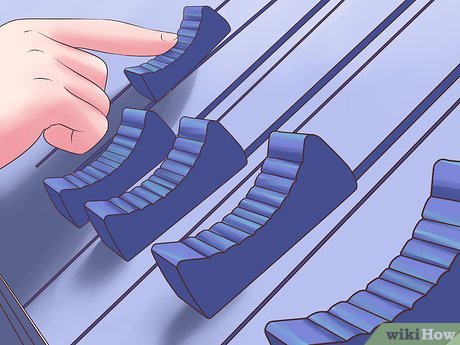 Sound checking is a grey area, make sure the headline band gets to the venue first as they will need to sound check first. You then need to decide if every band can sound check, talk to your sound engineer, listen to what they say, if you have 5 bands and two hours till your doors open, there's no point in checking every 3 piece gtr bass drums rock band and still be sound checking when people walk in.
 -
 Your first band should go on about half an hour after the doors open
 -
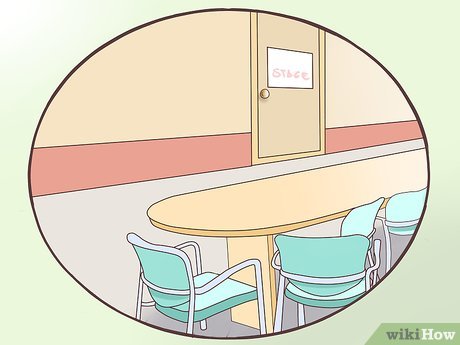 Set up a Green Room. The Green Room is simply a room backstage with some refreshments and should be big enough to hold the bands while they're not on stage.
 -
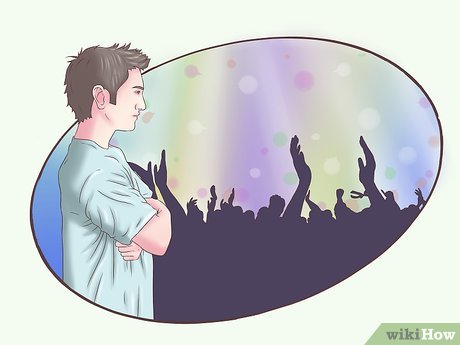 Be seen on the door, and in the crowd, asking people if they're having a good time.
 -
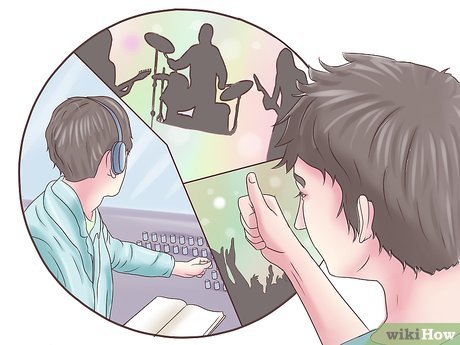 Check in with the Sound Engineer, Door Staff and Bands to make sure everything is running smoothly.
Method 8 of 8:
After the Show
-
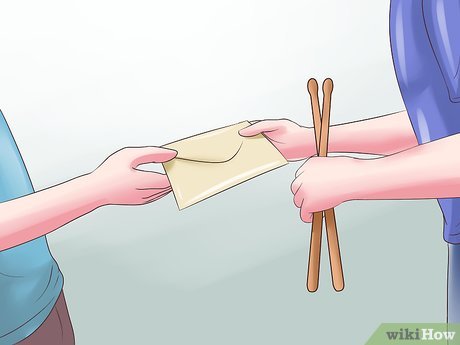 Pay the bands and other staff promptly.
 -
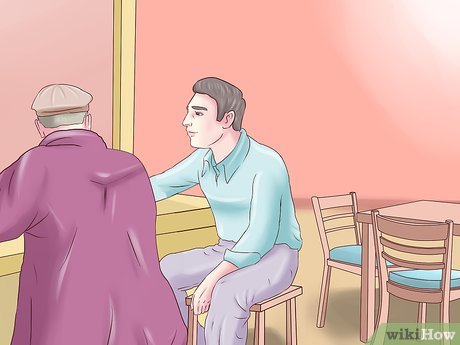 If the venue owners are good humoured, have a mini party in the Green Room or go to a local pub or something to chat with the bands.
 -
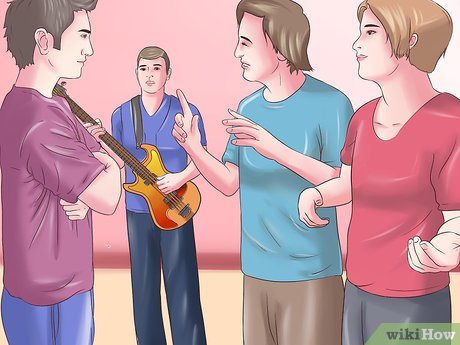 Take any criticism and try to improve on what they tell you. Remember that most of these guys have been to a lot of gigs.
 -
 Relax and get ready for your next successful gig.
FAQ
What is the easiest way to Organise a Gig?
Start with the requirements in this guide, then follow each step in order. Check the result after every major change so problems are easier to identify.
Can beginners follow these instructions?
Yes. The process is organized into practical steps, and you can repeat any step before moving forward.
What should I check if the method does not work?
Confirm your software or device version, permissions, settings, file format, and internet connection when the task depends on online services.
Related Articles
 How to Play Pokémon GO on a Computer6 minutes read
 How to Play Pokémon GO on a Smartphone6 minutes read
 26 Types of Poké Balls Explained: Part 25 minutes read
 How to Earn and Use Stardust in Pokémon GO5 minutes read
 Pokémon GO Eggs: Incubation and Hatching Guide4 minutes read
 26 Types of Poké Balls Explained: Part 18 minutes read
Reader Comments 0
Sign in with email or Google to join the discussion.