Table of Contents
This updated guide explores experience perplexity AI virtual assistant on iPhone with practical details, clear explanations, and useful takeaways. Along with Siri, you can try many other virtual assistants, such as Perplexity AI. Basically, Perplexity AI is like other virtual assistants, quickly searching for content from the issues you want to learn. With a basic account, users also have full features to use Perplexity AI.
How to Use Virtual Assistant Perplexity AI on iPhone
Step 1:
First, you install the Perplexity application for iPhone using the link below.
- Download Perplexity App
Step 2:
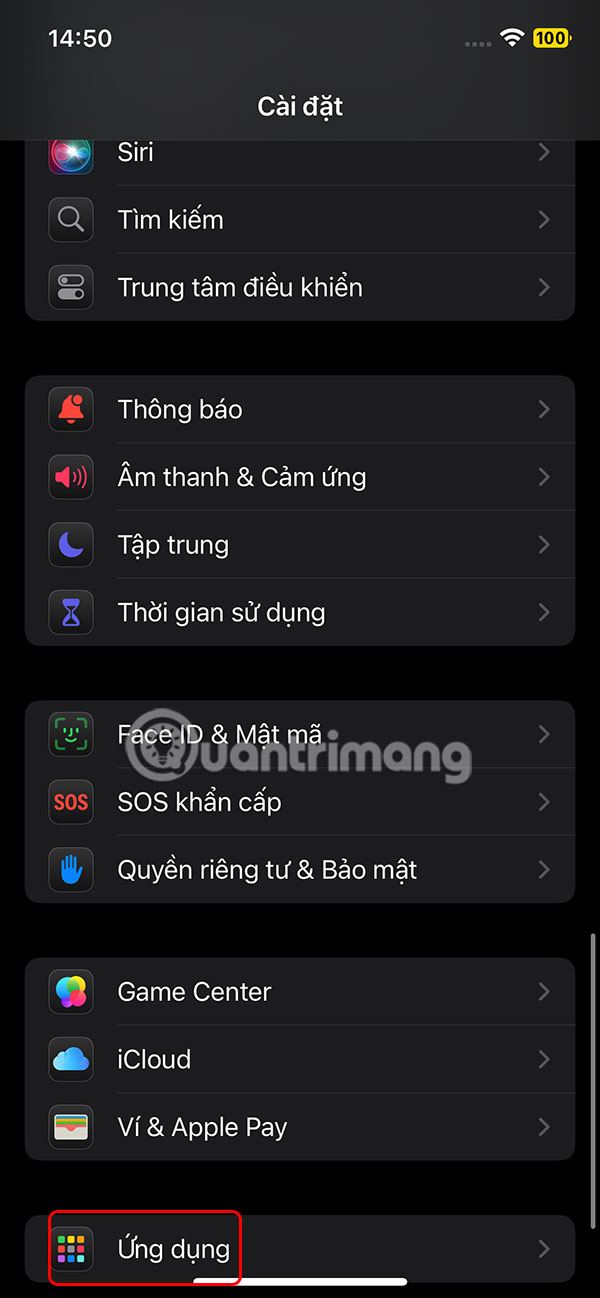
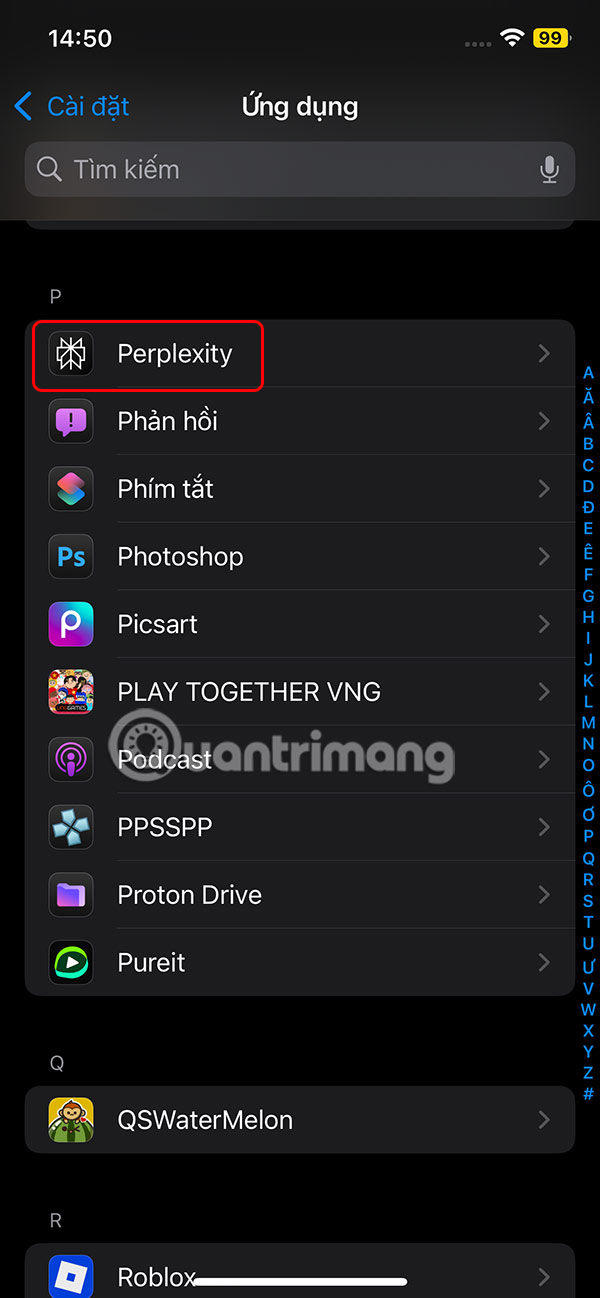
Next, select Settings, select Applications at the bottom of the list, then select the Perplexity application to adjust.
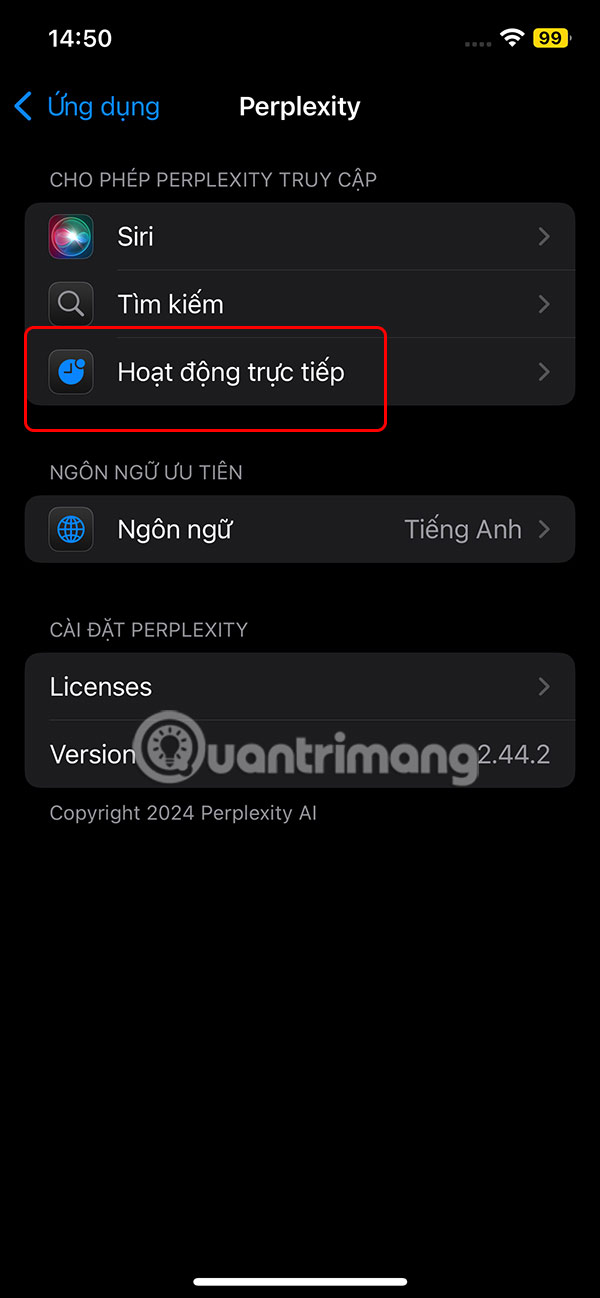
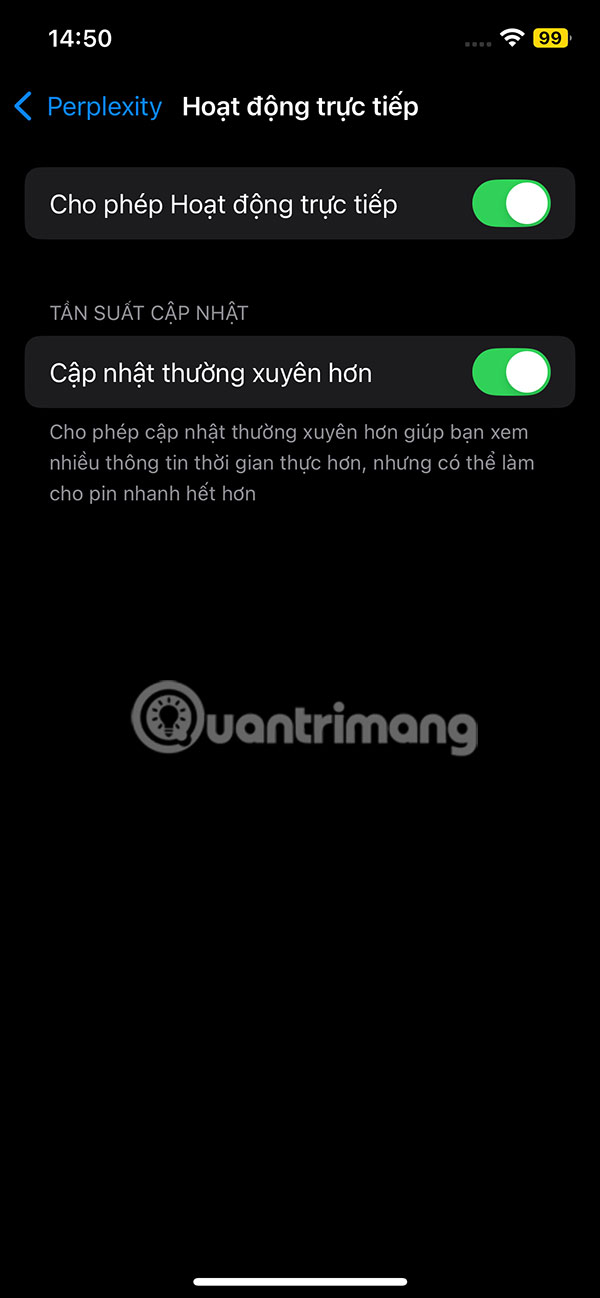
Here the user will enable Live Activity mode for Perplexity to work on the iPhone.
Step 3:
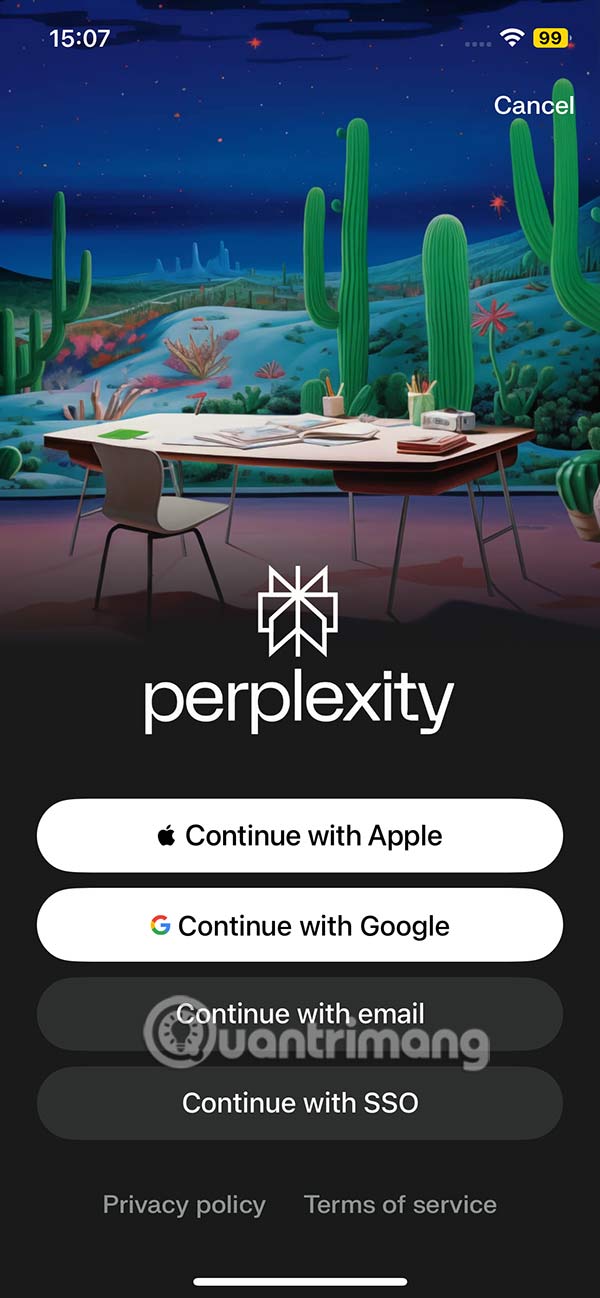
Next, open the Perplexity app and choose how to create an app account. Once successful, you will be taken to the Perplexity app interface.
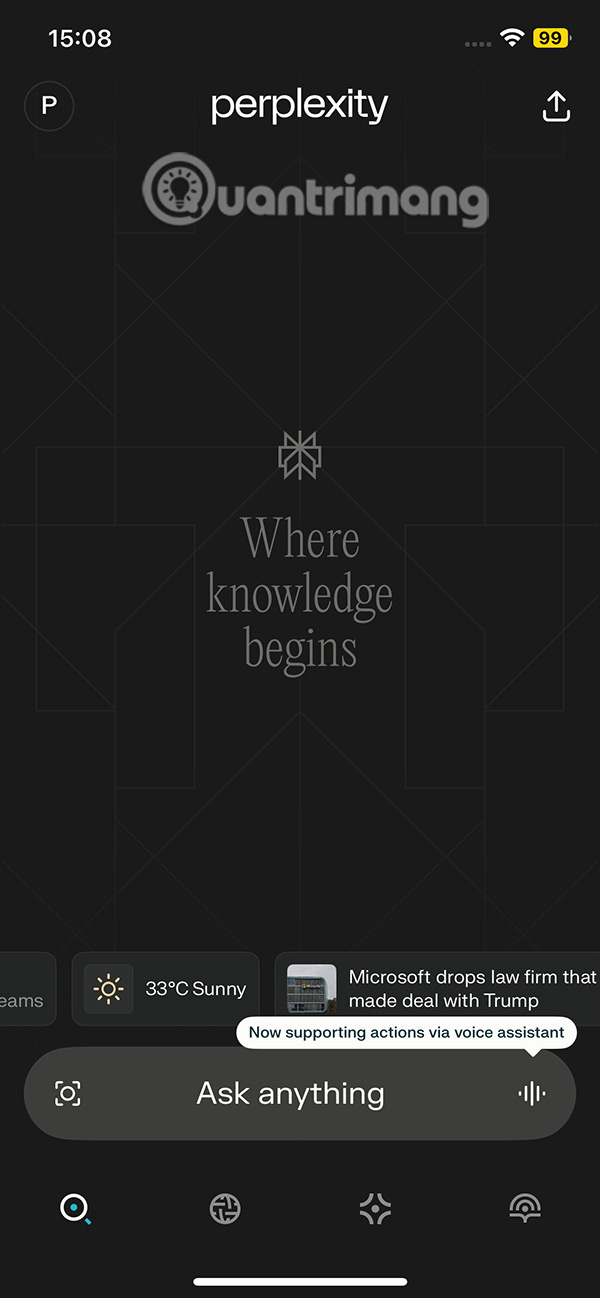
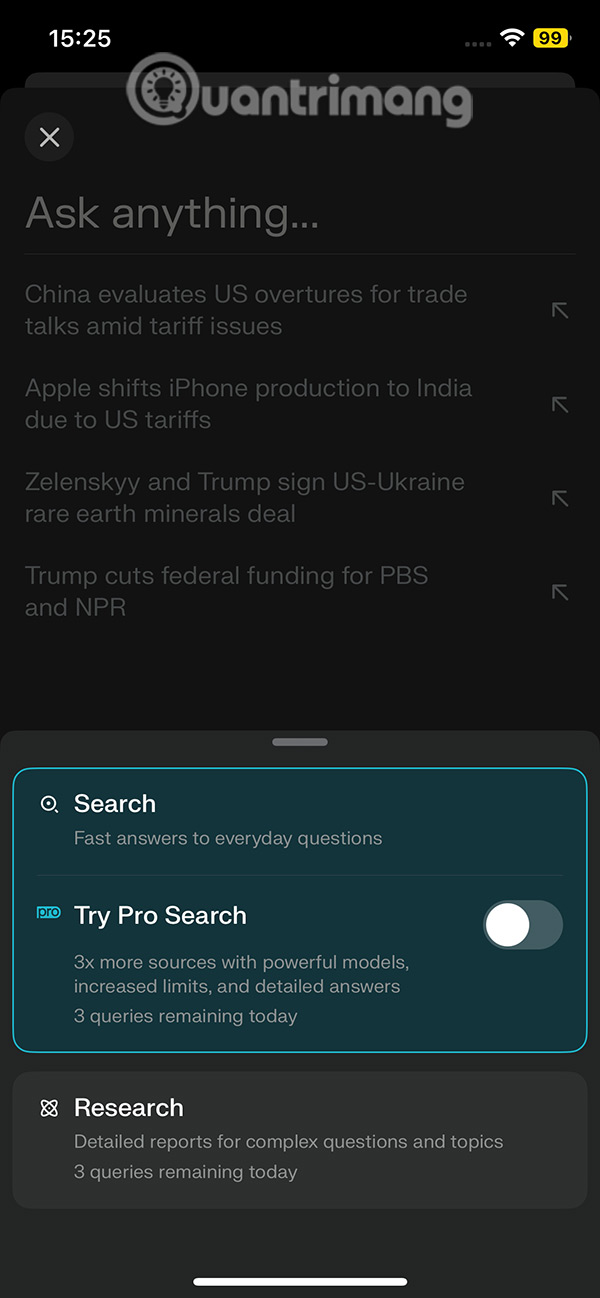
You select the content input bar to post the problem that needs Perplexity to solve. In the reply content from Perplexity, you will also see the related content to the content of your question to expand the topic.

Step 4:
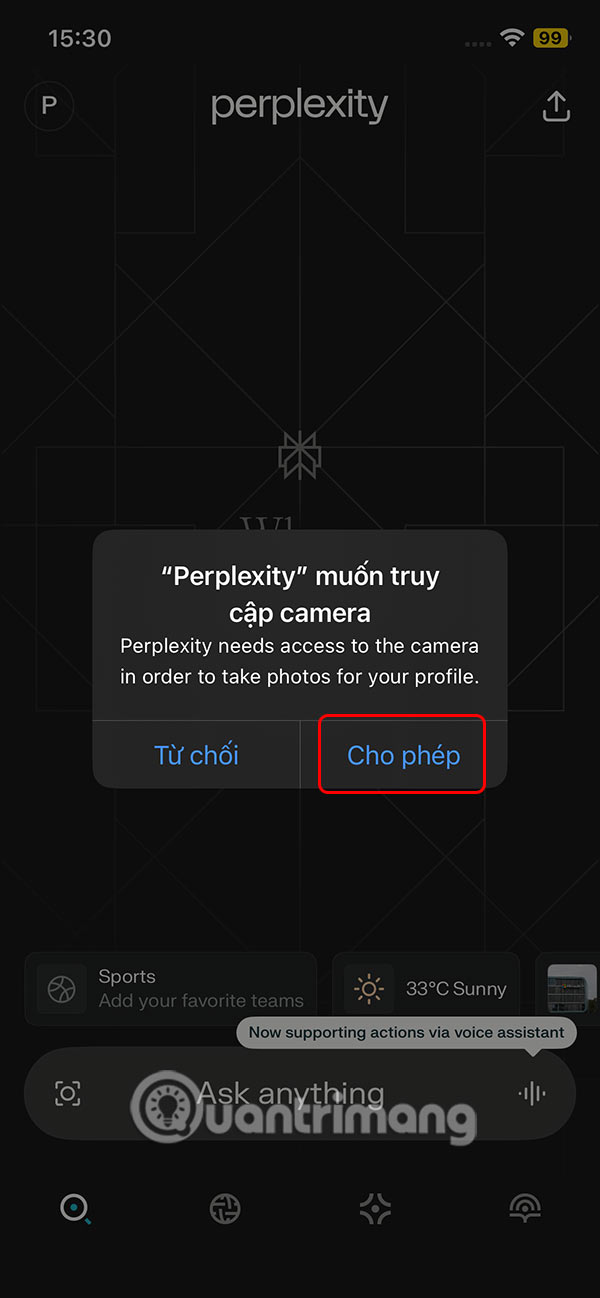
Perplexity also has the option to upload a live image to ask about the content in that image. The virtual assistant will also respond to you with details and other relevant content.

Step 5:
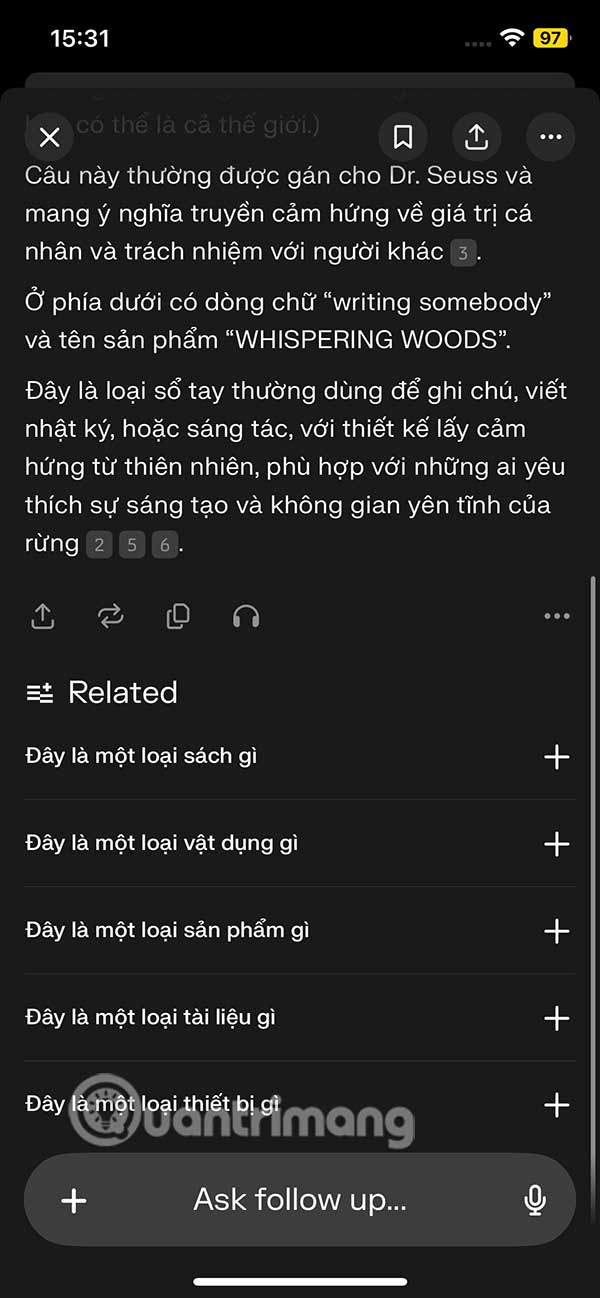
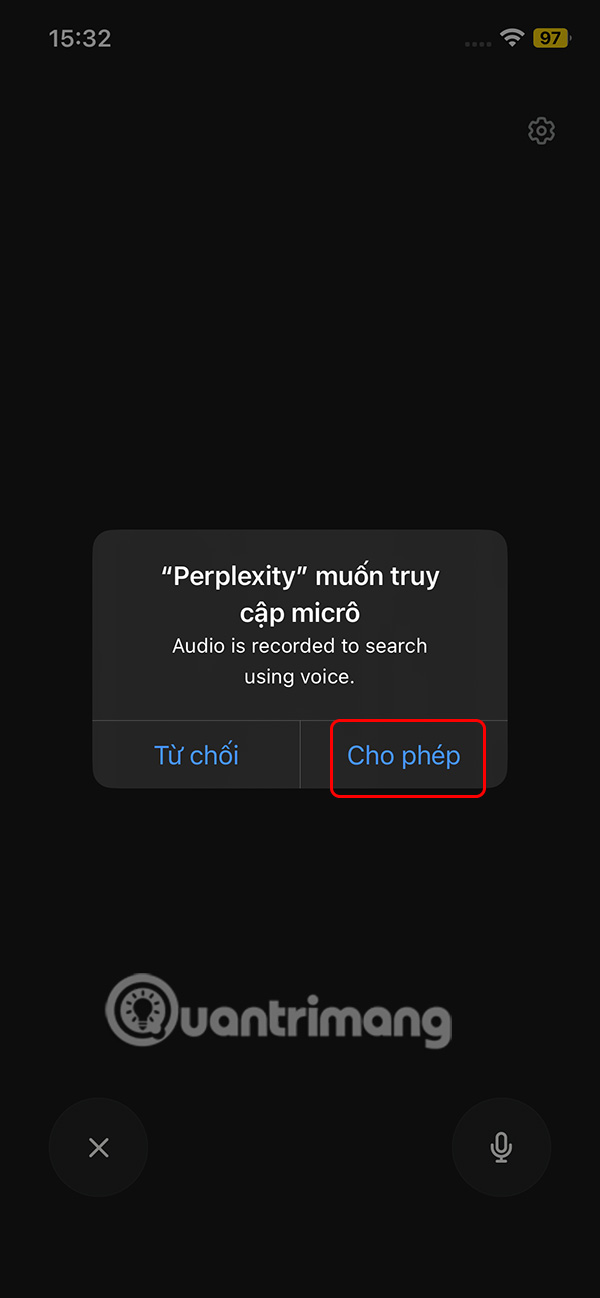
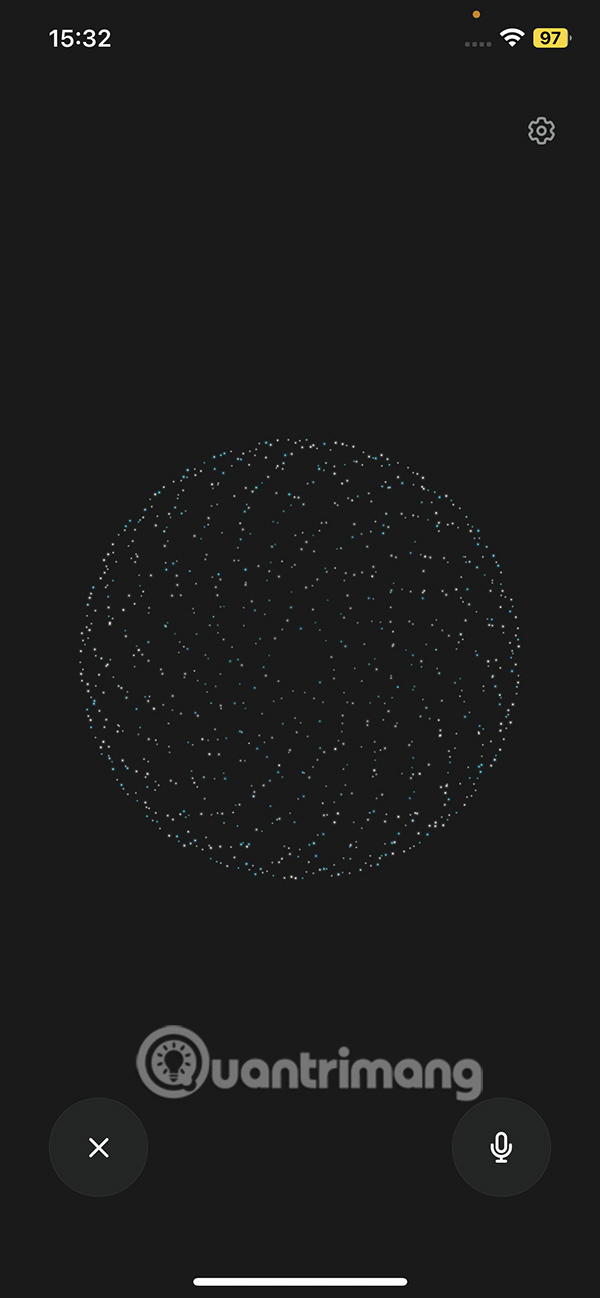
To chat with Perplexity by voice , we select the sound wave icon and agree to let the application use the microphone. Then you also speak as usual to wait for the application to respond.
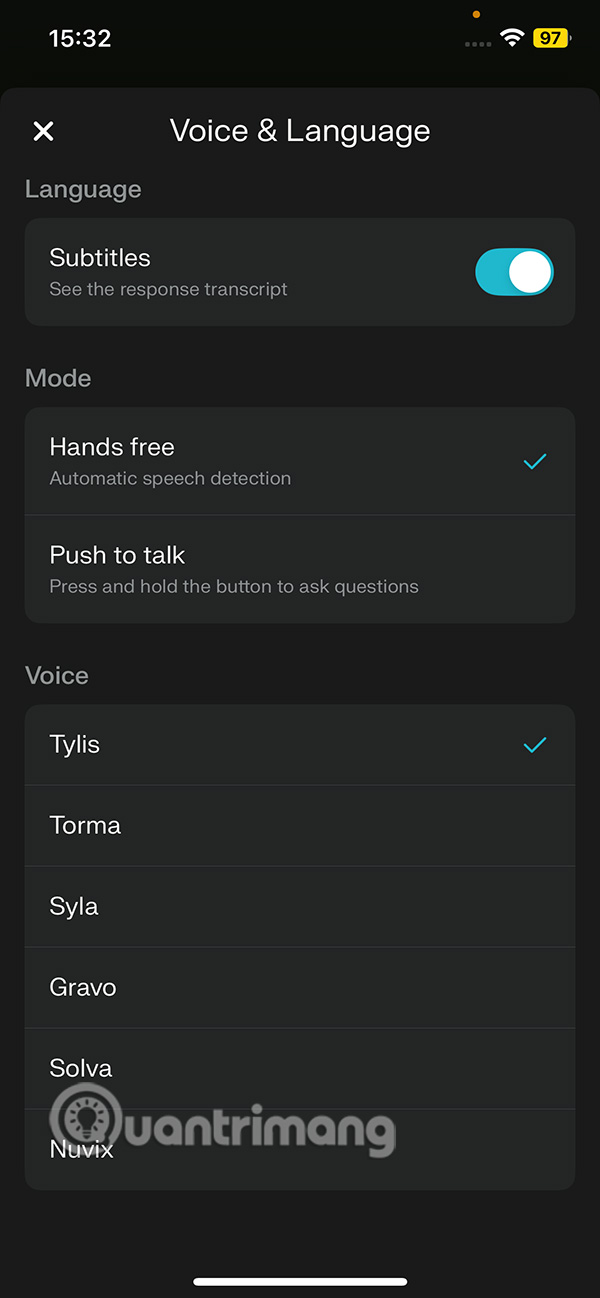
Perplexity's voice can be changed by clicking on the gear icon and selecting a new voice for Perplexity.
FAQ
What is the main takeaway about Experience Perplexity AI Virtual Assistant on iPhone?
The key is to understand the core idea, compare the available options, and apply the practical guidance that matches your situation.
What should beginners know about Experience Perplexity AI Virtual Assistant on iPhone?
Start with the essential steps and terminology. Avoid changing advanced settings until you understand how they affect performance, privacy, cost, or compatibility.
How can I use this information in practice?
Follow the relevant section in order, test one change at a time, and confirm the result before moving to the next step or recommendation.
Related Articles
 What Is Perplexity Assistant? Complete Guide6 minutes read
 Siro - Vietnamese Virtual Assistant Exclusively for Android5 minutes read
 Instructions for Installing Google Vietnamese Virtual Assistant on5 minutes read
 What Is the Virtual Assistant on TV, Which TV Streams Are8 minutes read
 How to Experience Bixby Virtual Assistant of Galaxy S8 on Older5 minutes read
 How to Get the Most Out of Your New Perplexity Pro Subscription6 minutes read
Reader Comments 0
Sign in with email or Google to join the discussion.