Table of Contents
The best AI app for iPhone depends on the job you want it to do. ChatGPT and Gemini are flexible general assistants, Perplexity emphasizes source-backed research, and Otter focuses on transcription. The other apps below serve more specialized needs such as browsing, food logging, or conversational companionship.
AI output can be incomplete or wrong. Check important facts against primary sources, review text before sending it, and avoid uploading confidential material unless you understand the app's privacy settings.
Quick comparison
| App | Best for | Main limitation |
|---|---|---|
| ChatGPT | Writing, explanations, planning, and image tools | Some capabilities depend on plan and availability |
| Perplexity | Web research with cited sources | Citations still need to be opened and checked |
| Google Gemini | Multimodal questions and Google service users | Feature access varies by account and region |
| Otter | Meeting and lecture transcription | Accuracy depends on audio quality and speakers |
| Replika | Casual conversation and journaling prompts | Not a source of factual or professional advice |
| Arc Search | AI-assisted web browsing and summaries | A different workflow from Safari |
| Welling | Meal logging and habit tracking | Photo-based nutrition estimates are approximate |
| Grok | Chat, brainstorming, and current-web queries | Answers and generated media require verification |
General-purpose AI assistants
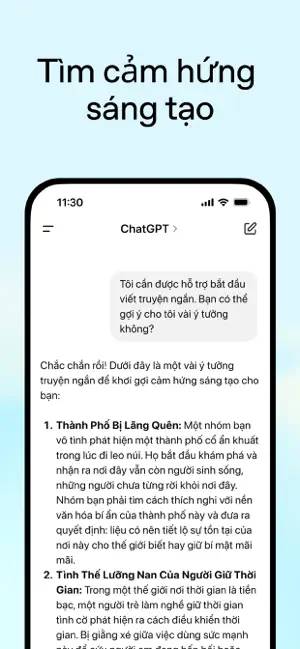
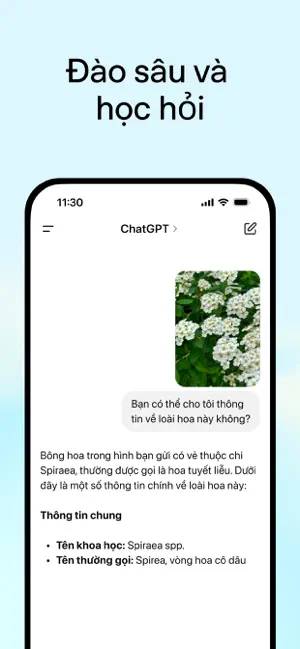
1. ChatGPT
ChatGPT is a broad-purpose option for drafting emails, explaining unfamiliar topics, summarizing pasted text, planning projects, and brainstorming. Voice and image features can make it convenient on a phone, but the exact models and tools available can differ between free and paid accounts.
Use it to create a first draft or organize ideas, not as an unquestioned source. For private conversations, review the app's data controls and temporary-chat options before sharing sensitive information.

2. Perplexity
Perplexity is useful when a question requires current web research. Its answers normally include links to supporting pages, which makes it easier to inspect the evidence than with an uncited response. It can also summarize documents and accept spoken questions.
Do not treat the presence of citations as proof that every claim is correct. Open the cited pages, confirm that they support the sentence, and favor official or primary sources for consequential decisions.



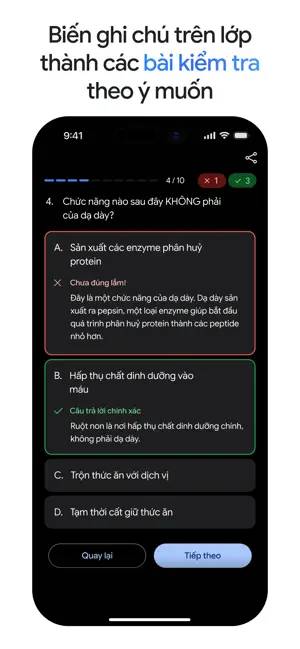
3. Google Gemini
Gemini can answer questions about text and images, help draft material, and support live voice or camera-based conversations where available. It is a natural fit for people who already work in Google's ecosystem, although integrations, models, and media-generation tools differ by plan, account, and region.
Gemini can confidently produce an incorrect answer. Verify instructions and factual claims, especially for health, legal, financial, or safety-related questions.


Specialized AI apps
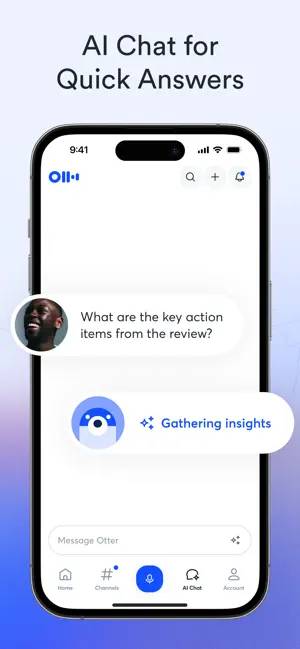
4. Otter
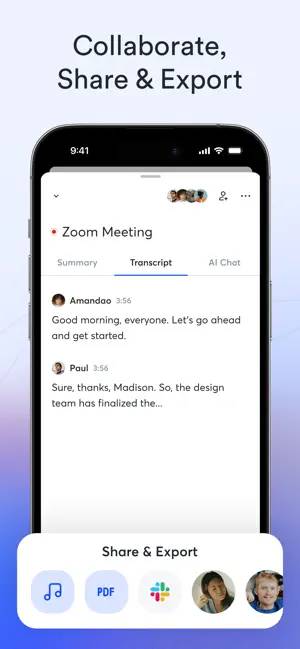
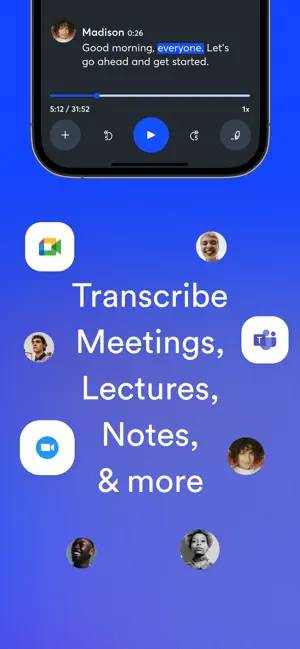
Otter records speech and creates searchable transcripts for meetings, interviews, or lectures. Speaker labels and generated summaries can reduce manual note-taking, and recordings can be imported when a live capture is not practical.
Transcription quality falls when audio is noisy, speakers overlap, or accents and specialist terms are difficult to recognize. Obtain permission before recording other people and review the transcript before quoting it.
5. Replika
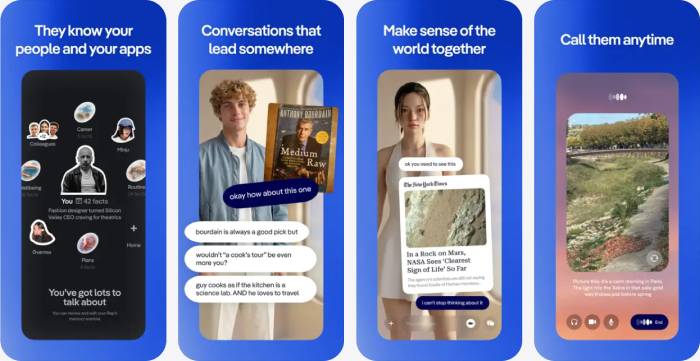
Replika is designed for conversational companionship rather than research. Users can customize a character and use conversations as prompts for reflection or journaling. Because it is an AI service, it may respond inappropriately or reinforce a mistaken idea.
Do not rely on it for crisis support, diagnosis, or professional advice. Consider what personal information you are comfortable sharing, and use qualified human help when a situation affects your health or safety.
6. Arc Search
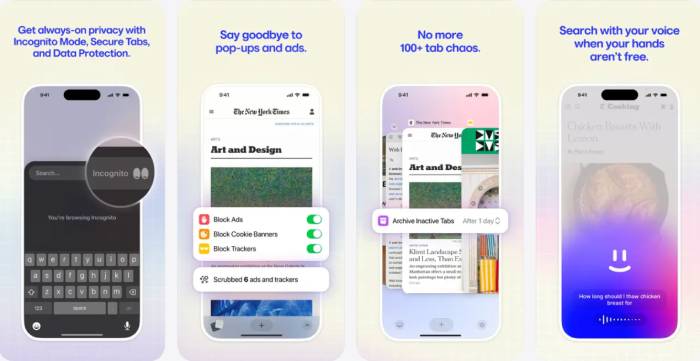
Arc Search offers an alternative mobile browser with AI-assisted search and page summaries. It can be useful for quickly surveying a topic, but a generated digest can omit context from the underlying pages. Open the sources before relying on a summary and use Safari if you prefer tighter integration with Apple's default browser features.
7. Welling
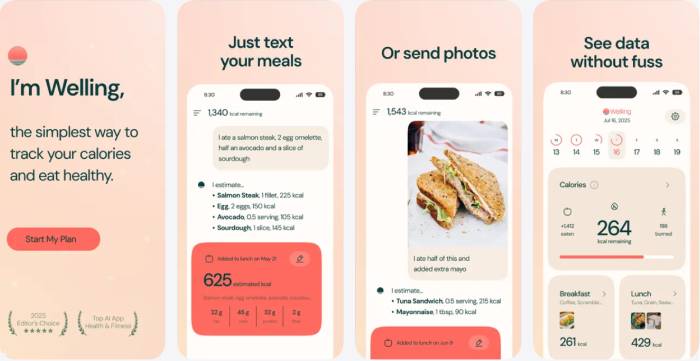
Welling applies AI to meal logging and weight-management habits. Describing or photographing a meal may be faster than entering every ingredient, and Apple Health integration can keep activity data in one place where supported.
Calorie and nutrient estimates from a photo are inherently approximate because portion size and ingredients may not be visible. Treat the results as a logging aid, not medical or dietetic advice, and consult a qualified professional for clinical nutrition needs.
8. Grok
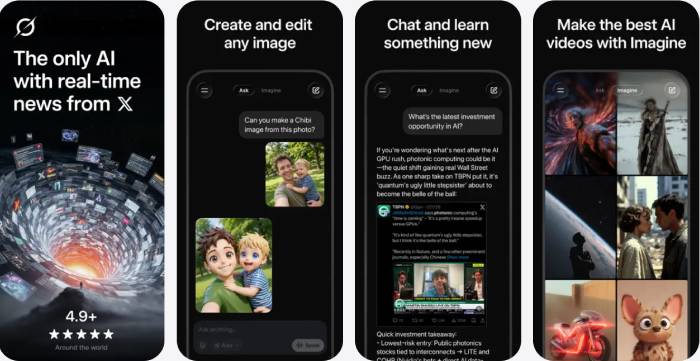
Grok provides chat, web-oriented questions, brainstorming, and media generation. Its connection to content from X can be useful when examining current discussion, but social posts are not inherently reliable and can amplify rumors or manipulated media.
Check claims against independent primary sources. Parents should also review the app's age rating, content settings, and generated output before allowing a child to use it.
How to choose
- For flexible everyday help: start with ChatGPT or Gemini.
- For research: use Perplexity, then inspect its sources.
- For recordings: choose Otter and confirm recording consent.
- For a new browser: try Arc Search while keeping the original pages in view.
- For wellness or companionship: understand that Welling and Replika are support tools, not qualified professionals.
Install only the apps that solve a recurring task. Check App Store privacy labels, subscription terms, and permissions before granting access to photos, contacts, calendars, health data, or the microphone.
Related Articles
 8 Apps Cost VND 550,000 Being Free for iOS6 minutes read
 6 Tips for Organizing Apps on Your iPhone5 minutes read
 6 iPhone Apps That Enhance MacBook / Imac Capabilities10 minutes read
 8 Unnecessary Apps for iPhone5 minutes read
 Apps You Need to Remove from Your iPhone Soon5 minutes read
 What to Do When iPhone Automatically Uninstalls Apps?3 minutes read
Reader Comments 0
Sign in with email or Google to join the discussion.