Table of Contents
Before you leave, turn off data roaming on your home SIM and download maps and tickets over Wi-Fi. If you’ll need mobile data between Wi-Fi stops, compare a carrier travel pass with a local SIM, travel eSIM, or pocket hotspot before you arrive.
Stop your home line from using roaming data
On iPhone, open Settings → Cellular, select your line if you have more than one, and turn off Data Roaming in its settings. On Android, look for Roaming under your mobile network or SIM settings. If you install a travel eSIM, make it the mobile data line and disable automatic cellular data switching if your phone offers it. Some travel plans require roaming on the travel line, so follow that provider’s instructions for that line.
Turning off data roaming controls mobile data. Check your carrier’s rules for voice calls, texts, and any daily travel pass, since they can have separate triggers.
Download directions, reservations, and tickets ahead of time
Download the area in Google Maps and save your hotel address, tickets, and reservation details locally. Google Maps’ offline directions don’t include walking or transit routes, so save a transit map or directions separately. Check that everything opens in airplane mode before you go.
Use verified Wi-Fi when it’s offered
Ask your accommodation or a café for its exact network name. Stations, airports, and shopping centers may also offer Wi-Fi, but availability varies. A password alone doesn’t verify that you picked the right network. Check the name, skip unexpected software or profile downloads, and heed browser certificate warnings. Use Wi-Fi at your accommodation for large downloads or photo backups.

Choose a backup connection that fits the trip
- Travel pass: Check covered countries, billing triggers, and daily data limits.
- Local SIM or travel eSIM: Check that your phone is unlocked and supports the SIM type. Confirm whether the plan includes calls or is data only.
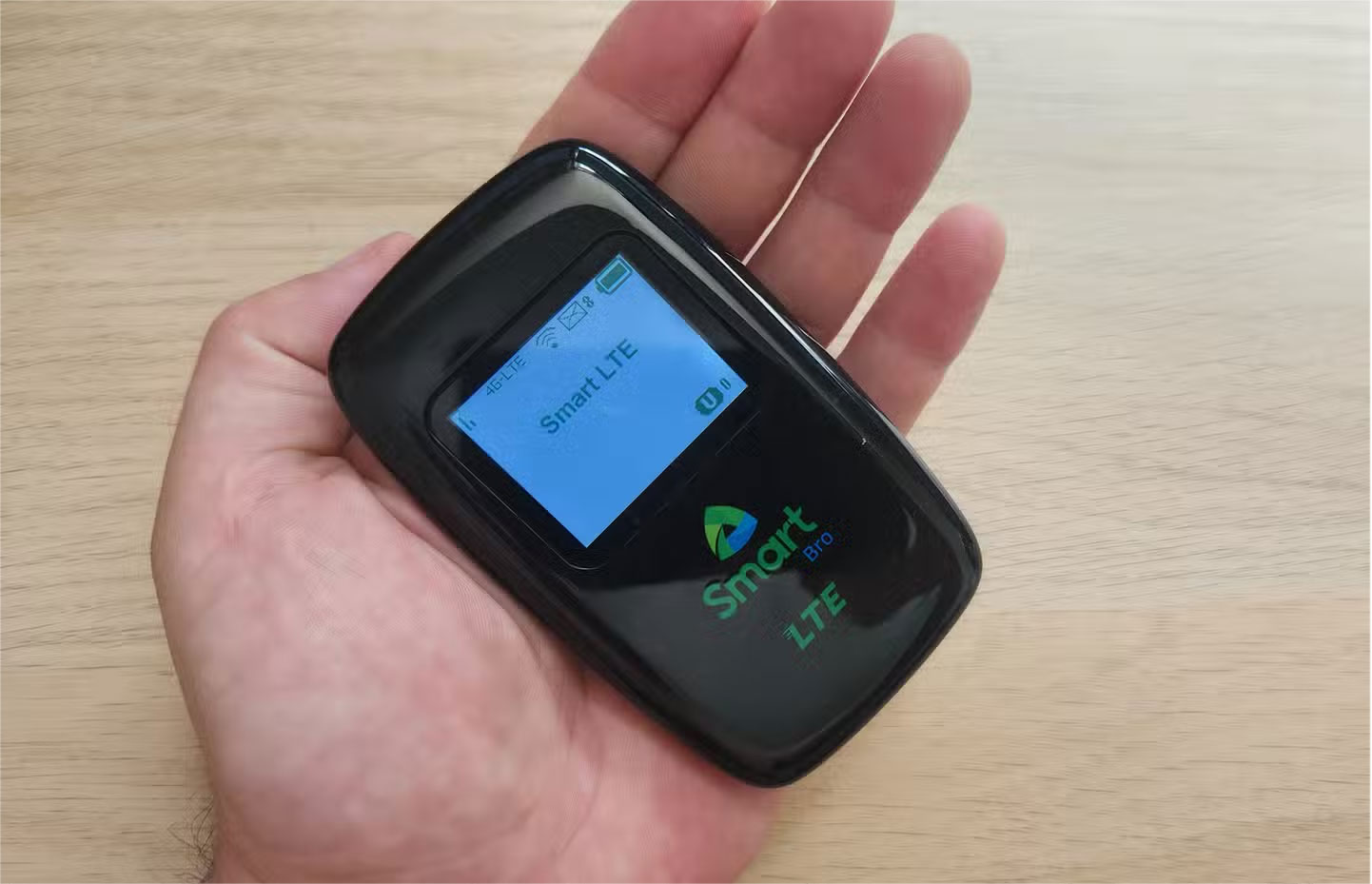
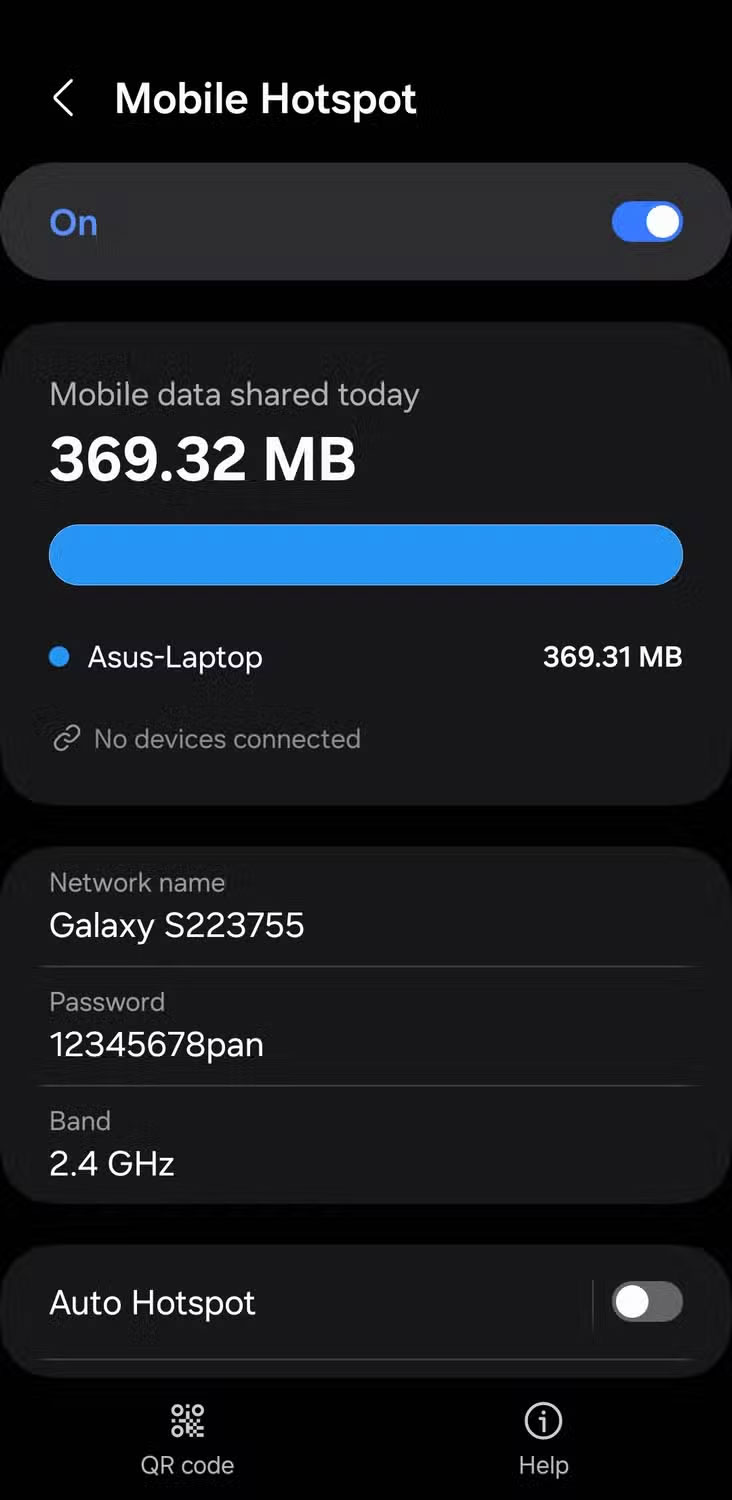
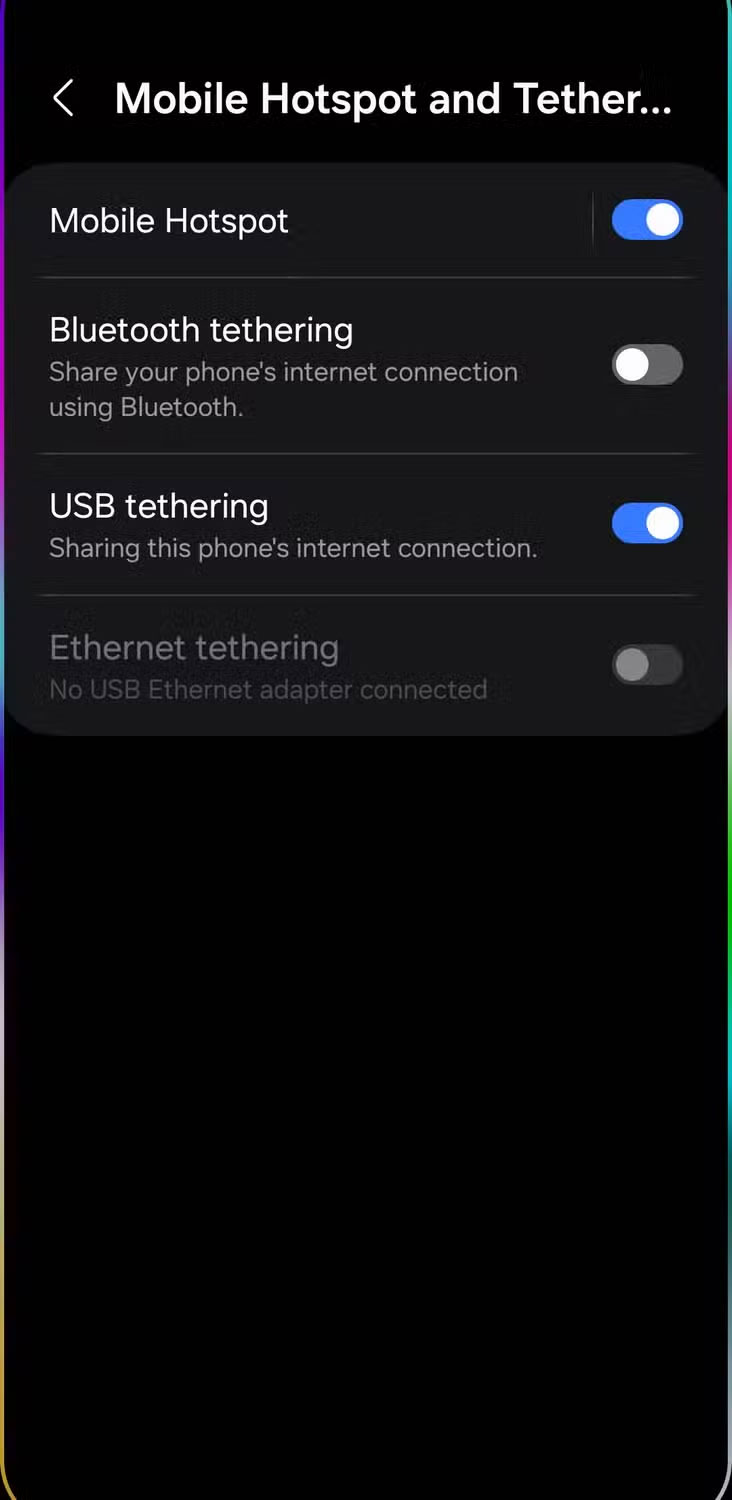
- Pocket Wi-Fi or a companion’s hotspot: Check whether the plan allows tethering and has enough data for the group. A separate hotspot also needs a charger.
Related Articles
 HMD Global plans to launch a global data roaming SIM card, saving up to 70% on costs
 How to Survive Without the Internet on Vacation
 12 useful salvage tips for summer vacation at sea
 Free Wi-Fi security tools
 How to fix Appstore roaming error but cannot download
 Useful Ways To Drastically Reduce Your Fuel Costs
Reader Comments 0
Sign in with email or Google to join the discussion.