Table of Contents
Use Google Translate or Microsoft Translator to get the gist of a message. Use a learner's dictionary when you need the meaning of one word in context. For a recurring document project, a computer-assisted translation (CAT) tool can keep terminology consistent across files.

Pick a tool based on what you need to translate
| Situation | What to use |
|---|---|
| A short English or Vietnamese message | Try Google Translate or Microsoft Translator. Manually select the source language if the message is short or contains mixed languages. |
| A sign or menu | Try the Google Translate camera. Use good lighting and review the recognized source text before trusting a number or unfamiliar word. |
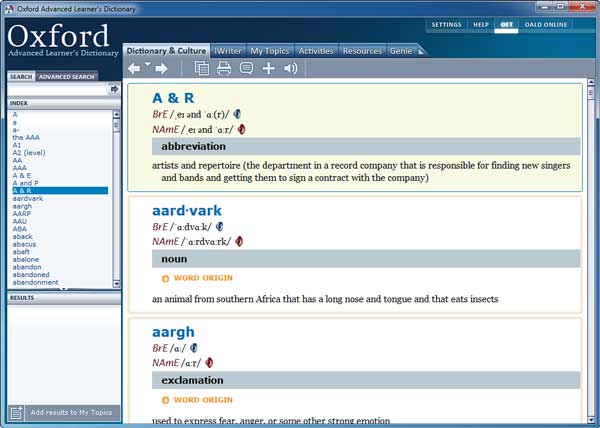
| One unfamiliar English word | Use a learner's dictionary such as Oxford to check the part of speech, example sentences, and the sense that fits your context. |
| A long or recurring document | Test document translation on a short copy. For recurring work, try a CAT tool with a translation memory and an approved glossary. |
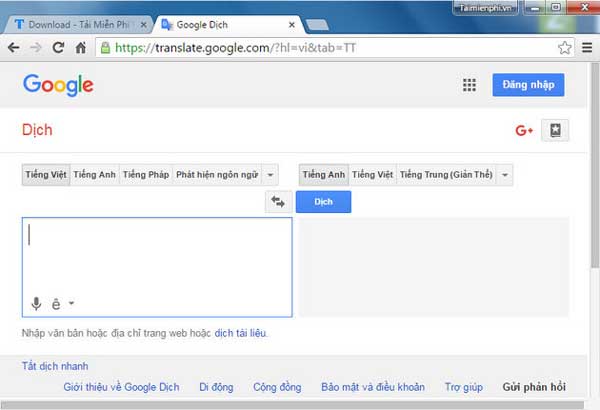
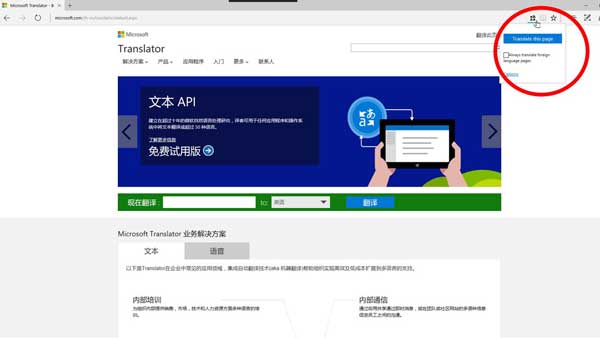
Prepare for offline use and verify the result
- Download the language packs available in your app while connected to Wi-Fi. Then test a sample in airplane mode. Google's offline translation instructions explain how to check pack availability. Features vary by language, app, and mode.
- Check names, numbers, dates, units, and negations against the original. For example, confirm that a restriction like “do not exceed” still reads as a prohibition.
- For documents, inspect tables, footnotes, and text in images separately. Use an approved service for confidential material and get qualified human review where mistakes could affect legal, medical, or safety decisions.
For iPhone setup, see how to set Google Translate as the default translation app. If you use AI to polish a translated draft, see how to specify tone and verify the output.
What a CAT tool adds
A translation memory stores previously translated segments, while a termbase holds approved words and phrases. Tools such as Trados, Smartcat, and Matecat can suggest matches, which an editor reviews before exporting. Check where the tool stores project files and whether a shared translation memory is enabled before importing client content.

Identify older tools and study apps
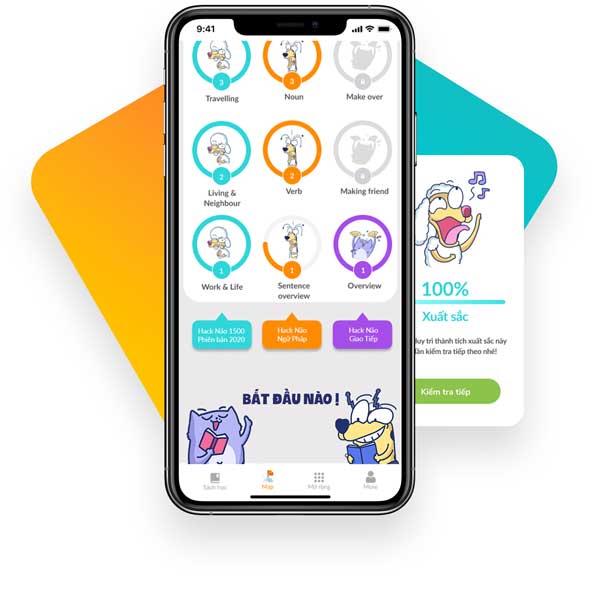
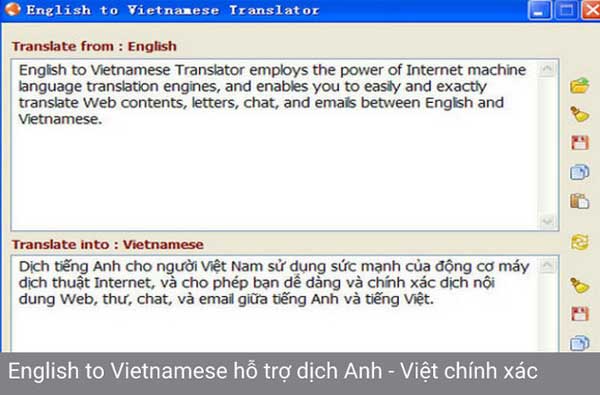
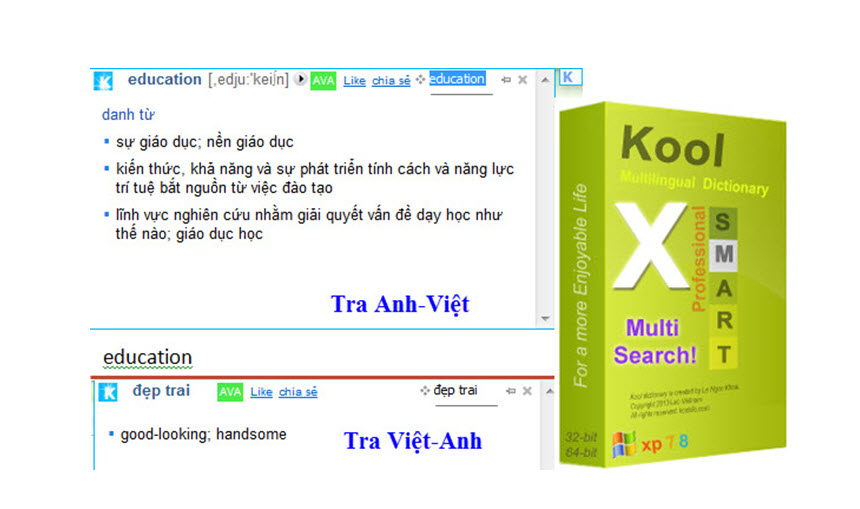
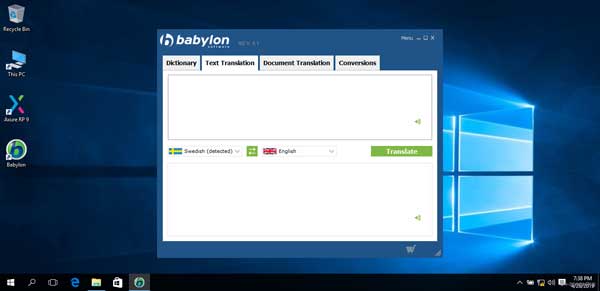
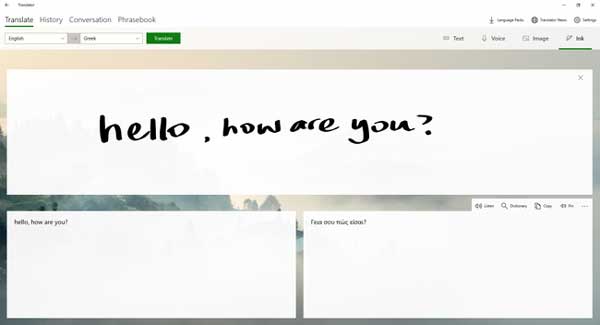
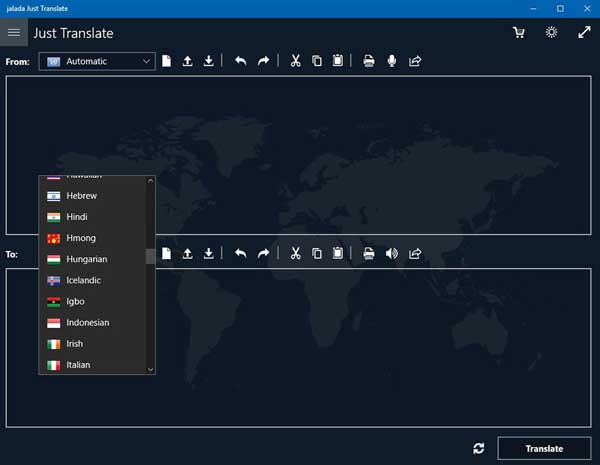
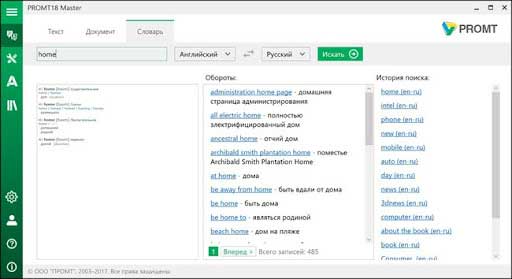
The screenshots below show tools from the earlier list. Hack Nao Pro is a vocabulary study aid. The other images can help identify an older dictionary or translator. Verify current vendor support and language coverage before installing any of them.
Related Articles
 Translate English on the phone with quality translation apps
 The Rise of Automated Translation: Could Algorithms Replace Translators?
 VIKI usage Translator translated English Vietnamese online
 6 AI Translation Tools Compared: Strengths, Limits, and Best Uses
 How to Write a Professional Email in English
 Dictionary search utilities on Chrome should not be ignored
Reader Comments 0
Sign in with email or Google to join the discussion.