Table of Contents
Overview
This guide covers tips to maximize Wi-Fi speed that no one in clear, practical terms. It covers the key concepts, recommended steps, common limitations, and useful checks so you can make a better-informed decision.
You have to pay hundreds of thousands a month to own a stable Wi-Fi connection speed. But life is not like life, what you get is a slow Wi-Fi network. If your phone, laptop or tablet often experiences poor Wi-Fi signal, flickering, lagging when watching movies - accessing the internet, then do not blame the network operator. Below are some tricks to maximize Wi-Fi speed that you can easily do.
Reset Wi-Fi modem
I also do not understand why or by some miracle or maybe by the power of belief, every time any electronic device has an error, resetting it is like a panacea to bring it back to normal. But from a scientific perspective, resetting the modem will help clear the cache, as well as reset the entire system, thereby significantly improving Wi-Fi speed.

How to reset Wi-Fi see more here: the referenced website
Change the location of the Wi-Fi transmitter
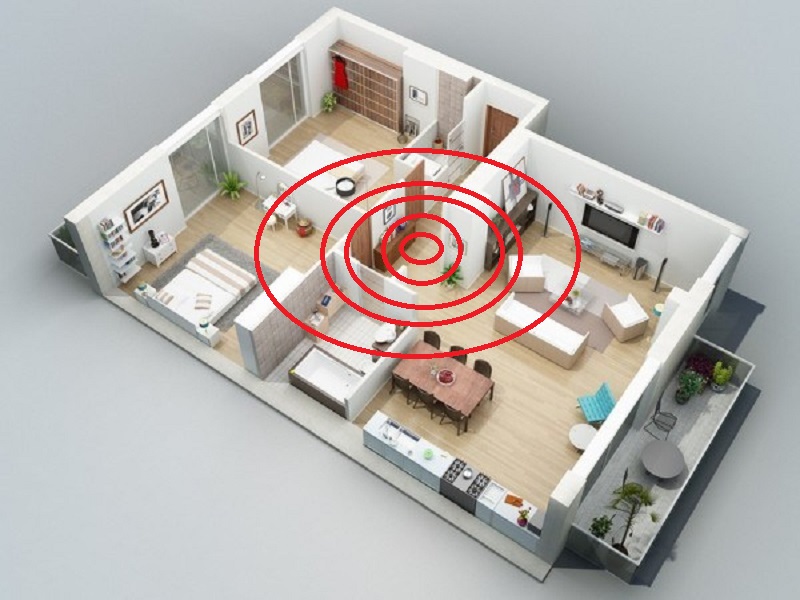
Placing the Wi-Fi in a hidden corner, blocked by many obstacles also causes the coverage of the Wi-Fi to be significantly reduced unless your Wi-Fi transmitter is extremely strong and has the ability to penetrate walls. For that reason, move the Wi-Fi transmitter to the most central, open position to ensure coverage of your entire space.
Switching the router's broadcast band
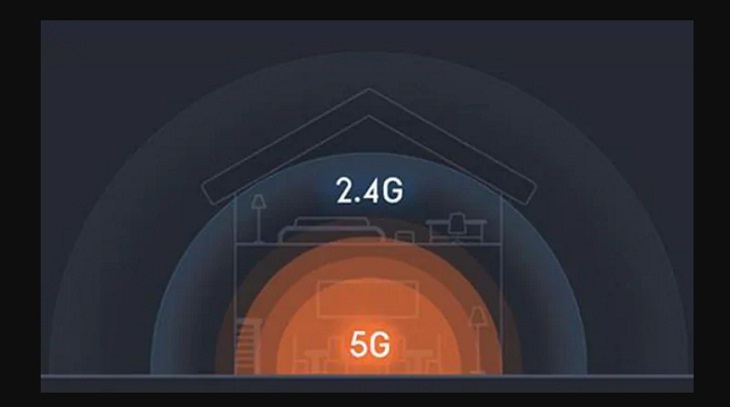
Current routers or even the default router provided by your network provider are capable of operating on 2 to 3 different frequency bands. This allows you to adjust the appropriate frequency band to increase the maximum Wi-Fi network speed to suit your needs. Normally, the router will use dual frequency 2.4GHz and 5GHz. If it is on the default 2.4 band, switch to the 5Ghz band and feel the obvious difference.
Reset security password
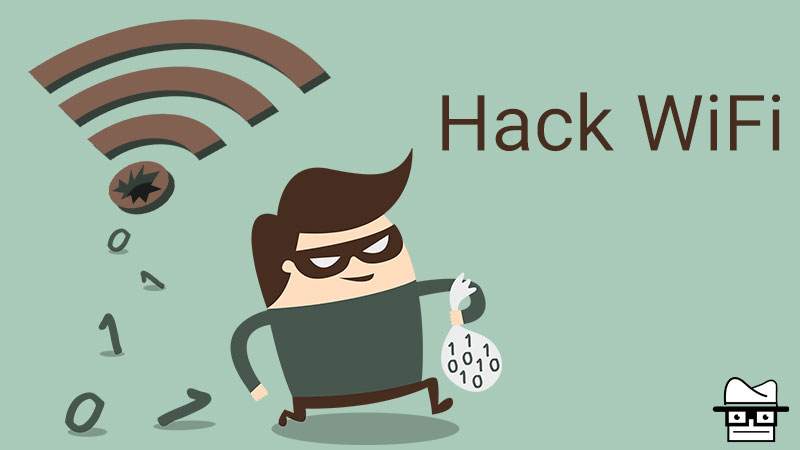
Today, it is not difficult to find a software to hack Wi-Fi for free. If your Wi-Fi password is too simple and easy to guess, it can be quickly cracked by apps like Wi-Fi chua, Wi-Fi Masterkey. and shared with thousands of people. And of course, if your Wi-Fi network is receiving too many uninvited guests, the Wi-Fi speed will of course slow down significantly. Change your Wi-Fi password to something a little more complex. According to network security experts, your password should include uppercase letters, lowercase letters, numbers and special characters.
Use repeater - Wi-Fi booster
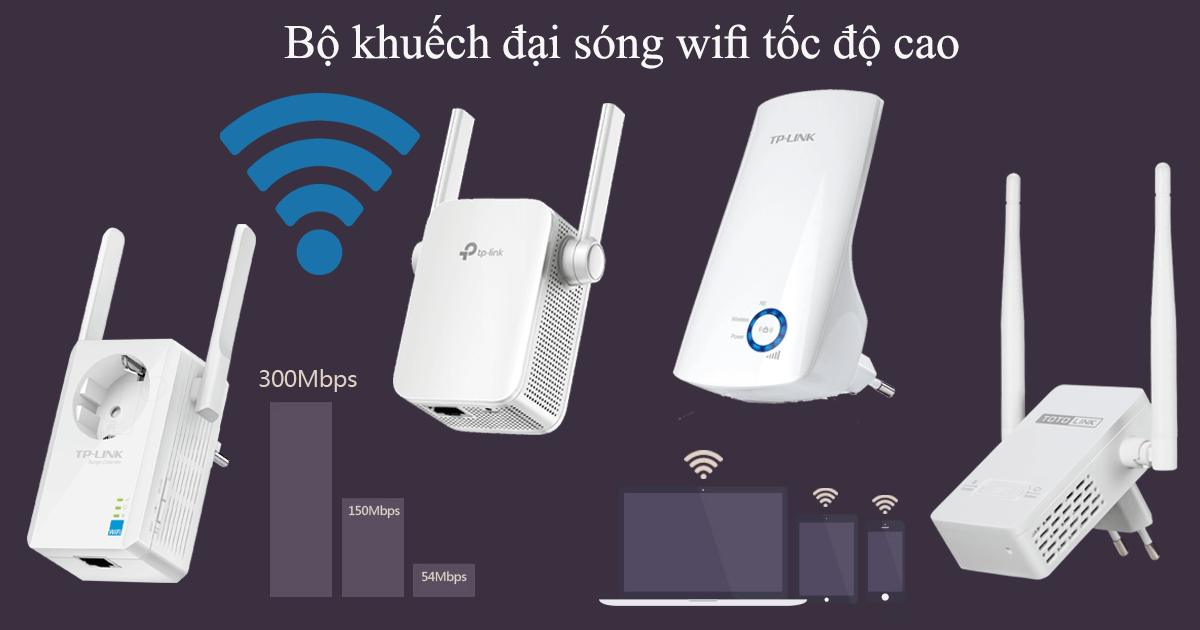
If your space is too large or has many floors, no matter how strong your Wi-Fi is, it cannot ensure the best coverage to every corner of the house. In that case, using a repeater to boost Wi-Fi signal can help you expand the broadcast range. Currently, there are many good quality Wi-Fi extenders at extremely cheap prices, but the efficiency is like you are installing a second Wi-Fi transmitter.
[Products:32930,32931,35484,36618]
Key Takeaways
Use the guidance above as a practical reference for tips to maximize Wi-Fi speed that no one. Check compatibility, follow the steps carefully, and verify important details with official documentation when software, security, accounts, health, or purchases are involved.
FAQ
What is the main point of this article?
This article explains tips to maximize Wi-Fi speed that no one told you, including the central facts, context, practical implications, and details needed to understand the topic.
Why does this topic matter?
It may affect performance, cost, safety, convenience, purchasing decisions, or how people understand a broader development.
Could the information change over time?
Yes. Product details, software features, prices, policies, codes, and news developments can change, so verify time-sensitive information with official sources.
Related Articles
 Tips to Speed up the Wi-Fi Network at the Company18 minutes read
![[Tips] Some Tips to Speed up the Most Effective Wi-Fi](/data1/thumbs_200x120/[tips]-some-tips-to-speed-up-the-most-effective-wifi-connection_thumbs_200x120_VjqHwt5FY.jpg) [Tips] Some Tips to Speed up the Most Effective Wi-Fi14 minutes read
[Tips] Some Tips to Speed up the Most Effective Wi-Fi14 minutes read These Tips Help Increase Wi-Fi Speed on the Phone4 minutes read
 Tips to Increase Wi-Fi Speed on Smartphones Most Effectively, Need to Try4 minutes read
 How to Speed up Wi-Fi Network, Increase Wi-Fi Signal9 minutes read
 10 Tips to Speed Up Your Home Wi-Fi6 minutes read
Reader Comments 0
Sign in with email or Google to join the discussion.