Table of Contents
Timemark serves as an application that allows you to take a photo and display all relevant information about the photo, including time, date, exact location using GPS coordinates, company logo, altitude, etc.
What is Timemark?
Timemark is an app that lets you take a photo and display all relevant information about the photo, including time, date, exact location with GPS coordinates, company logo, altitude, etc. This way, you can provide convincing proof that the job was completed or ensure you have more details about the project or field report.
Outstanding features of Timemark
No registration, no login and no ads
You don't need to sign in to use Timemark. No need to provide a phone number, email address, or any other information like that. And, unlike most similar apps, Timemark is also ad-free. So you can use the app freely without being bothered by annoying ads. However, the app does have a Pro mode, which lets you store more photos and automatically back them up to Google Drive.
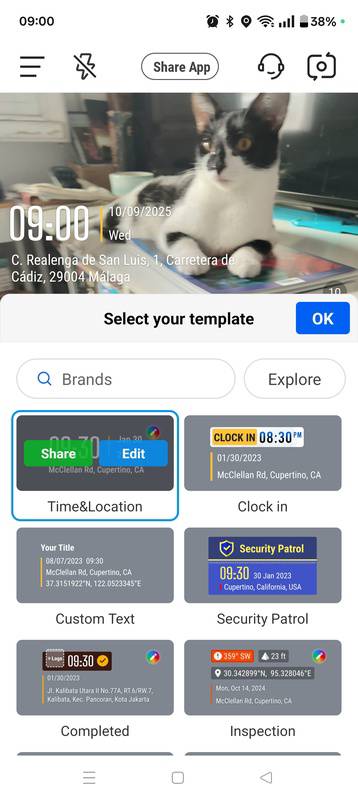
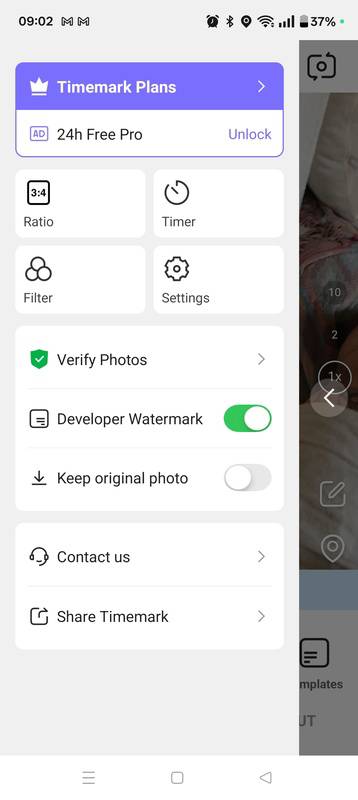
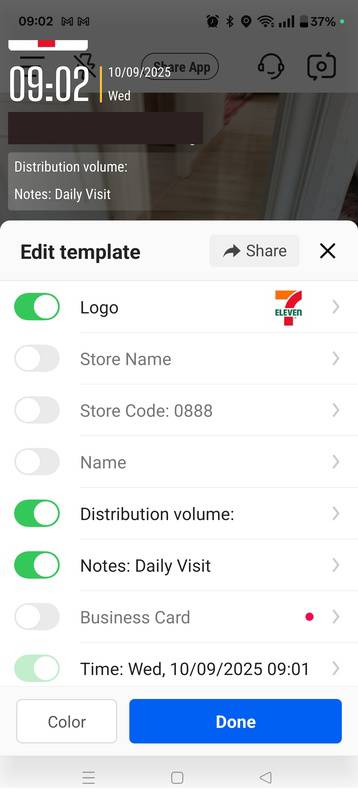
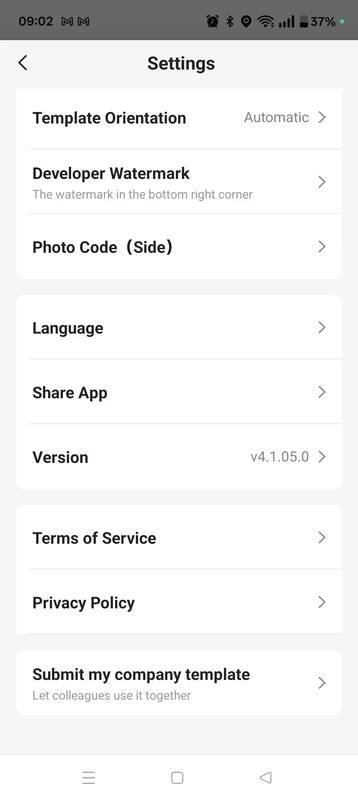
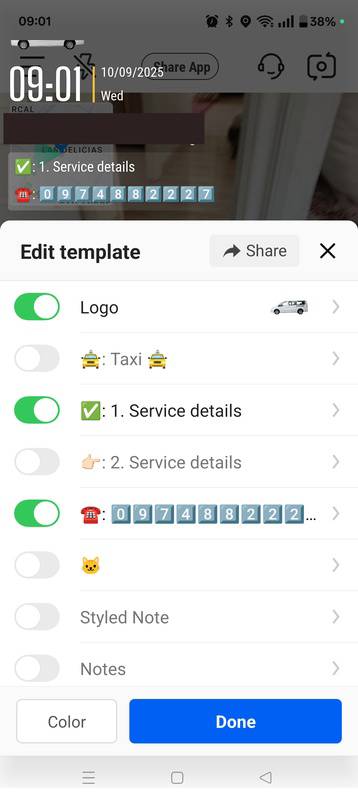
Add as much information as you like to your photo
You can find several different templates available, allowing you to add details to your photos in a variety of styles. The most important part is deciding what information you want to display. By default, you'll see your exact location (via GPS), along with the date and time, but you can also add your logo, elevation, device, weather, coordinates, and more.
Perfect for a variety of industries
Timemark is especially useful for professionals. For example, in the construction industry, this app lets you keep a complete record of all progress, recording the exact time each job was completed. Small and medium-sized business owners, on the other hand, can take photos with their own logo and contact information automatically added. Delivery drivers also have a much more convenient way to confirm deliveries.
Add every detail to the photo
Download the Timemark APK if You should add information to your photos regularly. This app gives you access to dozens of different templates, all of which are perfectly tailored to your needs. The app is also very easy to use and ad-free.
Keep everything organized and in sync
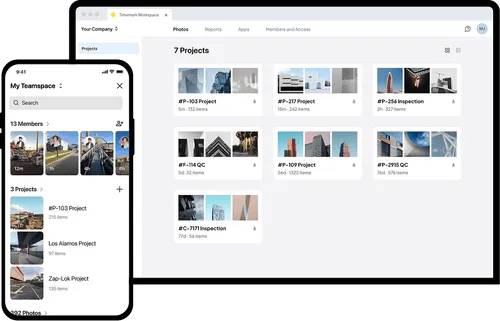
- Centralized Cloud Storage : All work photos and videos are automatically stored in one cloud center, with no risk of losing files or missing photo submissions.
- Automatic organization : Photos are named and sorted by project, team member, and date, and can be viewed on a map, timeline, or sheet for easier work tracking.
- Field and office connectivity : Everything captured in the field is instantly accessible in the office, and offline work documents automatically sync when back online.
Send reports in minutes
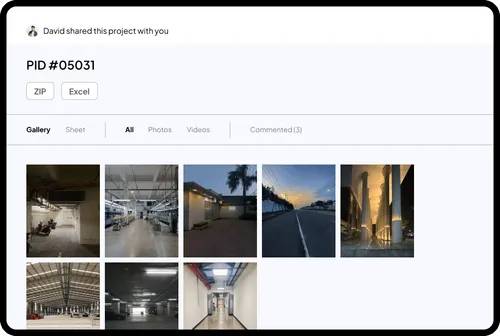
- Flexible export options : Easily export photos and work reports in formats like Excel, ZIP, PDF, or shareable links.
- Smoother Collaboration : Reduce email clutter by sending neatly organized reports in a single export.
- Reliable and accurate profiles : Timestamps, GPS data, and notes are automatically recorded with each photo, minimizing human error.
No doubt. No dispute.
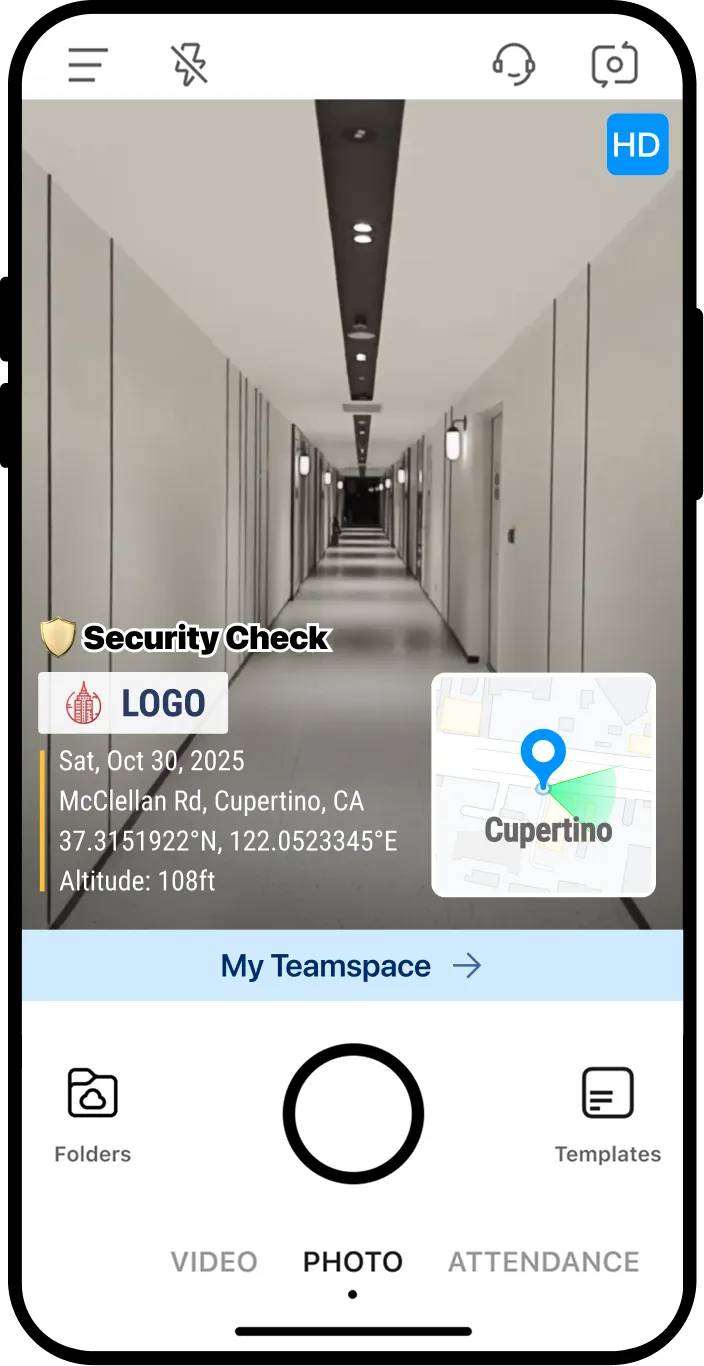
- Customizable : Automatically add important scene details with built-in watermark templates or by creating your own.
- Unalterable Proof : Timemark locks timestamps, verifies GPS location, and provides a unique identifier for photos that is fully traceable and tamper-proof.
- Fast, maximum detail : Capture high-quality photos even from a distance, at lower resolutions, and offline.
FAQ
What should you know about timemark?
In practical terms, timemark is an application that allows you to take a photo and display all relevant information about the photo, including time, date, exact location using GPS coordinates, company logo, altitude, etc.
Why does timemark matter?
The article highlights that outstanding features of Timemark No registration, no login and no ads You don't need to sign in to use Timemark.
What is the main takeaway?
The main takeaway is that add every detail to the photo Download the Timemark APK if you need to add information to your photos regularly.
Related Articles
 What Is the Best AI Photo Background Remover?9 minutes read
 Download Photo! Editor 1.1: Multifunctional Photo Editor6 minutes read
 How Is the Process of Capturing Billions of Pixel Photos?7 minutes read
 Why Is Editing RAW Photos a Waste of Time and Memory for Most People?6 minutes read
 How to Enable Photo Stream on iPhone, iPad5 minutes read
 Photo Printers for Phones: Top 6 Best Mobile Photo Printers 20197 minutes read
Reader Comments 0
Sign in with email or Google to join the discussion.