Table of Contents
People got fed up with VLC crashing all the time, and finally, stumbled upon Kodi, and never looked back.
Many computer operating systems have built-in programs created by the manufacturer that can handle specific tasks. However, there are also other applications that you can use to handle all types of files at once.
One such application is VLC, an open-source media player that supports a wide range of file types. You can view videos and images, listen to music, and even stream videos. It is a popular media player for all types of computers.
That said, people got fed up with VLC crashing all the time, and finally, stumbled upon Kodi, and never looked back.
Kodi can handle dozens of files
Organization is key
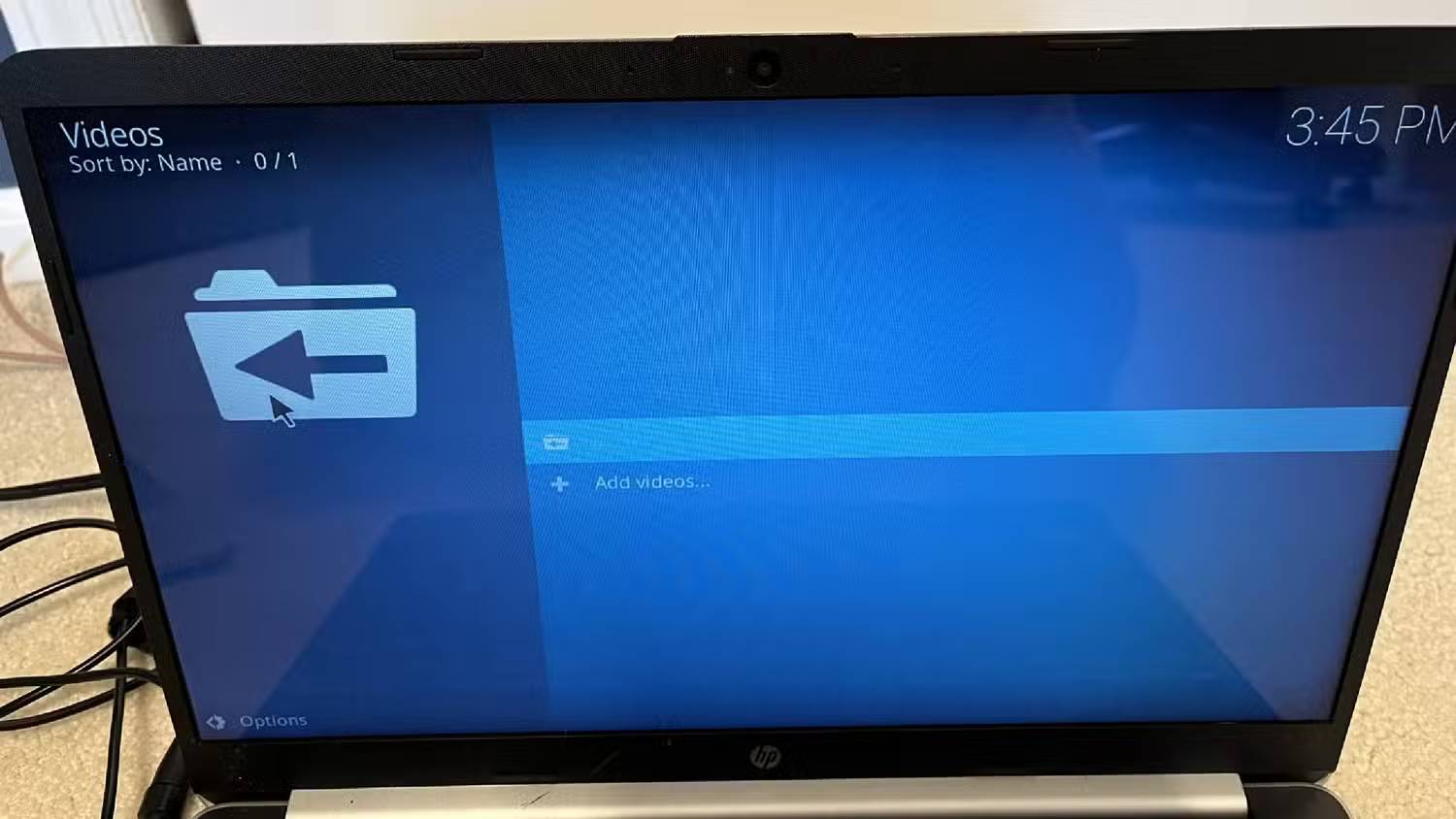
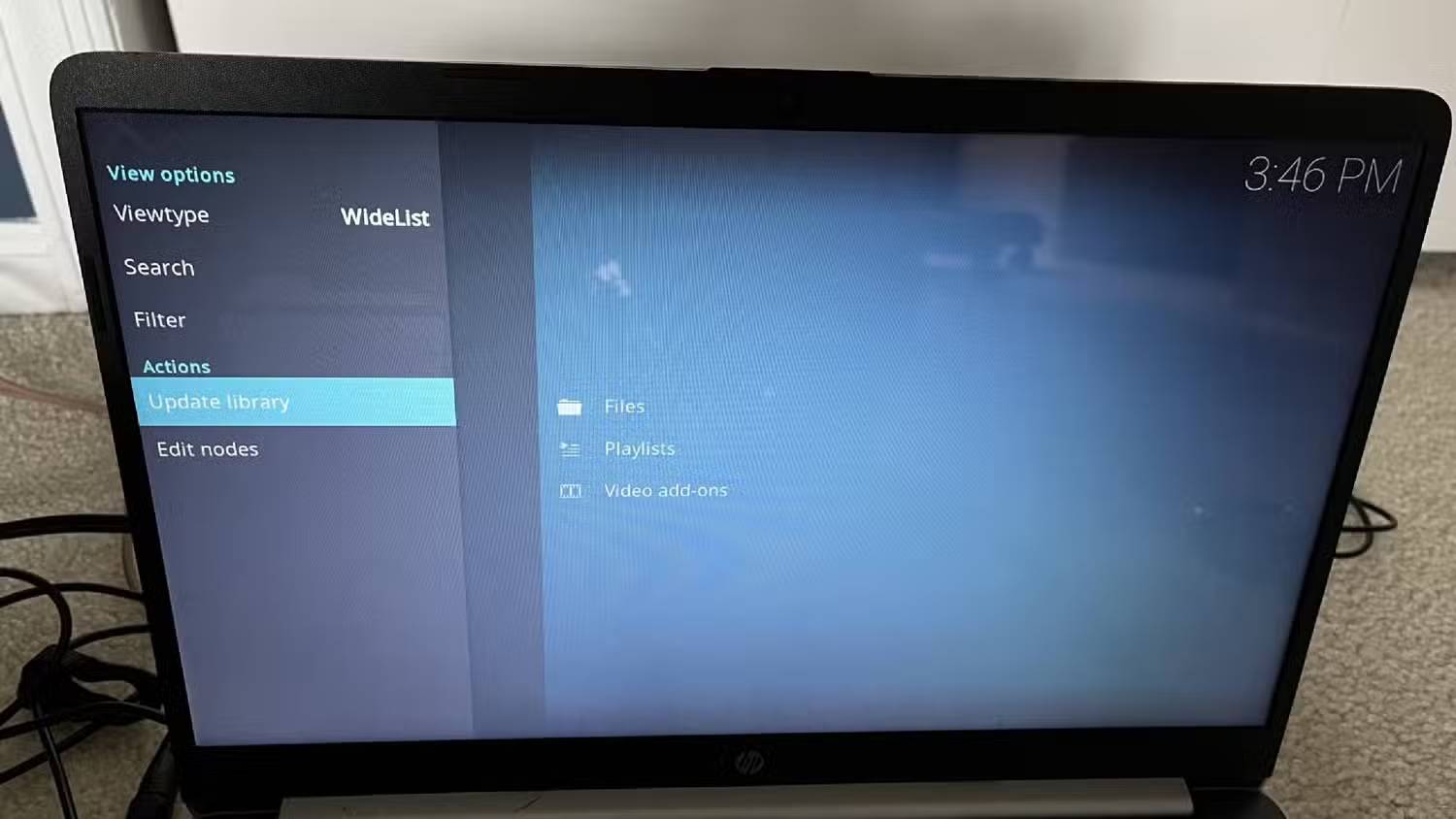
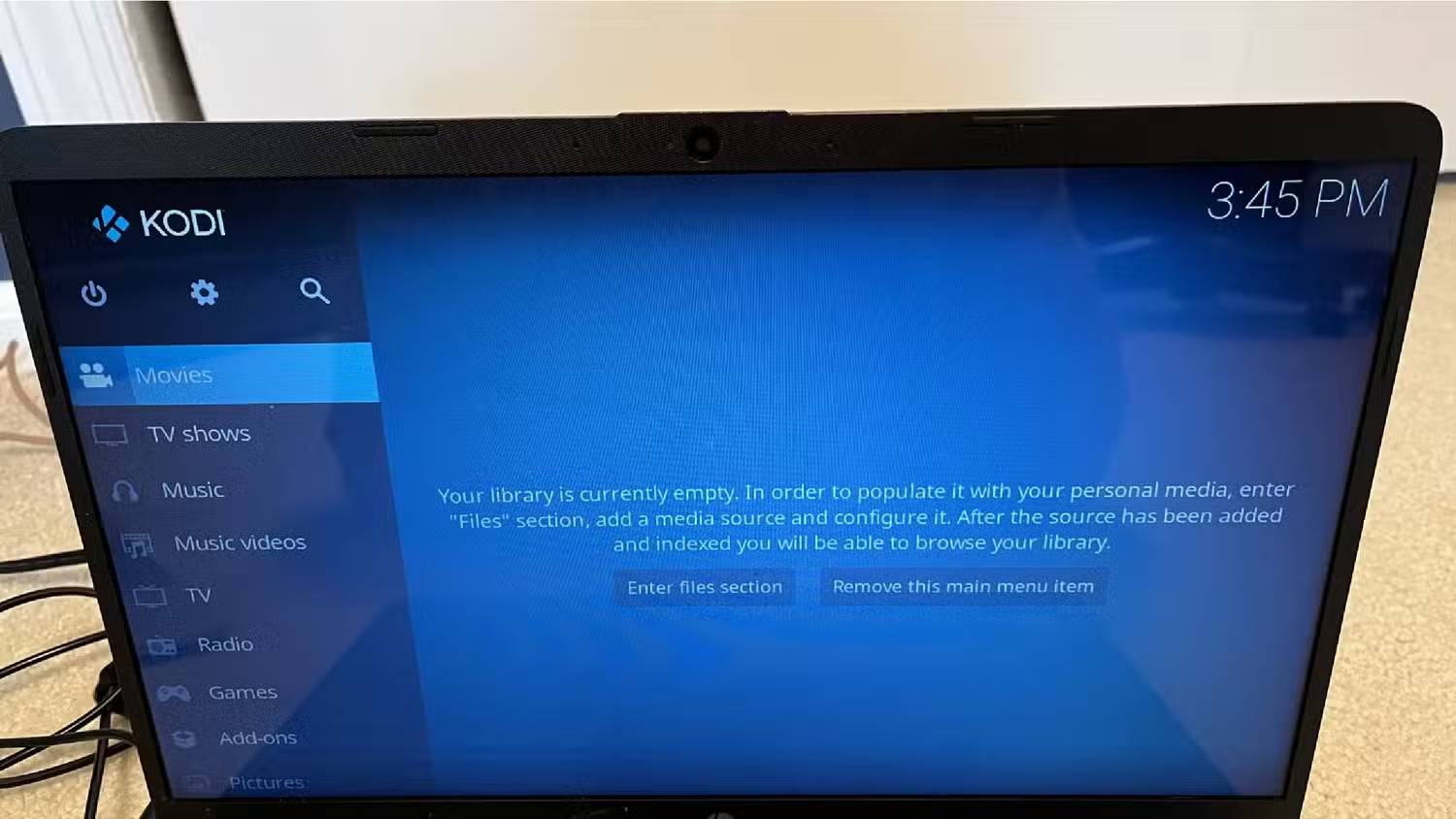
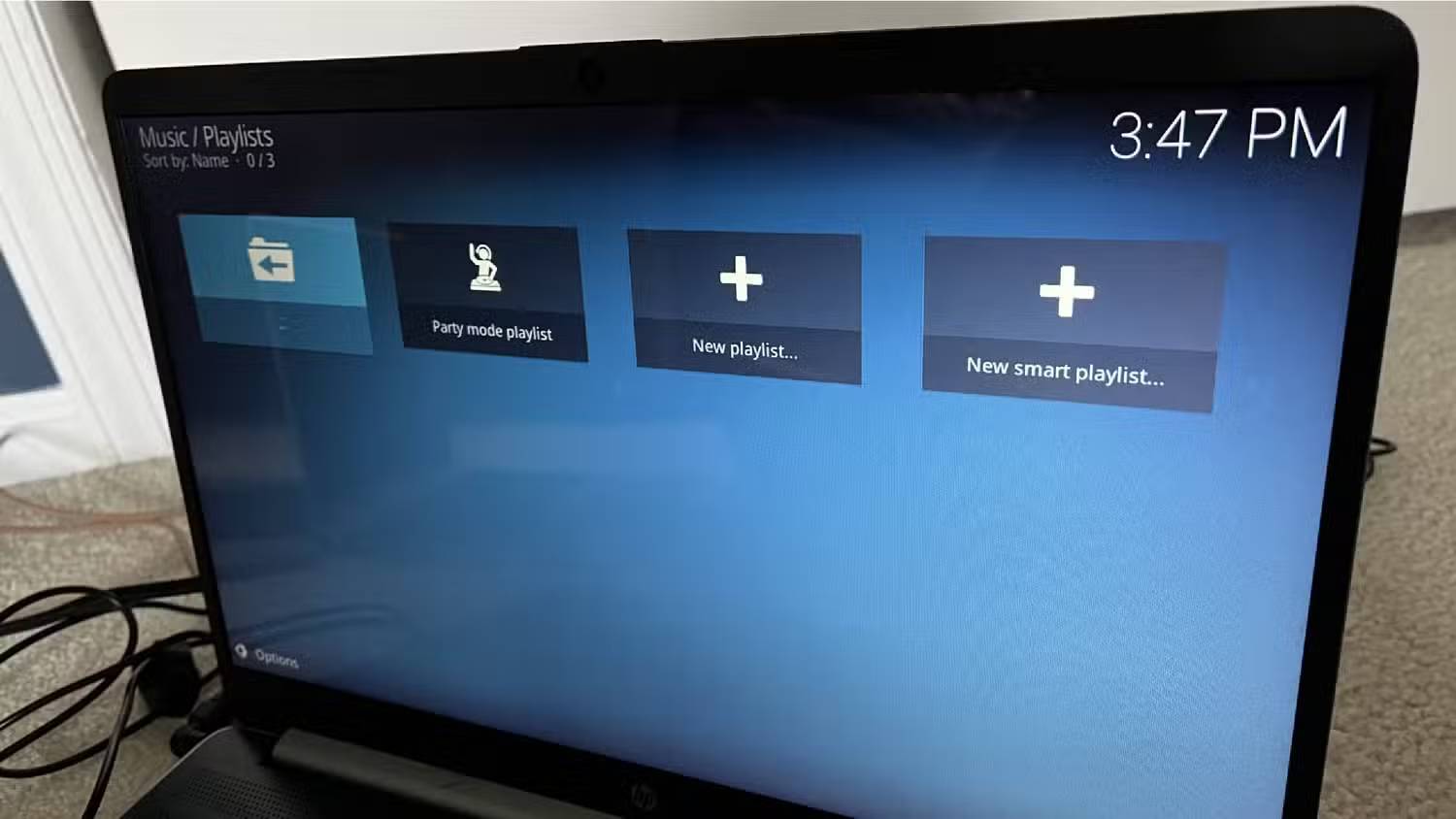
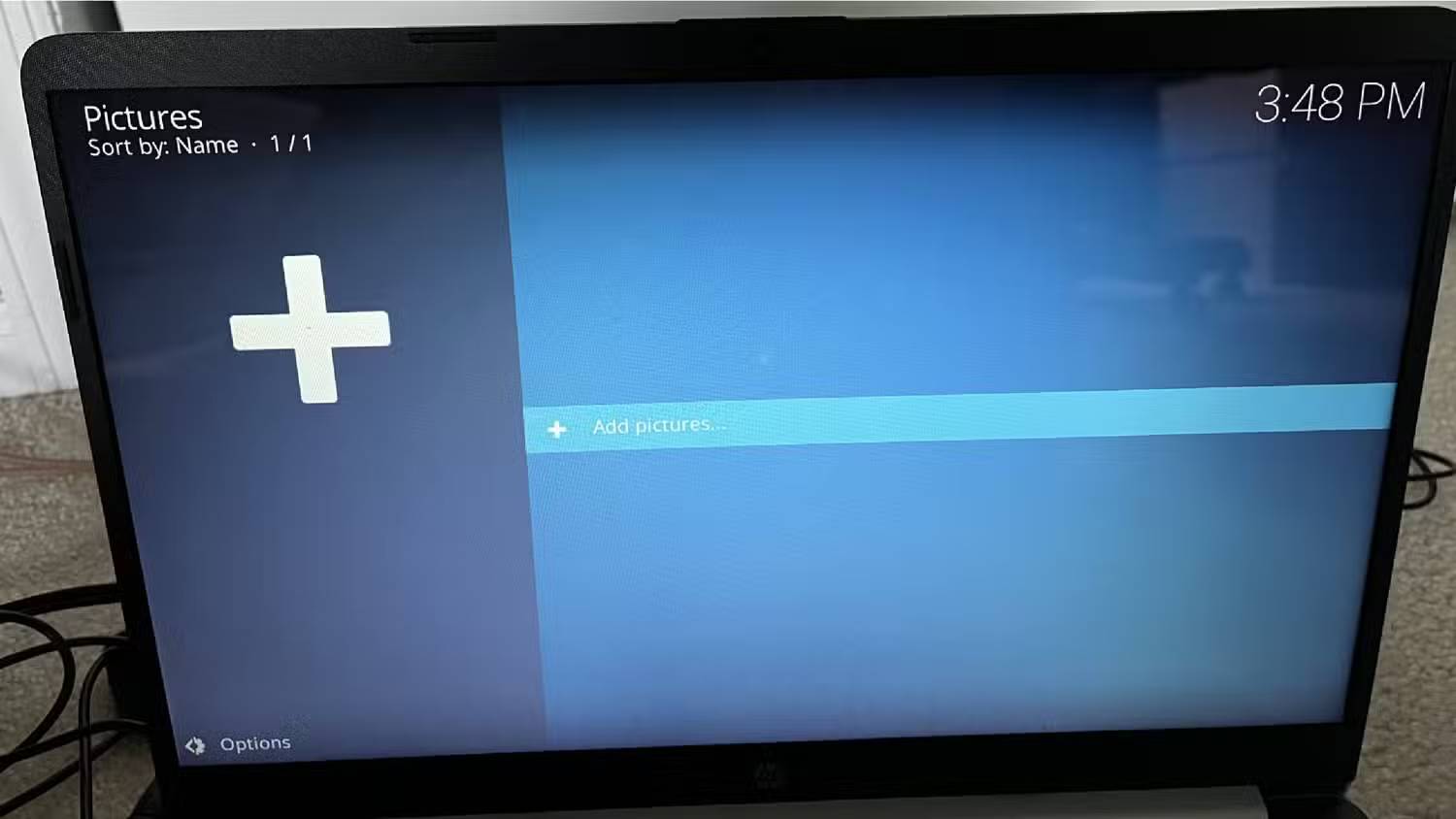
Kodi works on macOS, Windows, Linux, Android, Raspberry Pi, iOS, tvOS, and webOS, so you'll be able to get the most out of it no matter where you decide to boot it up. Using Kodi on a Windows laptop is simple and easy to set up. Once you download and install Kodi, it opens full-screen on your computer, making you feel like you're immersed in the content.
At first glance, Kodi seems less cumbersome than VLC. VLC has menus that resemble older operating systems; it feels fresh and interesting. The side menu lists all the different file types that Kodi supports, such as movies, TV shows, music, etc.
Note : While Kodi may host a large number of add-ons, some add-ons uploaded from sources other than the official Kodi website may not be valid.
You can store all your files in their respective menus, making it easy to find what you need whenever you want. The great thing about Kodi is that it works across platforms, meaning you can upload files to your Windows laptop and then watch them on your Apple TV 4K. You can also install Kodi on any Smart TV.
Another feature that users really like is that if you host your own files, Kodi can import metadata about them from the web. Let's say you're adding a downloaded movie or TV show. You can upload it to Kodi, and it will add the movie poster and basic information about the cast to the file.
These are the Kodi features that really make this switch worth it
It can do more than store
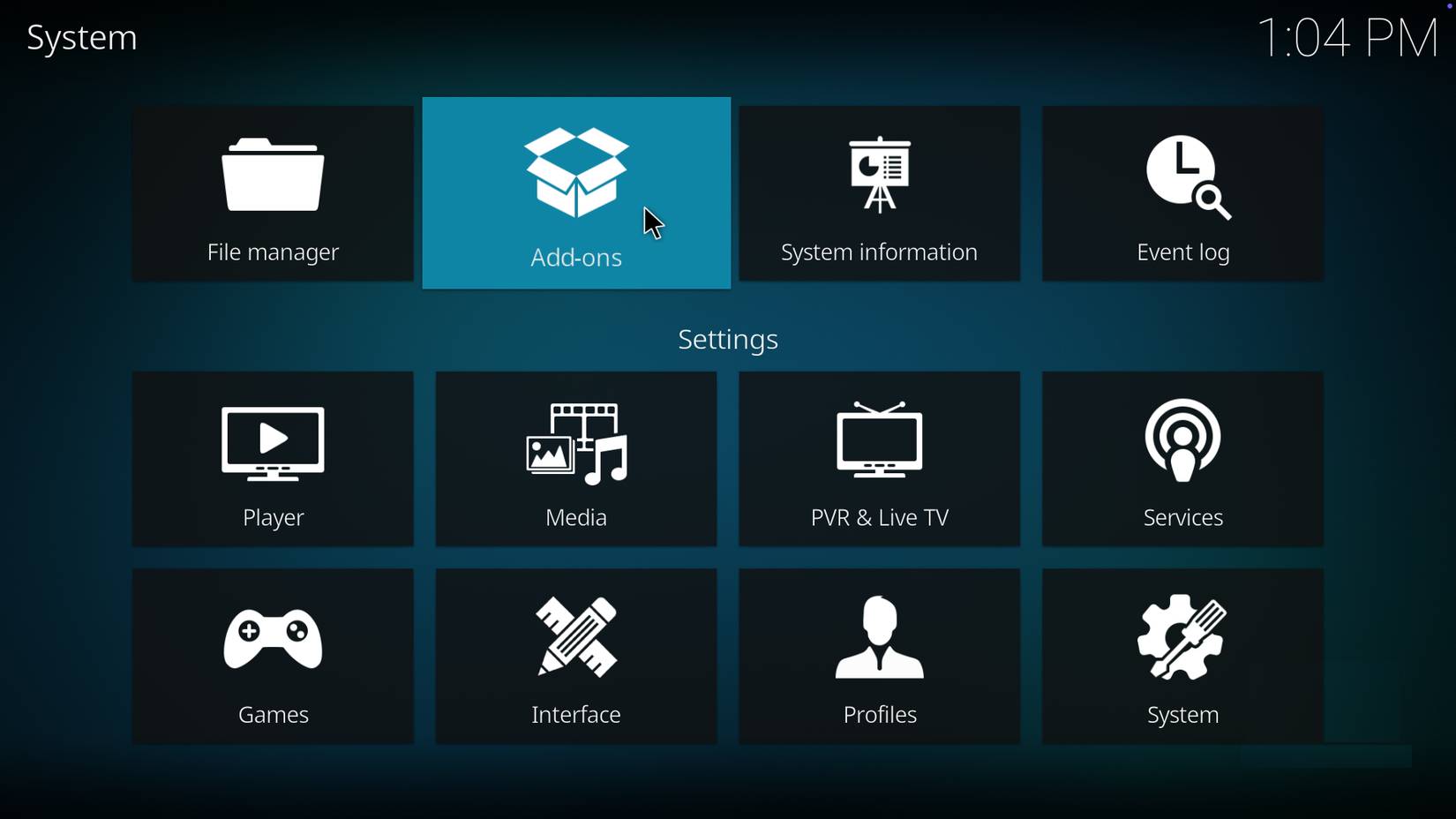
Watching your personal collection of movies and TV shows isn't the only thing Kodi can do. It can take almost any audio and video file, organize it, label it, and archive it for you. If you want to showcase a photo album from a recent trip, upload it to Kodi and display it on a projector screen or big TV for everyone to see.
Kodi wants to keep you focused on the app, so you don't leave it and use other apps. This is actually quite helpful!
For example, do you want to know what the weather is like near you? Log in to Kodi and after selecting a weather service, Kodi will not only give you the current weather, but also the weather that will happen later in the day. Additionally, if you are tired of relying on cable or streaming services to stay up to date with your programming, you can use Kodi's PVR feature to stream and record live TV through integrations with platforms like MediaPortal, MythTV, NextPVR, and Tvheadend. In addition to saving live TV, you can store your entire music library in one place. You don't have to go to iTunes separately and listen to music.
Kodi also supports high-quality audio and video files, including 4K Ultra HD, Dolby Atmos, Dolby Vision, and HDR. Many people expect Kodi to only handle audio and video files, and they are surprised by all that it can handle.
Kodi presents everything in a well-designed and organized layout. The side menus are easy to read, and the fact that it opens in full-screen mode is a huge plus, allowing you to focus on the files you want to watch or upload for storage. You can also change the interface with a variety of options, allowing you to customize your player.
VLC is great, but you're not tied to one media player.
Many people have been using VLC for a long time, but sometimes a change is needed. With Kodi's excellent quality and ability to organize your movie and TV library, switching is a no-brainer. So, if you're finally ready to move away from VLC, you should give Kodi a try.
FAQ
What should you know about VLC media player vs. kodi?
In practical terms, people got fed up with VLC crashing all the time, and finally, stumbled upon Kodi, and never looked back.
Why does VLC media player vs. kodi matter?
The article highlights that it is a popular media player for all types of computers.
What is the main takeaway?
The main takeaway is that however, people got fed up with VLC crashing all the time, and finally, stumbled upon Kodi, and never looked back.
Related Articles
 Kodi 19.3 - Download Kodi 19.3 Here6 minutes read
 Instructions for Installing and Using Kodi on Computers5 minutes read
 Click: How to Watch Live TV on Kodi on PC or Mac5 minutes read
 22 Shortcuts to VLC for Windows and Mac8 minutes read
 8 Tips to Make VLC the Best Open-source Media Player9 minutes read
 9 Best Kodi Alternatives12 minutes read
Reader Comments 0
Sign in with email or Google to join the discussion.