Table of Contents
Dude Theft Wars is a first-person sandbox game from Poxel Studios. You can explore a city, drive vehicles, take part in activities, and get into cartoon-style police chases. Its loose physics and ragdoll reactions give it a less serious tone than games such as Grand Theft Auto.
The game includes offline single-player play and online multiplayer. It is free to download, with advertising and optional in-app purchases. That does not mean every item or feature is free.
What you can do in the game
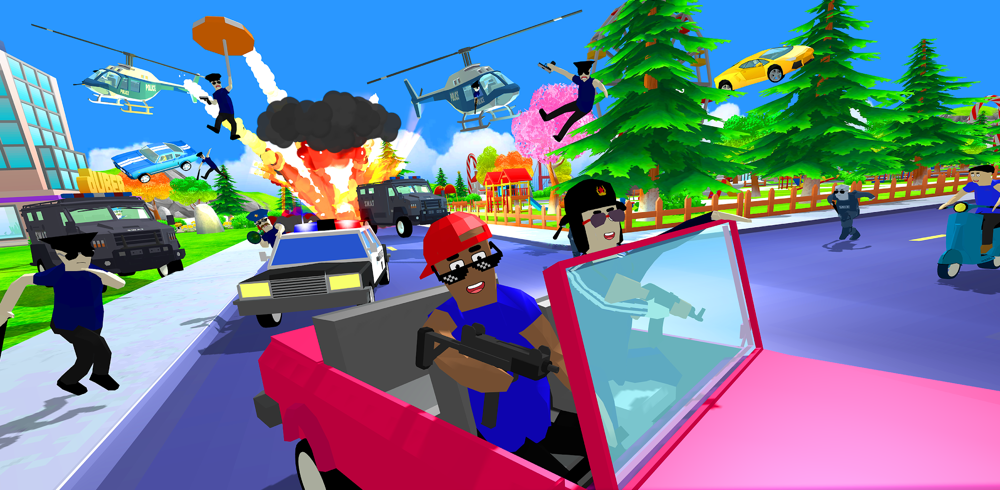
The city provides space to experiment rather than follow one activity continuously. Driving, exploring, missions, and interactions with objects are central to the sandbox experience. Collisions and character movement use exaggerated physics, so the appeal is often the unexpected outcome of an action.
The GTA comparison describes the open-world driving and police-chase elements. Dude Theft Wars has its own characters, visual style, and progression; it is not a mobile version of GTA. If that kind of exploration interests you, see our overview of classic open-world games available on Android.
Offline play versus online multiplayer
Offline single-player lets you explore and play the single-player content without an ongoing multiplayer connection. Install the game and complete any required downloads first. Store updates, online features, and some advertising or purchase functions still need internet access.
Online multiplayer requires a connection. The developer lists Free For All and Team Deathmatch modes. These focus on playing against other people, rather than simply sharing every part of the offline city with friends. Available maps and options can change with updates.
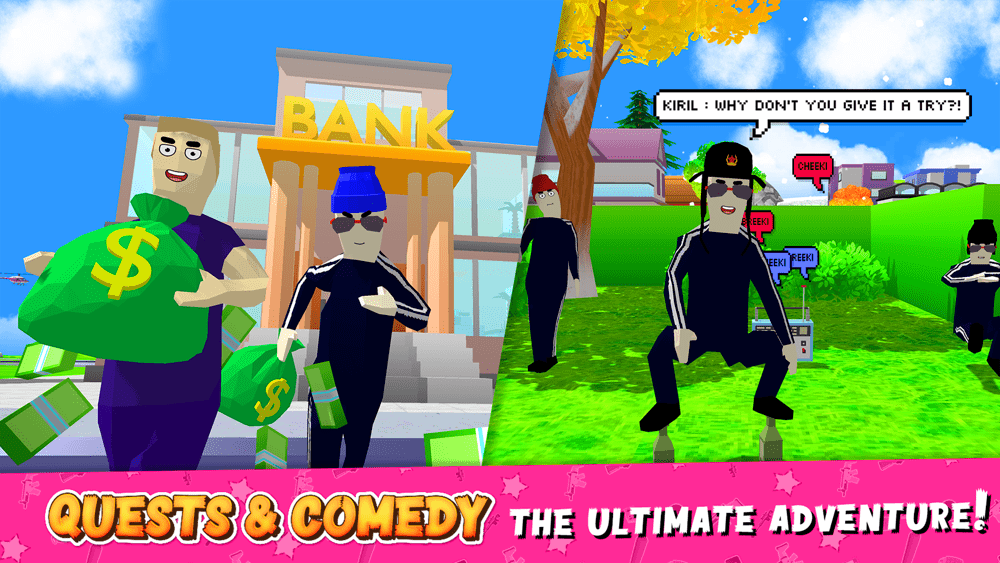
When playing with friends, confirm that everyone has an up-to-date version and can access the same multiplayer options. A slow connection can delay online actions even when the game looks smooth. Our guide to diagnosing mobile game lag explains the difference between network delay and low frame rate.
Download the official version
- Open the game's Google Play listing on Android or its App Store listing on iPhone or iPad.
- Check that the developer is Poxel Studios or Poxel Studios Games. The displayed game name can vary between stores.
- Review compatibility, the download size, age rating, and purchase information on your device.
- Select Install or Get, wait for installation, and follow the game's first-launch prompts.
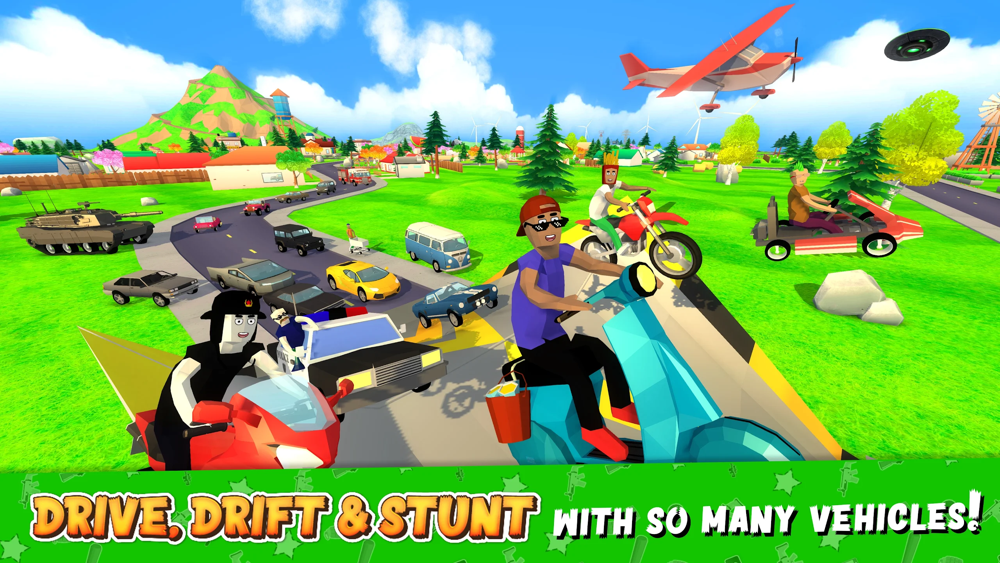
Avoid treating an old “300 MB” size or operating-system requirement as a current specification. Updates and platform differences affect both the download and the installed size. Leave room for additional data and check the store's device compatibility result before downloading.
Before you start playing
- Check the content rating. The game includes shooting and violence despite its stylized appearance. Store ratings vary by region and platform.
- Review purchases. Enable your store's purchase confirmation if you want to prevent accidental spending, especially on a shared device.
- Start with basic controls. Practise walking, looking around, entering a vehicle, and driving before joining a competitive match.
- Adjust performance settings if available. Lower graphics options when the whole scene stutters. Let an overheating device cool and close unnecessary background apps.
Low-poly graphics do not guarantee smooth play on every older phone. Judge performance on your own device, and avoid reinstalling as a first troubleshooting step unless you have checked how the game saves your progress.
Related Articles
 Summary of Dude Theft Wars cheat codes and how to enter Dude Theft Wars cheats
 How to download GTA 5, install Grand Theft Auto V on computers and laptops
 Top 10 biggest budget development games in history: Common names
 How to Play Grand Theft Auto V (story mode)
 How to download and play for free game Star Wars Battlefront II
 Review Immortal Realms: Vampire Wars - Vampire Wars
Reader Comments 0
Sign in with email or Google to join the discussion.