Table of Contents
Dark mode can save power on a phone with an OLED or AMOLED display, especially when the screen is bright and the app replaces white backgrounds with dark ones. On a conventional LCD, the backlight still lights the screen, so changing the theme alone generally saves much less. Check your phone’s display type and battery usage before expecting a large change.
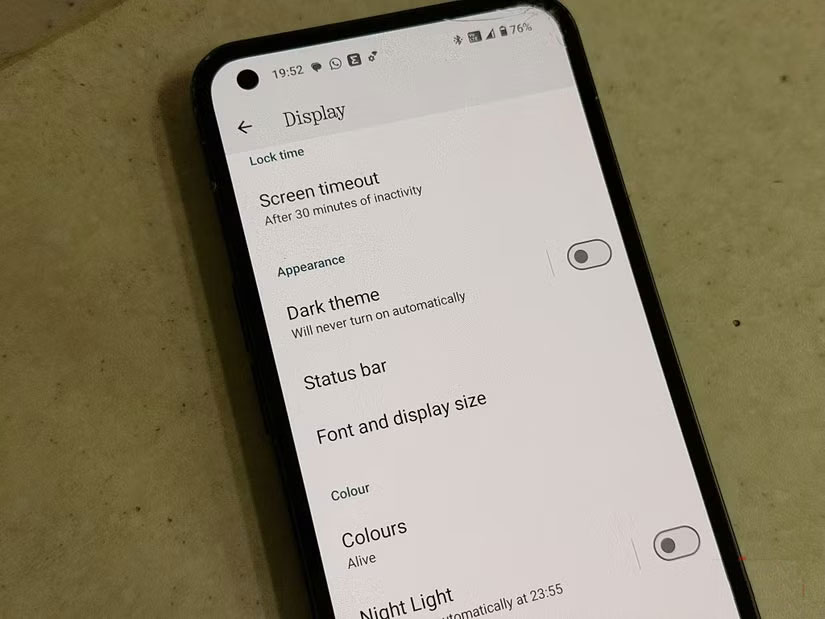
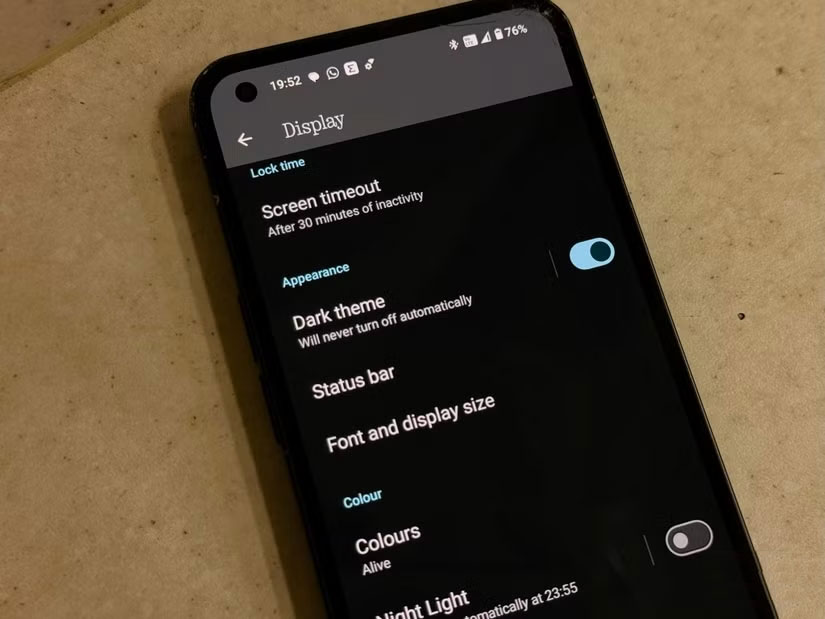
How much power can dark mode save?
OLED pixels emit their own light, so a black pixel emits no light and dark areas typically use less display power than bright ones. In a 2021 Purdue study of selected OLED phones and apps, switching to dark mode at 30% to 50% brightness saved about 3% to 9% power on average. In the study’s 100% brightness tests, average savings were about 39% to 47%. These figures describe the tested conditions and do not translate directly into extra runtime for your phone.

Get the most out of the setting
- Try the system theme. On iPhone, use Settings > Display & Brightness > Dark. On many Android phones, look under Settings > Display for Dark theme. Some apps have a separate theme switch.
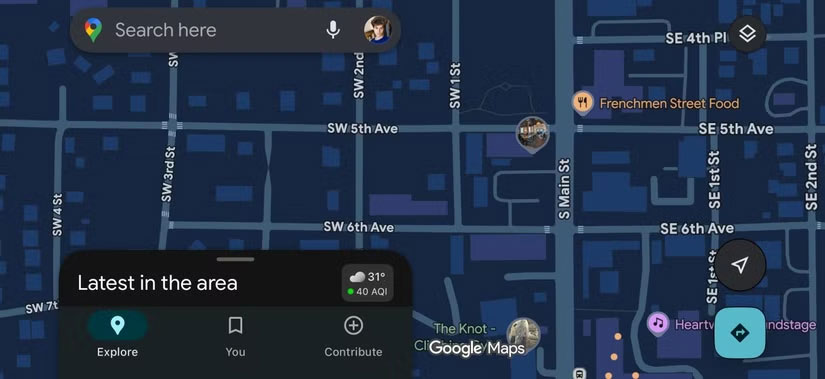
- Keep the screen comfortably readable. Lower brightness when you can. A bright map, photo, or video can still draw power in a dark-themed app. If navigation is important on a long trip, plan for charging instead of assuming the theme will last the whole trip.
- Check other battery use. Look at the phone’s battery screen for apps and background activity. See other ways to improve iPhone battery life, or investigate Android standby drain if the problem happens with the screen off.
Related Articles
 9 tips to extend battery life for Android phones you should apply today
 6 Android Settings That Can Help a Charge Last Longer
 How to increase, extend battery life on Android phones effectively
 How to Extend the Latest Phone Battery Life 2022
 Extend battery life Android does not need root with this application
 Slow charging does not help extend battery life
Reader Comments 0
Sign in with email or Google to join the discussion.