Table of Contents
To use Proton VPN on a Windows PC, download the app from Proton's official site, install it, sign in or create a free account, and select Quick Connect. A VPN encrypts traffic between the PC and the VPN server and replaces the public IP address seen by websites; it does not make a device immune to phishing, malware, or account theft.
Check compatibility and choose a plan
Proton's current Windows app supports 64-bit Windows 10 build 19045 and later. The free plan has no data cap, but it offers fewer location choices and features than paid plans. Streaming access, speed, and the ability to choose a particular country can vary, so do not subscribe solely on the assumption that a specific service will always work.
See Proton's current Windows app requirements and guide and plan comparison. You can also compare alternatives in TipsMake's lists of free VPNs for computers and phones and VPN software for PCs.
Download and install Proton VPN on Windows
- Open Proton's official Windows download page and download the app. Avoid third-party installers.
- Open the downloaded file. If Windows asks for permission, confirm that the publisher is Proton before selecting Yes or Run.
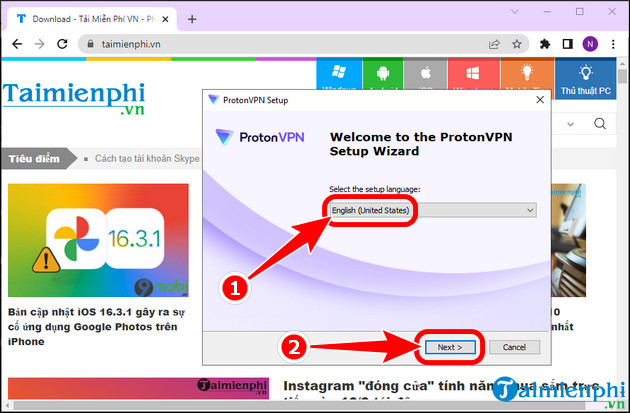
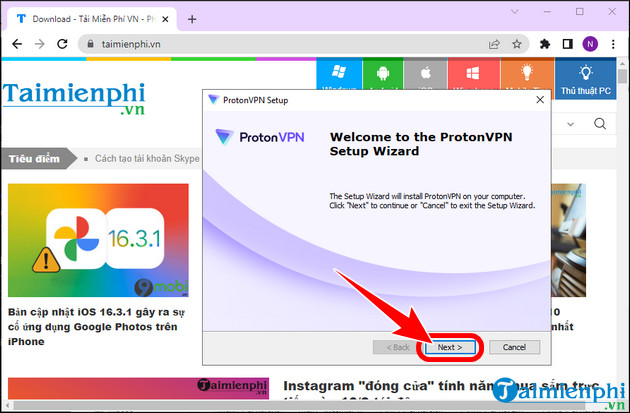
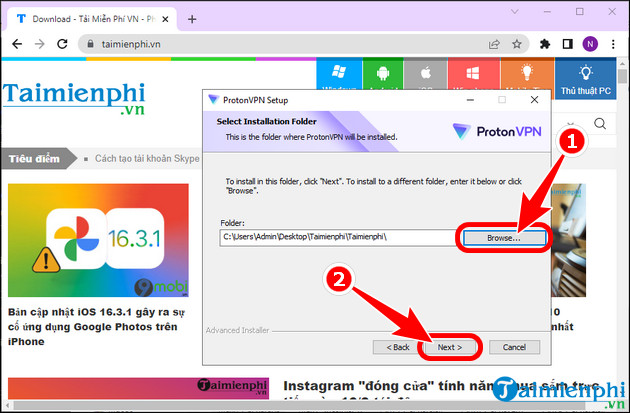
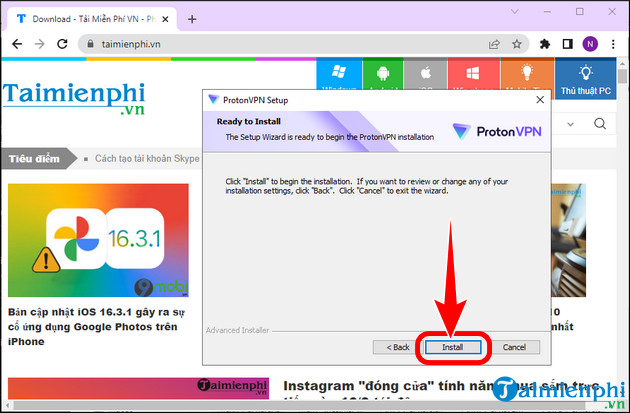
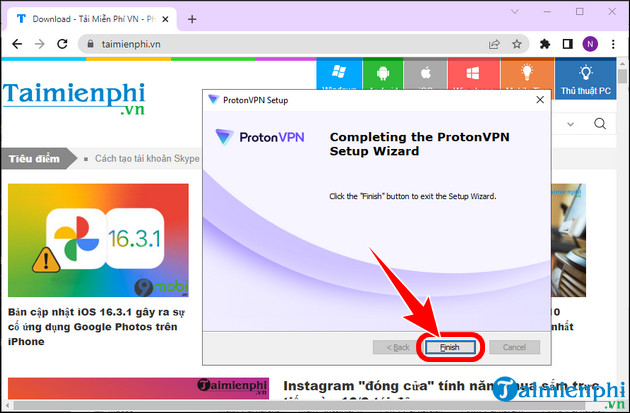
- Follow the setup wizard. The default install location is suitable for most users.
- Finish installation and launch Proton VPN.
The screenshots below show an older installer. Current wording and layout may differ, but the download, permission, and installation sequence is similar.
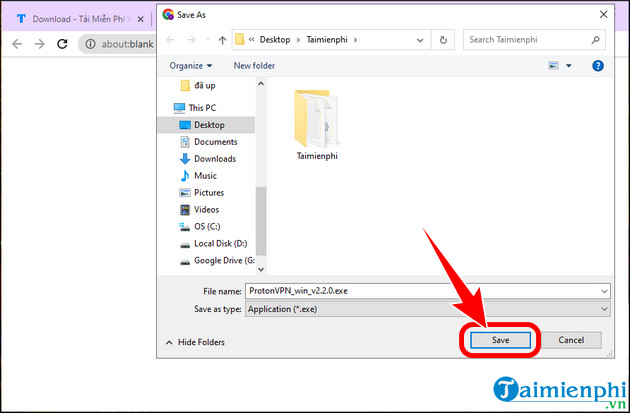
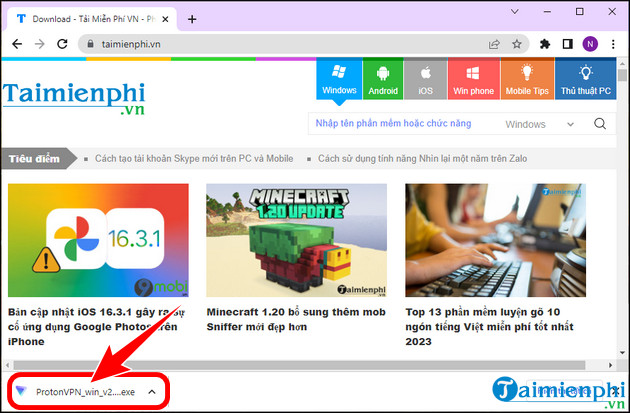
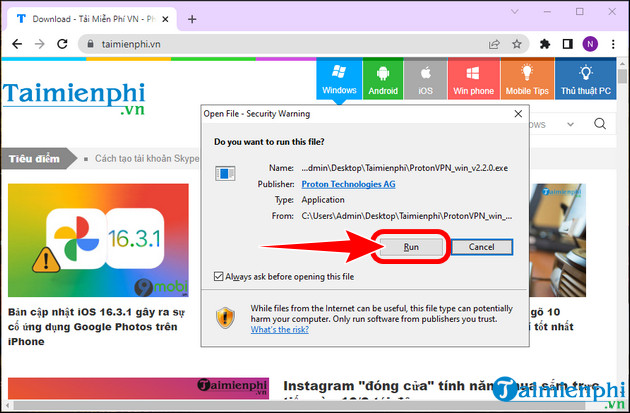
Create an account and sign in
Create a Proton account from the app or Proton's website if you do not already have one. Use a unique password, save recovery information, and enable two-factor authentication when possible. Pricing and trial screens change over time, so check the plan details shown to you rather than relying on the amounts in these legacy images.
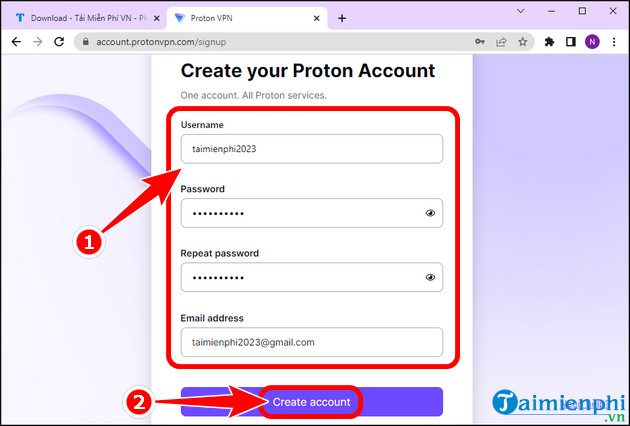
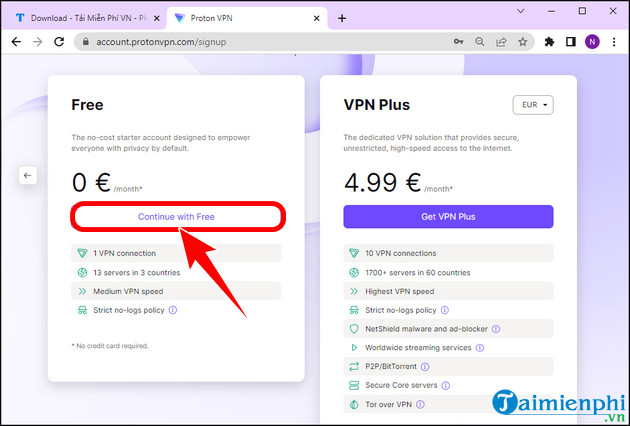
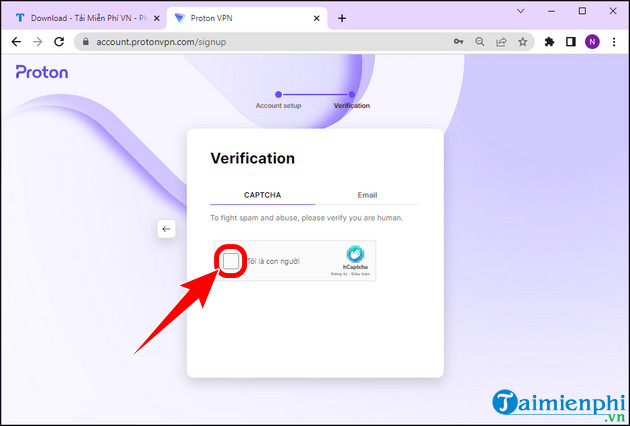
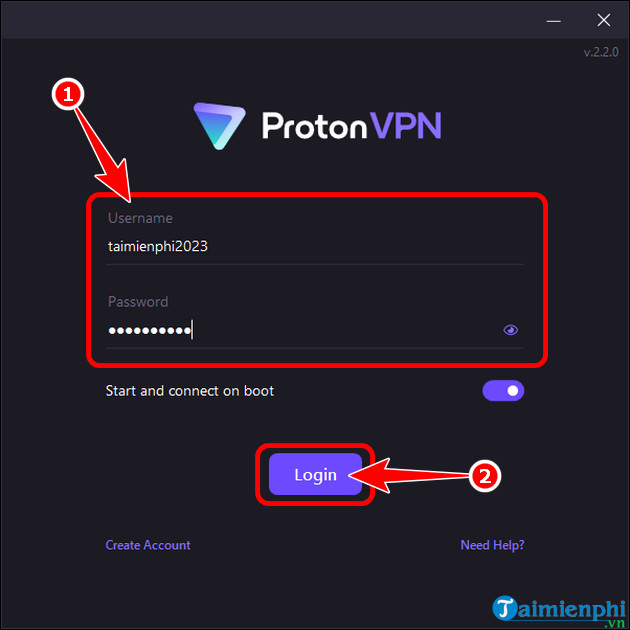
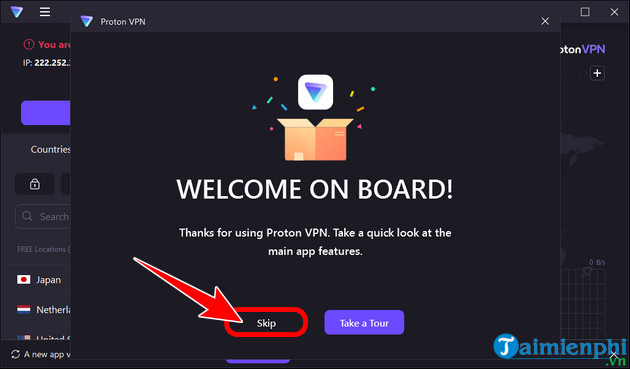
Open the app and sign in to the account. Complete any email or two-factor verification requested by Proton.
Connect and verify the VPN
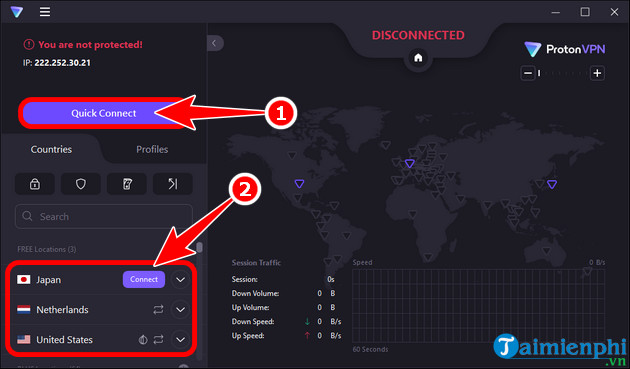
- Select Quick Connect to let the app choose a suitable server. Paid plans may provide more manual country and server choices.
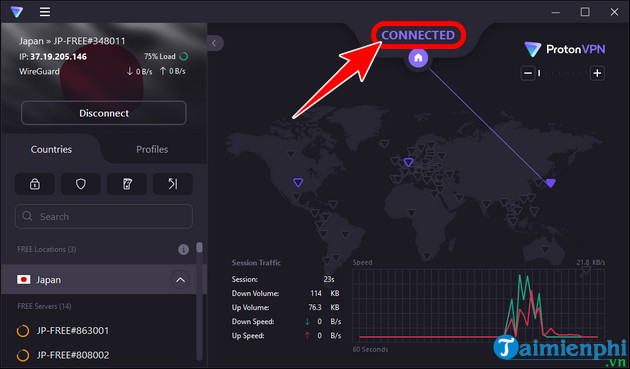
- Wait for the status to show Connected.
- Open a reputable IP-check page in a browser and confirm that the displayed public IP differs from the normal connection.
- When finished, return to the app and select Disconnect.
Useful settings
- Kill switch: blocks traffic if the VPN disconnects unexpectedly. Enable it when preventing accidental exposure of the regular connection matters.
- Auto-connect: connects automatically under the conditions you choose.
- Protocol: leave the automatic option enabled unless troubleshooting or a network administrator requires a specific protocol.
- Split tunneling: available on supported plans and platforms; it lets selected apps bypass or exclusively use the VPN.
What Proton VPN does not do
A VPN cannot make unsafe websites trustworthy, protect passwords entered into a phishing page, remove malware, or guarantee access to every blocked or region-limited service. It may also reduce speed because traffic takes an extra encrypted route. For browser-only protection, understand the narrower scope before choosing one of TipsMake's VPN extensions for Chrome.
If Proton VPN will not connect
Confirm that normal internet access works, update the app, try Quick Connect or another permitted server, and restart the PC. Temporarily test whether a firewall or another VPN is conflicting, but restore security settings after the test. On a managed work or school network, ask the administrator rather than attempting to bypass network policy.
Related Articles
 There Is a Free VPN Application ProtonVPN on iOS, Invite Download and Experience3 minutes read
 Free VPN Service ProtonVPN Has a Version for Windows and Mac3 minutes read
 ProtonVPN - Free VPN Service That Lets You Encrypt Your Internet Connection6 minutes read
 Steps to Enable Wireguard on Protonvpn4 minutes read
 Brave Browser ++ ProtonVPN ++ Bitwarden: the Best Security Combo for Desktop7 minutes read
 Proton Technologies Introduces Advanced Anti-censorship3 minutes read
Reader Comments 0
Sign in with email or Google to join the discussion.