Table of Contents
The sections below explain the life cycle of Windows 7 is shorter than Windows xp in a clear and practical way. Review the key details, examples, and considerations before applying the information.
How The Life Cycle of Windows 7 Is Shorter Than Windows XP Works
As planned, Microsoft will stop supporting Windows XP operating system On April 8, 2014. Industry experts recommend that when Windows XP is no longer supported, users should upgrade to another operating system.
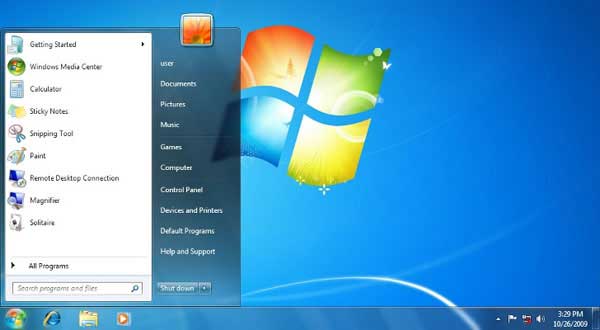
However, despite the aggressive advertising campaign for the new Windows 8 and 8.1 operating systems, users proved not to be interested in these versions. The operating system that users choose is Windows 7 With a friendly interface and many easy-to-use features.
Meanwhile, Microsoft is ready to do everything to attract users to use Windows 8 And Windows 8.1 , so many predict that Microsoft will not extend support for Windows 7.
Many information is said that it is likely that Microsoft will then promote Windows 8 and Windows 8.1 so that users who are planning to upgrade to a newer operating system will feel familiar with the two versions of the operating system.
Reportedly, Microsoft's major support for Windows 7 will end on January 13, 2015 and extended support (bug fixes and security updates) will end on January 14, 2020. Thus, from the time of launch (November 2009), until support is stopped, Windows 7 will have 10 years and 2 months of life.
Technology experts say that the time when Microsoft stops supporting Windows 7 will be shorter than Windows XP, the platform was killed after more than 12 years of being on the market.
FAQ
What is the main benefit of the life cycle of Windows 7 is shorter than Windows xp?
The main benefit is a clearer understanding of the topic and a practical way to apply the information covered in this guide.
What should I check before using the life cycle of Windows 7 is shorter than Windows xp?
Confirm compatibility, review the required settings, protect important data, and use the latest supported version whenever possible.
What should I do if the result is different?
Repeat the steps carefully, verify permissions and version differences, and consult the product's official support documentation for changes not shown in the article.
Related Articles
 Git Lifecycle: Git Life Cycle2 minutes read
 British Scientist Uses Radar to Track Bee's Lifelong Route5 minutes read
 Why Do You Always Feel the Way Back Is Shorter Than the Road5 minutes read
 How to Check Cycle Count of iPhone / iPad Battery4 minutes read
 How Long Does One Day on the Solar System Planets Last5 minutes read
 Smartphone: People Tend to Use a Phone for How Long?6 minutes read
Reader Comments 0
Sign in with email or Google to join the discussion.