Table of Contents
Headphones usually fail at predictable points: cables, plugs, hinges, ear pads, charging ports, and batteries. Care cannot prevent every electronic fault, but gentle handling, model-appropriate cleaning, controlled heat and moisture, and timely replacement of wear parts can keep a good pair usable for longer.
Store and carry headphones without stressing them
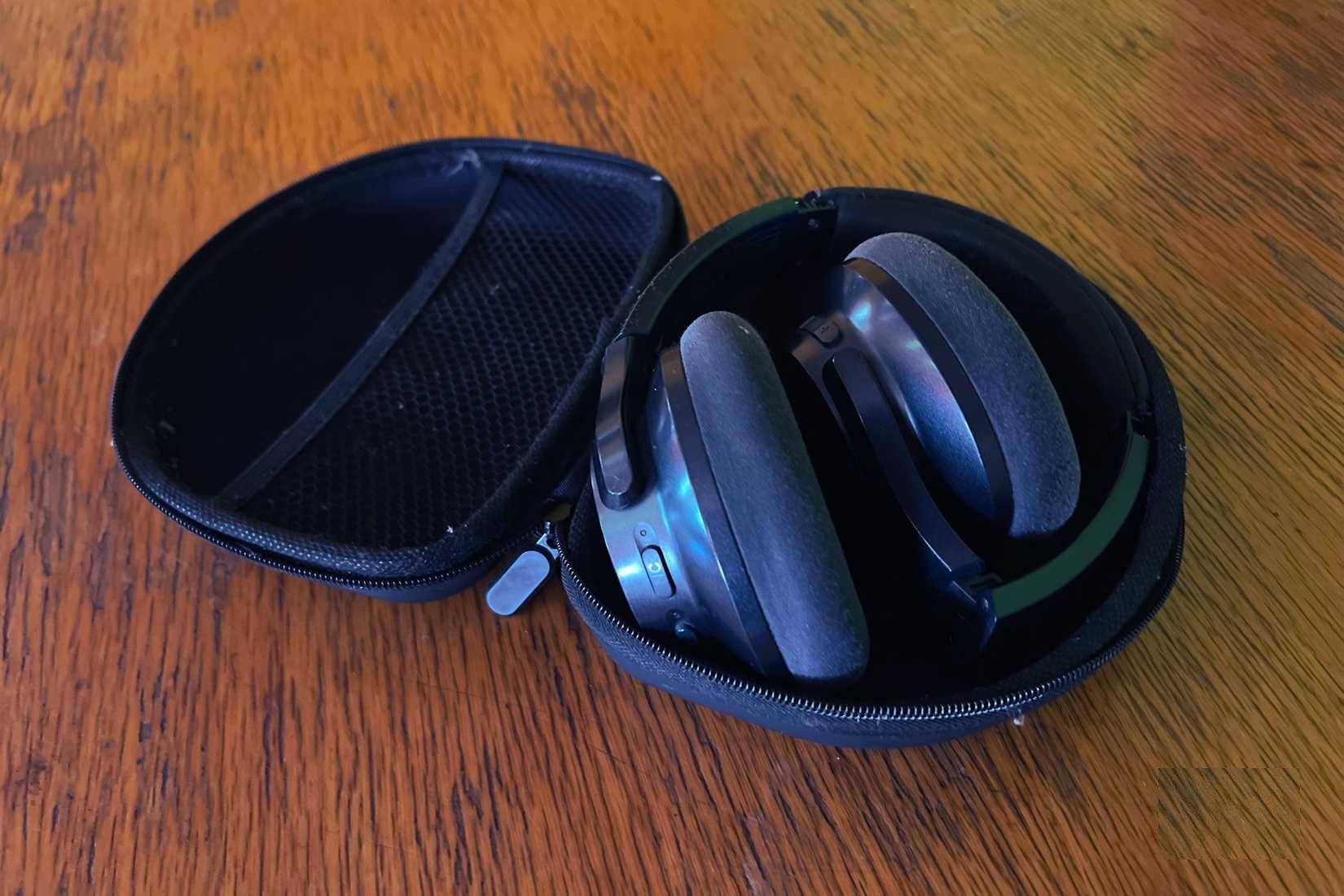
- Use a case that fits without compressing the ear cups or headband.
- Fold or rotate hinges only in the direction shown by the manufacturer. Do not force a compact fold.
- Keep heavy objects away from the headband and ear cups inside a bag.
- Disconnect a cable by gripping the plug body, not by pulling the wire.
- Coil removable cables in loose loops rather than wrapping them tightly around a phone or headphone cup.
- Keep the charging port free of lint and do not insert metal tools into it.
When removing over-ear headphones, use both hands if possible. Repeatedly twisting one cup away from the head can load the swivel and headband unevenly.
Clean the materials according to the manual
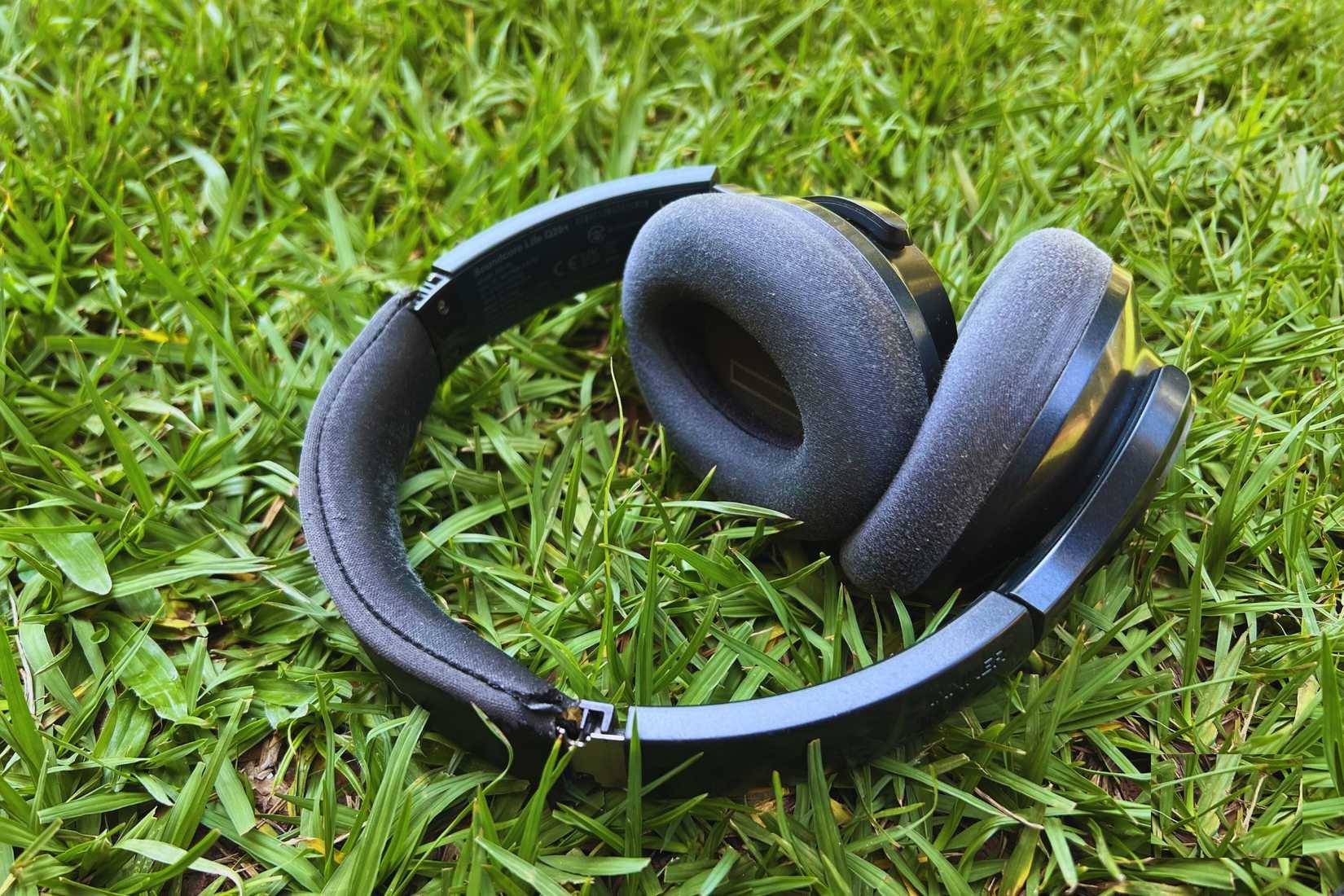
Sweat, skin oil, cosmetics, dust, and earwax can block meshes and degrade pads. The correct method depends on whether a surface is fabric, silicone, foam, coated synthetic leather, real leather, or bare metal.
- Power off the headphones and disconnect all cables.
- Remove ear tips or pads only if the manual says they are user-removable.
- Wipe exterior surfaces with a soft, slightly damp, lint-free cloth. Apply liquid to the cloth, not directly to the headphones.
- Use only the cleaner and concentration approved for the material. Soap, alcohol, peroxide, and disinfecting wipes can discolor coatings, weaken adhesive, or harden pads on some models.
- Keep liquid away from drivers, microphones, buttons, vents, and charging contacts.
- Let every part dry fully before reassembly, charging, or use.
A rigid tool can push debris through an acoustic mesh or damage a driver. Use the maker's recommended brush or cleaning tool and work gently from the outside.
Dry sweat before putting headphones away
An IP rating applies only under stated test conditions and can become less effective as a product ages. It does not mean sweat can remain on the pads or charging contacts. After exercise, wipe the headphones, remove detachable pads or tips if instructed, and let moisture evaporate before closing the case.
Never charge headphones while the port or contacts are wet.
Protect the battery from heat and long neglect
Wireless headphone batteries lose capacity through both age and use. Heat accelerates unwanted battery reactions, so do not leave headphones in a hot car, on a sunny windowsill, against a heater, or charging under bedding.
- Use a compliant charger and cable within the manufacturer's input specification.
- Do not continue using a cable or port that is loose, scorched, unusually hot, or physically damaged.
- Avoid storing the headphones completely discharged for months. Recharge them periodically according to the manual.
- If a supported app offers an optimized charging or charge-limit feature, use it when it fits your routine.
- Stop using the headphones if the case swells, separates, smells unusual, or becomes abnormally hot. Do not puncture or compress a swollen battery.
A wired connection can reduce use of the wireless radio and battery, but it is optional—not a requirement for long life. Some active headphones still consume battery for amplification, noise cancellation, or digital processing in wired mode. See this Bluetooth headphone guide for connection-mode trade-offs.
Use sensible volume for your hearing

The primary reason to avoid excessive listening volume is hearing safety. The phone's maximum setting does not correspond to one universal acoustic level: headphone sensitivity, amplifier output, seal, recording level, and equalizer settings all affect sound pressure.
Use the lowest level that remains clear, take breaks during long sessions, and enable the device's headphone-level warnings or limits where available. Ringing, muffled hearing, pain, or persistent sound sensitivity are reasons to stop and seek advice from a qualified hearing professional.
Very high electrical input can damage a driver, especially with a powerful external amplifier, but ordinary phone volume controls are not a reliable way to predict that threshold. Follow the headphone's rated input and avoid audible distortion.
Check USB and analog wired modes before relying on them
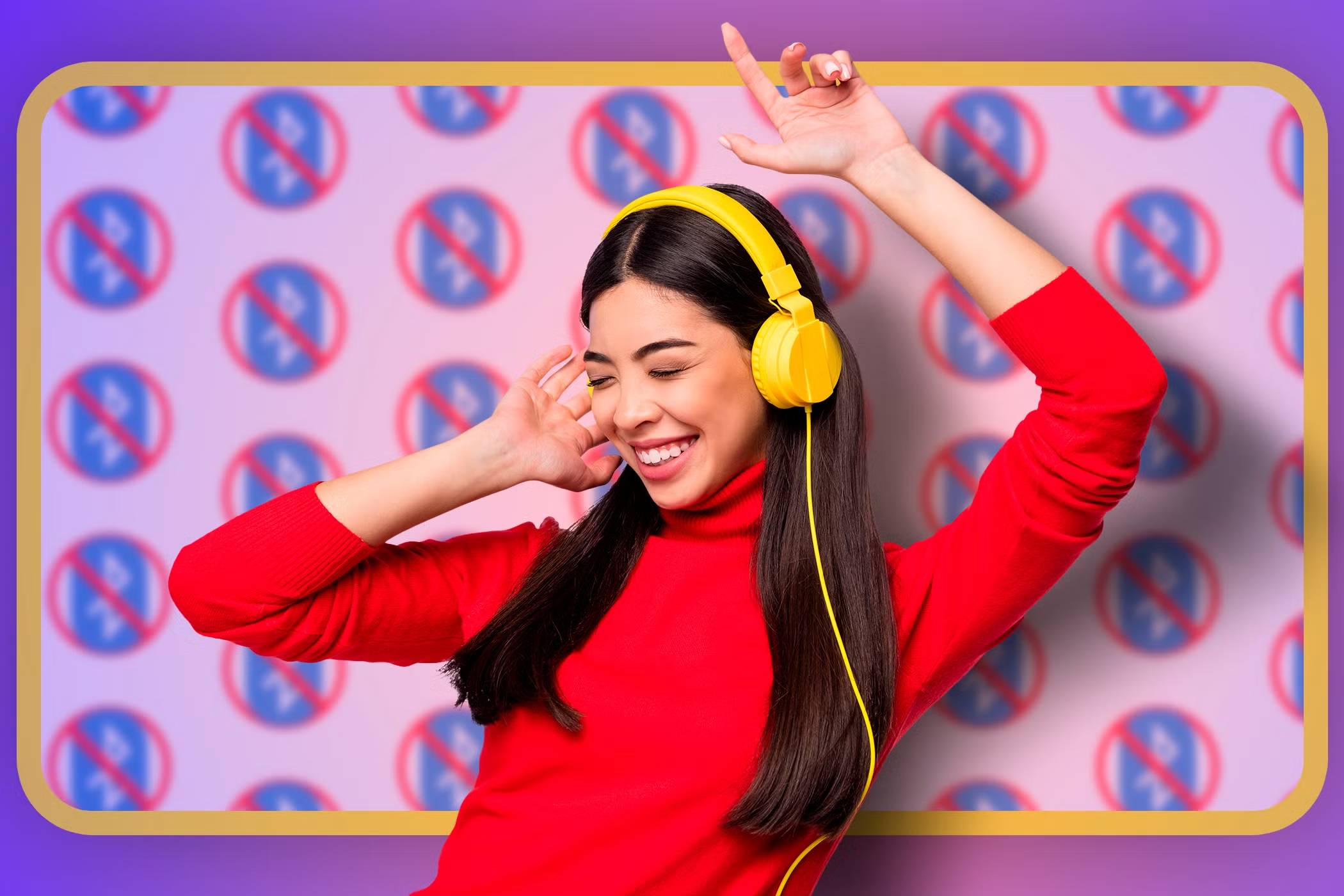
A USB-C charging port does not necessarily accept audio. A 3.5mm input may work passively on one model but require battery power on another. The microphone, controls, equalizer, and active noise cancellation may also change by connection type.
Confirm the supported modes in the manual and use a data-capable cable where USB audio is required. The broader explanation of USB and other computer ports is useful background, but model documentation decides what a particular connector can do.
Replace wear parts before they create new problems
Ear pads, ear tips, headband cushions, detachable cables, windscreens, and cases are consumable. Replace them with parts made for the exact model or confirmed compatible by the manufacturer.
Poorly fitting pads can change the acoustic seal, active noise cancellation, comfort, and driver distance. A third-party cable with the wrong wiring can damage a connector or produce incorrect microphone behavior. If battery replacement requires opening a glued or sealed housing, use an authorized service option rather than puncturing a cell.
Keep software changes controlled
- Install firmware only through the manufacturer's official app or support process.
- Do not interrupt an update, let the battery die during it, or move out of the required range.
- Record custom EQ and control settings before a reset.
- If only one source has problems, remove and pair again before assuming the headphones are failing.
Quick care routine
| After each use | Every few weeks | Before long storage |
|---|---|---|
| Wipe sweat, check the cable, and let pads dry | Clean removable parts, inspect hinges and charging contacts | Charge to the maker's recommended storage level and keep in a cool, dry case |
| Place in a case without crushing | Check for pad cracks, loose plugs, or abnormal battery heat | Remove a detachable cable and schedule periodic recharge if instructed |
No habit can guarantee a particular lifespan, and price alone does not determine durability. Repairable pads, replaceable cables, available parts, a clear warranty, and a supported battery service can matter as much as careful daily use.
Related Articles
 Things That Affect the Lifespan of Wireless Headphones: Complete Guide7 minutes read
 Top Habits That Reduce Lifespan That Need to Be Changed Immediately9 minutes read
 You're Unknowingly 'Killing' Your SSD: Explained8 minutes read
 5 Tips to Extend the Life of Your Gaming PC7 minutes read
 To Protect the Hearing, Clean the Earpiece: How to Clean Headphones3 minutes read
 Simple Daily Habits Can Help You Live up to 11 Years Longer7 minutes read
Reader Comments 0
Sign in with email or Google to join the discussion.