Table of Contents
Xiaomi and Redmi earbuds do not share one universal reset sequence. The correct buttons, tap count, LED pattern, and case position depend on the exact model. Check the model number on the case, box, Bluetooth name, or Xiaomi Earbuds app before attempting a factory reset.
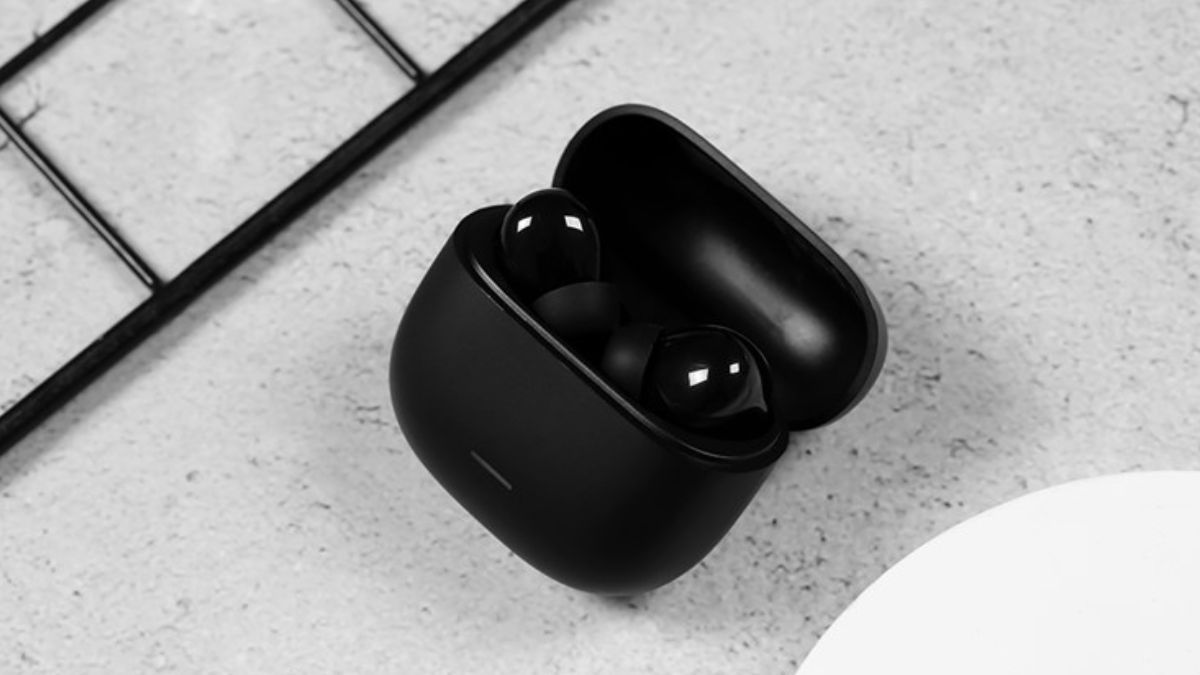
Try these fixes before a factory reset
- Charge the case and both earbuds.
- Clean the charging contacts with a dry, soft cloth and confirm both earbuds show charging status.
- Turn Bluetooth off and on, then restart the phone.
- In Bluetooth settings, forget the existing Xiaomi/Redmi entry and pair again.
- Disconnect other phones, tablets, or computers that may be reconnecting automatically.
A reset clears pairing information and may clear touch, EQ, or other preferences. It will not repair a damaged speaker, battery, microphone, or charging contact.
Find the exact reset method
Search Xiaomi's official support site or the supplied manual using the complete product name—for example, the Buds model and any “Lite,” “Pro,” or generation suffix. A guide for a visually similar model can use a different command.
Common designs include:
- Case with a function button: both earbuds usually stay in the case while the case button is held until a specified LED pattern appears.
- Physical buttons on each earbud: the manual may require holding both buttons together or performing a sequence after powering them off.
- Touch-only earbuds: the sequence may use repeated taps or long presses on both touch panels, either inside or outside the case.
Use these as layout clues, not as instructions. Stop if the LED pattern does not match the manual.
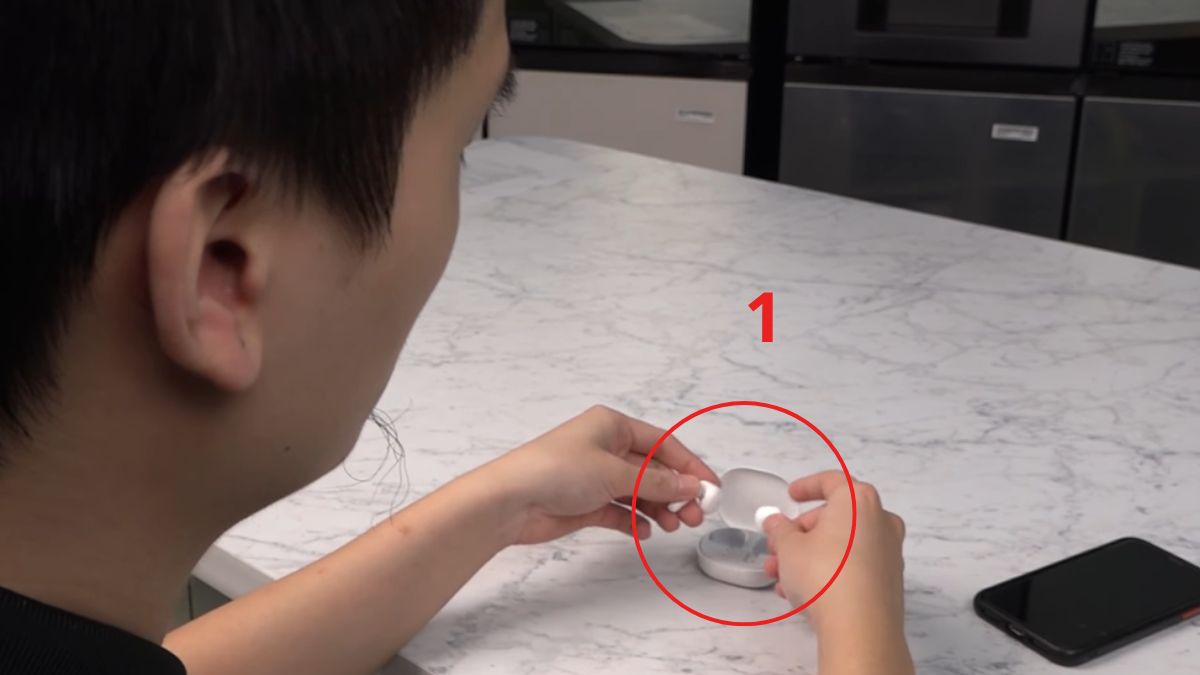
Typical reset workflow
- Charge both earbuds and the case to a usable level.
- On every previously paired device, select the earbuds and choose Forget or Remove.
- Put both earbuds in the position specified by the exact manual.
- Perform the documented button or touch sequence once.
- Wait for the documented pairing/reset LED pattern.
- Close and reopen the case if instructed, then pair as a new device.
Do not repeatedly reset while one earbud is not charging; the two sides can remain out of sync because only one received the command.
Reconnect after the reset
- Open the charged case near the phone, or remove the earbuds if the manual requires it.
- Open the phone's Bluetooth settings.
- Select the exact Xiaomi or Redmi model from available devices.
- Accept only expected pairing or companion-app prompts.
- Play a test track and check left/right audio, microphone, and controls.
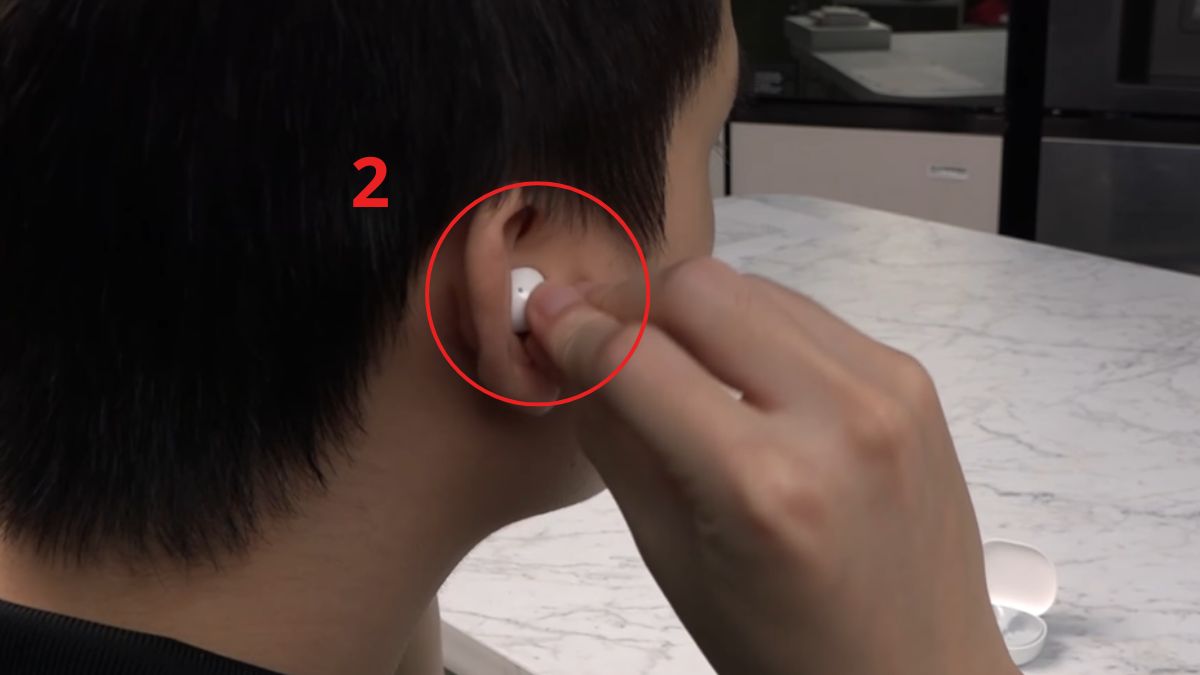
If only one earbud works
Return both sides to the case, confirm each makes contact, and let them charge. Forget all duplicate Bluetooth entries, then repeat the model-specific reset once. If the phone shows separate left and right device names, remove both before pairing the normal combined entry.
If the earbuds do not appear
- Move other paired devices away or disable their Bluetooth temporarily.
- Check whether the case LED indicates low battery.
- Update the Xiaomi Earbuds app and firmware only through official channels.
- Test pairing with a second phone to separate an earbud fault from a phone setting.
- Review Bluetooth headphone connection fixes.
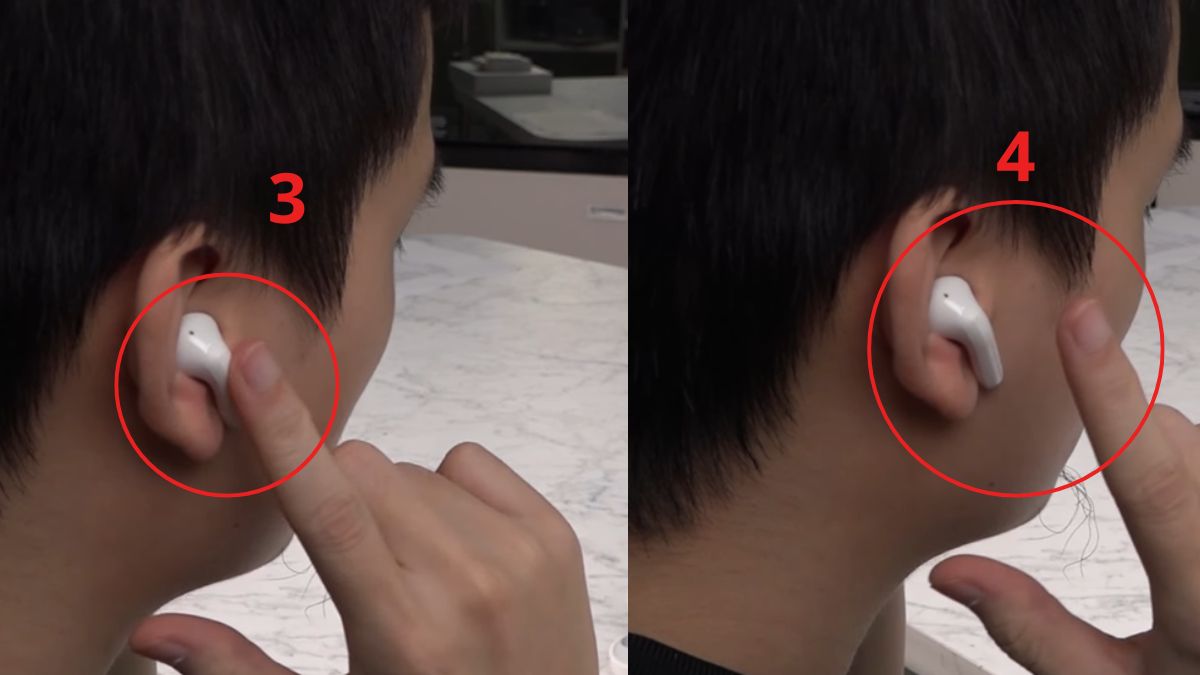
When service is appropriate
Arrange authorized inspection if an earbud never charges, becomes hot, has a swollen battery, was exposed to liquid, or remains undetected on multiple devices after the correct reset. Do not open a glued earbud or puncture its battery. For routine care, see how to clean wireless earbuds safely.
Related Articles
 How to Reset SMC on Mac6 minutes read
 How to Use Wireless Headphones Simple, Most Detailed7 minutes read
 How to Use Bluetooth Headphones: a Step-by-Step Guide to Connecting7 minutes read
 Detailed Guide on How to Reset a Huawei Tablet6 minutes read
 The Simplest Way to Connect Bluetooth Headphones to Android10 minutes read
 How to Use Wireless Headphones , Most DETAILED8 minutes read
Reader Comments 0
Sign in with email or Google to join the discussion.