Table of Contents
A soundbar can be a major improvement over thin television speakers, but it is not automatically the best audio system for every room. Buyers most often regret one when they expect discrete surround sound, assume every HDMI feature will work together, overlook physical placement, or spend receiver-and-speaker money on a system that cannot be upgraded.
The right question is not whether soundbars are good or bad. It is whether a particular model fits the room, television, sources, listening priorities, and tolerance for extra speakers and cables.
1. Virtual surround may not match the room

A soundbar can widen sound with angled drivers, timing, signal processing, and reflections from side walls or the ceiling. The result depends on room geometry and seating. Open-plan rooms, vaulted or absorbent ceilings, asymmetrical walls, and seats close to one side can weaken the effect.
A bar with separate rear speakers can produce genuine sound from behind the listener; an all-in-one bar generally cannot place sound as precisely as correctly positioned discrete speakers. Up-firing channels can add a useful sense of height, but they are not equivalent to ceiling-mounted speakers in every room.
Do not buy from the channel count alone. Find out which channels are physical, which are virtualized, whether rear speakers are included or optional, and what room-calibration system is available.
2. HDMI ARC, eARC, and CEC can create compatibility problems
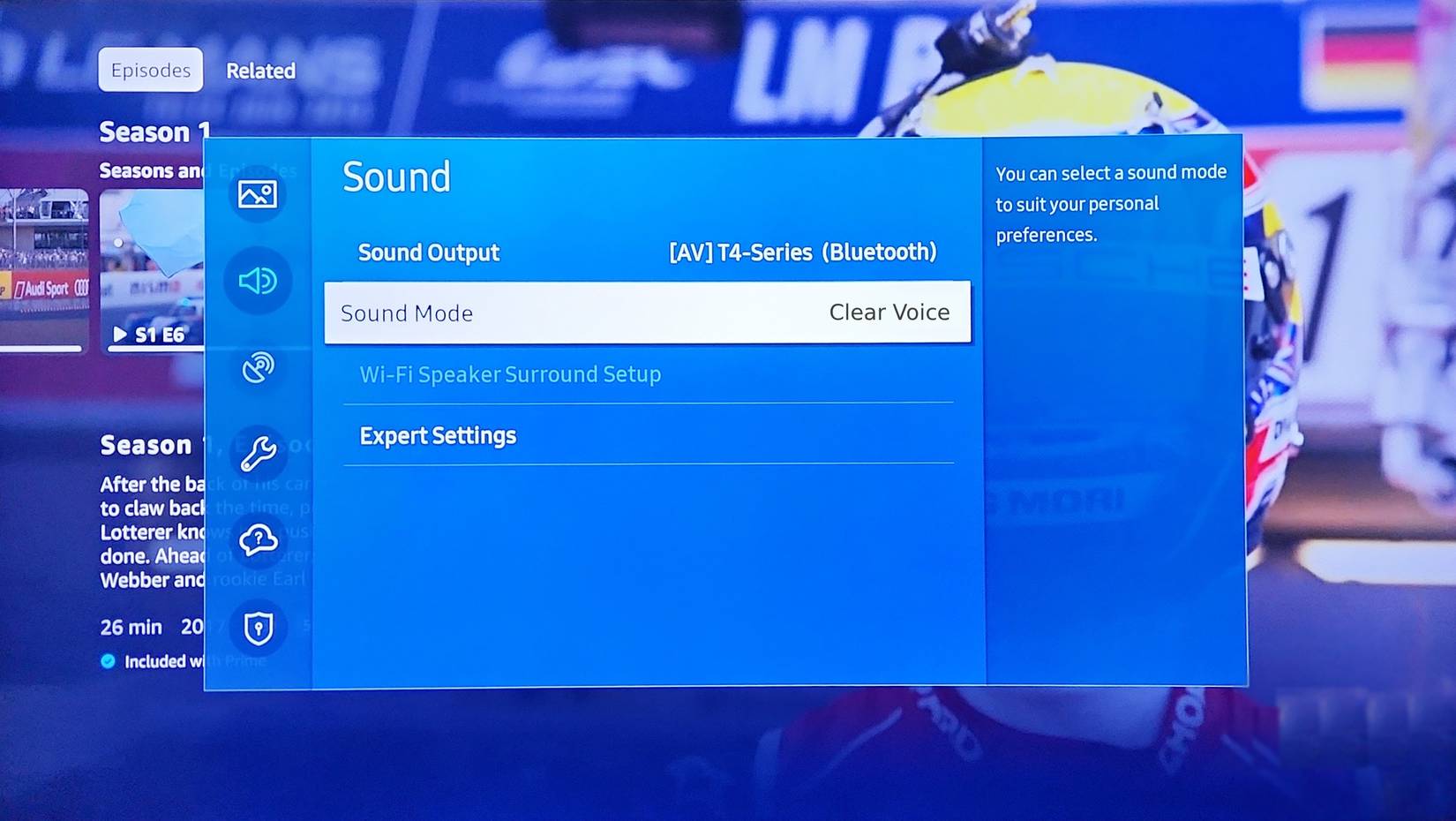
ARC returns audio from the TV to the soundbar over HDMI. eARC supports a higher-capacity return path and can carry formats that ordinary ARC cannot, but both devices and the cable path must support the required feature. HDMI-CEC provides linked power and volume control, yet manufacturers implement it differently.
Common surprises include:
- The TV sends only stereo or a compressed format from a particular input.
- Lip-sync delay changes between built-in apps, a console, and a set-top box.
- The soundbar's HDMI input does not pass the gaming resolution, refresh rate, variable refresh rate, or HDR format that the display supports.
- Power or input switching becomes unreliable when several CEC devices compete.
- DTS, Dolby formats, or multichannel PCM are not supported through the complete source-to-TV-to-bar path.
Check the television's labeled ARC/eARC port, the soundbar manual, and every source format before buying. This guide explains how a television's HDMI ARC port returns audio.
3. Dialogue or bass may disappoint
Soundbars vary in center-channel design, driver size, crossover behavior, and processing. A bar with no discrete center channel may still reproduce clear speech, while a poorly configured multichannel model can make dialogue harder to understand. Store demos also tend to favor dramatic bass rather than late-night clarity.
A separate subwoofer extends low frequencies, but placement near a wall or corner can make some bass notes boom while others disappear at the seat. “Wireless subwoofer” normally means wireless audio; it still needs mains power.
Before returning a bar, run its room calibration, confirm the TV's output format, set the subwoofer near the main listening position temporarily and test possible locations, and try dialogue enhancement without enabling every virtual effect. This PCM-versus-bitstream soundbar guide explains why output format can change compatibility, though there is no one setting that is best for every system.
4. The bar may block the screen or remote sensor
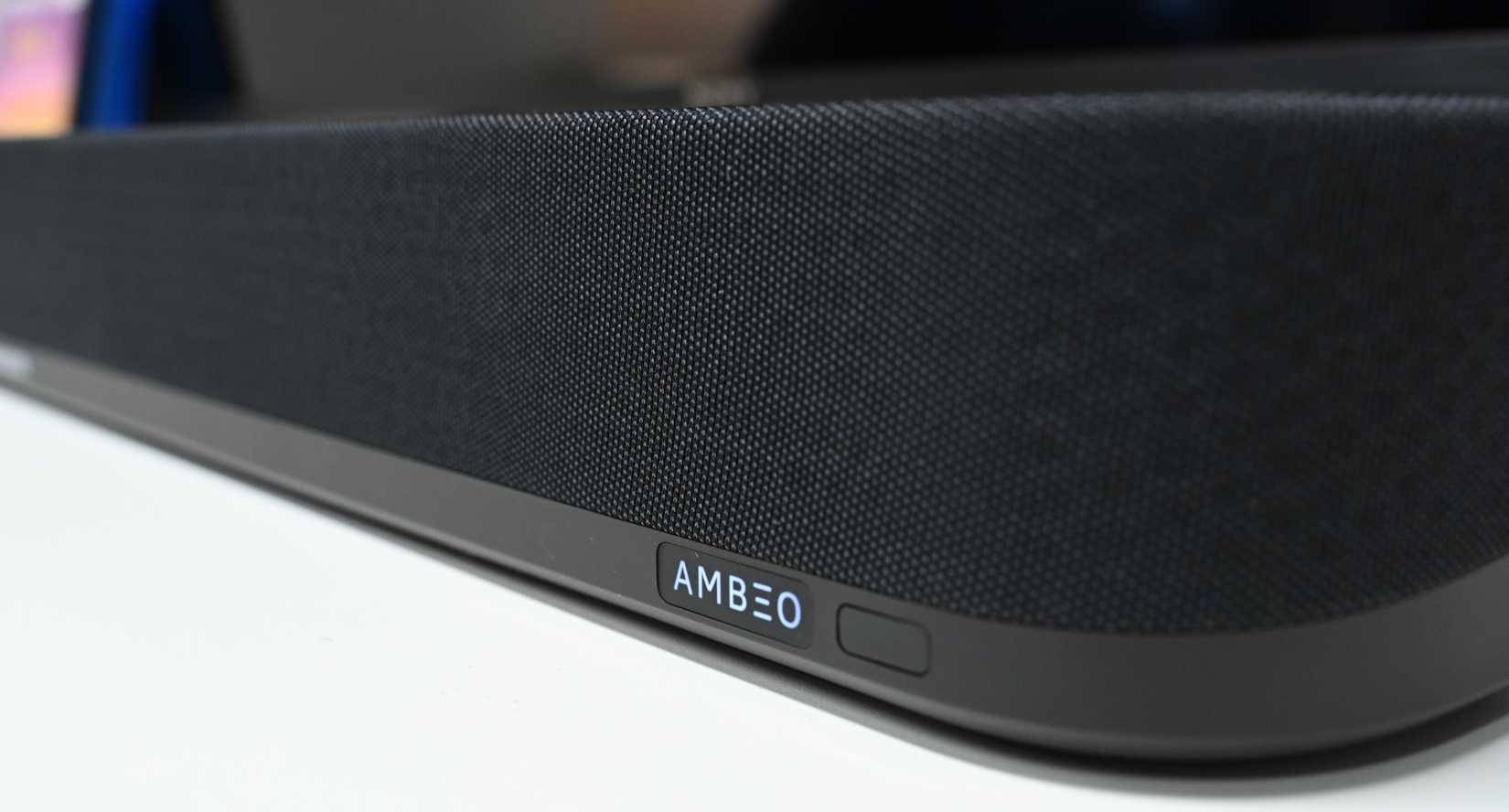
Measure the available width, depth, and height before purchase. A tall bar can block the bottom of a low television, its infrared receiver, or part of the picture. Wall mounting can create new issues if up-firing drivers sit under a shelf or the ports and power cable have no clearance.
Also check:
- Whether the TV stand fits between or over the bar.
- Where side-firing and up-firing drivers need open space.
- Where a subwoofer and optional surrounds will receive power.
- Whether the soundbar wall bracket is included.
- Whether the display and bar can share a mounting system safely.
5. A “wireless” system still has cables and constraints
The soundbar needs power and usually HDMI or optical audio. A subwoofer and rear speakers need power; some rear kits also connect to a wireless receiver by speaker wire. Wi-Fi speakers may depend on an app, account, cloud service, or the maker's private wireless link.
Adding another brand's subwoofer or rear speakers is often impossible. Check which expansion products are supported, how long the maker provides software updates, whether basic HDMI playback works without an account, and what happens if the app or network is unavailable.
6. Music can expose the compact design
A long soundbar can create a convincing television soundstage, but its left and right drivers are still relatively close compared with well-positioned stereo speakers. Listeners who prioritize music may prefer powered bookshelf speakers or an amplifier and passive pair for wider stereo imaging and easier component replacement.
That does not make every speaker pair superior. Placement, room acoustics, amplification, and speaker quality still matter. Compare both options using familiar music at matched volume.
7. The same budget may buy a more flexible system
| System | Strength | Trade-off |
|---|---|---|
| All-in-one soundbar | Compact, simple, usually one main audio cable | Limited separation, bass, repair, and expansion |
| Soundbar with sub and rears | Easier surround setup than an AV receiver | More power cables and often a locked ecosystem |
| Powered stereo speakers | Good music imaging and fewer boxes than an AVR | May lack HDMI control, center dialogue, or surround expansion |
| AV receiver with passive speakers | Upgradeable, flexible placement, real multichannel options | More space, setup, wiring, and component selection |
For a deeper comparison, see soundbar versus AV receiver trade-offs.
Soundbar pre-purchase checklist
- Listen in a room similar to yours or buy from a seller with a workable return policy.
- Check supported audio formats from every important source.
- Confirm ARC/eARC, CEC, and gaming pass-through requirements.
- Measure the TV stand, screen clearance, wall space, and cable paths.
- Decide whether virtual surround is enough or rear speakers are required.
- Check included accessories, optional-speaker prices, app requirements, and update policy.
- Compare the total system price with powered stereo speakers and an entry-level receiver setup.
A soundbar is often the sensible choice for a small room, rental, bedroom, or clean living-room installation. Regret comes from a mismatch between expectations and the system—not from the form factor alone.
Related Articles
 Why Many People Regret Buying iPad Air6 minutes read
 Change This Setting to Get the Best Sound from Your Soundbar!7 minutes read
 4 Easy Ways to Connect Your New Soundbar to Your TV: Top Picks and Buying Guide10 minutes read
 Which JBL Soundbar Speaker Is Best to Buy?4 minutes read
 5 Ways to Improve Soundbar Sound Instantly: Practical Guide5 minutes read
 Which Soundbar or AV Receiver Is Better for Your Home?9 minutes read
Reader Comments 0
Sign in with email or Google to join the discussion.