Table of Contents
Studio monitor headphones are designed for recording, editing, mixing, or checking audio rather than emphasizing a fashionable sound signature. They usually aim for revealing detail, consistent channel balance, and predictable response, but “monitor” does not mean perfectly flat. Every model has frequency-response variations, and the listener's fit, ears, volume, and equipment also affect what is heard.
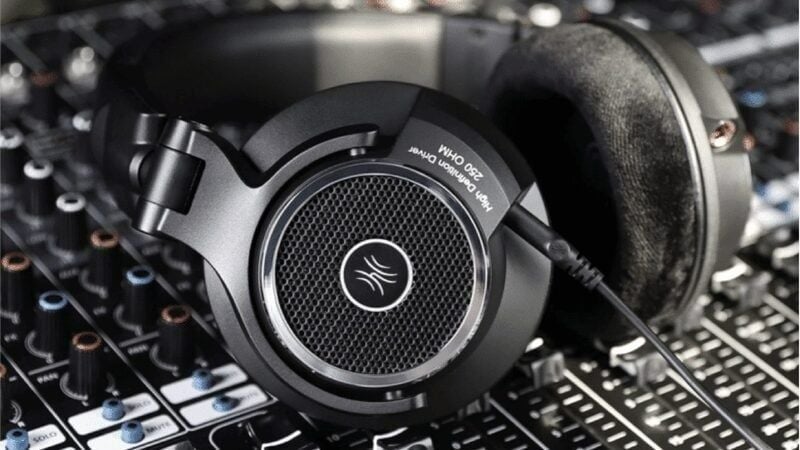
Studio headphones versus ordinary headphones
| Priority | Studio monitor headphones | Consumer or gaming headphones |
|---|---|---|
| Tuning | Often aims to expose recording and mix details without heavy coloration | May emphasize bass, treble, dialogue, or cinematic impact |
| Construction | Serviceable parts, long cable options, replaceable pads, durable hinges are common | Comfort, wireless features, microphones, ANC, style, and portability may take priority |
| Use | Tracking, editing, monitoring, sound design, and mix checks | Music enjoyment, calls, commuting, gaming, and general media |
| Accuracy | Can reveal noise, sibilance, distortion, edits, and balance problems | Can sound more immediately pleasing but may mask or exaggerate parts of a mix |
These are tendencies, not strict rules. Some consumer headphones measure neutrally, and some popular studio models have pronounced bass or treble. Look at independent measurements and audition with familiar reference tracks when possible.
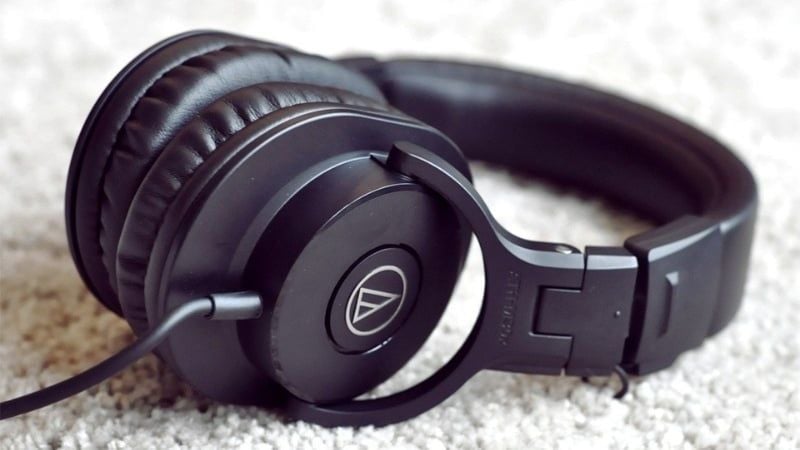
Closed-back monitor headphones
Closed earcups reduce sound leakage and provide some passive isolation. That makes them the normal choice for vocalists, voice-over artists, musicians, streamers, and podcasters whose microphone must not pick up the headphone feed.
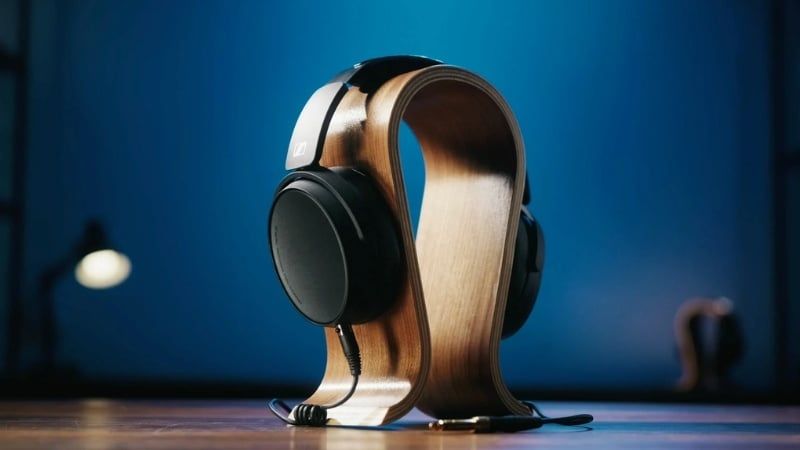
Strengths:
- Less sound spills into a nearby microphone.
- Better isolation from room noise than most open-back designs.
- Suitable for recording and mobile work.
Trade-offs:
- Earcup reflections can make the response less natural.
- Heat and pressure may build during long sessions.
- Soundstage can feel narrower than on an open model.
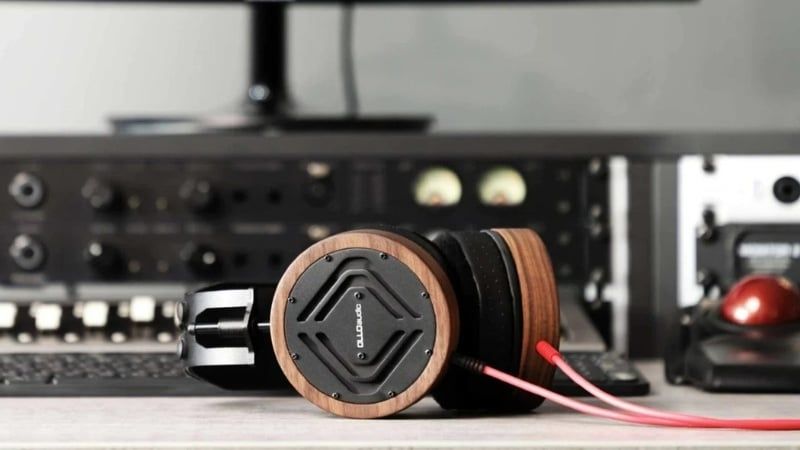
Open-back monitor headphones
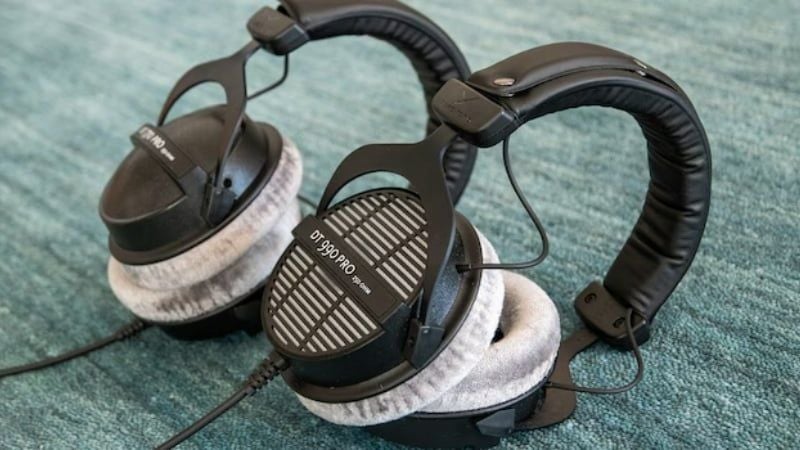
Open grilles allow air and sound to pass through the earcups. A good open-back headphone can sound spacious and reduce the closed-cup resonance that affects some sealed models, which is useful for editing and mix evaluation in a quiet room.
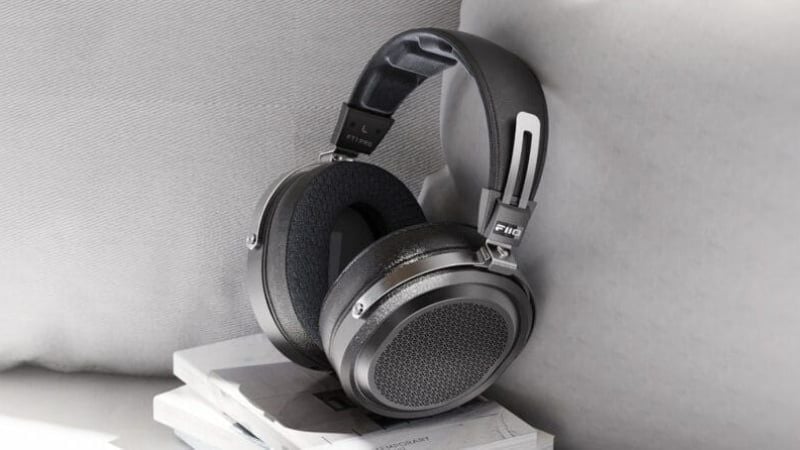
Open models leak enough sound to enter a microphone and provide little isolation from traffic, conversation, fans, or other room noise. They are poor choices for recording near a live microphone, commuting, or working beside another person. Their wide presentation is not automatically more accurate; frequency response and imaging still vary by model.
In-ear monitors
In-ear monitors (IEMs) seal in the ear canal and are widely used by performers who need a personal monitor mix on stage. With the correct tips and fit, they provide strong passive isolation, low leakage, and portability.
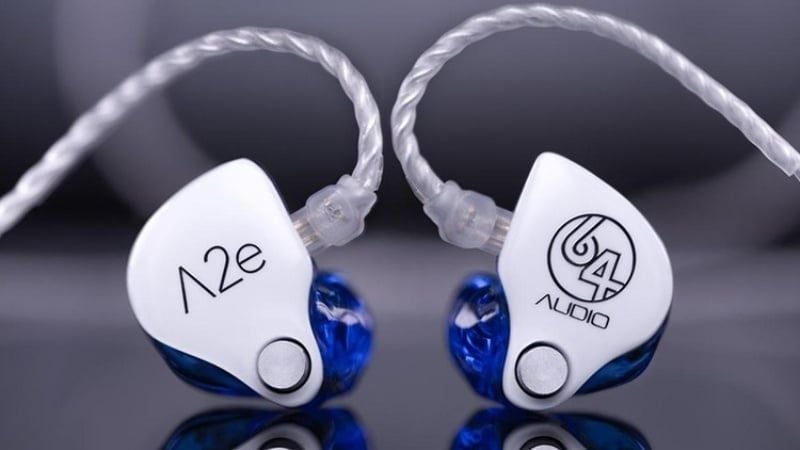
Fit changes bass response dramatically, and deep isolation can make unsafe playback levels less obvious. Start quietly, use the correct tip size, clean removable tips, and do not share earpieces without appropriate hygiene. Musicians should use a properly limited monitor system; removing one earpiece on a loud stage can encourage dangerously high levels.
For a detailed design comparison, see IEMs versus ordinary earbuds.
Advantages and limitations

Why they are useful
- Reveal clicks, clipping, noise, breaths, edit points, and low-level detail.
- Allow work when speakers would disturb other people or the room is untreated.
- Provide a consistent reference when traveling between studios.
- Cost less and occupy less space than a complete monitor-speaker and acoustic-treatment setup.
Why headphones are not a complete studio
- They bypass room acoustics, so a mix may not translate to speakers as expected.
- Left and right channels feed separate ears, unlike loudspeakers, changing stereo perception.
- Low-frequency impact and depth can be judged differently on headphones.
- Long sessions can cause physical and listening fatigue.
Use reference tracks, take breaks, check at a low level, and compare important mixes on neutral speakers and several real-world playback systems.
Who benefits from monitor headphones?
- Recording musicians: closed-back models control microphone bleed.
- Mix and mastering engineers: open or carefully calibrated headphones provide another reference, not the only one.
- Editors and sound designers: detail helps identify noise, transitions, and sync errors.
- Streamers and podcasters: sealed headphones prevent the return feed from entering the microphone.
- Performers: fitted IEMs deliver a personal stage mix and isolation.
- Gamers: a well-imaging headphone can help with positional cues, but the “studio” label alone does not make it better for games. Comfort, microphone needs, game audio, and virtual-surround processing also matter.
If you are building a recording setup, TipsMake's overview of music production software explains the workstation side of the signal chain.
How to choose a pair
Start with the job
- Recording near microphones: choose closed-back.
- Editing or mixing in a quiet private space: consider open-back.
- Stage monitoring or maximum portability: consider IEMs.
- One pair for recording and editing: a comfortable closed-back model is the practical compromise.
Fit and serviceability
Wear the headphones for at least 20 minutes if possible. Check clamping force, earcup depth, headband pressure, weight, heat, and whether glasses break the seal. Replaceable cables, pads, and headbands can matter more over years of work than a small specification difference.
Impedance is not the whole amplifier story
Impedance is the electrical load presented to the source, measured in ohms. A low-impedance headphone is often easier for a phone or laptop, but sensitivity determines how much acoustic output it produces from a given voltage or power. A low-sensitivity 32-ohm model can be harder to drive than a sensitive 80-ohm model.
Use a dedicated audio interface or headphone amplifier when the existing output cannot reach a clean working level, introduces hiss or distortion, has poor channel balance at low volume, or the manufacturer specifies unusually high voltage or power requirements. A separate DAC does not automatically improve a clean, adequate built-in output.
Connection and workflow
Check the plug size, cable length, replaceability, balanced or unbalanced wiring, and compatibility with the audio interface. “Balanced” headphone connections are not inherently better for a short desktop cable; use the connector the headphone and amplifier are designed for.
Use them safely
Accurate headphones can still damage hearing. Work at the lowest level that supports the task, take regular quiet breaks, and reduce volume when isolation is poor rather than trying to overpower the room. Persistent ringing, muffled hearing, pain, or sound sensitivity is a reason to stop and consult a qualified hearing professional.
The right monitor headphone is the model that fits the recording environment, exposes useful detail, works cleanly with the available output, and remains comfortable enough for consistent decisions. The word “monitor” by itself is not a performance standard.






Reader Comments 0
Sign in with email or Google to join the discussion.