Table of Contents
You can find some security features that, although they address specific bugs, can themselves pose security risks.
Security is the most important aspect of any operating system. It can mean the difference between privacy and data breaches. For this reason, many people use antivirus programs or update some of their built-in security settings to improve their security. However, Windows 11 comes with a suite of built-in security features that help make your computer less vulnerable to breaches or exploits.
That said, there are some security features that, although they address specific bugs, can themselves pose a security risk. This may be due to the way they are implemented or how they interact with each other. Some of these features are better left disabled.
User Account Control (UAC) prompt
Pop-ups constantly instruct users to ignore real risks
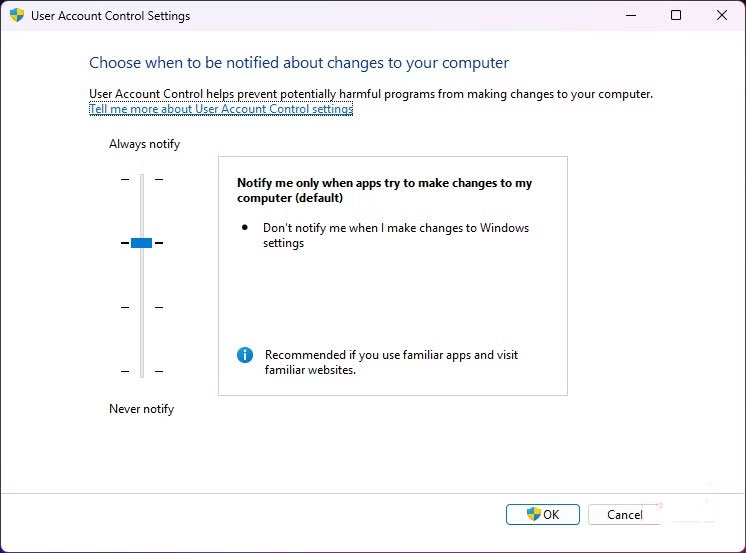
User Account Control (UAC) is a common feature in Windows. This core security feature prevents unauthorized changes to your computer. The idea behind this feature is that any application running on your computer should have the minimum privileges to perform its function.
But here's the thing. You get UAC prompts for pretty much everything. Even officially signed Microsoft software, like the Visual Studio installer, will trigger UAC. Over time, these conditions cause requests to be automatically approved. With this condition, it's very likely that users will approve malicious requests, because the process has become a mechanical action.
Smart App Control
Too many false alarms make everything meaningless
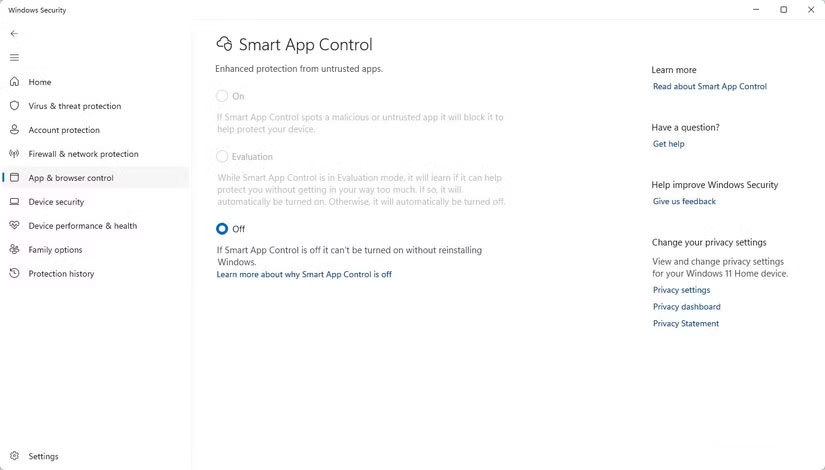
Windows SmartScreen was the previous mechanism; in Windows 11, it was replaced with Smart App Control. This feature only allows apps to run if they are considered 'likely safe.'
Unlike macOS' Gatekeeper, which has an bypass option, the only way to run an unrecognized app on Windows is to disable Smart App Control.
Making matters worse, re-enabling Smart App Control can require a Windows reset or reinstall in some cases. This is odd, since it was easier to turn the old SmartScreen filter off and back on. The difficulty of turning a feature back on is an incentive to turn it off, making it a redundant security feature.
Virtualization-Based Security
Enterprise protections slow down everyday Windows usage
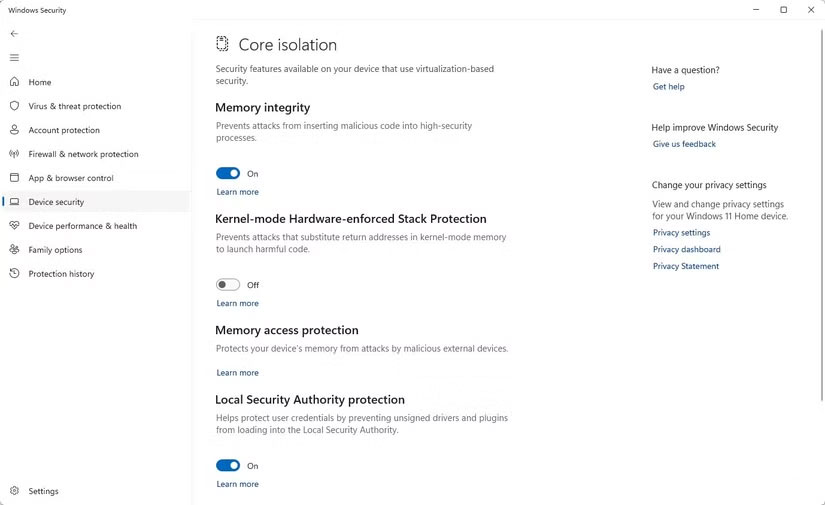
Credential Guard and Virtualization-Based Security (VBS) are two separate security features, but they are closely related. They are perfect for enterprise Active Directory setups, and both work to protect sensitive information even if a computer is compromised. While effective, they are resource-intensive and can cause significant spikes in CPU and memory usage.
On newer builds of Windows 11, they are enabled by default. While they are effective in keeping your computer secure, there are still reasons to disable them. PC Gamer has reported that many games suffer from severe frame rate drops when VBS is enabled.
Windows Security Notifications
The Blurred Line Between Microsoft's Warning and Upsell
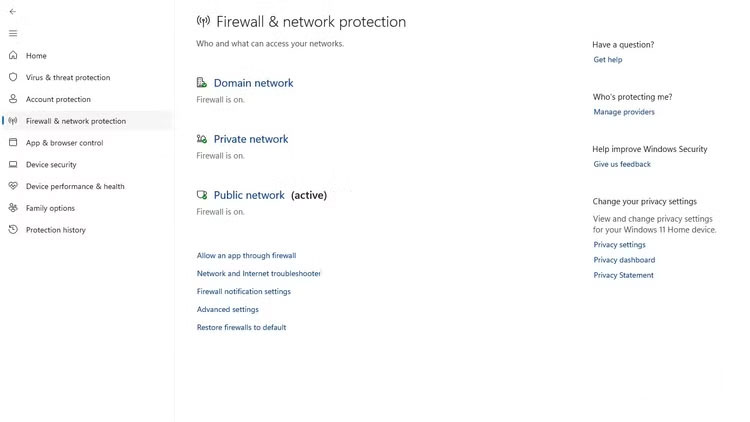
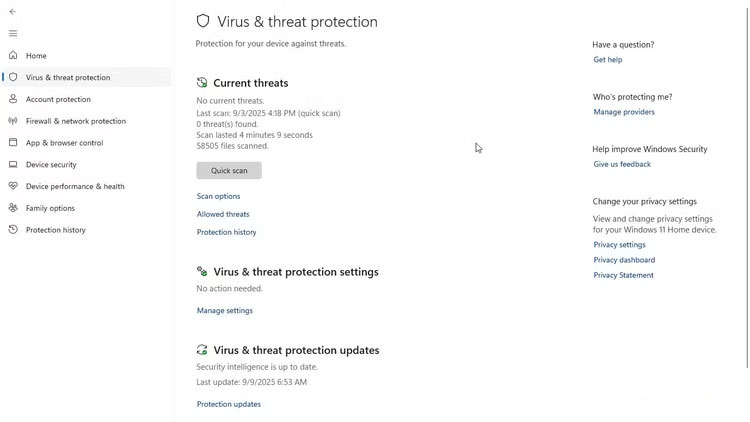
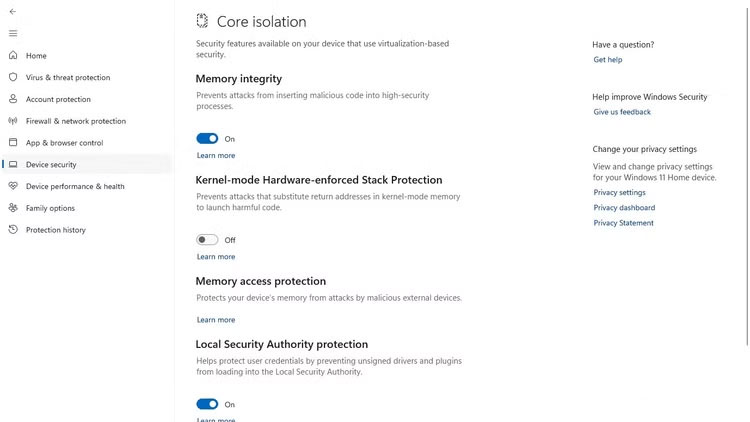
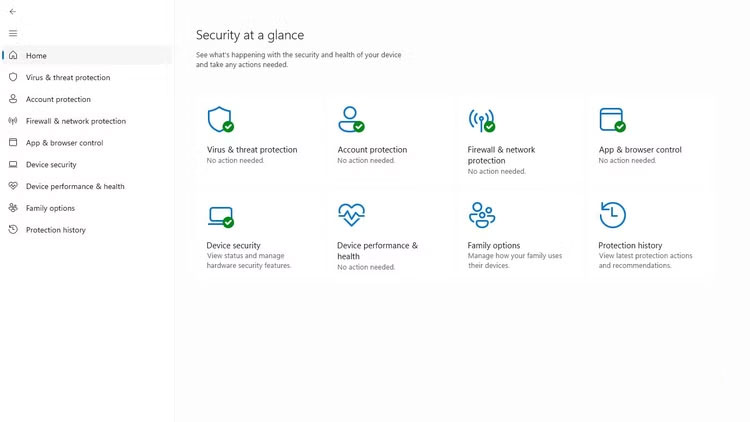
Notifications are essential on any device. They often convey important information that helps you stay alert and, in some cases, aware of threats. Microsoft Defender Antivirus provides some of the expected notifications. However, what was surprising was that not all of the notifications were security warnings.
Some notifications simply advertise a product. For example, the same notification area that shows malware has been blocked also displays 'Set up OneDrive.' This product promotion reduces the sense of urgency. You may also experience duplicate notifications.
So Defender notifications can overlap with system update reminders. This just overloads the Action Center and can lead users to disable all Defender notifications. Ultimately, this implementation error makes the computer less secure than it needs to be.
FAQ
What should you know about the options in this guide?
In practical terms, there are some security features that, although they address specific bugs, can themselves pose security risks.
Which option is the best choice?
The best choice depends on your priorities, compatibility, budget, and the specific features discussed in the comparison.
What should you compare before deciding?
Compare core features, limitations, ease of use, compatibility, and long-term value before making a decision.
Related Articles
 Features That Make Windows 11 the Most Secure Version of3 minutes read
 6 Secure Ways on iPhone: Secure Way on iPhone5 minutes read
 How to Check Secure Boot Has Been Enabled on Your Computer or4 minutes read
 Why Is Windows 11 So Much More Secure Than Windows 10?6 minutes read
 Windows 10 Features Help Increase Computer Security6 minutes read
 How to Protect Your Computer: Clear Instructions14 minutes read
Reader Comments 0
Sign in with email or Google to join the discussion.