Table of Contents
While there are plenty of online resources for building your first computer, there are some mistakes you only realize after you make them.
Many people have trouble with pre-built computers, but building their own PC for the first time is a crash course in mistakes. They have had to swap motherboards multiple times, use too much CPU thermal paste, and learn that even the smallest mistakes can cause a computer to not boot.
While there are plenty of online resources for building your first computer, there are some mistakes you only realize after you make them. Costly mistakes will hurt your wallet, while time-consuming mistakes will test your patience. Fortunately, most of them are avoidable if you know what to look for.
Don't cut corners on the power supply
Power Supply Unit (PSU) is more important than you think
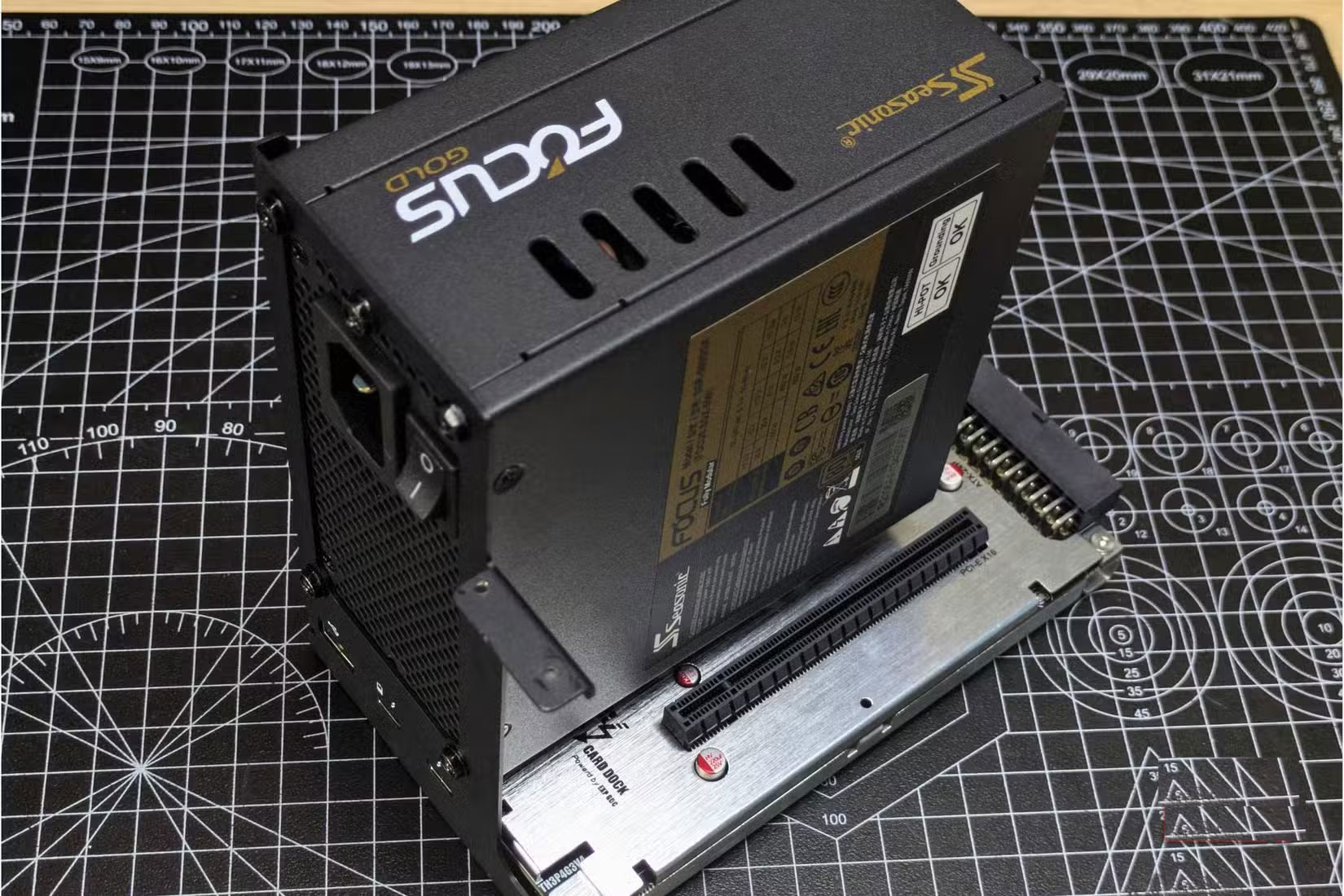
The biggest mistake is buying a cheap power supply.
The power supply supplies power to every component in your system. When it fails, it can take other components with it. To avoid any power supply issues, choose reputable brands like Corsair, EVGA, or Seasonic. And always use at least 20% more wattage than you think you need.
Another compatibility error you can encounter is not checking if your motherboard's BIOS supports the CPU out of the box.
Assemble the core components outside the case first
More accessible, less error prone
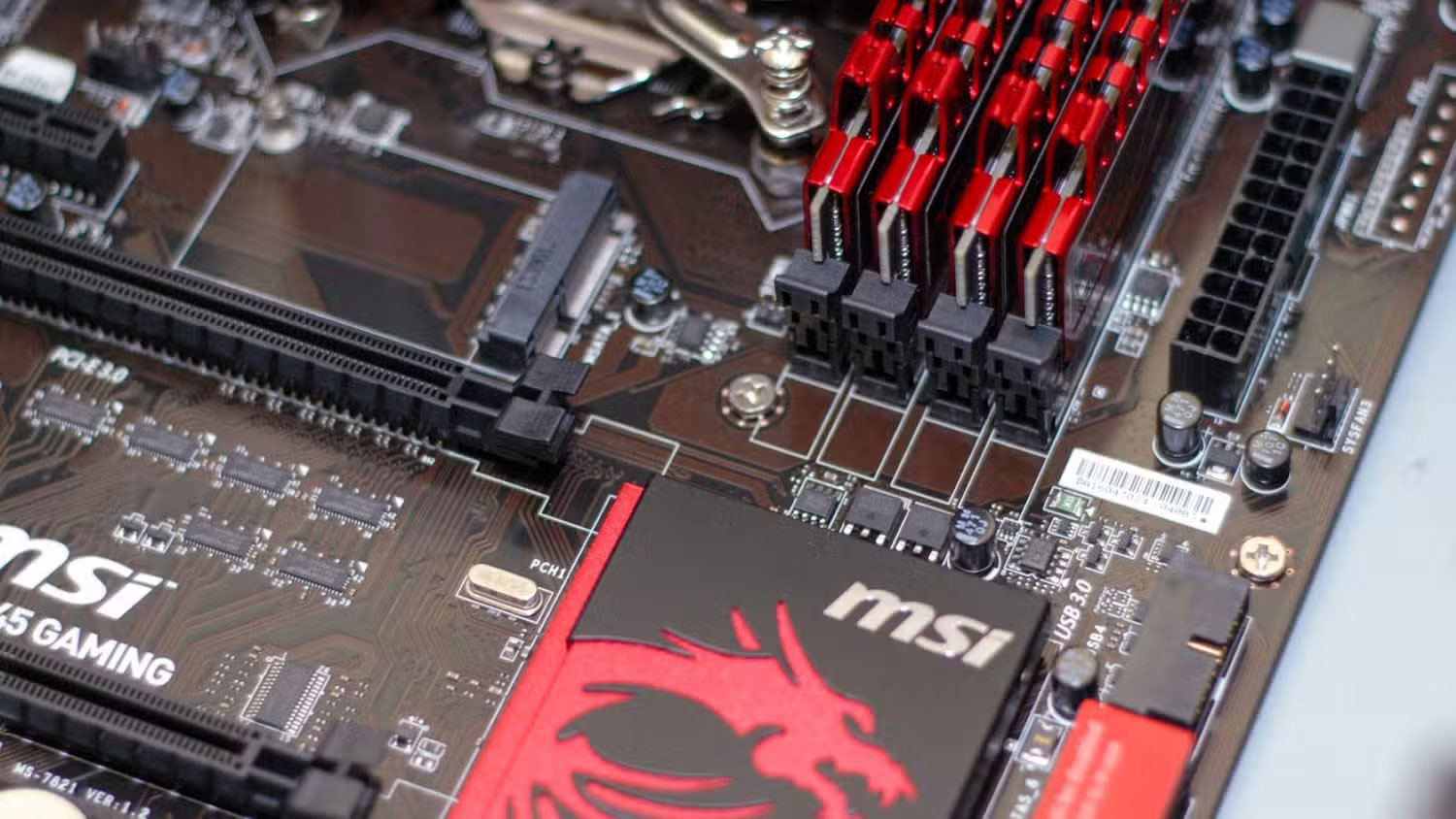
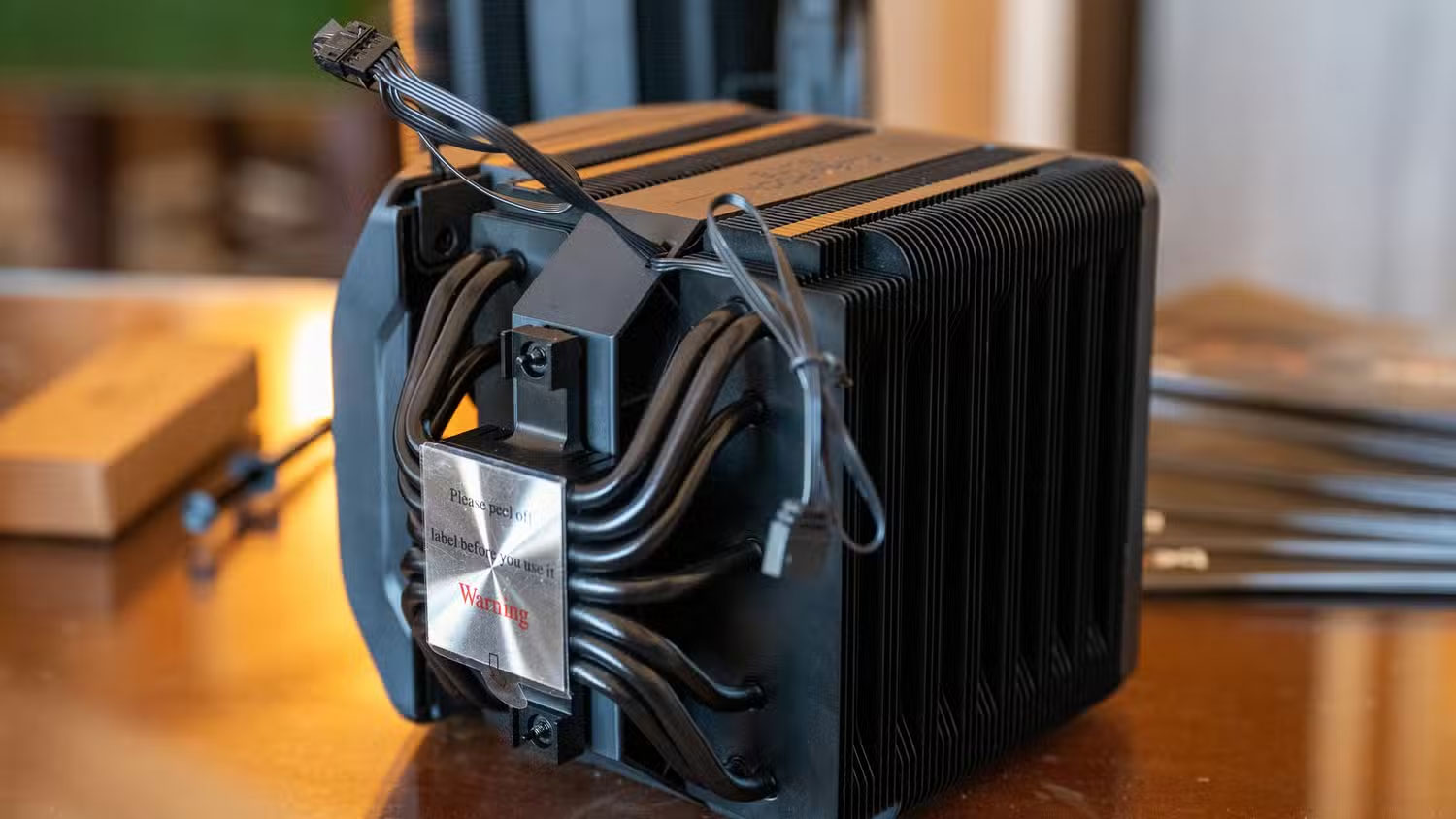
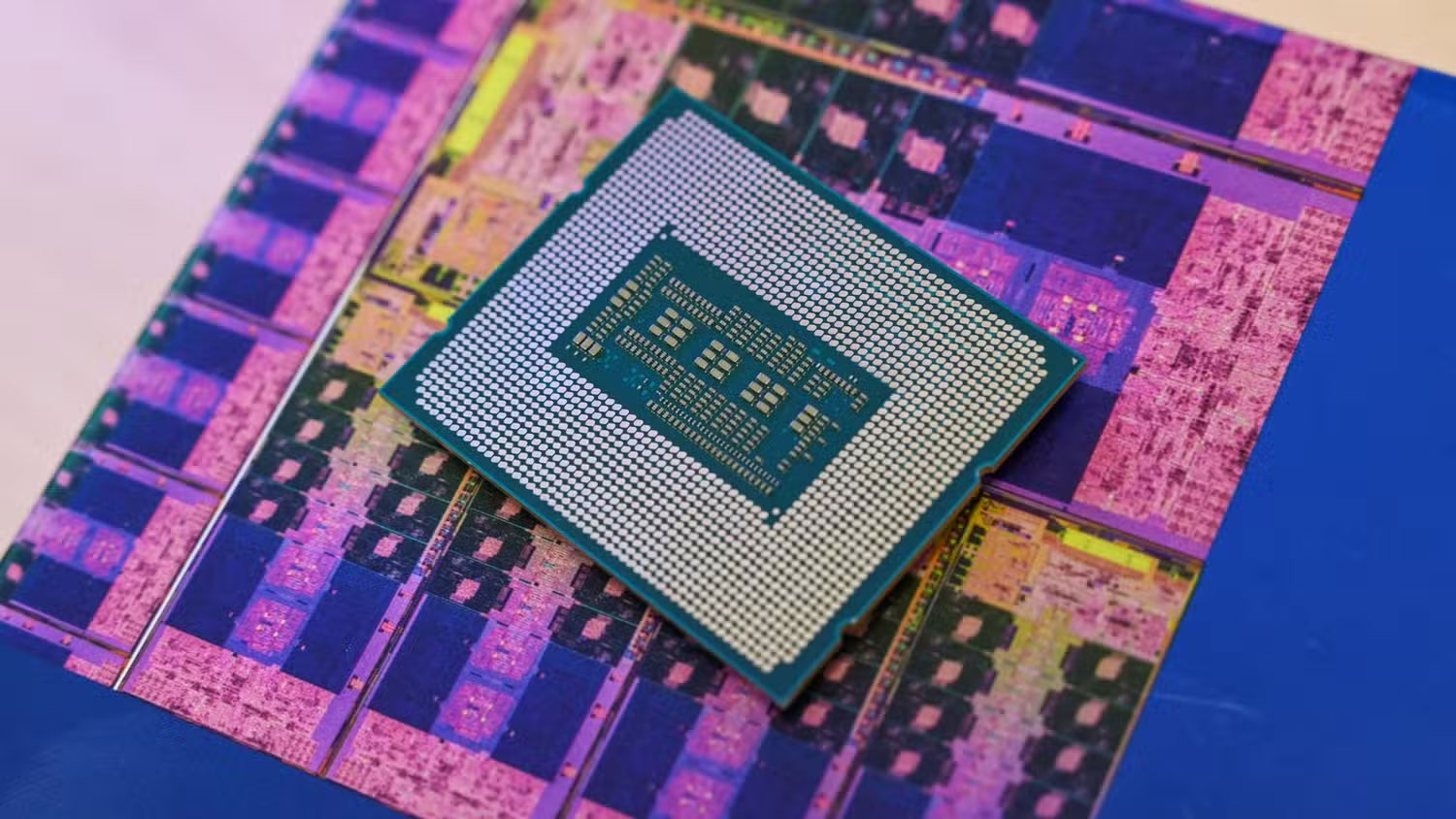
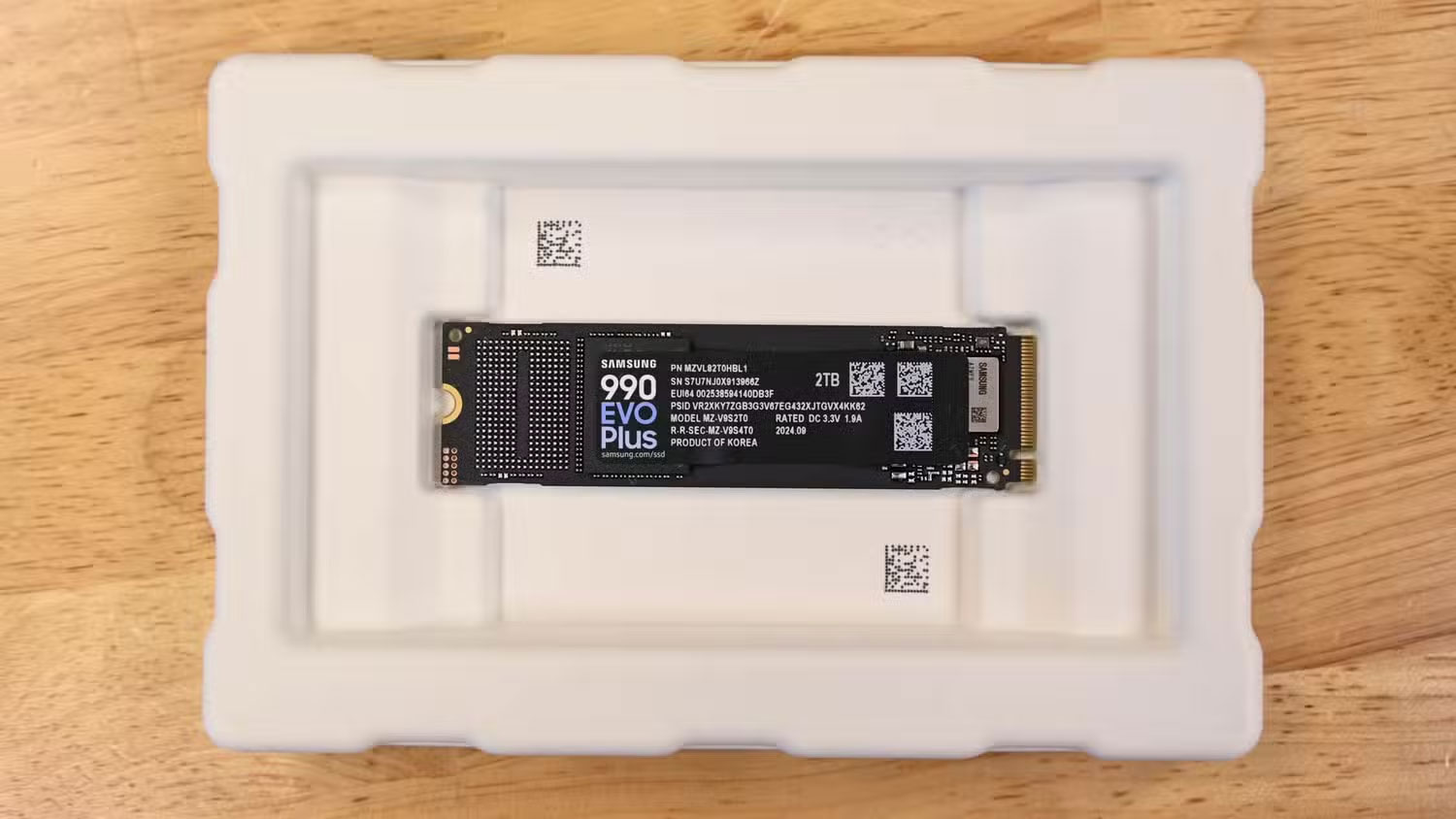
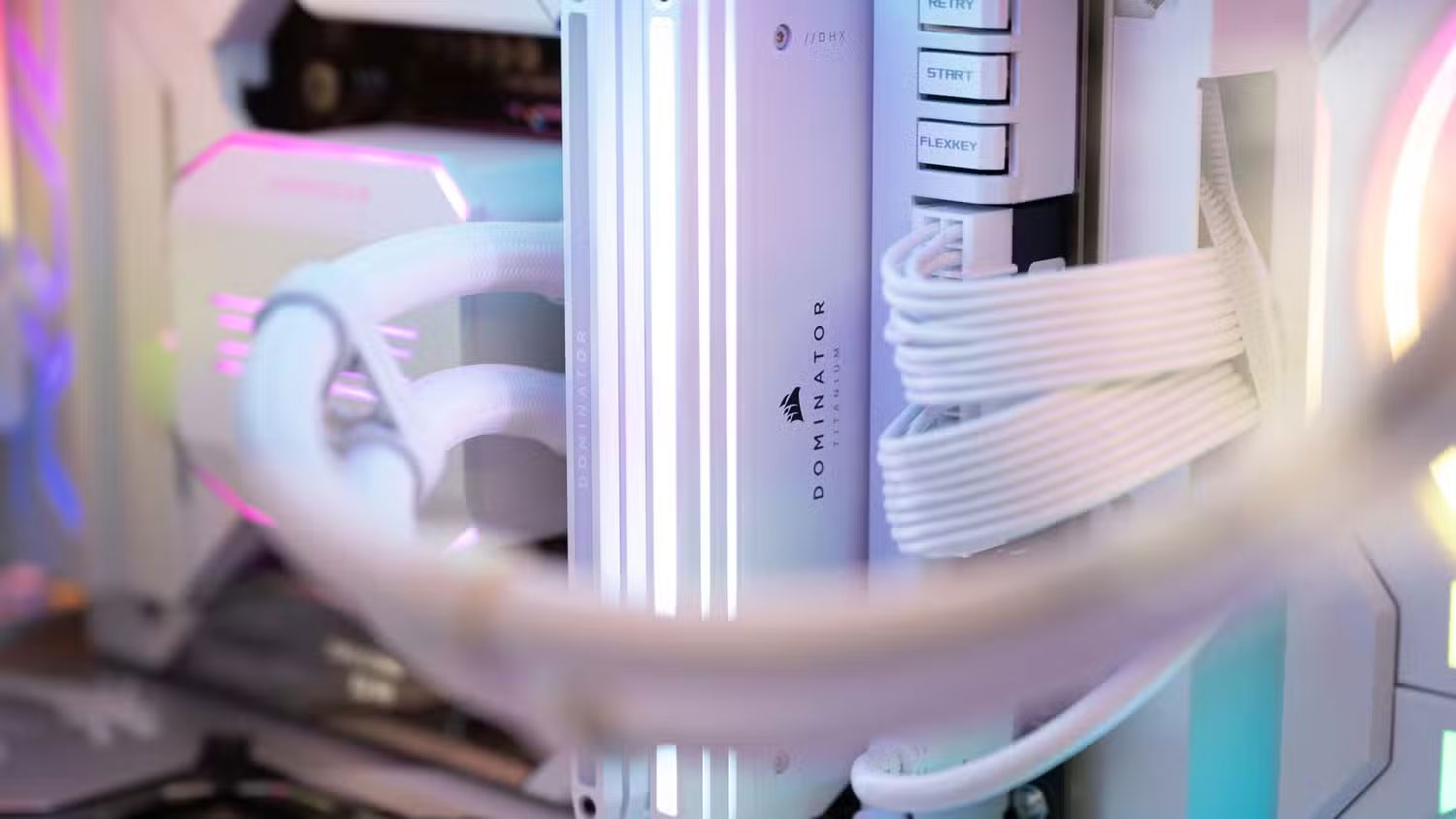
Installing the CPU, RAM, and NVMe drive onto the motherboard before you install it into the case is much less of a hassle. With the motherboard on your desk, you're no longer cramped or limited in finger space.
Working outside the case gives you room to work. You can install RAM properly and even install a CPU cooler (if you're using a standard one) without taking up too much space. Plus, if something goes wrong, you'll find out before the motherboard is installed and all the cables are hidden.
Prepare the case before installing hardware
Always install the I/O shield first
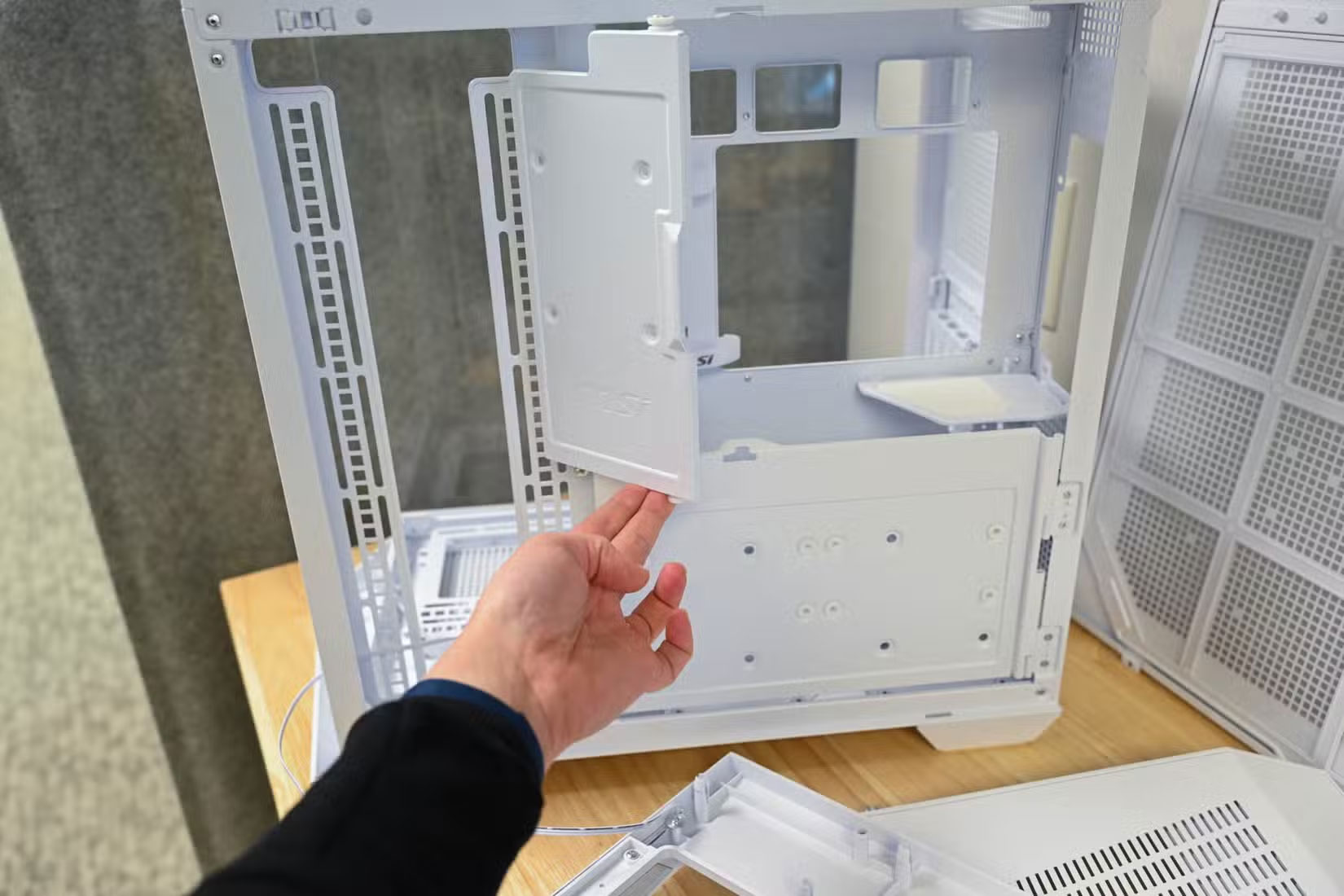
The I/O shield is more than just an aesthetic. It also grounds the ports and keeps dust out. It's important to install it before installing anything else in the case. Once installed, press firmly from the inside until all the locking tabs click into place. These tabs are sharp enough to cut your fingers, so be careful when handling them.
For beginners, PC building kits can help eliminate some of this work, but you'll learn more by assembling each part yourself.
Cool and circulate air from the start
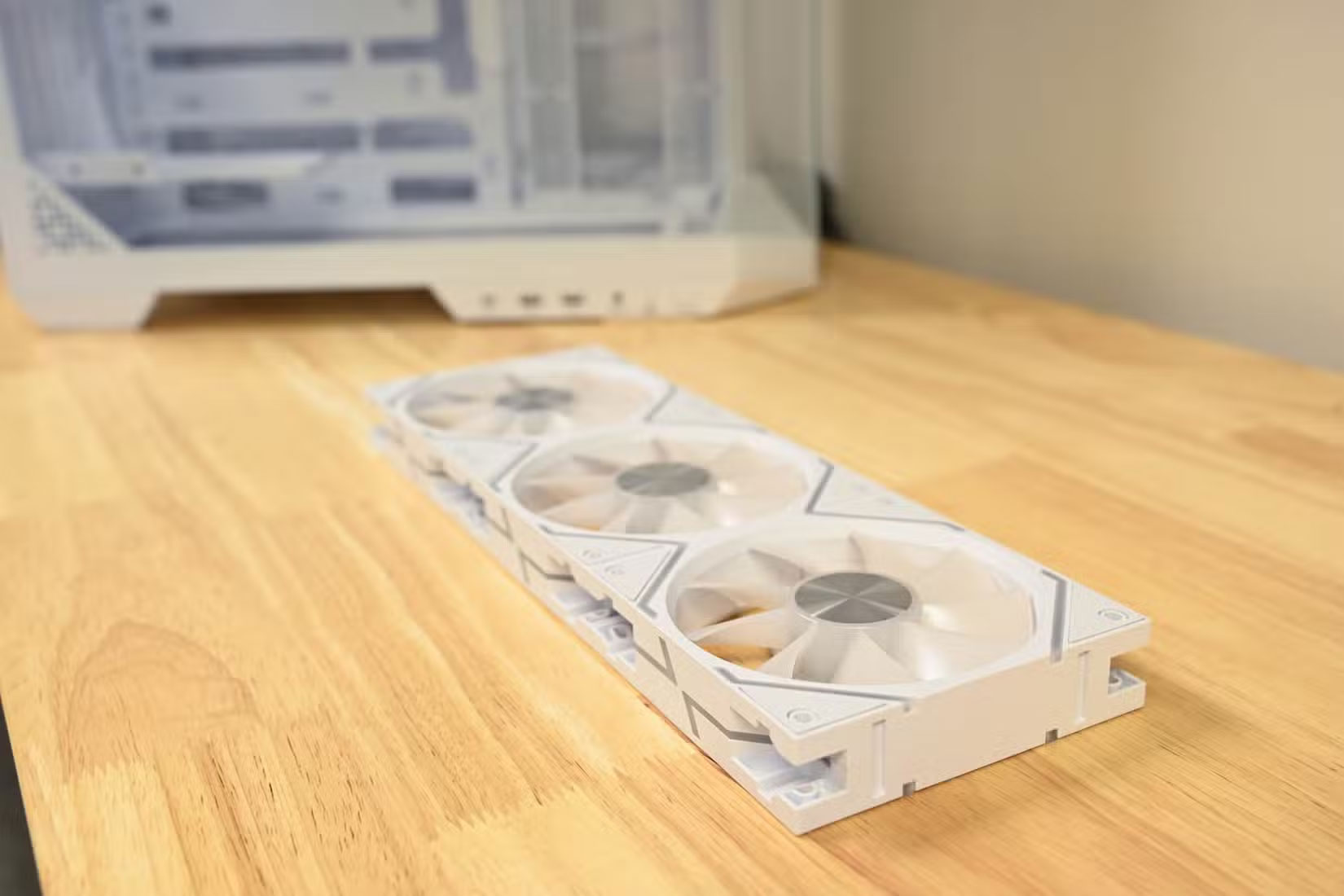
During the first assembly, many people installed all the fans upside down, thinking that the logo side was the air intake. It turned out that the fan blew from the open side towards the strut side. This is a classic beginner mistake!
The front and bottom fans draw cool air in, while the top and rear fans push hot air out. This creates positive pressure, which helps reduce dust buildup. If your case only has two fan slots, one intake on the front and one exhaust on the back should be sufficient.
Be careful when installing core components.
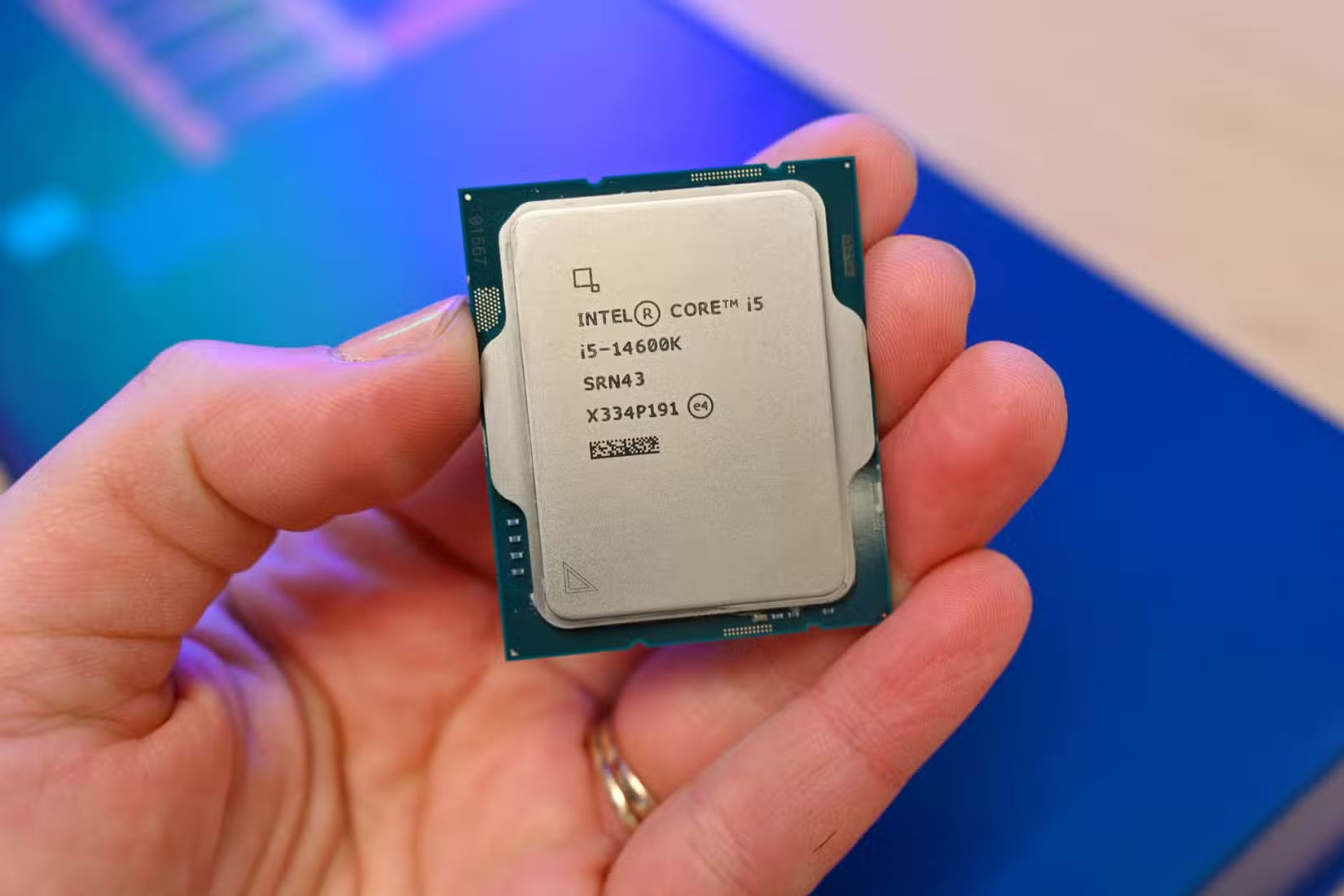
Installing your first CPU can be a bit nerve-wracking. The CPU pins look so fragile that they could bend at the slightest touch. However, the process is simple if you get the alignment right.
Both Intel and AMD processors have a gold triangle in one corner. You just need to match it with the triangle on the socket, and the CPU will automatically drop in without any force. If you push too hard, the CPU may be damaged.
Next is the RAM, and this is much easier. You'll need to use more force than you expect, but just push straight down. Open both clips, line up the slots, and press firmly until both ends click into place. If one side doesn't click, stop and try again instead of pressing hard.
Double check connections and always read the manual carefully.
Motherboard manual is your best companion
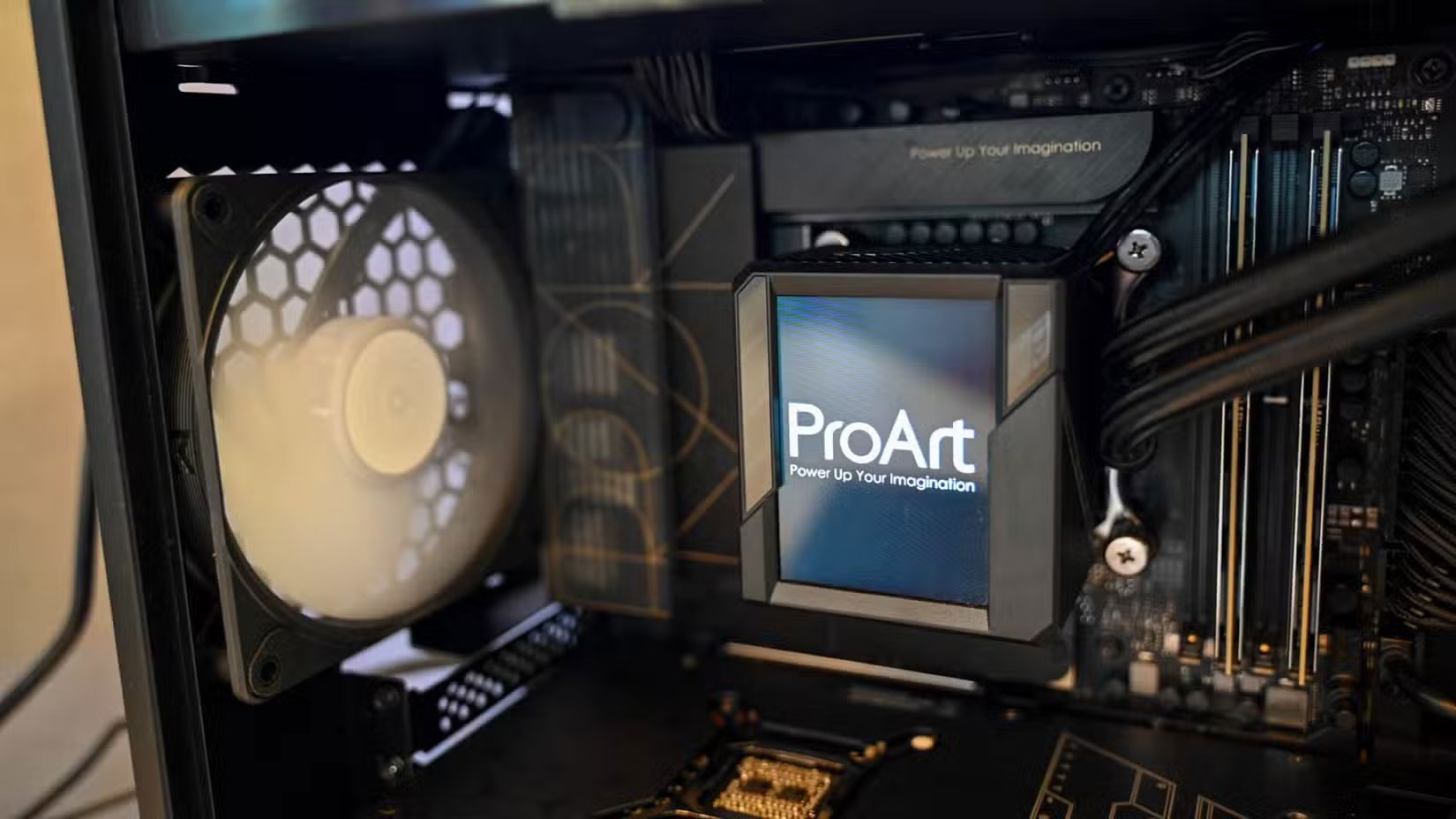
Another big mistake beginners often make is assuming that all power connectors are interchangeable. PCIe power cables and CPU power sockets look the same, but they are installed differently to avoid damage.
Your motherboard manual will tell you exactly which RAM slots to use, where each cable connects, and what those confusing front-panel connectors do. Your case manual will explain how to route the cables.
FAQ
What is new about the most regrettable mistakes when building a new PC?
In practical terms, while there are plenty of online resources for building your first computer, there are some mistakes you only realize after you make them.
Why does this update matter?
The article highlights that while there are plenty of online resources for building your first computer, there are some mistakes you only realize after you make them.
Is the change available to everyone?
Availability may depend on the product version, region, account, or rollout stage described in the article.
Related Articles
 11 Common Mistakes When Building a PC and How to Avoid Them: What You Need to Know12 minutes read
 Avoid 5 Common Mistakes When Assembling Your Own PC: Choose the Right RAM7 minutes read
 3 Reasons Why You Might Regret Buying a Cheap PC Power Supply (PSU)9 minutes read
 Basic: 5 Ways to Build False Links to Avoid6 minutes read
 The Biggest Time Wasting Cleaning Mistakes5 minutes read
 7 Security Mistakes You Often Make8 minutes read
Reader Comments 0
Sign in with email or Google to join the discussion.