Table of Contents
A prebuilt PC can be a sensible choice when you value a finished system, a clear support route and less time spent selecting and assembling parts. The trade-off is reduced control over the exact components and, in some models, future upgrades. Judge the particular system rather than assuming all prebuilts are overpriced or all DIY builds are better.
1. You can spend less time assembling and troubleshooting
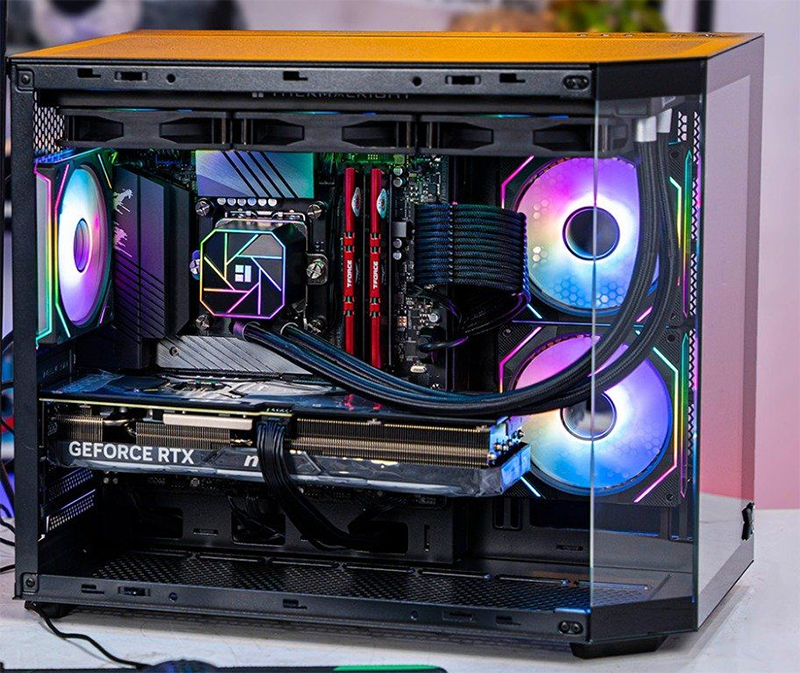
A complete system removes much of the initial work of matching a motherboard, processor, memory, cooling, case and power supply. That is useful when the PC is a tool you need for work or study rather than a project you want to build.
Convenience still needs verification. Check whether the seller installs the operating system, tests the configuration and includes wireless connectivity or peripherals you need. “Ready to use” should not hide the absence of an OS license, a required cable or an essential port.
2. One support contact can simplify a failure
With a self-built system, you usually identify the faulty component and work through the relevant seller or manufacturer's process. A prebuilt supplier may diagnose the whole machine under one service arrangement.
Read the terms before treating that as a benefit. Ask who pays return shipping, whether repair is on-site or depot-based, how data is handled and whether support is available in your location. Keep your own backups: a warranty service is not a promise to preserve your files.
3. A complete-system offer may be competitive
A prebuilt can be good value, but compare current complete prices for equivalent parts and services. Promotions and component supply change, so there is no general rule that buying assembled is always cheaper—or always more expensive.
Do not compare only CPU, GPU and memory capacity. Ask for the power-supply model, motherboard, SSD, memory layout, cooling and case details. Two systems with the same headline processor and graphics card can differ in noise, upgrade room and sustained performance.
Include assembly, OS licensing, delivery and support in the comparison. A modest premium may be worthwhile if it saves time you would otherwise spend on setup and diagnosis.
4. You can choose a finished design without building it
Prebuilt systems range from small office PCs to larger gaming towers. A configured-to-order builder may let you choose the case, cooling and other parts while handling assembly. A fixed OEM design may prioritize a compact footprint or specific business features.
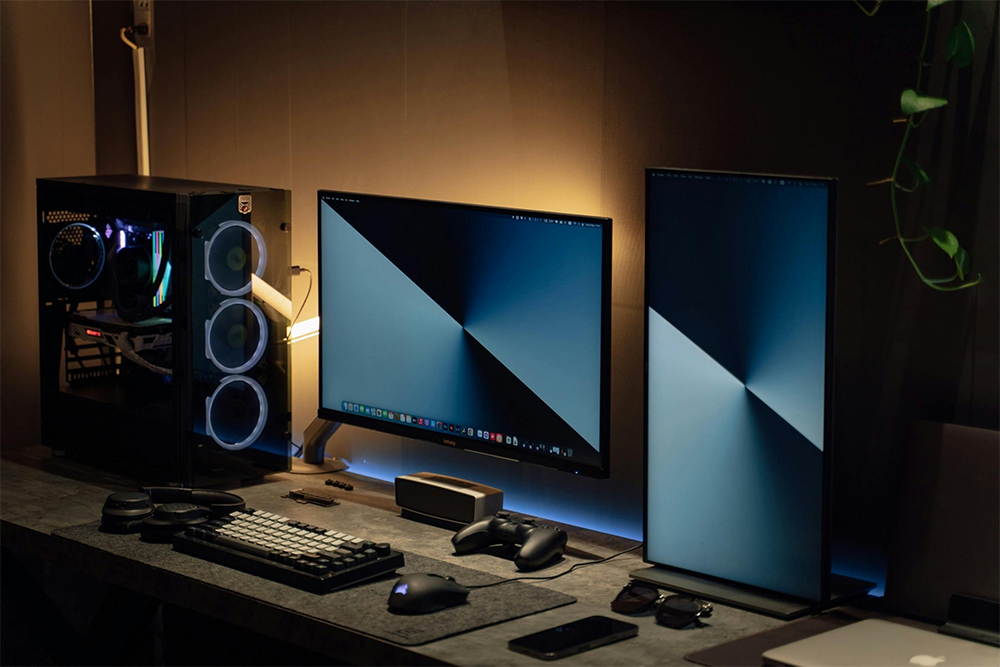
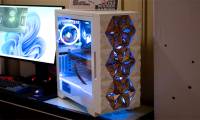
Appearance should not replace practical checks. Look at ventilation, dust-filter access, fan noise, front ports and the physical space required. RGB lighting or a large liquid cooler does not establish quality, and a plain case can be a better fit for a quiet workspace.
Check upgrade limits before ordering
- Confirm whether the motherboard, power supply and connectors use standard or proprietary designs.
- Check spare memory and storage slots, not just installed capacity.
- Verify space, cooling and power for a plausible future graphics upgrade.
- Ask whether opening the case or replacing supported parts affects the seller's service process.
- Confirm the exact configuration in writing; a product-family name may cover several different builds.
Use the criteria in prebuilt versus custom gaming PCs and the power-supply selection guide to structure the comparison. After delivery, follow a new-computer setup routine and test the tasks you bought it for within the return period.
Build your own if choosing parts and maintaining the system are part of the appeal. Buy assembled if the actual configuration, support and price fit your needs. Neither choice needs to be justified by whether PC building is fashionable.





Reader Comments 0
Sign in with email or Google to join the discussion.