Table of Contents
A prebuilt PC can save assembly time and provide one point of support. Building your own gives you more control over parts, but also makes you responsible for compatibility, assembly and troubleshooting. Neither route is always cheaper or better.
Compare the exact systems you can buy, not a generic claim about all prebuilts. Intel's comparison also distinguishes a fixed prebuilt from a custom-configured system assembled by a vendor.
1. Compare the complete price
A prebuilt price includes more than the CPU and graphics card: assembly, testing, software licensing, support and shipping may be part of it. A DIY parts list needs those costs too, including any tools or accessories you lack.
There is no universal 30–40% markup. Sales, regional availability and component shortages can reverse the comparison. Price the same CPU, GPU, memory configuration, storage capacity and operating-system license before deciding that assembly costs are excessive.
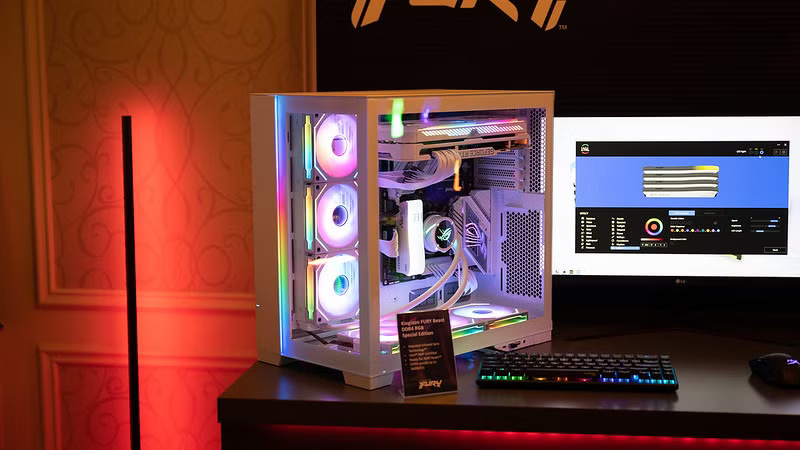
Also consider the value of your time. Someone comfortable with troubleshooting may prefer DIY; someone needing a working machine for a deadline may reasonably pay for assembly and support.
2. Verify the upgrade path
Some large-brand desktops use proprietary cases, motherboards, connectors or power supplies. Others, especially systems built from retail components, offer more conventional upgrades. Check the exact model rather than assuming every PC from one brand is locked down.
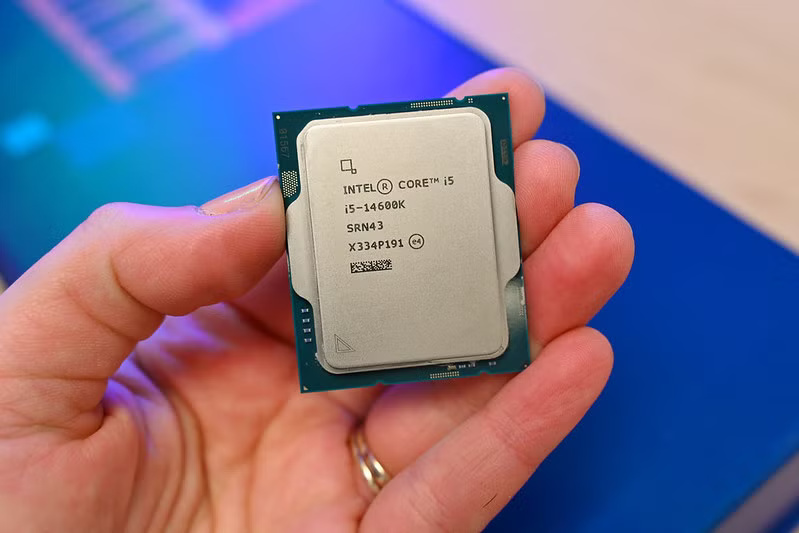
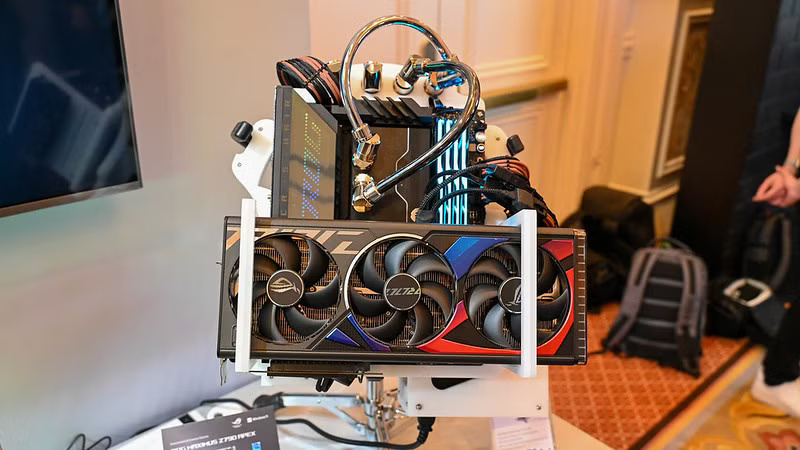
- Graphics card: physical clearance, power supply capacity, connectors and cooling.
- Memory: supported type, slots, maximum capacity and existing module arrangement.
- Storage: available M.2 or SATA connections and drive mounting space.
- Processor: motherboard, firmware, power and cooler support—not just the socket shape.
Download the service manual if available. For your existing machine, our PC specification checklist helps record what is installed, although software may not identify a power supply reliably.
3. Ask which components you are actually getting
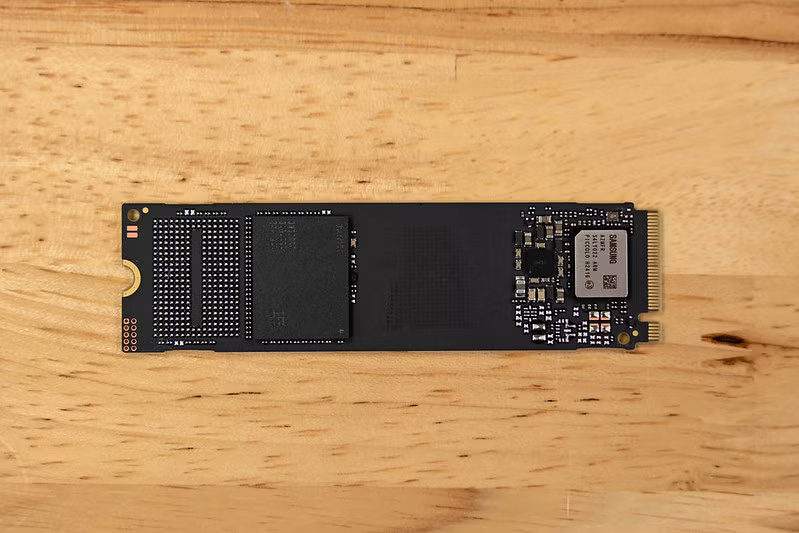
“16GB RAM” and “1TB SSD” describe capacity, not the entire specification. Ask about memory modules and speed, the SSD model, motherboard, cooler and power supply. A less expensive part is not automatically unsuitable, but it should match the workload and leave sensible headroom.
Read reviews of the exact configuration when possible, paying attention to sustained performance, noise and temperature. A powerful processor in a poorly cooled case may behave differently from the same chip in an independent component review.
For the PSU, look beyond wattage alone. Our power-supply buying checks cover compatibility and quality considerations. A vague spec sheet is a reason to ask questions, not proof that every hidden component is defective.
4. Read the service terms before comparing warranty years
Prebuilt warranties and retail component warranties vary by country, seller and part. A longer component warranty can be valuable, but a DIY builder may first have to identify which part failed and handle separate claims.
A system warranty can be simpler if it covers diagnosis and the whole machine. Check whether service is on-site, return-to-base or parts-only; who pays shipping; expected turnaround; backup responsibilities; and how user upgrades are handled. Consumer rights may provide additional protection beyond a manufacturer's stated warranty.
Do not assume every claim requires expensive round-trip shipping or that all support ends after one year. Get the actual terms for the system and location.
Which route fits you?
Choose DIY when selecting every component, learning the assembly process and controlling future upgrades matter enough to justify the work. Consider a reputable prebuilt or vendor-assembled custom system when convenience, integrated support or a good local deal is more valuable.
Before paying, obtain a full specification, a realistic upgrade plan, return terms and the warranty conditions. Those details make a stronger decision than a rule to “never” buy a prebuilt PC.





Reader Comments 0
Sign in with email or Google to join the discussion.