Table of Contents
A useful phone accessory solves a problem you actually have: typing, grip, sound, lighting or connections. These nine categories can be worthwhile, but none is essential for everyone. Check the exact phone model, case and app compatibility before buying.
1. A physical keyboard case
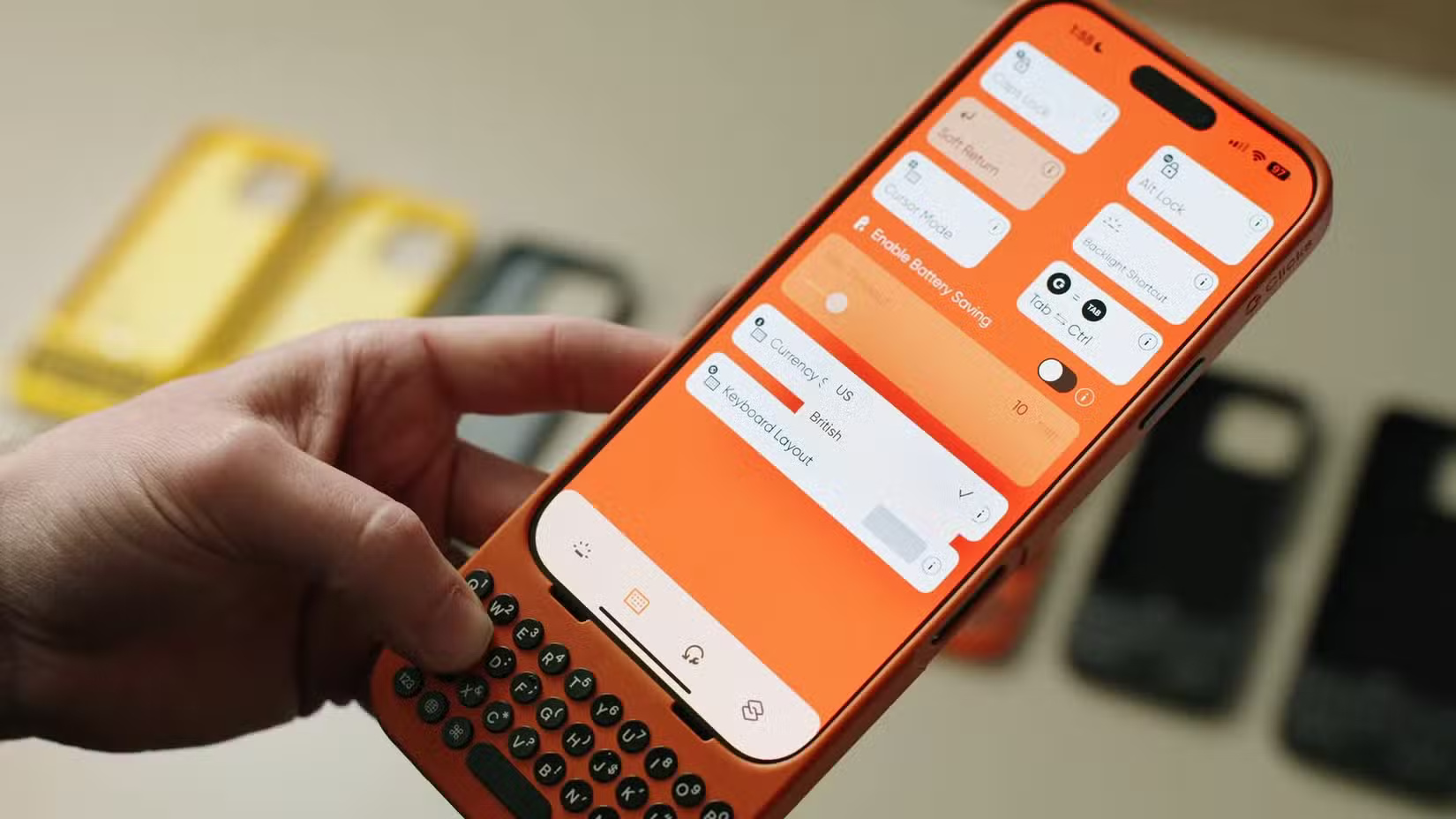
A keyboard case can leave more of the screen available for the app while you type. It may suit frequent messaging or drafting, but it adds length and weight and takes practice. Test the key size and balance if possible.
Products within one brand can connect differently. Check the manufacturer's model-specific support, including charging passthrough, shortcuts and case fit, rather than assuming every keyboard works with every phone.
2. A collapsible grip or stand

A PopSocket-style grip can make a large phone easier to hold and may double as a stand. Check attachment strength and whether it interferes with a car mount or wireless charger. An adhesive grip needs a suitable surface; a magnetic version needs a compatible case or magnetic arrangement.
3. A USB adapter or hub
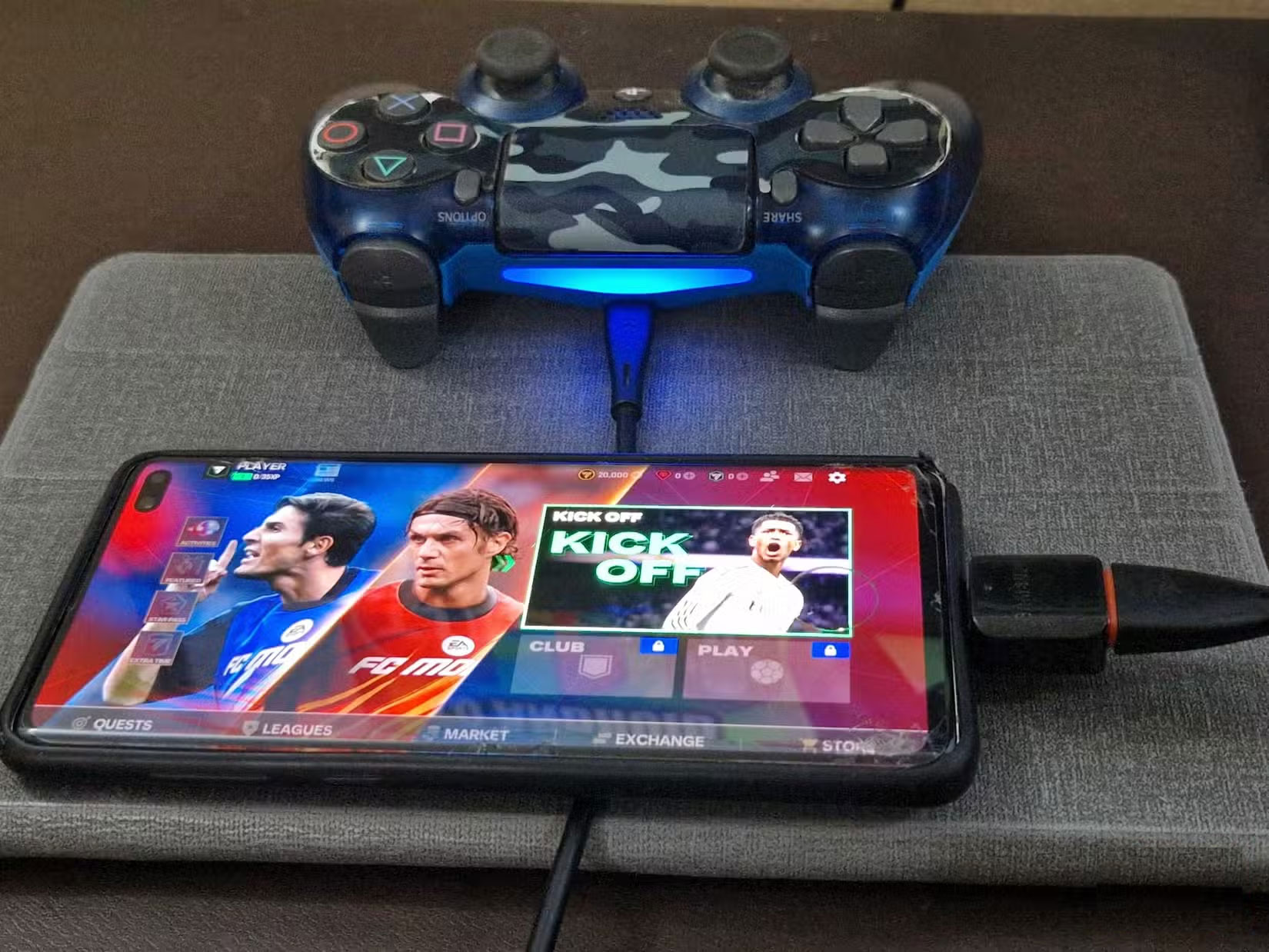
An adapter can connect supported storage, keyboards, mice or other peripherals. The phone must support the relevant USB role, file format and device class, and some accessories need more power than it can supply.
Start with the requirements in connecting USB devices to Android. For typing specifically, see using a USB keyboard. A matching plug alone is not a compatibility guarantee.
4. A wireless microphone
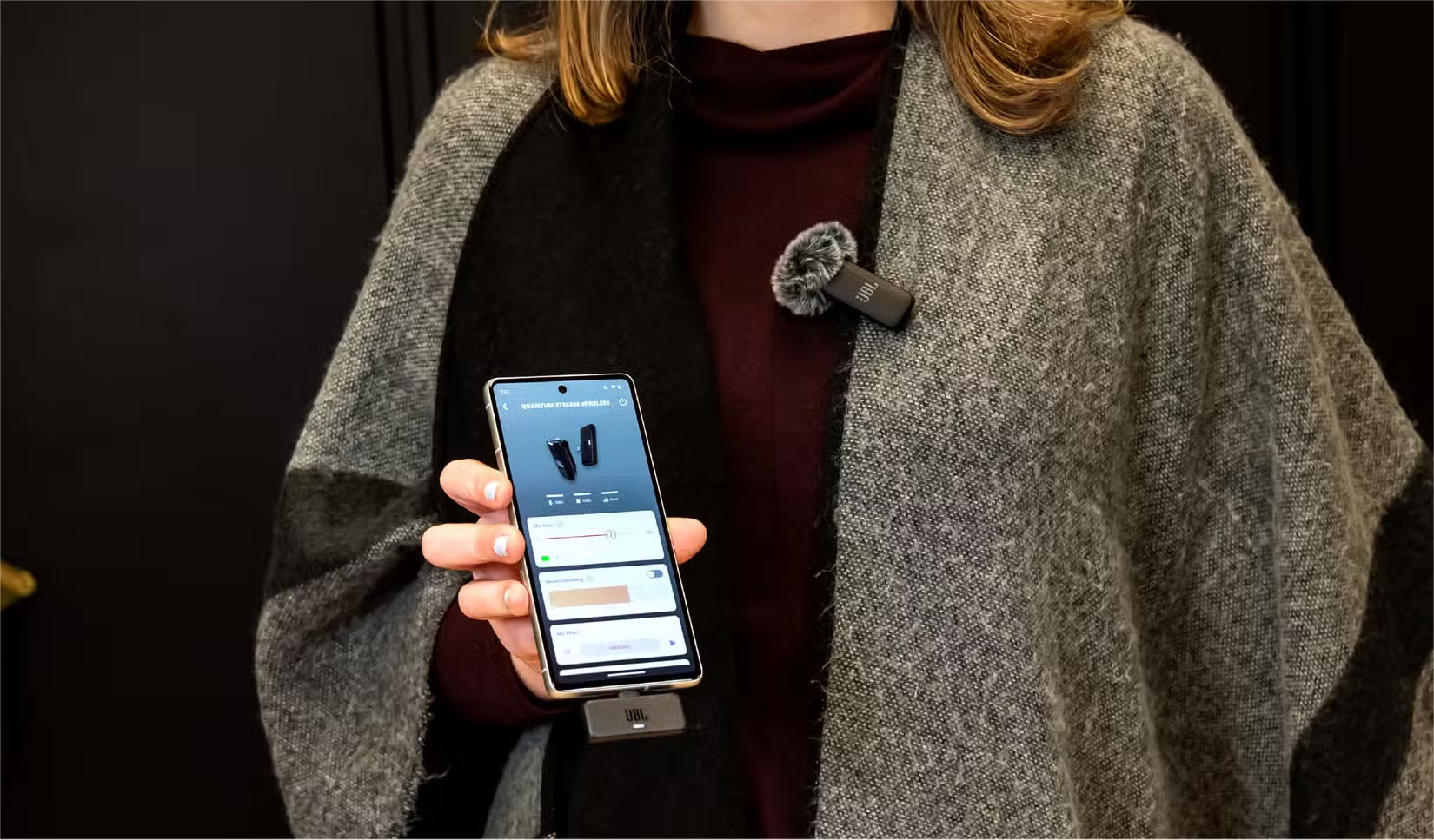
A microphone placed near the speaker can improve voice recording when the phone is farther away. Check the receiver connector, recording-app support and whether the phone selects the external input. Make a short test recording and listen back before filming a whole session.
Wind, clothing rustle, interference and clipping can still spoil the result. Noise processing is not a substitute for good placement or a quieter location.
5. A small clip-on light

A dimmable light can help with nearby subjects when ambient light is poor. Position it to avoid harsh glare and reflections; more brightness is not always better. Check that the clip does not block a camera, microphone or screen control and that its weight is manageable.
6. A wrist or crossbody strap

A strap can make carrying the phone more convenient and reduce some accidental drops. It is not a guarantee against drops or theft. Check the anchor and case, inspect them for wear, and consider snagging risks for the way you use it.
7. A privacy screen protector
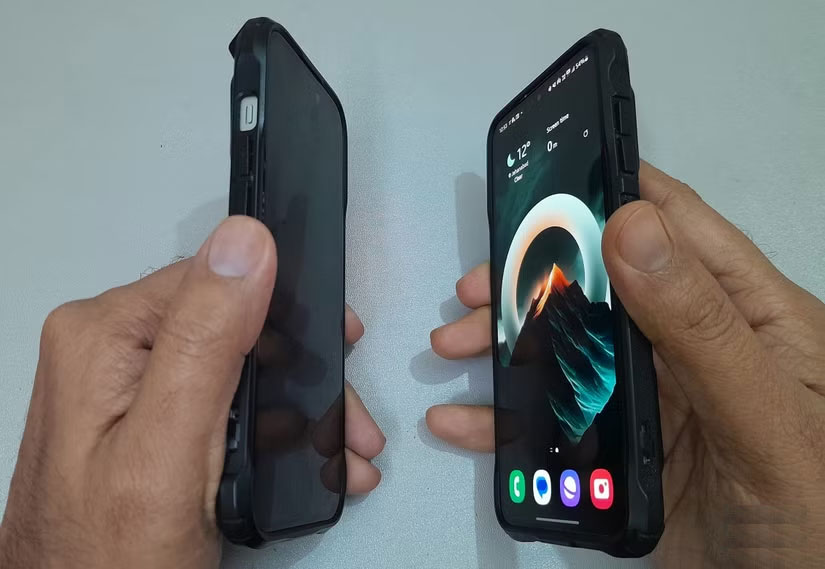
A privacy filter reduces viewing from certain angles. It can help with casual side glances, but someone behind you may still see the display. Brightness, color and readability can be affected, and some models interfere with fingerprint recognition.
Check the viewing direction and phone compatibility. Keep the phone locked and avoid displaying sensitive information in public; the filter is a limited visual aid rather than comprehensive privacy protection.
8. A USB-C charging case for a Lightning iPhone
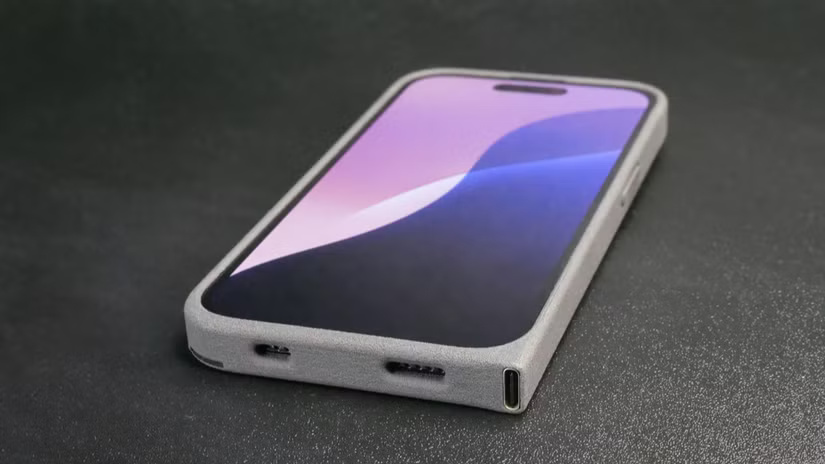
A conversion case can simplify cable use while leaving the phone's original port in place. Check the exact supported model and features. For example, Obsoless lists its case's supported functions; another adapter may support charging only.
A USB-C-shaped socket does not give an older phone every capability of a newer USB-C iPhone. Verify data transfer, accessories, CarPlay and charging behavior separately if they matter to you.
9. A magnetic alignment ring
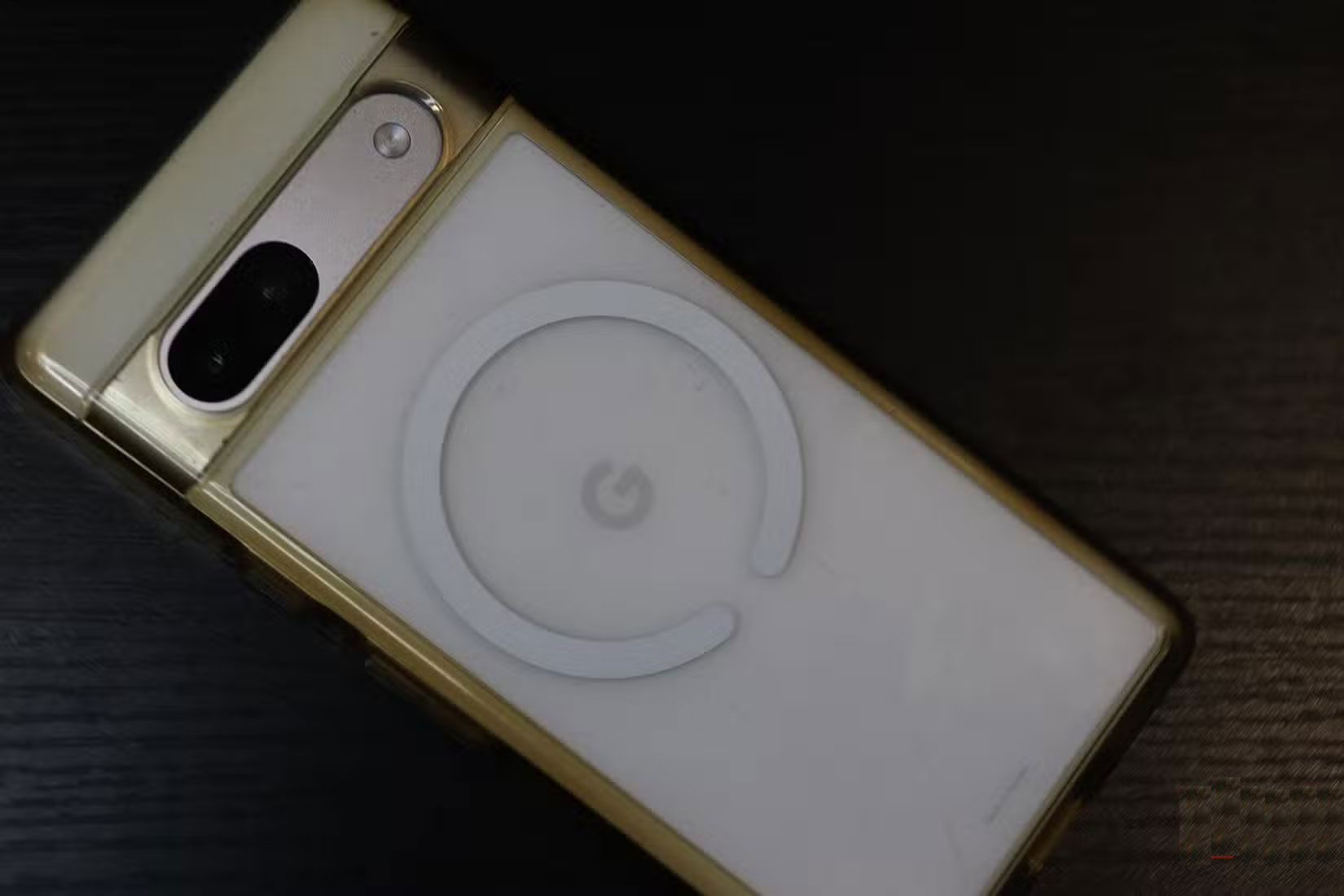
An adhesive ring can let a suitable case attach to magnetic stands or grips. It does not add wireless charging to a phone that lacks it, certify Qi2 compatibility or increase charging speed. Placement and material can affect charging and heat, so use a ring intended for the phone-and-charger arrangement and follow its instructions.
Choose the accessory that removes a recurring inconvenience, then test fit and everyday use within the return period. Buying a collection of clever-looking gadgets is less useful than solving one clear problem.



Reader Comments 0
Sign in with email or Google to join the discussion.