Table of Contents
Understanding invite to download wallp stock wallpapers, the default background is easier when the main points are organized clearly. This guide brings together the essential details and practical considerations.
The Wallp Stock Wallpapers, though new on Google Play, owns quite many stock wallpaper and is regularly updated to match the newly produced devices and the updated version from the publisher.
How Invite to Download Wallp Stock Wallpapers, the Default Background Works
The outstanding features of Wallp Stock Wallpapers:
- Simple interface, easy to use.
- Suggest the most downloaded background for users.
- Support for finding wallpaper easily.
- Background images are high quality, up to 2880 x 2660 (Ultra HD).
- Background images are divided into separate sections by subject to help users easily choose according to personal preferences.
- There is a separate folder for special wallpapers, 1-0-2, designed by the app developer itself.


Note:
- The Wallp Stock Wallpapers application will require users to grant access to the device memory, photo library, file manager and message display (optional).
- Wallp Stock Wallpapers requires Android 4.0.3 and up.
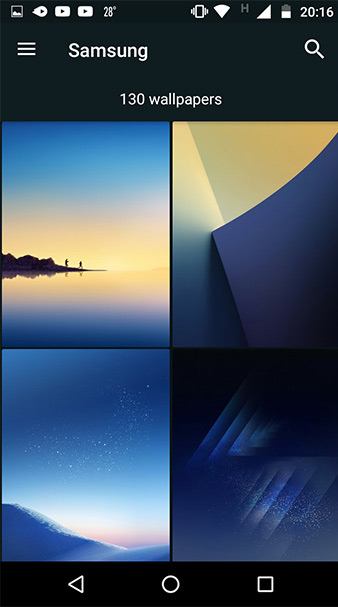
Default background image:

You can visit the link below to download and experience Wallp Stock Wallpapers:
- Wallp - Stock HD Wallpapers
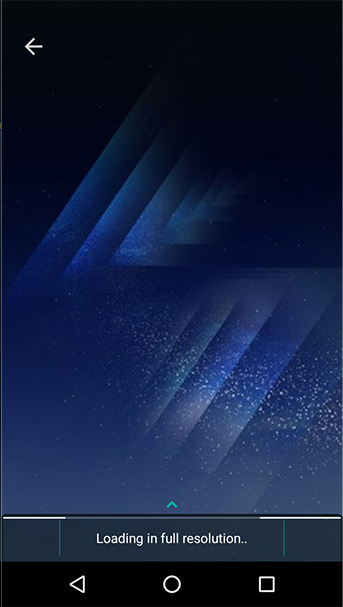
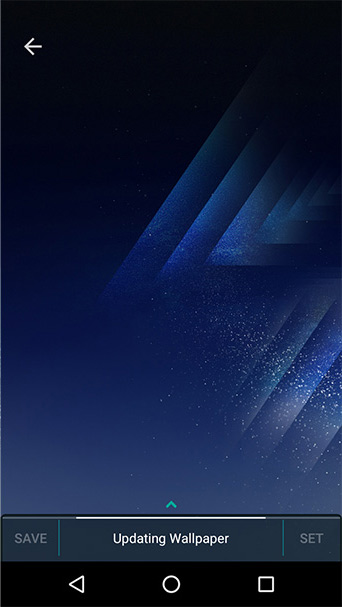
To use wallpaper from Wallp Stock Wallpapers, users just need to select the photo they want to use and touch. the app will load the content and automatically re-size the device screen. Finally, users just need to set as background image to finish.
- Set of 50+ high quality background images, many themes for smartphones
- Top 200 very beautiful laptop wallpapers, super sharp resolution
- Beautiful dandelion flower wallpaper for phones
FAQ
What is the main benefit of invite to download wallp stock wallpapers, the default background?
The main benefit is a clearer understanding of the topic and a practical way to apply the information covered in this guide.
What should I check before using invite to download wallp stock wallpapers, the default background?
Confirm compatibility, review the required settings, protect important data, and use the latest supported version whenever possible.
What should I do if the result is different?
Repeat the steps carefully, verify permissions and version differences, and consult the product's official support documentation for changes not shown in the article.
Related Articles
 Download Beautiful, Cool, Cute and Adorable Facebook Wallpapers4 minutes read
 How to Download a Set of Wallpapers for Your Phone with Different Themes3 minutes read
 How to Download High-quality Background Images Instantly for iPhone Xs4 minutes read
 How to Download Free Stock Wallpapers of Apple Devices3 minutes read
 How to Download Now 18 Full HD Wallpapers for Android P4 minutes read
 Stock Imessage: How to Bring Stock Photos to Imessage2 minutes read
Reader Comments 0
Sign in with email or Google to join the discussion.