Table of Contents
If you’re looking for an organization’s .onion site, start on its official public website and look for its Tor or privacy information. An onion search index can help you discover services, but the site owner is the best source for confirming an address.
Find an official onion address
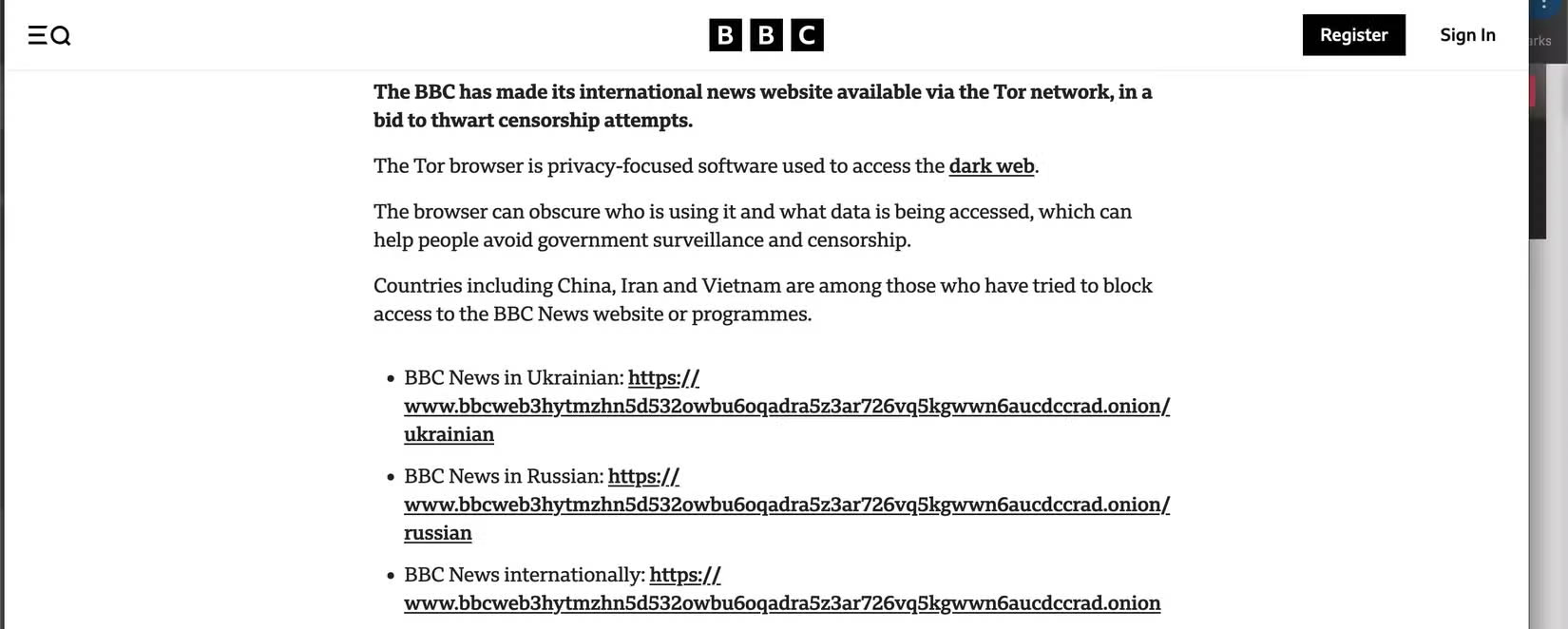
- Open the organization’s public HTTPS website directly. For example, ProPublica publishes information about its onion service.
- Compare the entire onion address with the address the organization publishes. A matching name, logo, or description is easy to copy.
- Use an up-to-date copy of Tor Browser from the Tor Project. The browser’s onion icon identifies the kind of connection. It cannot tell you whether the service represents the organization it claims to be.
Use search results as leads
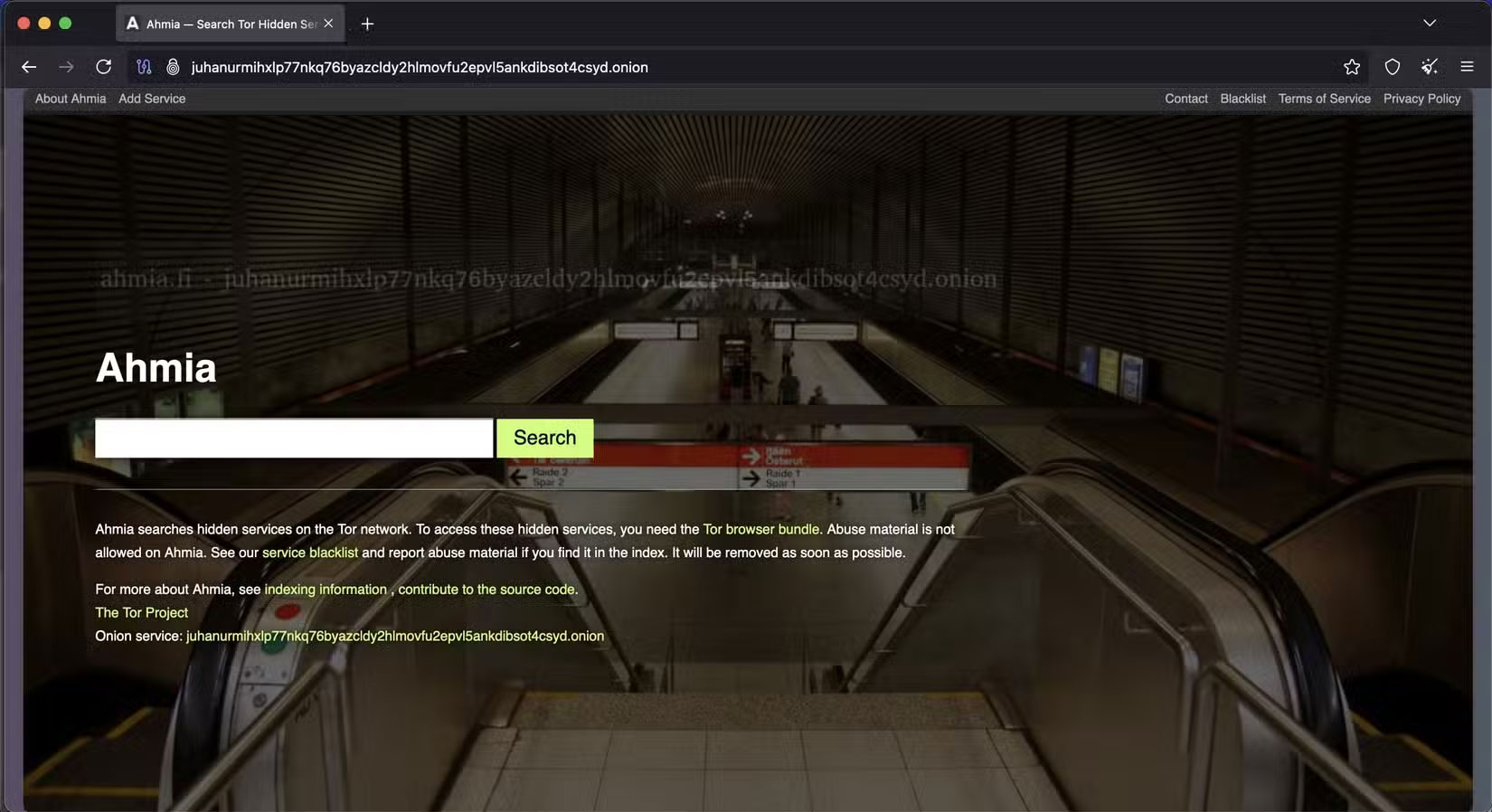
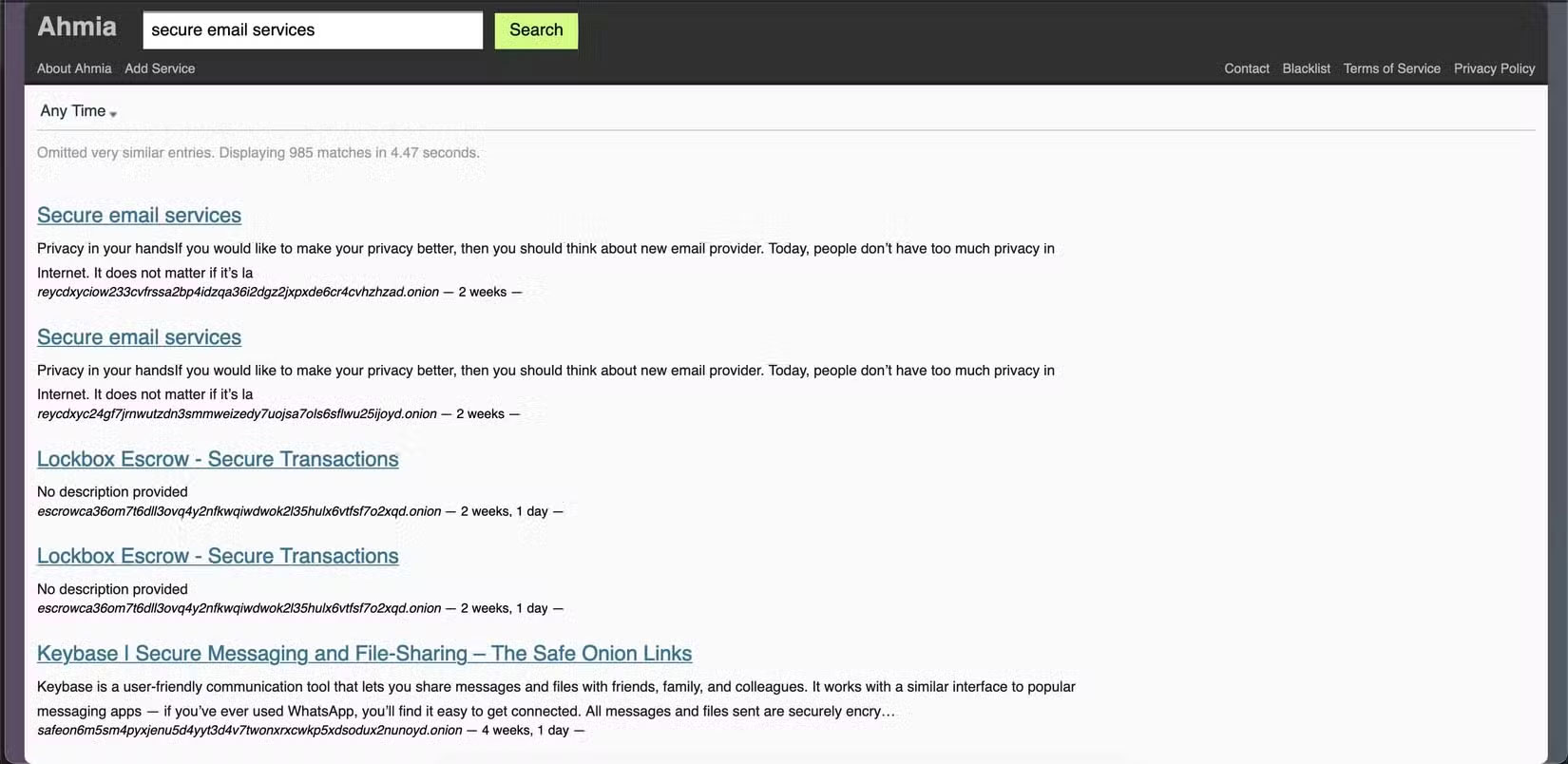
Indexes such as Ahmia cover a subset of onion sites, so some results may be stale and many legitimate services will be missing. For a known organization or project, search its name alongside “onion address” and verify any result on its official public site. If all you can find are copied directory entries, leave the link unopened.
What to check before opening a link
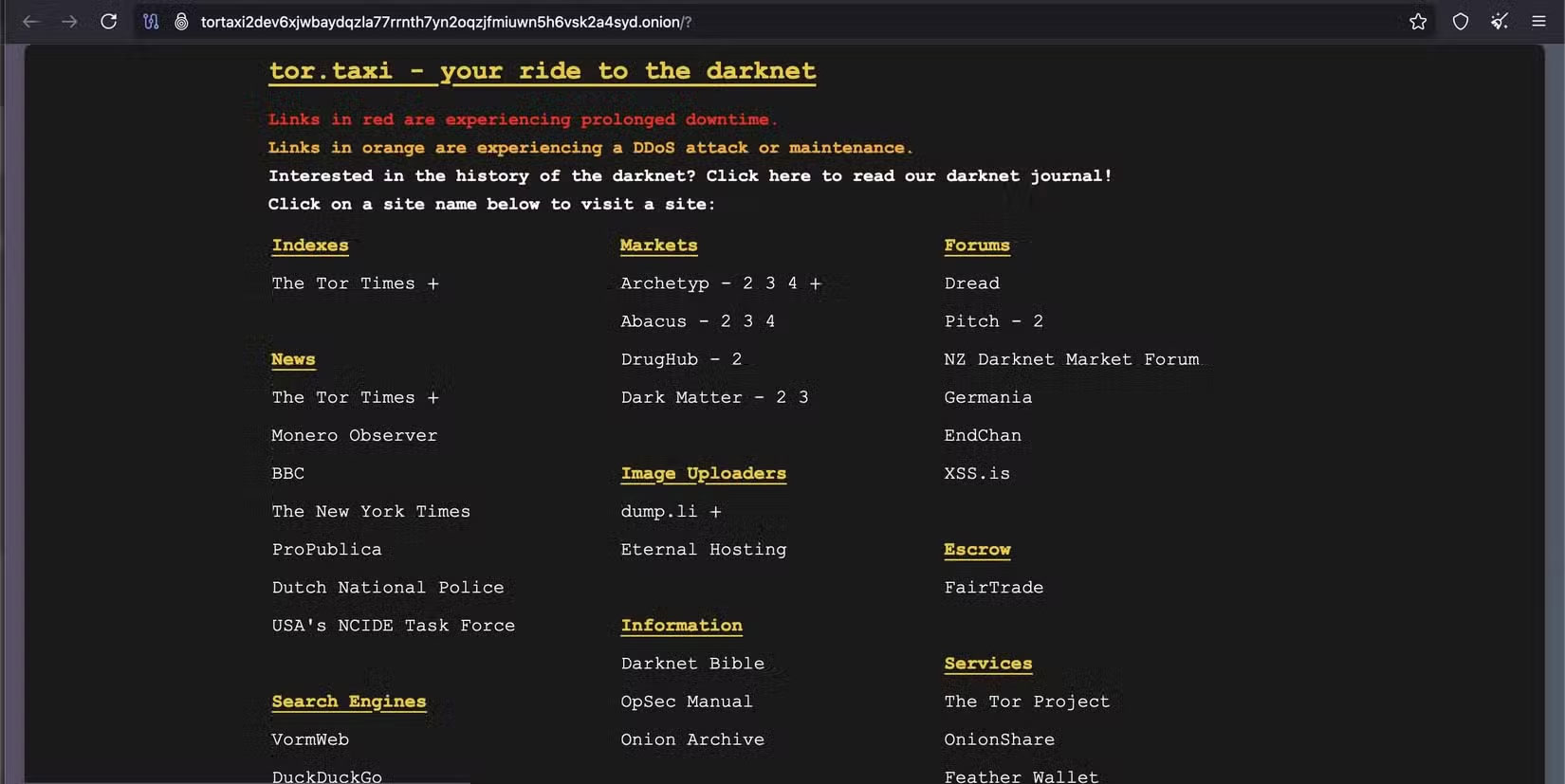
Look for misspellings and verify the whole address. Tor’s onion services guide explains what the address and browser indicator mean. The same link inspection habits apply to unfamiliar files and addresses on the regular web.
Avoid common browsing risks
Keep Tor Browser updated, avoid extra extensions, and do not open unfamiliar downloads. Leave a page if it asks for a password, payment, or confidential document and you cannot confirm the operator independently. A browser privacy feature does not protect details you type into a form. For context on what makes Tor distinct, see this web browser comparison.

Related Articles
 What is Dark Web? Who uses it? The potential dangers of Dark Web and warnings
 Ichidan is a search engine like Shodan for Dark Web
 12 best search engines discover Deep web and Dark web
 The FBI expanded its search, adding a 'Dark web' shot down
 Should you use a VPN on the Dark Web?
 Finding new materials capable of detecting dark matter
Reader Comments 0
Sign in with email or Google to join the discussion.