Table of Contents
This guide explains how to recognize genuine iPhone 6 using a clear, step-by-step process. It also highlights the settings and checks that can help you avoid common errors.
Currently the fake real phone market is confused, the more new smartphones are, the easier it is to buy fake goods, iPhone 6 is no exception. Let's. com learn about how to distinguish real iPhone 6 and iPhone fake goods offline.
- Quick charging tips for iPhone 6
- How to test iPhone 6/6 Plus using MLC or TLC memory
- Guide to distinguish genuine iPhone 7 Plus and counterfeit goods
Reconcile iPhone series
Each iPhone 6 / 6plus machine has a unique serial number, go to the phone introduction to see the serial number of the device. Then, open the Apple network, enter the serial number to proceed with the comparison. If you can't find this number, please condolence, your phone is fake. Note that you must visit the official website of Apple to compare, not to check other product testing websites that the salon owner recommends.

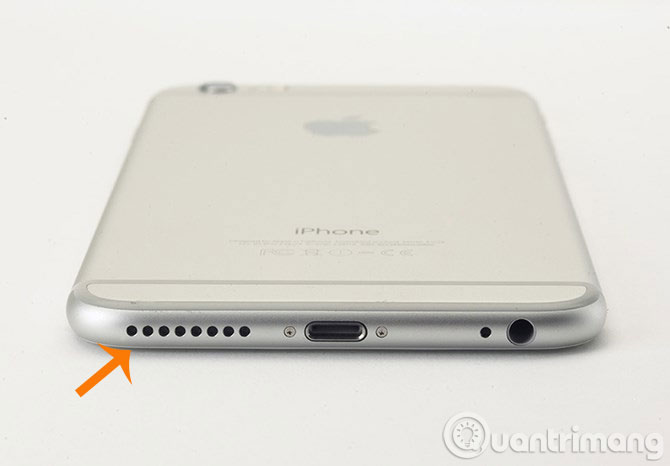
Check the speaker line below the machine
The iPhone 6's lower body is a single speaker hole, while some clones then design the iPhone 5s as two rows of loudspeakers, we should note this.
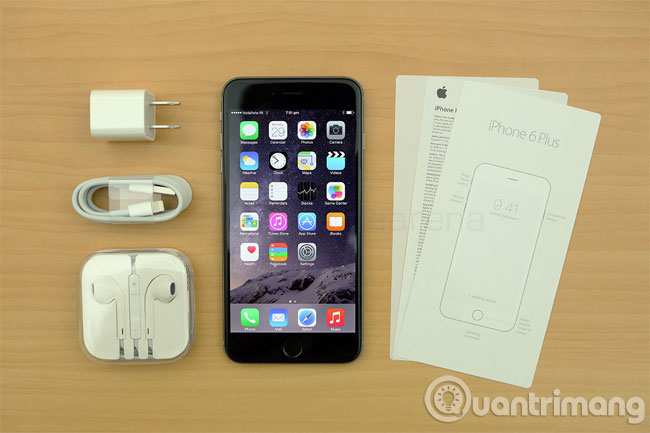
See the box and manual of the machine
The box of the fake iPhone 6 usually has text and rough images, translucent text, when looking carefully, it will find quite negligent places and the box and manual of genuine genuine machine are delicate and beautiful, the letters and pictures are clear.
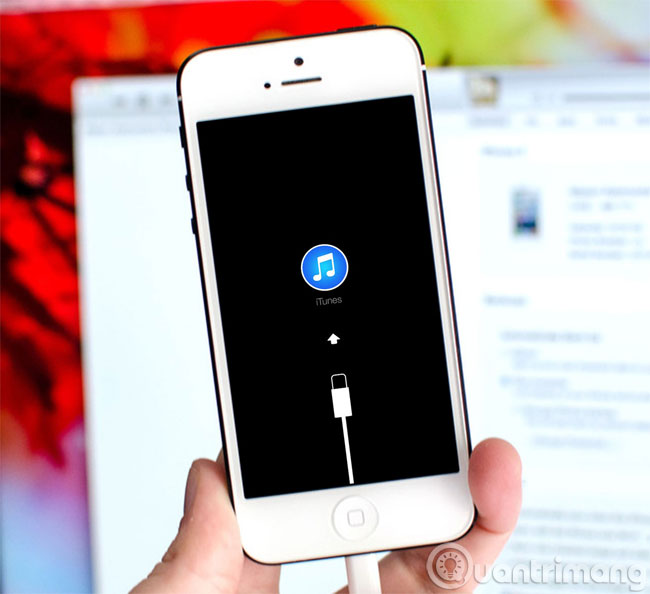
Try connecting to iTunes
No matter what, the fake iPhone system is not iOS, we just need to link iPhone 6 to iTunes on the computer, so we know if it is fake. If the iPhone is genuine, the right corner of iTunes will see the iPhone text displayed.
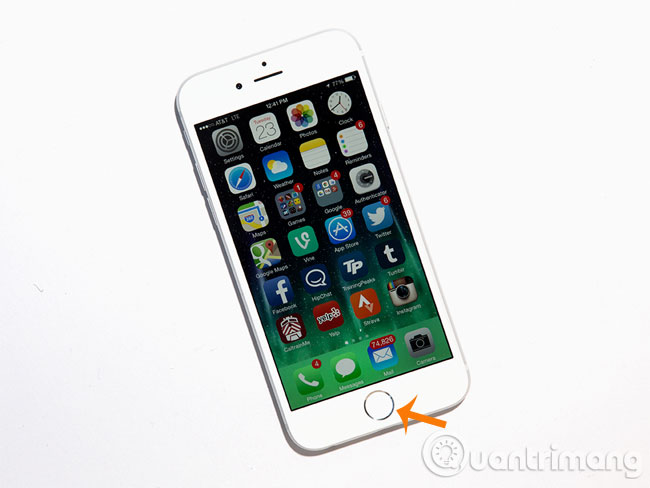
Touch ID check
Observe the outside, whether the white color of the Home button and the front glass layer are different in color. Also, you can try using the Touch ID to unlock the view, if the fake item will not be usable.
Activate the system test
The new iPhone 6 needs to be activated before it can be used normally, you open the phone, see if it displays the activation interface. If there is no need to activate, then it is fake.
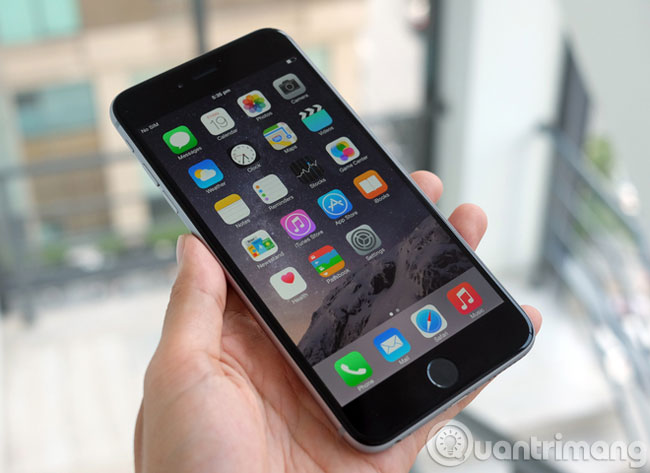
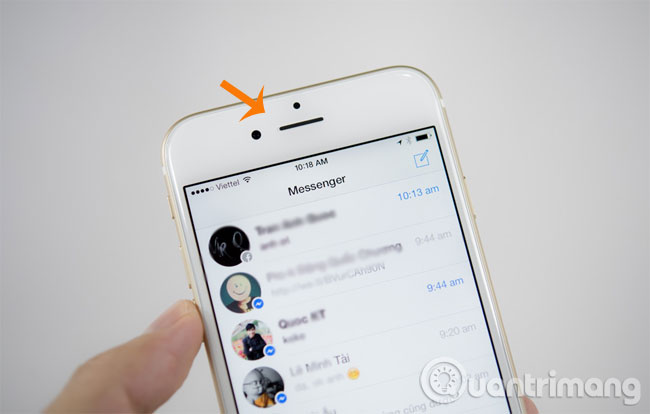
Observe the upper part of the screen
On the genuine iPhone 6 screen, there are only two small holes, but many of its clones then follow the design style of Android smartphones, from this small point can be noted to find loopholes.
Good luck!
FAQ
What should I prepare before I recognize genuine iPhone 6?
Review the requirements in the guide, confirm that your device or software is compatible, and save important work before changing settings related to recognize genuine iPhone 6.
Why might recognize genuine iPhone 6 not work as expected?
The most common causes are incompatible versions, missing permissions, incorrect settings, or an interrupted internet connection. Recheck each step and restart the app or device when appropriate.
Can beginners follow these recognize genuine iPhone 6 steps?
Yes. Follow the steps in order, avoid skipping confirmation screens, and compare your interface with the screenshots because labels may differ slightly between versions.
Related Articles
 How to Recognize iPhone / iPad in 4 Steps4 minutes read
 How to Check Genuine iPhone, How to Distinguish Fake iPhone5 minutes read
 Guide to Distinguish Genuine iPhone 7 Plus and Counterfeit Goods8 minutes read
 How to Identify the Most Accurate and Fake iPhone Headphones5 minutes read
 Genuine Iphone X Is About to Be Killed in Vietnam3 minutes read
 How to Fix a Computer That Does Not Recognize iPhone3 minutes read
Reader Comments 0
Sign in with email or Google to join the discussion.