Table of Contents
This updated guide explains how to make your own boho style storage basket with clear steps, practical tips, and useful context. Neat storage solutions are what we always need in our daily lives. Therefore, this article will guide you DIY - how to make a simple, boho-style storage basket right at home.
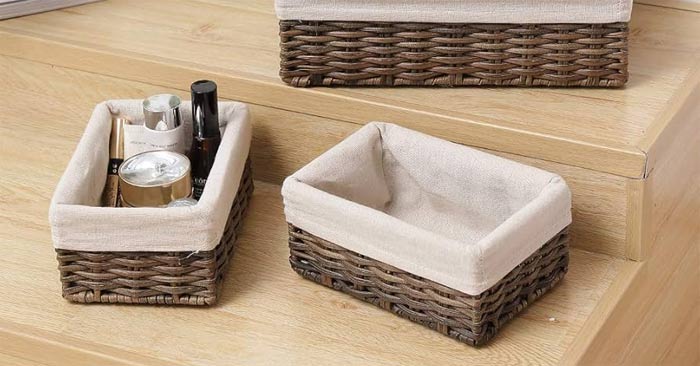
Materials to Prepare
- A box (can be a shoe box or a cardboard box)
- String
- Hot glue gun
- Linen
- Drag
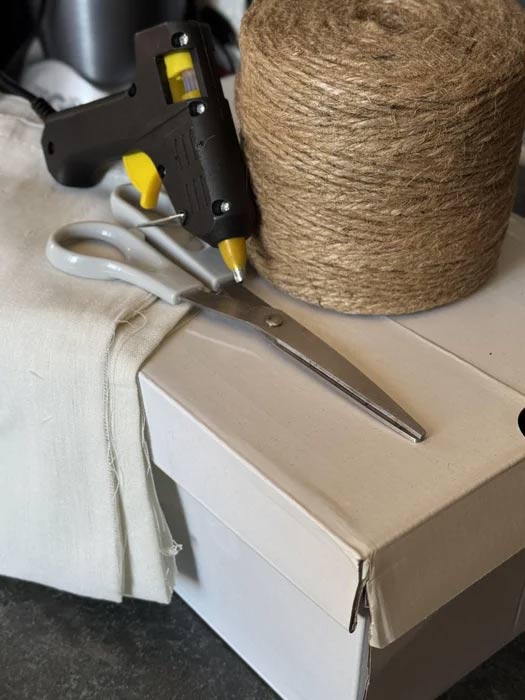
Step by Step Instructions to Make Your Own Storage Basket
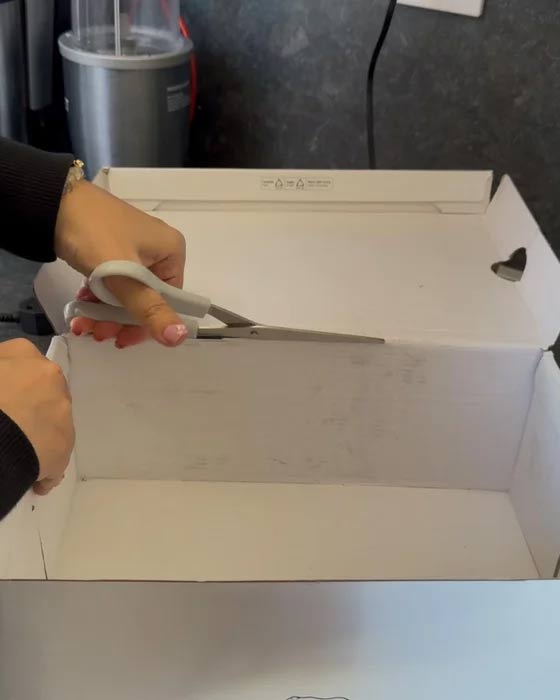
Step 1: If your box has a lid, cut it off.
Step 2: Paste and wrap
Next, we will move on to gluing and wrapping the rope. Glue the rope to the four corners of the box for the first wrap. Once it is firmly glued, begin wrapping the rope tightly around the entire box. ensure to wrap it tightly so that the box does not show through the rope.
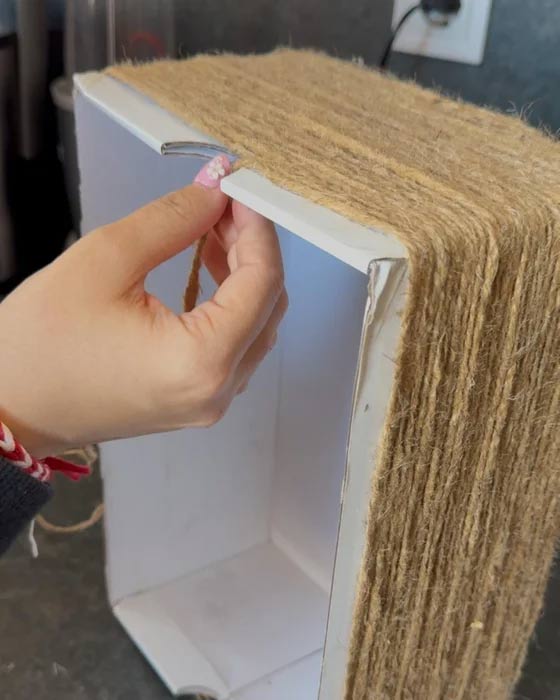
Stop wrapping when you are about 3cm from the top edge. Tape the end of the rope tightly and leave it alone.
Step 3: Cover with fabric
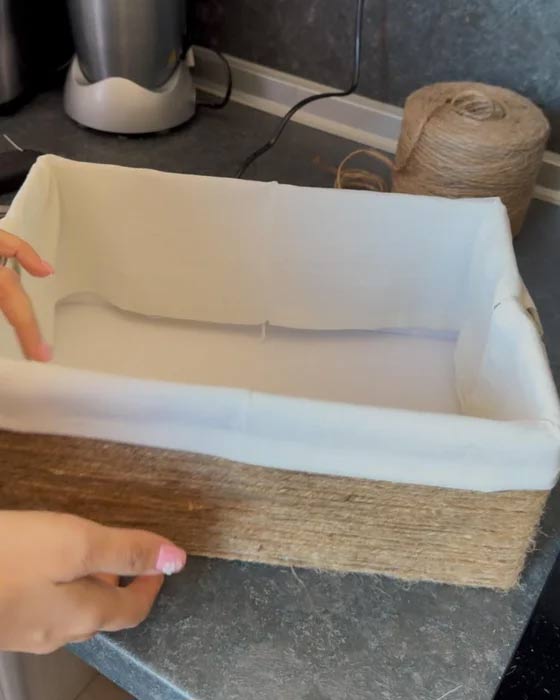
Next, it is time to use the linen. If the edges aren't already hemmed, you can make your own by running hot glue along the edges and folding them over. Let the glue set, then place the fabric inside the box to cover the gap, taping it tightly.
Add fabric to the bottom and you're done!
Step 4: Style the basket
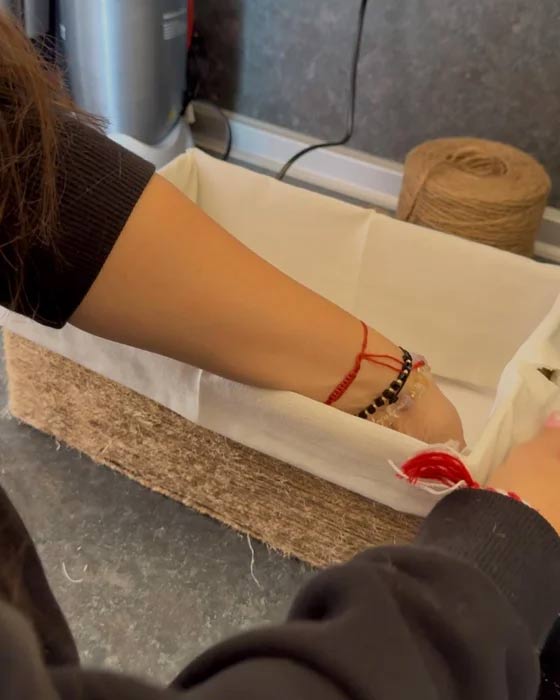
Now you have the perfect stylish basket to hold all your things.
You can use this basket in the bathroom as a cute toilet paper holder. Or you can customize it by gluing on decorative details, attaching accessories, painting and drawing your own details as you like.
Enjoy your new boho basket!
FAQ
What should I prepare before I make your own boho style storage basket?
Review the requirements and options in the guide first. Having the correct device, app version, account access, or materials ready helps prevent avoidable errors.
How long does it take to make your own boho style storage basket?
The time depends on the task and your setup. Most basic steps can be completed quickly, while downloads, updates, scans, or troubleshooting may take longer.
What should I do if the steps do not work?
Repeat the instructions in order, confirm that your software or device is supported, and check permissions, connectivity, and available updates before trying again.
Related Articles
 Latest Kuroku's Basket Showdown Codes and How to Redeem Codes4 minutes read
 How to Find Your Own Art Style: Step-by-Step Guide10 minutes read
 How to Sneak Downstairs Early to See Your Easter Basket10 minutes read
 Useful Tips to Never Run Out of Windows Storage Space7 minutes read
 How to Use the Style Menu on Pixel 43 minutes read
 Static Storage Class in C // C ++: Storage Class in C // C ++4 minutes read
Reader Comments 0
Sign in with email or Google to join the discussion.