Table of Contents
This updated guide explains how to Make a Successful Instagram Fanpage through clear steps, practical examples, and important checks that help prevent common errors.
Part 1 of 3:
Creating the Account
-
Determine your fanpage's focus. Before you can create a fanpage, you'll need to know exactly what your fanpage's focus will be. Common examples include the following:
- A celebrity or public figure
- A topic (e. g., a type of animal)
- A belief (e. g., a religious or philosophical movement)
-
 Download a profile picture. If you don't have a picture of the focus of your fanpage immediately available, download one before setting up your Instagram account so that you can add it to your profile during the setup process.
- For example, if you may need to make a fanpage about Kermit the Frog, you'd download a picture of Kermit.
-
 Open Instagram. Tap the Instagram app icon, which resembles a multicolored camera. This will open Instagram.
- If you're already signed into an Instagram account, log out before proceeding.
-
 Tap Sign up. It's a link near the bottom of the screen. Doing so opens the beginning of the account creation section.
 -
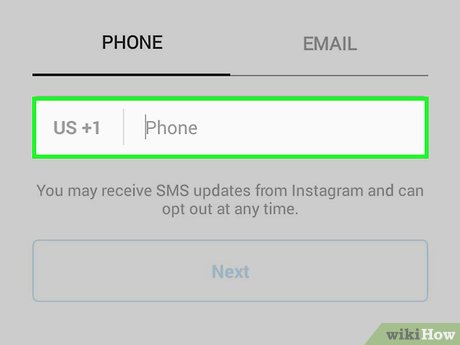 Enter a phone number. Tap the text box in the middle of the screen, then enter the phone number that you may need to use for your Instagram account.
- If you may need to sign up with your email address, tap the Email tab and enter your email address instead.
-
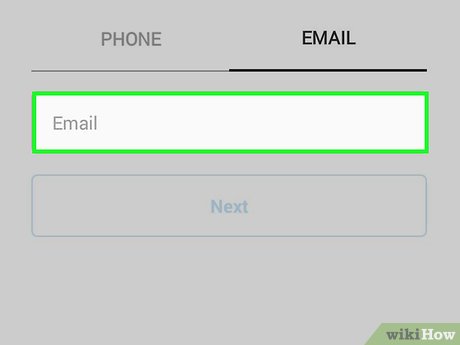 Tap Next. It's a blue button near the bottom of the screen.
 -
 Enter your name and a password. Type your full name and preferred password into the "Full name" and "Password" text boxes, respectively.
- The name which you choose should reflect your fanpage's focus, not necessarily your own name.
-
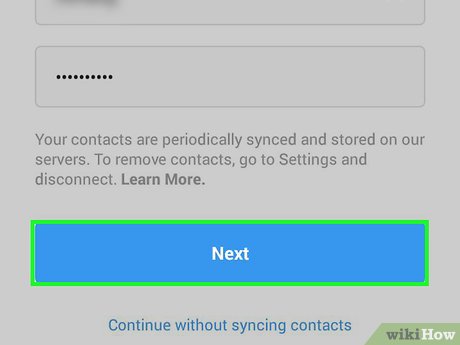 Tap Next. This blue button is near the bottom of the screen.
 -
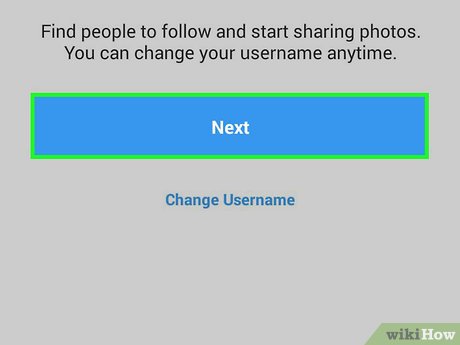 Tap Change username. It's a link in the middle of the page.
 -
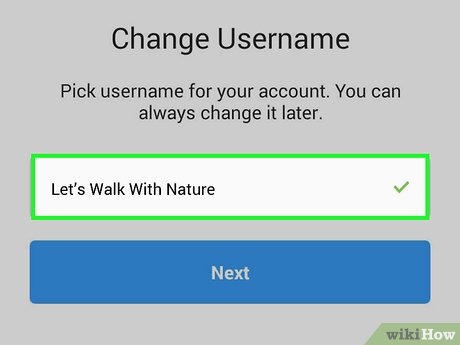 Enter an interesting username. In the text box in the middle of the screen, type in the username that you may need to use for your page. This is the tag which people will see when they search for your page, so you'll want to make sure that your name is catchy, easy to remember, and relevant to your fanpage's focus.
 -
 Tap Next.
 -
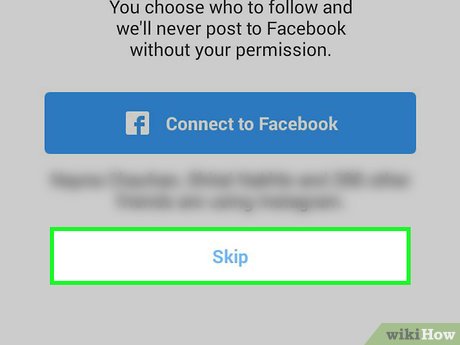 Skip connecting Instagram to Facebook. Tap Skip , then tap Skip again when prompted.
- You can always connect Instagram to Facebook later if needed.
-
 Tap Next. It's in the top-right corner of the screen.
- If you may need to follow someone on this page, you can tap Follow to the right of their name before proceeding.
-
 Tap Add a Photo. You'll see this blue button in the middle of the screen. A pop-up menu will appear.
 -
 Select your downloaded photo. Tap Choose from Library in the pop-up menu, then select the photo that you downloaded earlier.
 -
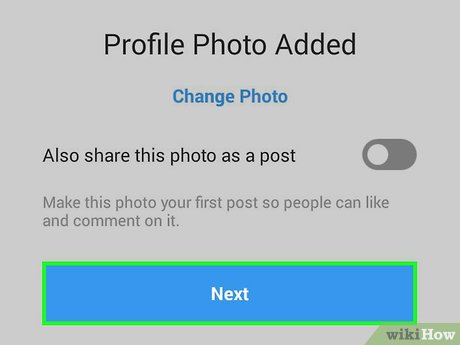 Finish the account setup. Tap Next , then tap Save to complete your account setup and log into your new Instagram fanpage.
Part 2 of 3:
Setting Up Your Fanpage
-
 Review your account's current appearance. Tap the profile iconin the bottom-right corner of the screen, then look at your account's appearance. You should be able to see your profile picture, a space for the bio, and your first uploaded image (this is the same image as your profile picture).
- This is the view which people who visit your profile will see.
-
 Add a bio. You can add a bio for your account by tapping Edit Profile at the top of the page and then entering a short description of your fanpage's persuasion in the "Bio" section.
- A bio is incredibly important, as it will often serve as a potential follower's first glimpse of what your fanpage is about.
- Many Instagram users update their bios with links to new content from their fanpage's focus (e. g., a new song or a new book).
-
 Research your fanpage's focus. Whether your fanpage is about a topic, a specific celebrity, or a category (e. g., whales), you'll need to have to look up information about your fanpage's focus in order to stay relevant.
- By covering timely events or information about your fanpage's focus, your fanpage can become a source of news for fans.
- Knowing how much (or how little) information is available will also help you get a better idea of the kind of content you may need to upload.
-
 Check out other Instagram fan pages. There are bound to be a few fanpages similar to yours in focus; while you shouldn't copy other fanpages, you can look at them for inspiration.
- The easiest way to see other fanpages is by tapping the search bar at the bottom of the screen and entering your focus' name or description into the search bar.
-
 Follow the account of the fanpage's focus if possible. If you're creating a fanpage for a public figure or a celebrity, they most likely have an Instagram page of their own. You can follow them to ensure that you're in the loop whenever they post new content.
- Additionally, consider following the person on other social media accounts if possible.
- You might also want to follow other fanpages, especially if your account is a category appreciation page rather than a fanpage for a specific person. This will help you break into the topic's community.
-
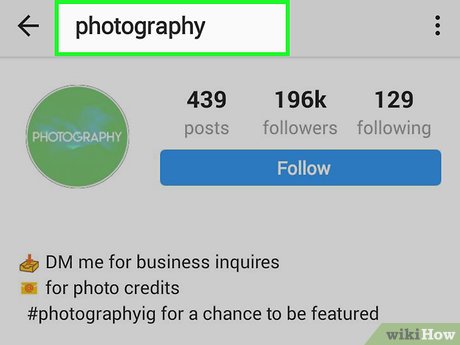 Figure out what will make your page different. Based on what you know about the existing fanpages for your topic or person, try to come up with a few ways to make your page unique.
- For example, if you notice that every other fanpage covers the same general type of information, you might want to make your fanpage more specific.
-
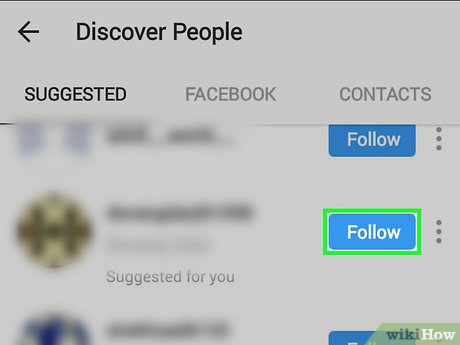 Find a photo to upload. Once you've optimized your fanpage, you'll need to post your first photo—a process which starts with finding and downloading an image from online.
- If you're creating a fanpage about an easily accessible topic (e. g., wildflowers), you may be able to take a photo instead.
-
 Upload your first photo. To upload a photo from your camera roll, do the following:
- Tap + at the bottom of the screen.
- Tap the Library tab.
- Select a photo.
- Tap Next
- Select a filter.
- Tap Next
- Enter a caption for your photo.
- Tap Share
Part 3 of 3:
Maintaining Your Fanpage
-
 Establish a visual theme. One thing that you'll notice on most successful fanpages is that their photos all follow the same general theme. While this doesn't mean that your photos need to look exactly alike, there are a couple of things you can do to ensure that your Instagram content looks uniform:
- Use the same filter on your photos (or don't use a filter at all)
- Stick to a color theme (e. g., use all color or all black-and-white)
-
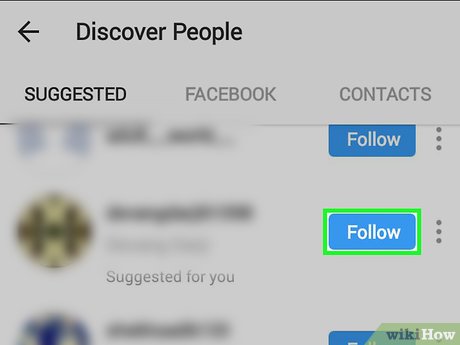 Interact with other fanpages. Reaching out to other Instagram fanpages will both help expose your content to new people and give you an idea of what your content should look like as well.
- Following other fanpages will also help you stay informed of important information for your topic.
-
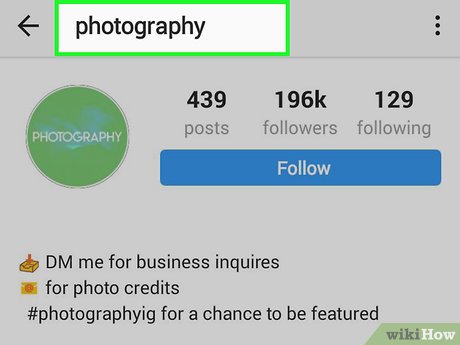 Stay on top of your fanpage's topic. Keeping your fanpage's content up to date with the latest information and news about your selected topic is crucial, as many of your followers will expect to get their news from you and similar pages.
- For example, if the person about whom you made your fanpage is an artist who just announced a new album, you'll want to announce the album on your page as well.
-
 Talk to your followers. Your fanpage's followers will undoubtedly have some comments, questions, and suggestions for your content; responding to them is crucial, as it will both help you retain followers and potentially inspire others to follow you.
- Talking to your followers isn't just about engagement—it's about creating a positive community where people who enjoy the same topic can converse without interruption.
- Much of a fanpage's success can be determined by looking at how the fanpage's community interacts with each other.
-
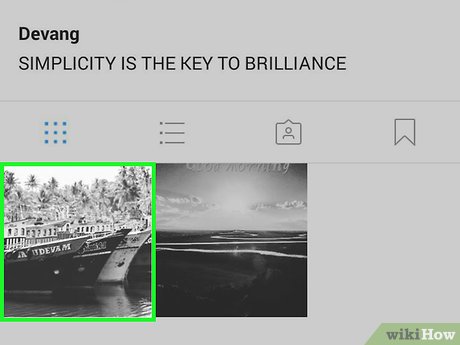 Post often. As with any other social media, success on Instagram often correlates directly with posting a few times per day, especially when starting out. At the very least, try to post twice per day.
- Make sure not to overdo it. Posting more than 5 times per day may dissuade other people from following you.
-
 Don't neglect the description box for your photos. While photos are the bulk of your Instagram content, be sure to add a caption to each post before publishing it. Captions create an opportunity to talk to your fanpage's followers or ask questions, and they also help make your content look more professional.
 -
 Use popular hashtags. Tagging your posts will make them more easily searchable by people who don't follow you. While your hashtags should be relevant to the post (e. g., don't use hashtags which have nothing to do with your post), you can include as many of them as you like.
- If the focus of your fanpage inspires a hashtag, be sure to use the hashtag in as many posts as possible before the hashtag's relevance dies.
FAQ
What is the easiest way to Make a Successful Instagram Fanpage?
Start with the requirements in this guide, then follow each step in order. Check the result after every major change so problems are easier to identify.
Can beginners follow these instructions?
Yes. The process is organized into practical steps, and you can repeat any step before moving forward.
What should I check if the method does not work?
Confirm your software or device version, permissions, settings, file format, and internet connection when the task depends on online services.
Related Articles
 How to Link Facebook Fanpage with Instagram6 minutes read
 What Causes the Fanpage to Collapse?: Fanpage Admin Account5 minutes read
 How to Use Videos to Make Facebook Fanpage Cover Photos5 minutes read
 Guide to Hide Facebook Fanpage Like Activity3 minutes read
 Instructions on How to Check in for Facebook Fanpage4 minutes read
 Facebook Purification, a Series of Fanpage Entertainment 'Dead4 minutes read
Reader Comments 0
Sign in with email or Google to join the discussion.