Table of Contents
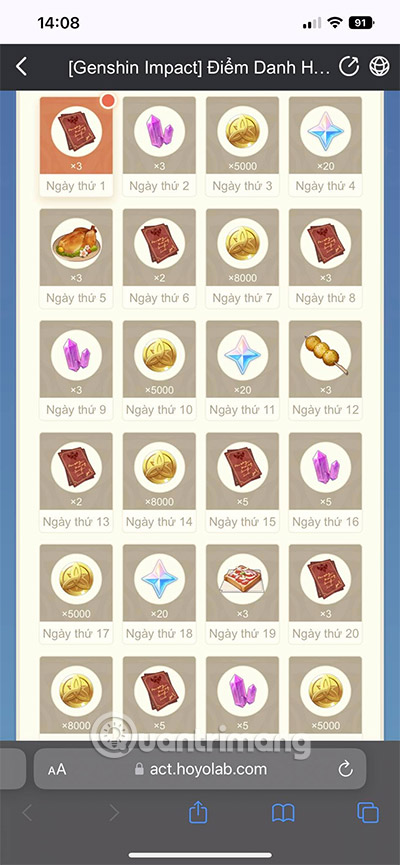
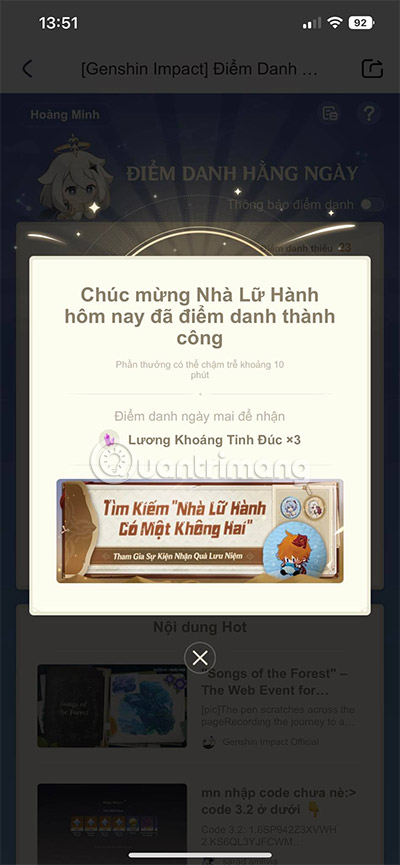
Open the official Genshin Impact Daily Check-In page and sign in with the HoYoverse account you use in the game. Select the highlighted reward and collect it from your in-game mailbox. You can also check in through the HoYoLAB app.
Check in on the HoYoLAB website
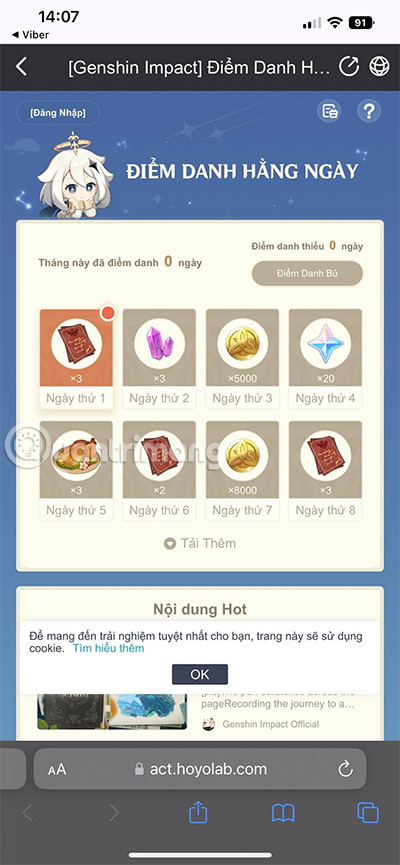
- Open the Daily Check-In page and sign in.
- Select the available reward on the monthly calendar and look for the claim confirmation.
- Open the game with the same account and check your mail.
Check in from the HoYoLAB app
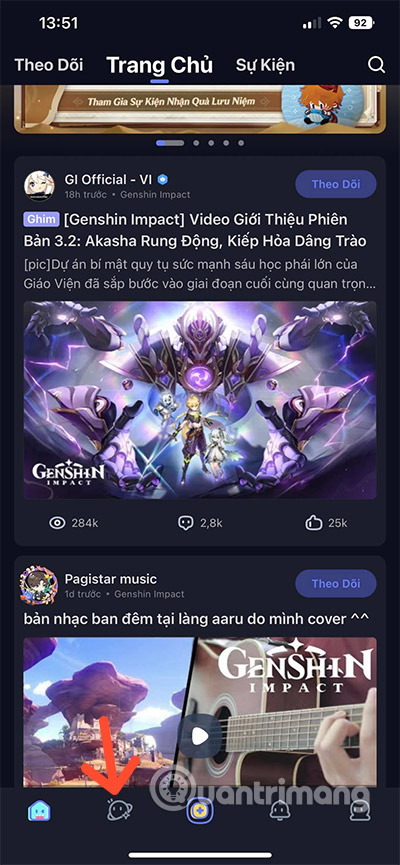
Open HoYoLAB and go to the game tools or HoYo Guides section.
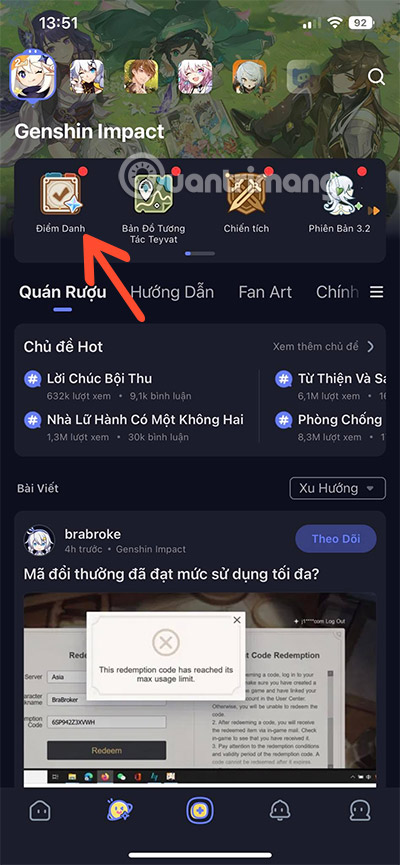
Select Genshin Impact, then Check-In. Older screens may call it Attendance.
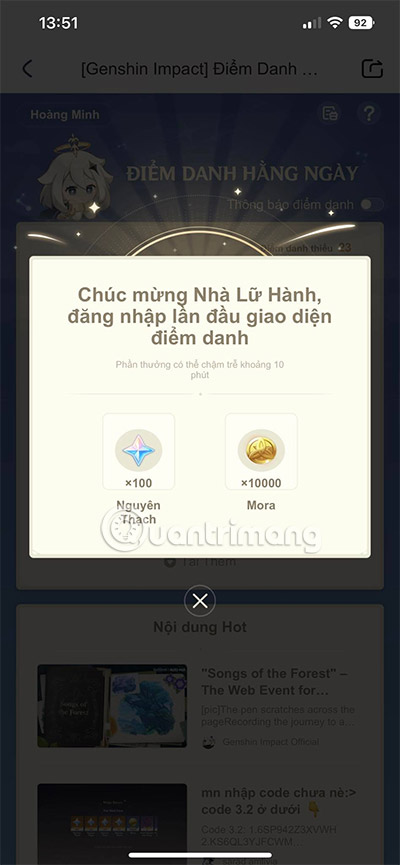
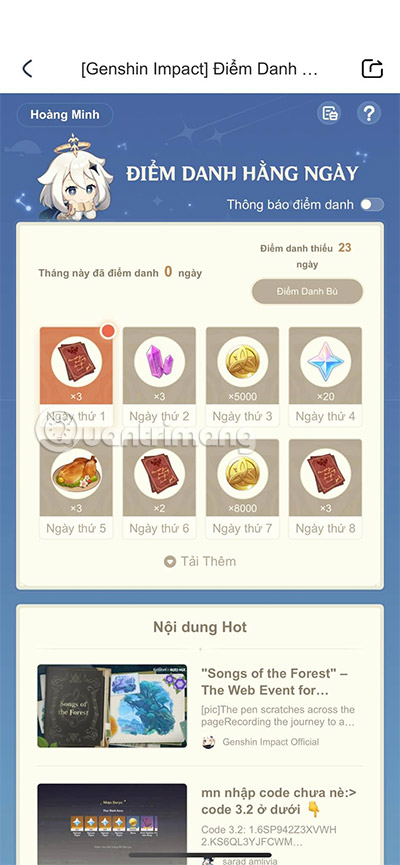
Tap today’s reward. Use the calendar to see your progress and the rewards shown for later check-ins.
What you can earn
The calendar shows the currently available rewards, which can include Mora, character experience items, and Primogems. First-time or special-event bonuses can have separate rules. If you miss a day, open the check-in page and look for a make-up option. Check the terms shown there for the current month.
If a reward hasn’t arrived
Check that the website or app shows the reward as claimed. Verify that you’re signed in to the correct game account and server, then reopen the in-game mailbox. If you play on PlayStation, your PSN account must be linked to the HoYoverse account you use on HoYoLAB. Allow time for delivery and claim items before the expiration shown in the mail.
Related Articles
 Giftcode Genshin Impact, How to enter Giftcode Genshin Impact code - updated on 06/10/2020
 Genshin Impact Codes for August 2026 and How to Redeem Them
 Instructions for entering the latest Genshin Impact codes and codes
 How to update Genshin Impact on PC, PS4, Android and iOS
 Sandrone Kit Explained in Genshin Impact
 Genshin Impact: Details of update 4.4
Reader Comments 0
Sign in with email or Google to join the discussion.