Table of Contents
A passkey lets you sign in to a supported website or app without typing a password. Apple introduced passkey support with iOS 16. You approve the sign-in on your iPhone with Face ID, Touch ID, or the device passcode when offered.
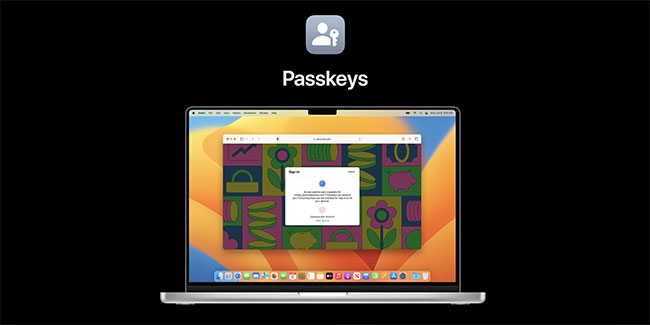
How a passkey protects a sign-in
The website stores a public key. Your iPhone or chosen credential manager keeps the private key and uses it to prove that you can sign in. Your face or fingerprint verifies you on the device, and the website does not receive your biometric data. A passkey is bound to the service it was created for, which helps prevent a lookalike site from collecting a usable credential.

Sync your passkeys and use them on other devices
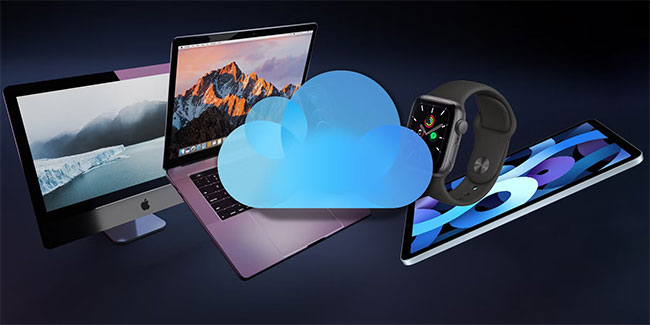
Passkeys stored in iCloud Keychain use end-to-end encryption and can sync to compatible devices signed in to the same Apple Account. On a compatible computer, a site may offer Passkey from nearby device or a similar option. Scan the QR code displayed on the other device with your iPhone, then approve the sign-in on your phone.
Check support and recovery before switching
- Site support varies. Look in the account security settings for an option to add a passkey. Some services keep a password or other recovery method available.
- Biometrics can fail on a particular attempt. When your iPhone offers the device passcode, use it to verify yourself.
- Keep your recovery options current. Check that you can access a trusted device or phone number. See Apple’s guide to passkey security and iCloud Keychain recovery.
For an important account, create a passkey and test it in a separate browser session while you’re still signed in elsewhere. Check which backup sign-in methods the service keeps available before you remove any existing one.
Related Articles
 Windows 11 pros and cons, should you upgrade now?
 Pros and cons of using cloud storage for remote work
 What is Dynamic AMOLED display? Pros and cons? On which phone?
 What is 3D Face Security? On which phone?
 Pros and cons of using social media to find work
 Best internet providers in 2020: How to choose cable vs. DSL vs. satellite and more
Reader Comments 0
Sign in with email or Google to join the discussion.