Table of Contents
Artflo is a visual AI workflow platform for creating images and videos in one project. Instead of moving files between separate tools, you add connected steps to a canvas, choose a model for each step, and run the workflow using the credits shown in the interface.
Start a new Artflo project
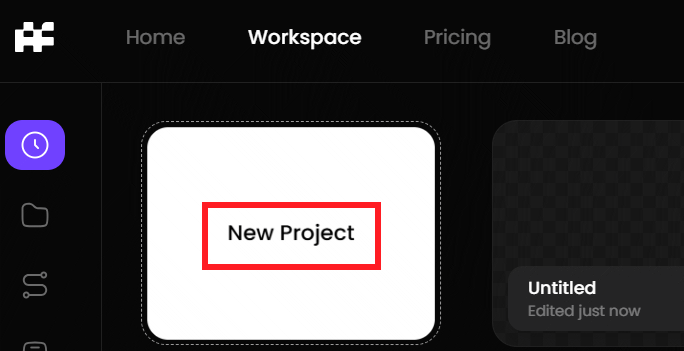
Open Artflo.ai, sign in, and create a new project.
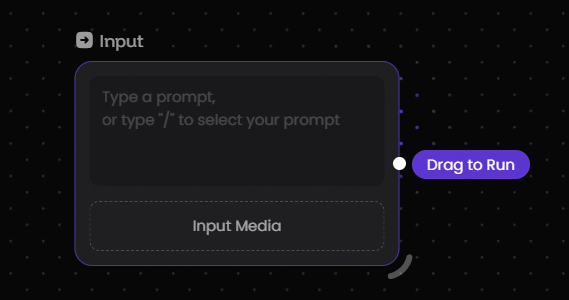
Add the starting input. You can write a description prompt or upload an image to use as a reference. A specific prompt that describes the subject, setting, style, lighting, and composition will usually give the workflow clearer direction.
Connect an image-generation step
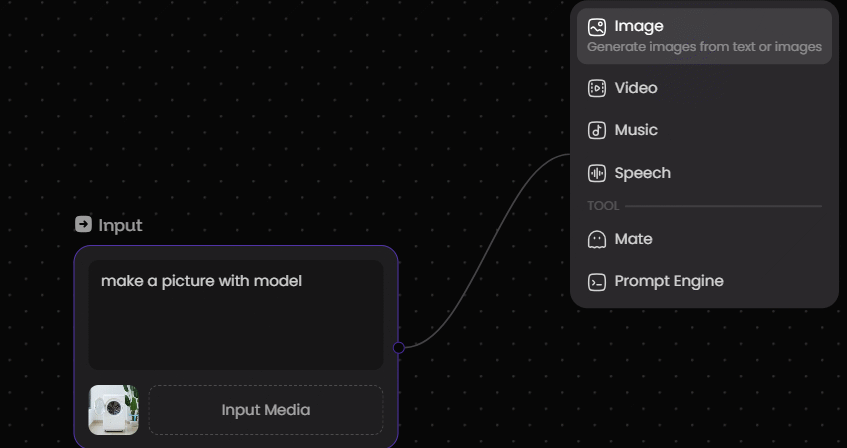
Drag a connector from the input node and select the type of content you want to generate. Choose an image tool or model from the options shown in the menu.
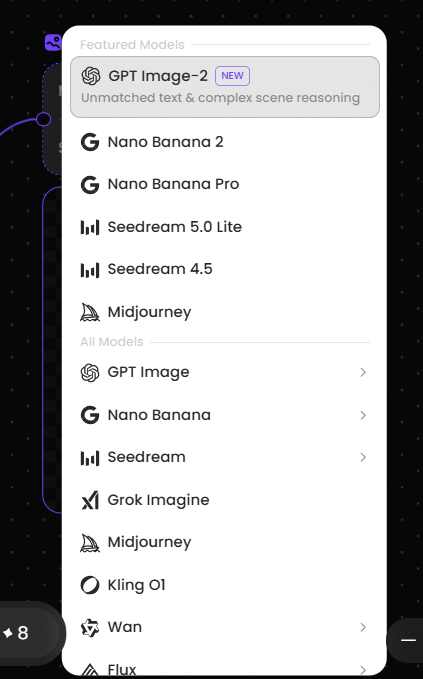
The settings available in the new node depend on the selected tool. Review the model, aspect ratio, output size, and any other visible controls before running it.
Create several outputs from one input
A single source node can feed more than one generation step. For example, you can connect it to multiple image nodes to compare models or styles, or connect the same reference image to both image and video branches.
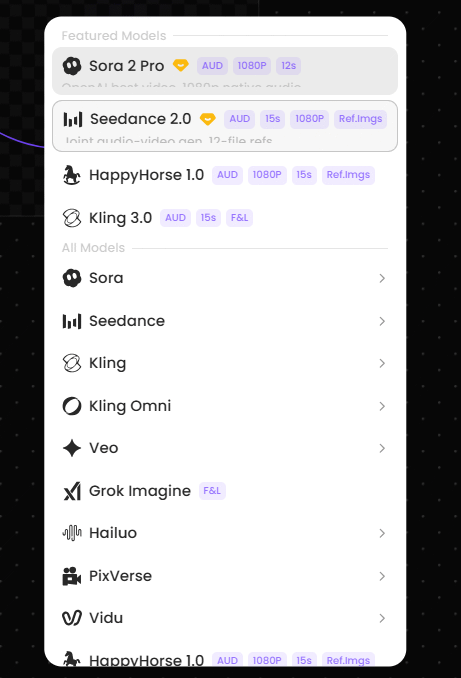
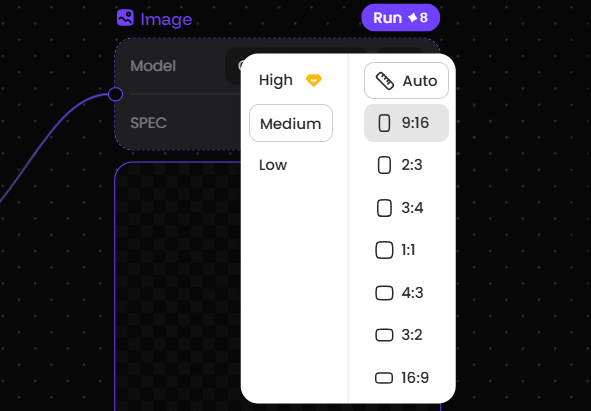
For an image node, select the required aspect ratio or dimensions and the number of results. Check the credit cost displayed by Artflo, then click Run.
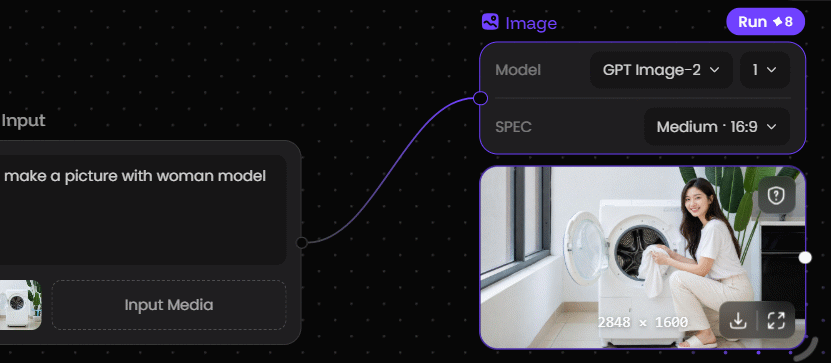
Review and download the generated image
When processing finishes, inspect the output for composition errors, unwanted details, and consistency with the prompt. If the result is suitable, use the download icon to save it. Otherwise, adjust the prompt or node settings and run that step again.
Turn an image into a video
To animate a result, connect the completed image to a video-generation node. Add a motion prompt that describes camera movement and subject action, then choose the available duration, format, or model settings shown in the node.
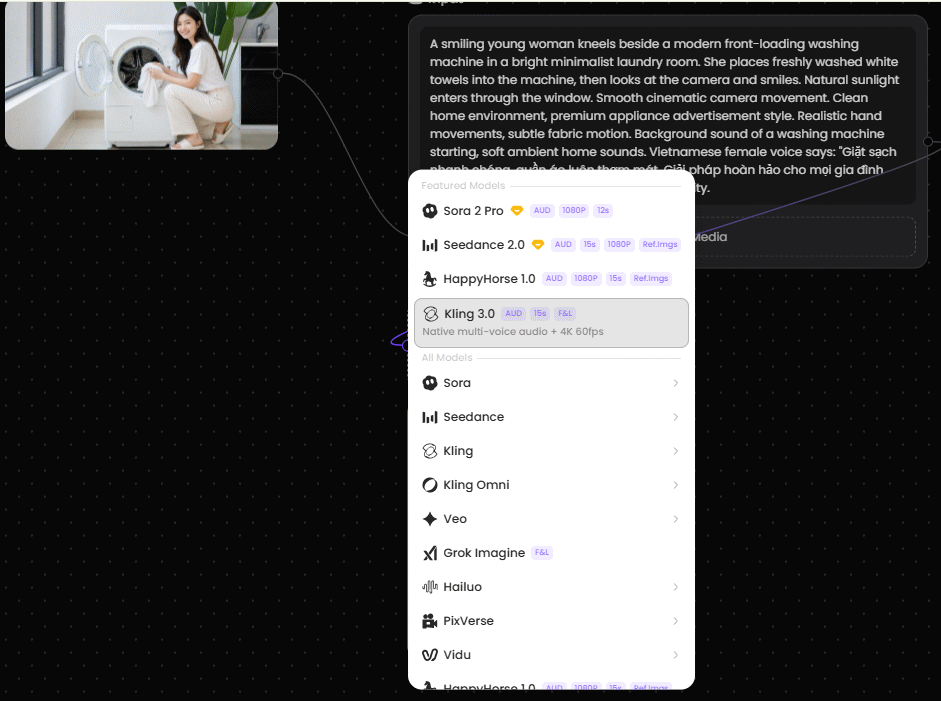
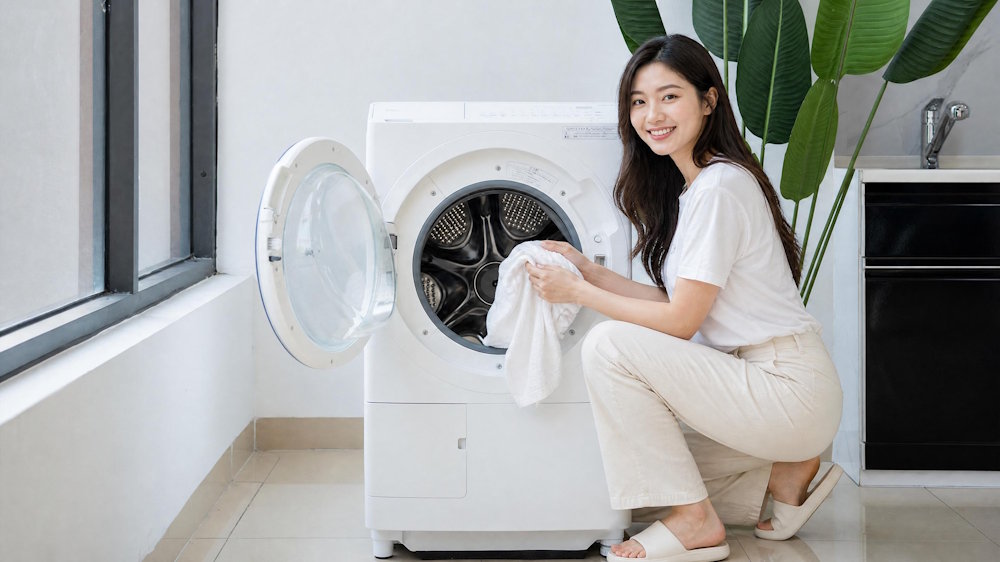
The example below shows an image generated through an Artflo workflow. Available models and controls can change, so use the names and credit estimates currently displayed in your workspace.
Plan the workflow before spending credits
Keep the first test small: generate one image at a moderate size, check the result, and refine the prompt before requesting multiple outputs or adding video generation. Naming nodes by purpose also makes a larger workflow easier to troubleshoot.
Related Articles
 Guide to Creating Videos from Images Using Meta AI6 minutes read
 Instructions for Creating GIF Images on YouTube Do Not Need Software7 minutes read
 How to Create Gif Images from Videos with Workflow on iPhone6 minutes read
 How to Convert GIF Images to Videos4 minutes read
 The Easiest Way to Create Videos From Images7 minutes read
 Create GIF Animations from Videos Using Camtasia Studio3 minutes read
Reader Comments 0
Sign in with email or Google to join the discussion.