Table of Contents
You can make a head-grabbing trend image for TikTok using a matching AI photo template in CapCut, where that template is available. Start with a clear photo, preview the effect, and inspect the generated face and hand before exporting.
Trend names, templates, and AI controls can change by region and app version. The screenshots show one mobile workflow; use the template preview to identify the effect rather than relying on an exact translated search phrase.
1. Find a matching template
Open the CapCut mobile app and use the search control. Try descriptive terms such as head grabbing or head grab, then compare the results with the style you want. If a TikTok example has a CapCut template link, that link can be a more direct route.

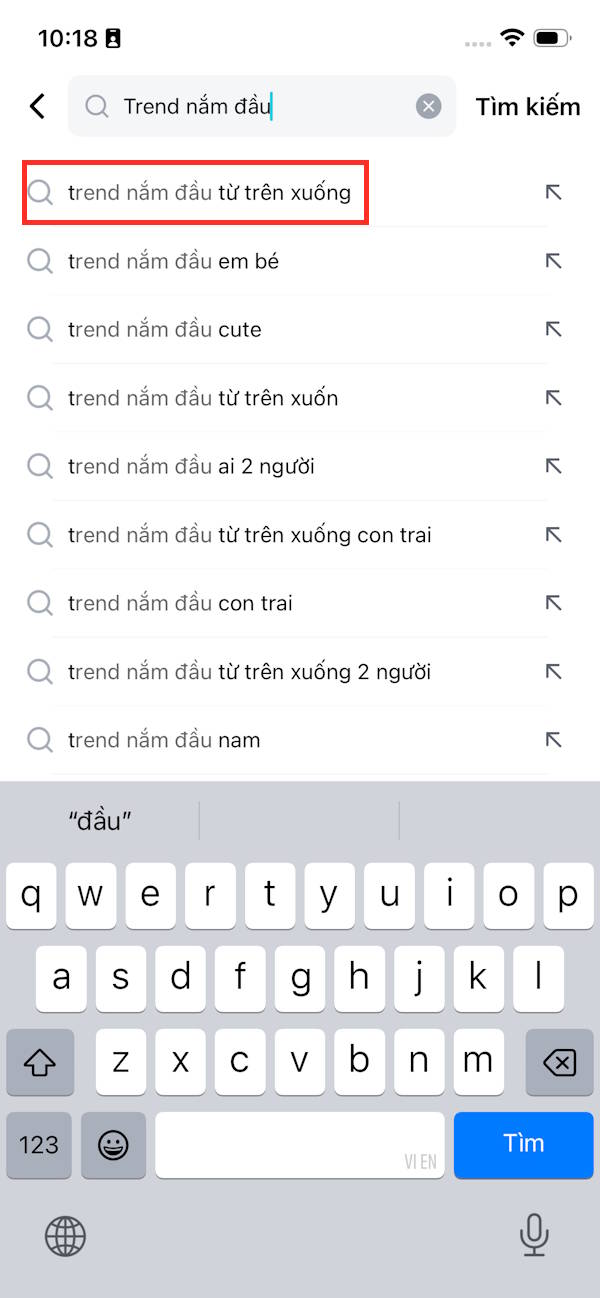
Do not select an unrelated effect simply because it has a similar name. If no matching result is available, the original template may have moved, been removed, or not be offered for your account.
2. Check the preview and use the template
Open the template and review its example image. Confirm that it accepts photos and produces the head-grabbing effect. Choose Use AI-generated template, Use template, or the equivalent control shown in your version.

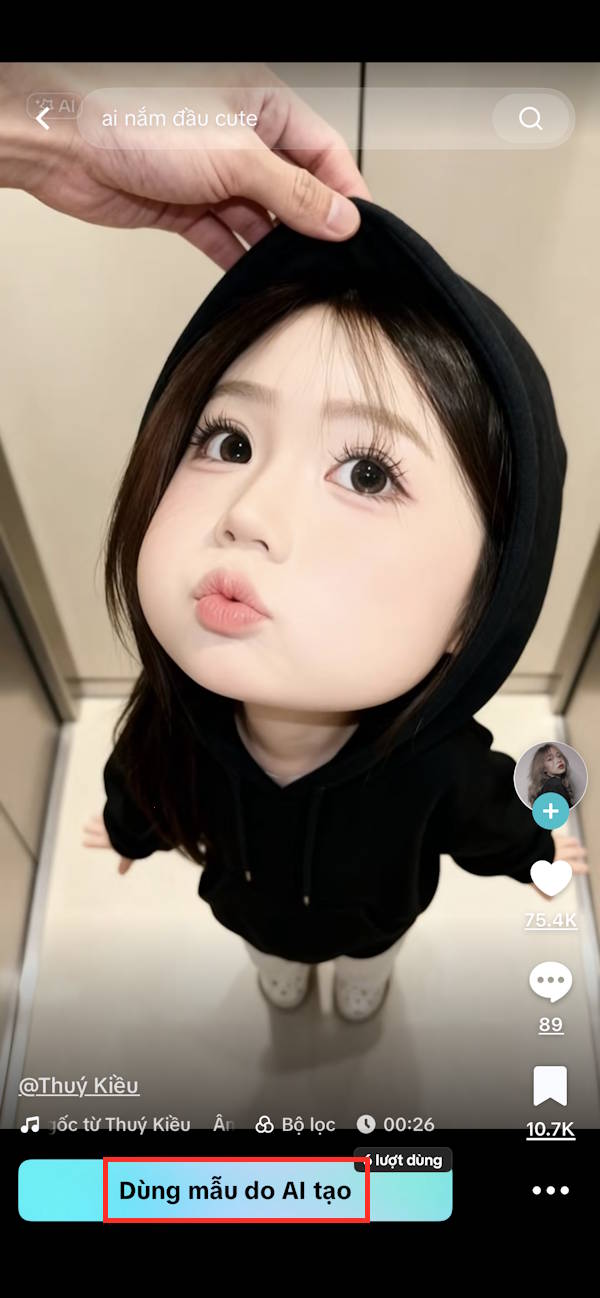
Check any credit or subscription requirement before generating. A template appearing in search does not establish that every generation or export is free.
3. Upload a suitable photo
Select a photo you have permission to edit. A clear face with enough space around the head is a sensible starting point. Avoid a tightly cropped or blurry image, then tap Next or the generation control.
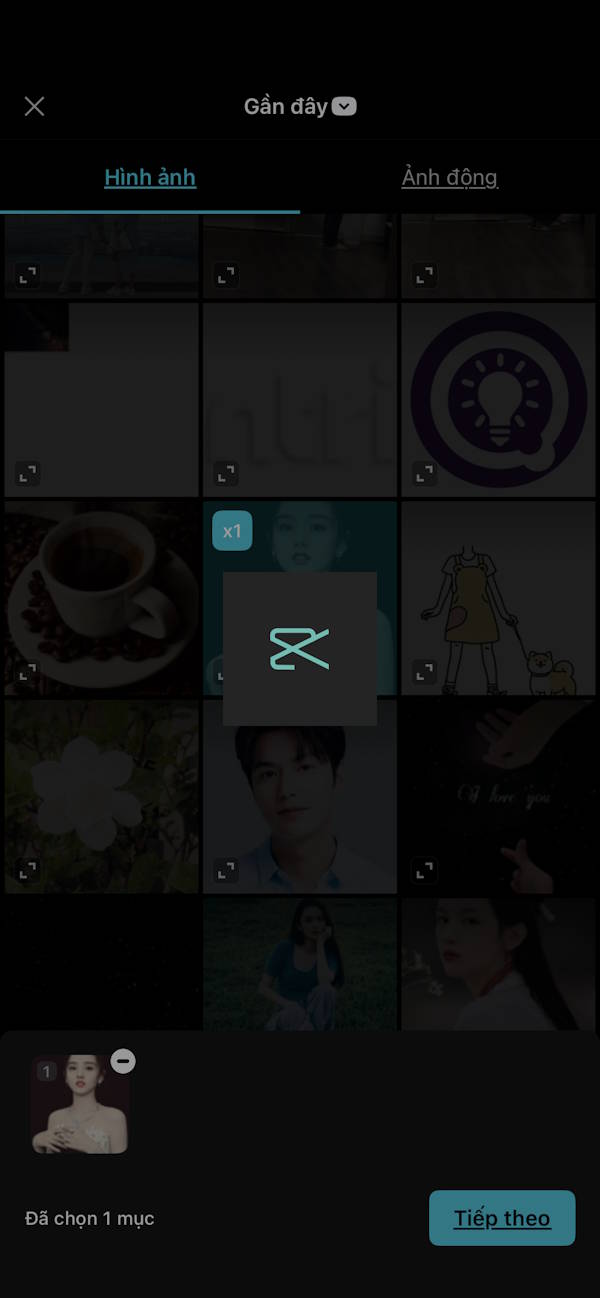
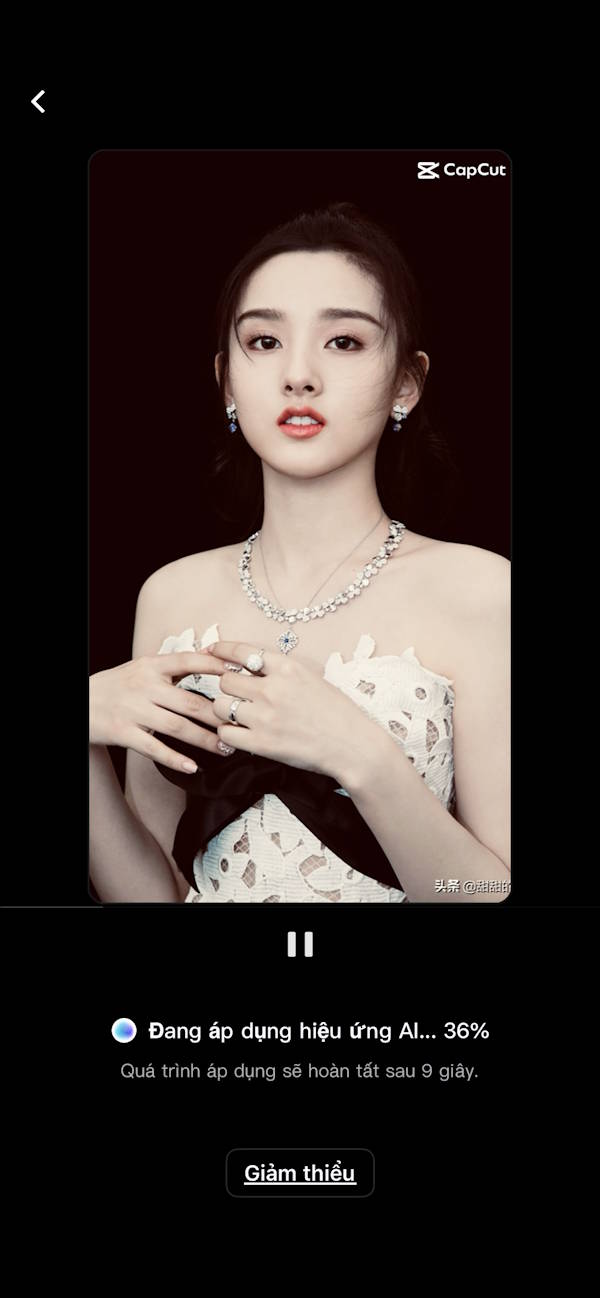
Wait for processing to finish. If the result is poor, try a clearer source or another matching template; repeatedly exporting the same flawed preview will not correct it.
4. Review and edit the result
Use the pen or Edit control where available to open the result's editing options.
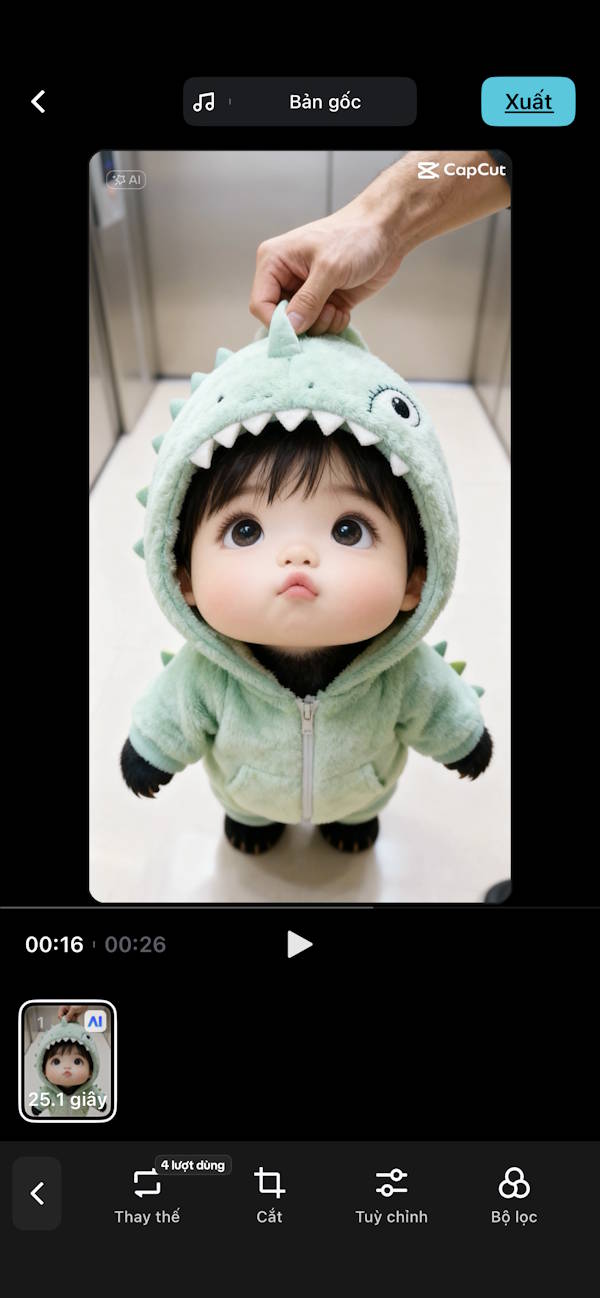
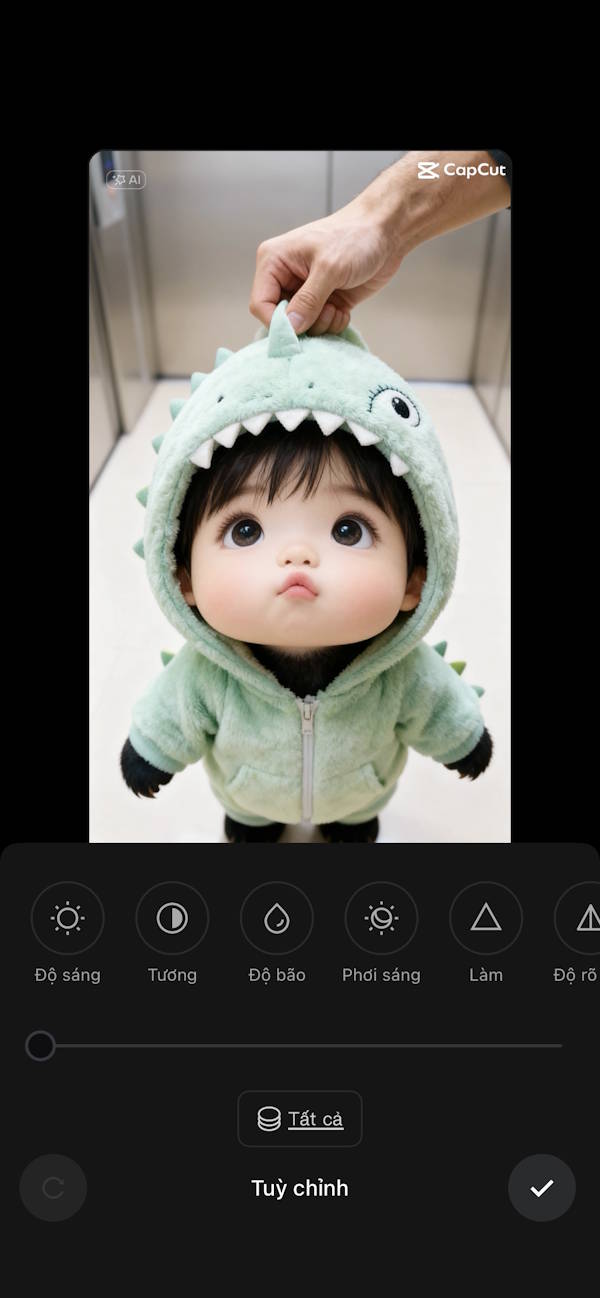
Check the face, fingers, head outline, and background for visible artifacts. Adjust cropping or the available appearance controls only where they improve the picture. Keep the original photo so you can start again if necessary.
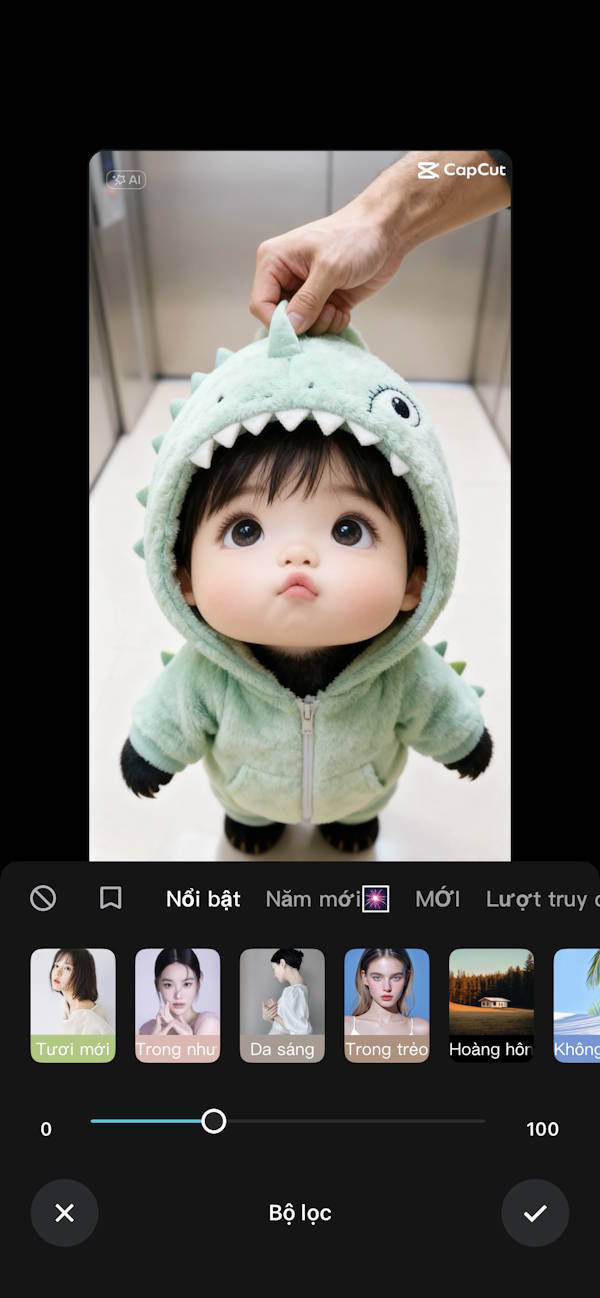
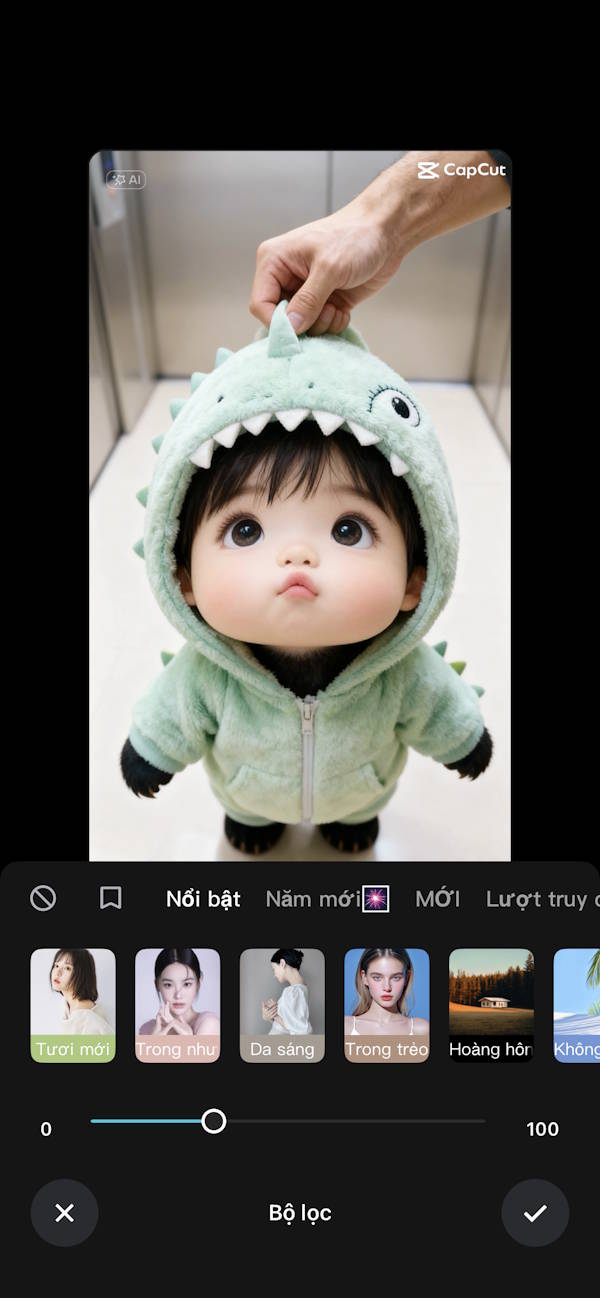
5. Export and check the saved file
Select Export and review the available format and quality options. Some templates create a video rather than a still image, so confirm the output before choosing how to post it.
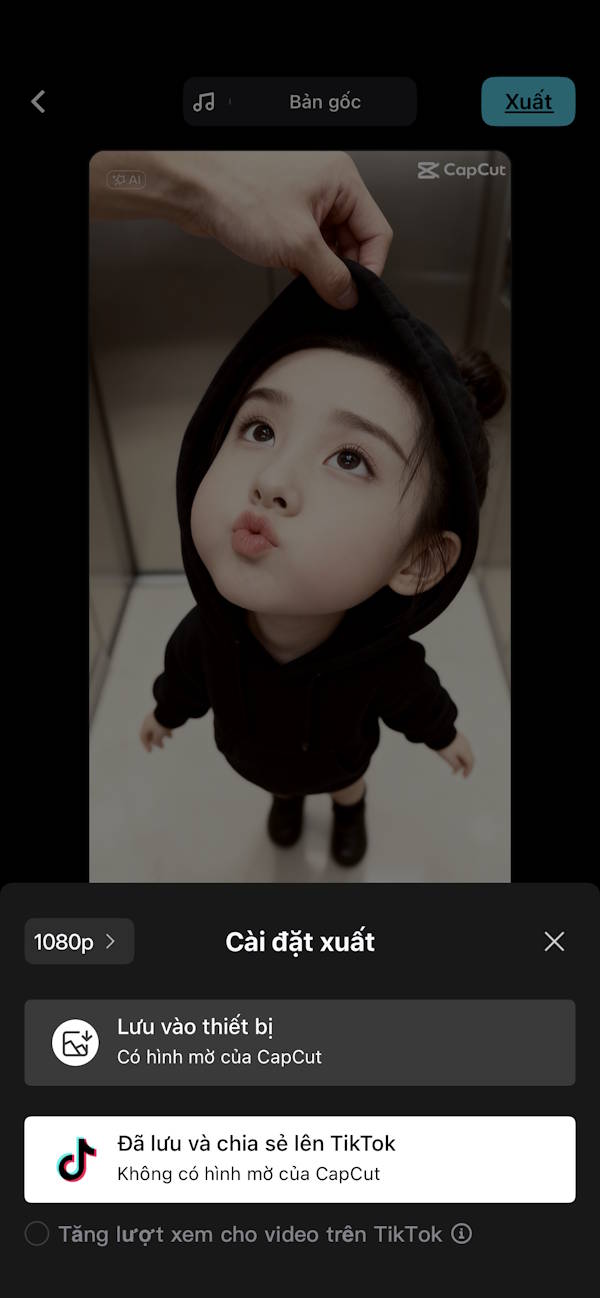
Open the saved file to check cropping and any watermark or added ending. CapCut's template export guide explains the mobile workflow. If you add text to a video version, follow this CapCut text-editing guide.
Share the finished result to TikTok after checking its preview. Exporting a file and publishing a post are separate steps.
Related Articles
 How to Separating Photo Backgrounds and Creating Stickers Right in TikTok4 minutes read
 What Is Zefoy TikTok? How to Use It3 minutes read
 How to Create AI Group Photos in TikTok: Step-by-Step Guide4 minutes read
 How to Comment with Photos on TikTok3 minutes read
 How to Create Slideshow on TikTok5 minutes read
 Tips to Make Videos Trend Quickly on TikTok6 minutes read
Reader Comments 0
Sign in with email or Google to join the discussion.