Table of Contents
This updated guide explores don't share photos until you run this metadata check with practical details, clear explanations, and useful takeaways. Every time you take and share a photo, invisible data tags are attached. These tags reveal where and when you took the photo, and even the device you used. Without a quick check of the metadata, you're exposing more than just a memory.
1. Location
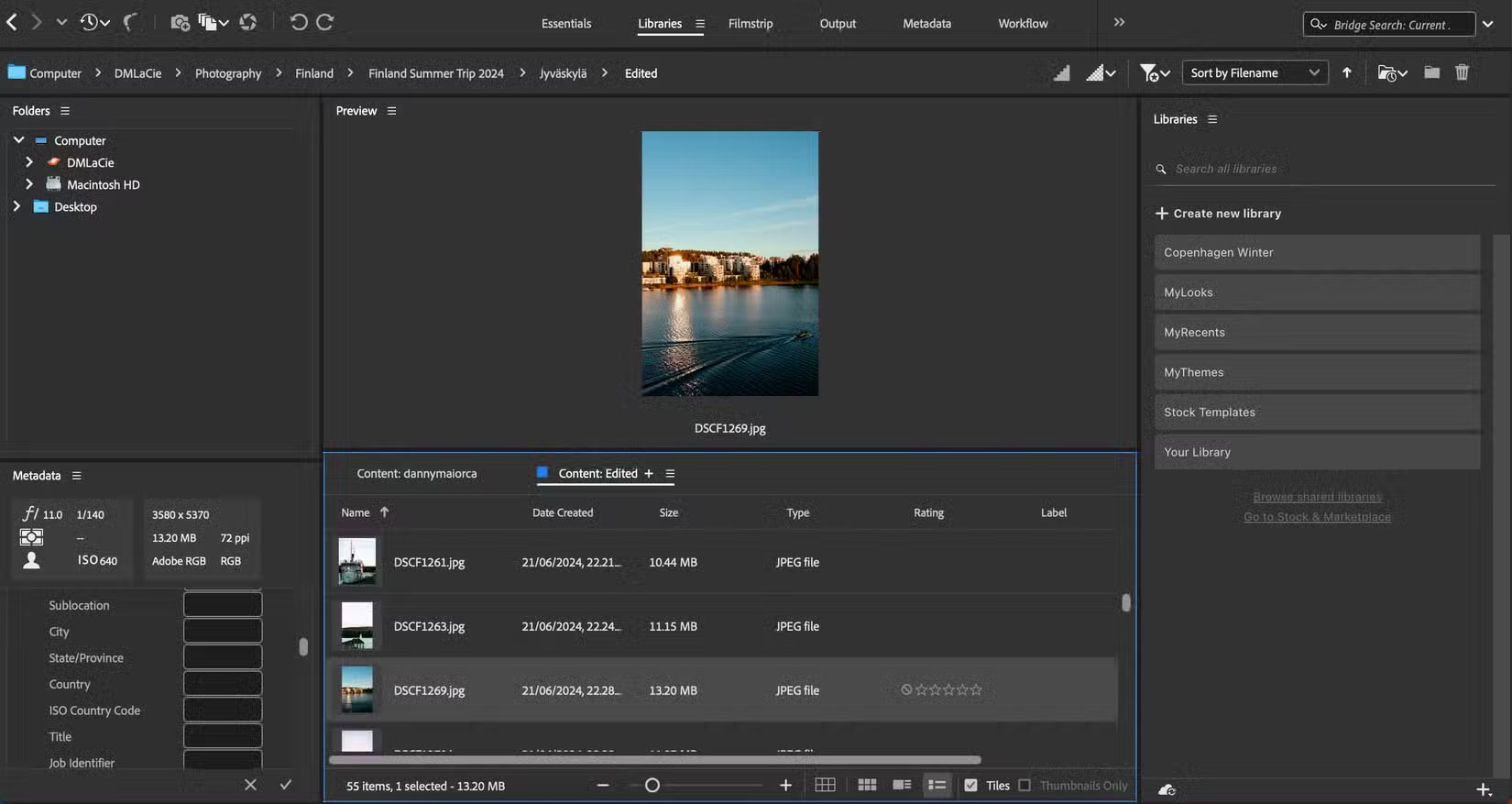
Cameras and smartphones can collect GPS coordinates when you take a photo. If you do not delete this data, someone could put that information into Google Maps or a similar tool. Once they do, they can figure out exactly where you took the photo.
While this isn't an issue if you're on vacation, location metadata can cause problems if you upload photos from places you frequently visit. for instance, sharing photos you took from your home can be risky.
On iPhone, you can see where you took your photos on a map. Even if you use a VPN to post photos, people can still figure out where they were taken through the metadata.
2. Everyone's Name
In some cases, people can find your name from your metadata. This can happen if you give your device a unique name and include your name, for instance. Some tools will also recognize faces. Name information can appear in the title of an image.
If you post on your online profiles under a name other than your own, this information can be very dangerous. People can use it to find out more about you through online searches. In extreme cases, criminals can use this data to commit identity theft.
3. Date of Shooting
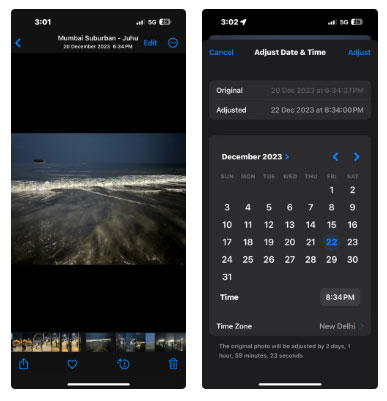
Whether you use a smartphone, DSLR, or something more powerful, image metadata almost always includes the date it was taken. While useful for sorting photos, this information can reveal where you were at a given time.
If you post photos from places you frequently visit, someone could use this data—along with the photos themselves—to determine where you might be at certain times. Furthermore, this can be risky if you're still on vacation; someone could use this data and location metadata to track your whereabouts.
4. Device Model and ID Number
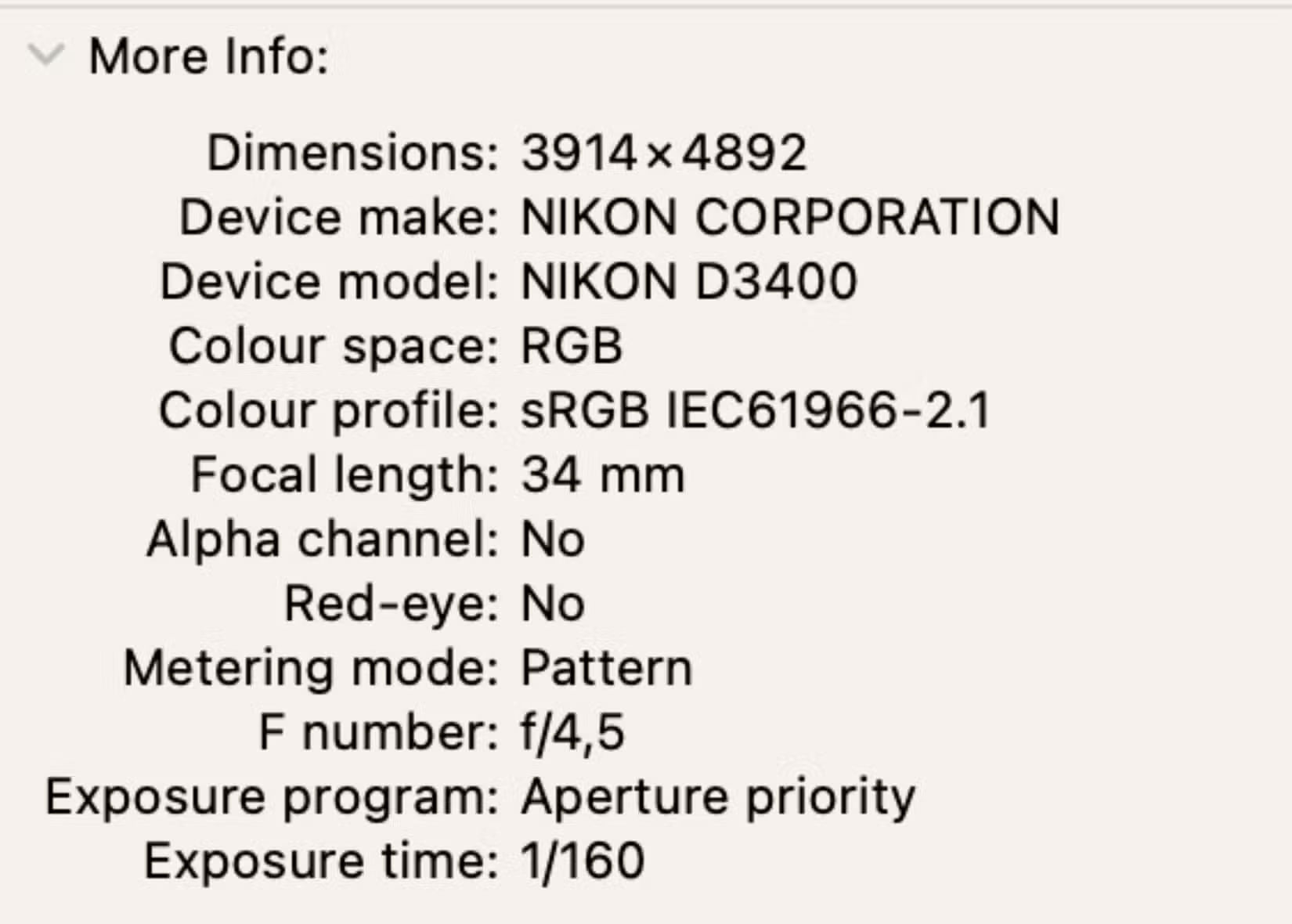
Photo metadata can reveal more information about your camera or smartphone than you might think. for instance, your device ID, model type, or serial number may be included.
Other people finding your device information can be a problem if you live or are visiting an area with a high rate of theft and similar crimes. Someone could use this information to determine if you have many money or an expensive item, then try to take it from you.
Someone could also use your device ID number to figure out what smartphone or camera you have. for instance, a crawler could figure out that you have an expensive camera and target you with ads that are rich. So if you suddenly start seeing ads for camera lenses after posting a photo, that could be the reason.
5. Copyright Information
While the article has talked about things It is best to remove so far, the copyright information is something It is best to include. You can add the name of the image/copyright owner (if you're okay with others knowing this), along with the licensor if applicable.
Consider adding any usage rights, along with your asset ID/status if needed. Copyright is one of the easiest forms of metadata you can view, edit, and add to your photos.
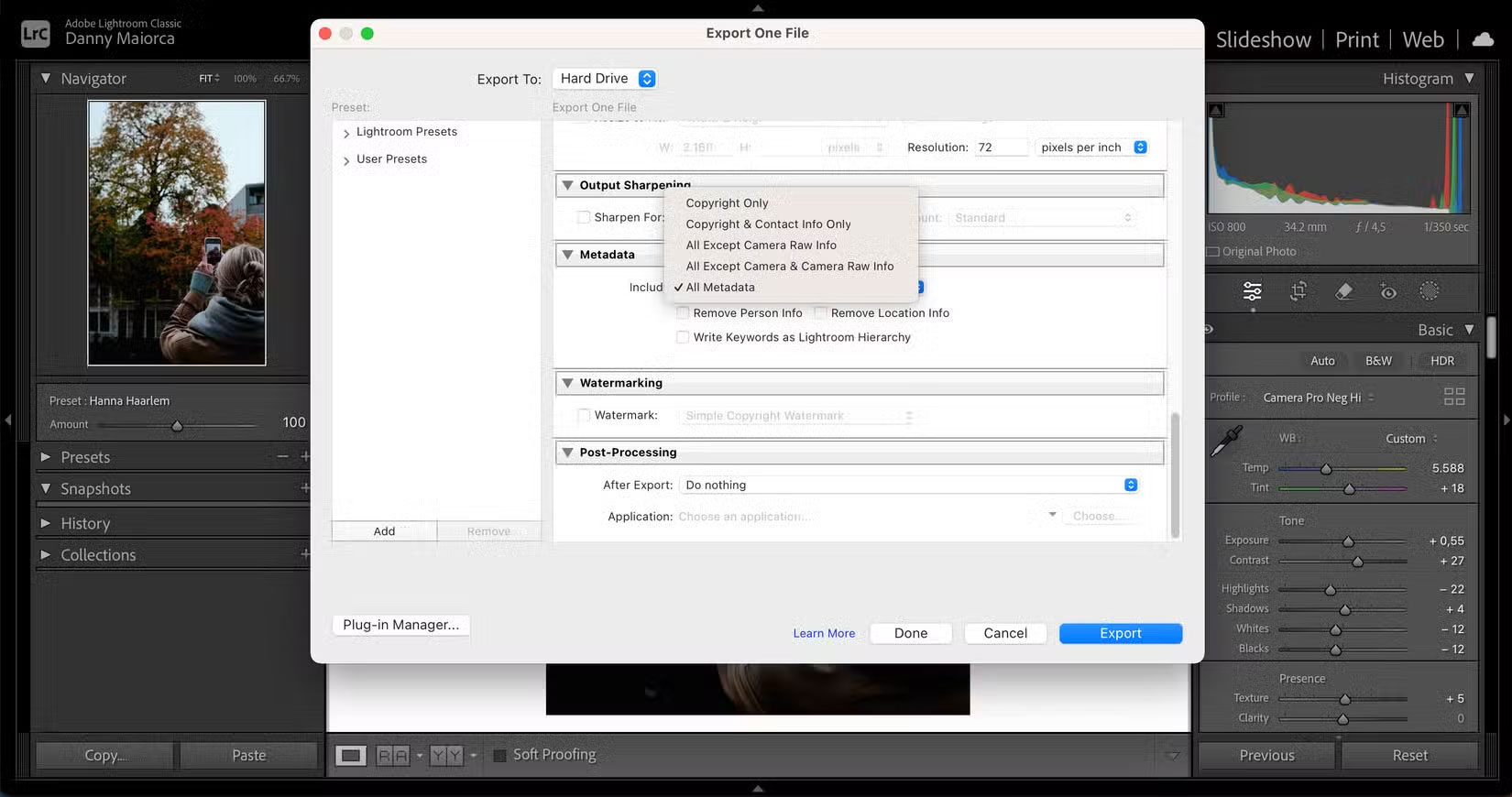
Checking image metadata is important to stay safe. Images reveal more than you think, but fortunately, it is pretty easy to change or remove most aspects. Use this article as a checklist until it becomes an unconscious habit every time you share a photo.
FAQ
What is the main takeaway about Don't Share Photos Until You Run This Metadata Check?
The key is to understand the core idea, compare the available options, and apply the practical guidance that matches your situation.
What should beginners know about Don't Share Photos Until You Run This Metadata Check?
Start with the essential steps and terminology. Avoid changing advanced settings until you understand how they affect performance, privacy, cost, or compatibility.
How can I use this information in practice?
Follow the relevant section in order, test one change at a time, and confirm the result before moving to the next step or recommendation.
Related Articles
 3 Ways to Remove EXIF metadata from Images9 minutes read
 Reflection in C #: Explained6 minutes read
 How to Recover Deleted Photos with EXIF Metadata8 minutes read
 How to Share Photos with Temporary Icloud Links on iPhone and iPad6 minutes read
 How to Share Photos from Google Photos to Other Accounts4 minutes read
 Instructions for Sharing Live Photos on Facebook and Instagram5 minutes read
Reader Comments 0
Sign in with email or Google to join the discussion.