Table of Contents
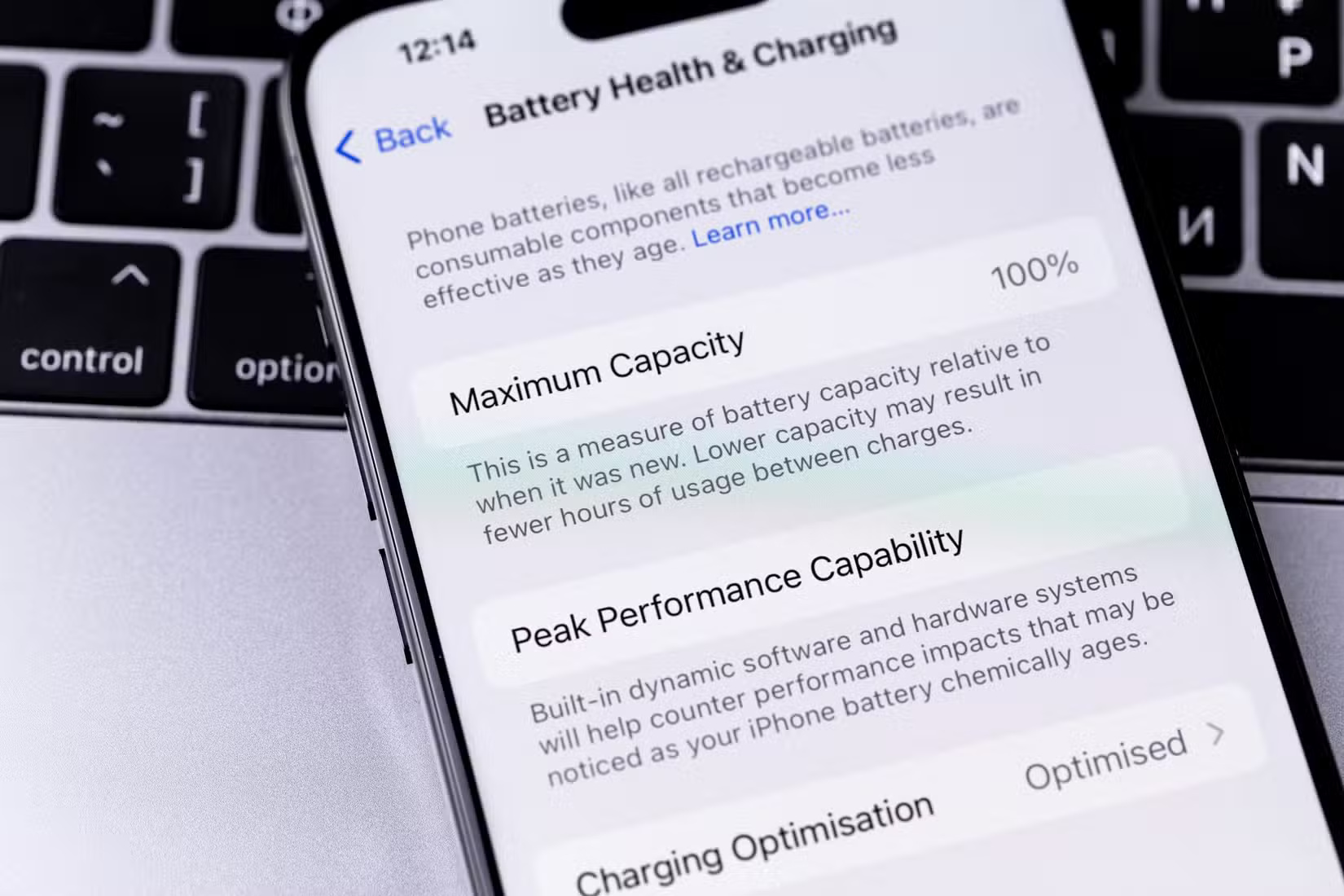
To slow battery wear, keep your phone away from sustained heat and enable the charging protection your manufacturer provides. Charge to 100% when you need the runtime. On ordinary days, an adaptive schedule or a lower charge limit can reduce how long the battery stays full.
1. Use optimized charging or a charge limit
Optimized charging delays the final part of a charge until closer to when you usually unplug. On phones with a charge limit, choose a level that comfortably gets you through the day. See Apple’s charging settings, Google’s Pixel options or Samsung’s battery protection controls.
2. Recharge before the phone shuts down
Plug in when it’s convenient rather than deliberately draining the battery to zero. Short top-ups are fine. If you won’t use the phone for a long time, follow the manufacturer’s instructions for storage and periodically check its charge.
3. Keep the phone cool
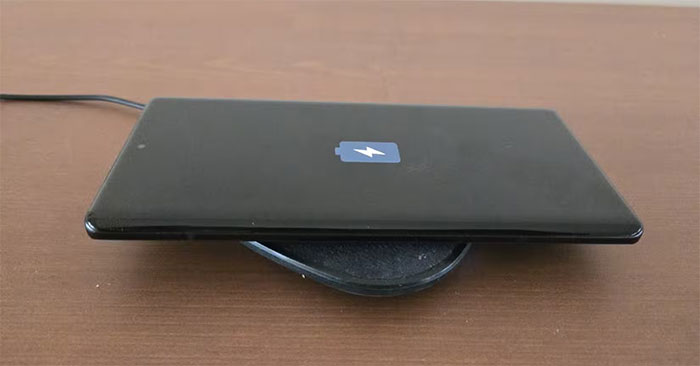
Avoid leaving it on a sunny dashboard or charging under bedding. Cold can temporarily reduce runtime. Let the phone return to its normal operating temperature before charging if it has become very cold or hot.

4. Use a compatible charger and cable
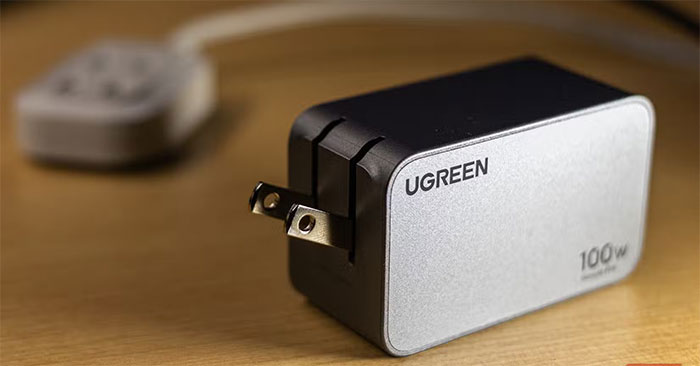
Choose a reputable charger and cable rated for your phone’s charging standard. Replace cables with damaged insulation or loose connectors. A cable can physically fit while supporting a lower charging rate than the phone can use.
5. Pause demanding apps if charging makes the phone hot
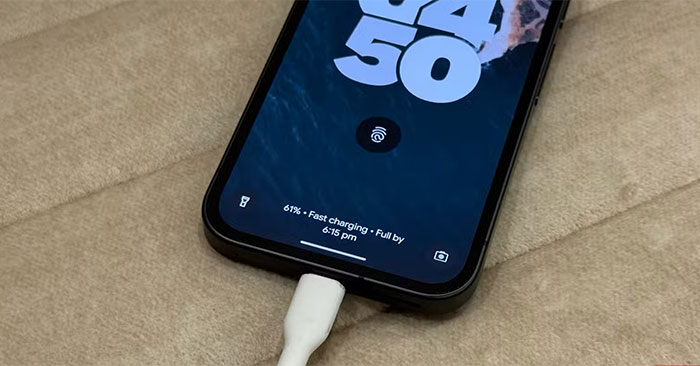
Light use while plugged in is usually fine. Gaming, navigation in direct sun or recording video can add heat and slow charging. If the phone becomes unusually warm or displays a temperature warning, stop the demanding task and let it cool.
6. Check battery usage and health when runtime drops
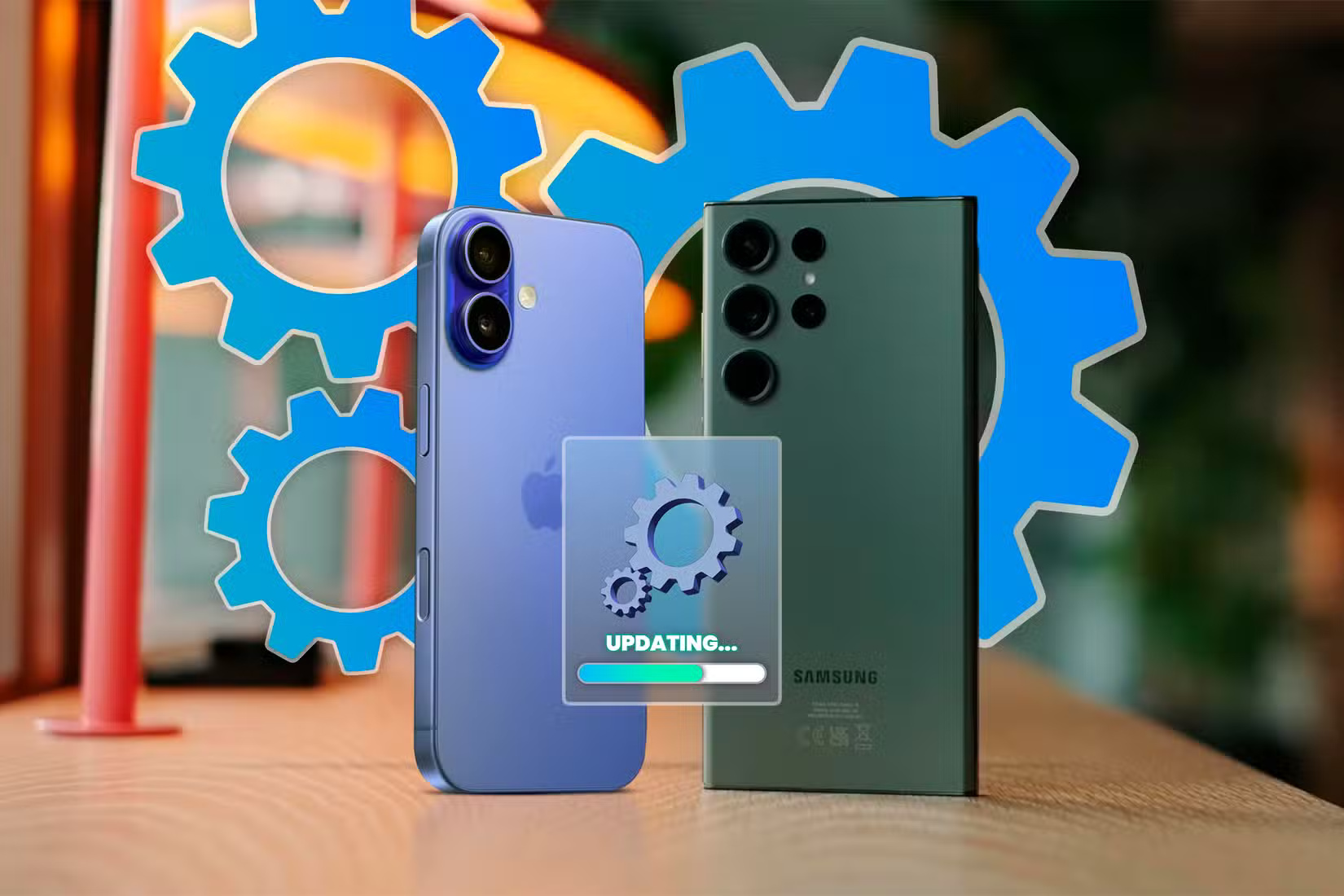
Install supported updates and review the Battery settings for apps using more power than expected. Short daily runtime can come from app activity or a weak signal. A falling maximum capacity, repeated shutdowns or a service message may point to battery wear. See how to check iPhone charge cycles or arrange a battery assessment if the problem persists.




Reader Comments 0
Sign in with email or Google to join the discussion.