Table of Contents
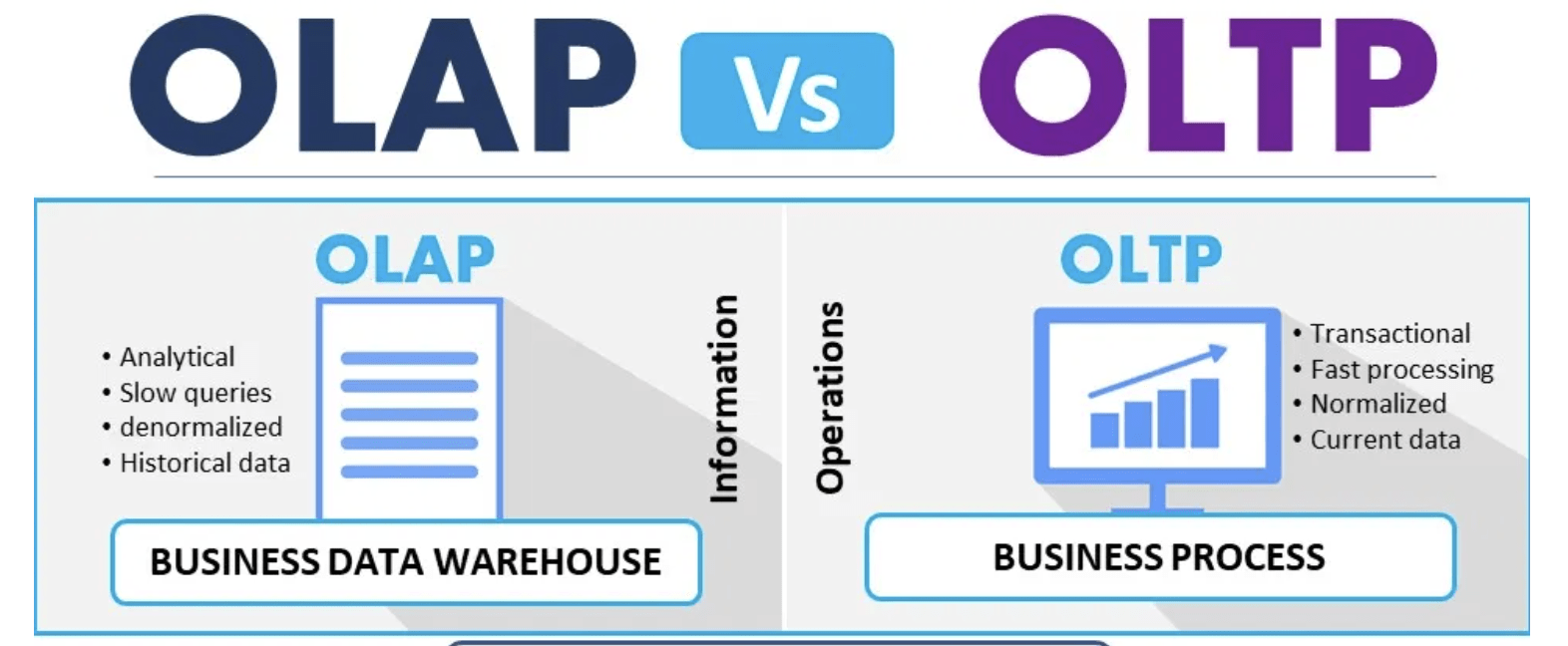
OLTP handles everyday transactions such as placing an order or updating stock. OLAP analyzes many records at once to answer questions such as which products sold best by month or region. An application can use both, with the transaction database recording events and the analytics system reporting on them.
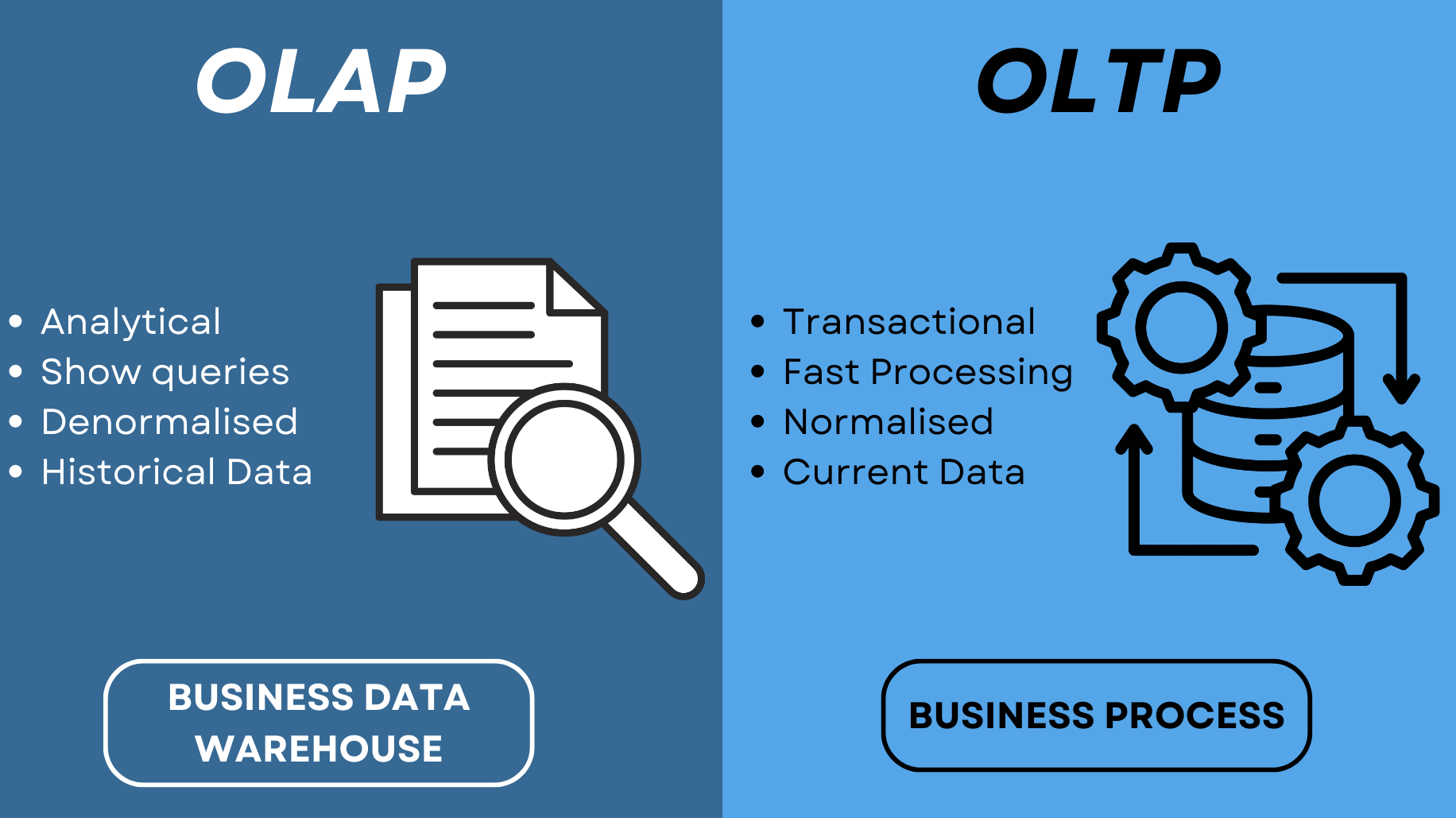
OLTP and OLAP at a glance
| Property | OLTP | OLAP |
|---|---|---|
| Common work | Short reads and writes affecting a small number of records. | Scans, joins, and totals across many records or periods. |
| Example | Save one order and update available inventory. | Compare net sales by region and product category. |
| Priority | Reliable concurrent writes and fast responses for individual actions. | Efficient aggregation and historical analysis. |
| Common designs | Relational tables with keys, indexes, and transaction rules. | Column-oriented warehouses, dimensional models, or analytical cubes. |

How the two systems work together
For an online store, the checkout system commits an order in the operational database. A batch job or change-data feed delivers order records to the analytics system. There, a dashboard can calculate sales by week or compare stores without running large scans during checkout. The dashboard may lag behind the transaction system, so display when it was last refreshed.
When to start with one database
Small applications can often run occasional reports on their operational database. Measure query time, contention, and user-facing latency during reporting. If reports continually slow writes or need extensive data from other systems, consider a reporting replica or a separate analytical store. Decide how fresh the report must be before selecting a transfer schedule.
See IBM’s OLAP and OLTP comparison for architecture examples. For practice, learn how SQL joins and aggregates work and review how applications use relational transactions.





Reader Comments 0
Sign in with email or Google to join the discussion.