Table of Contents
USB-C is the shape of the connector. A gadget may use it to recharge its own battery, draw power from a phone or transfer data. Check the exact product, cable and host device before buying, especially if you plan to connect the gadget directly to a phone.
1. Precision electric screwdriver
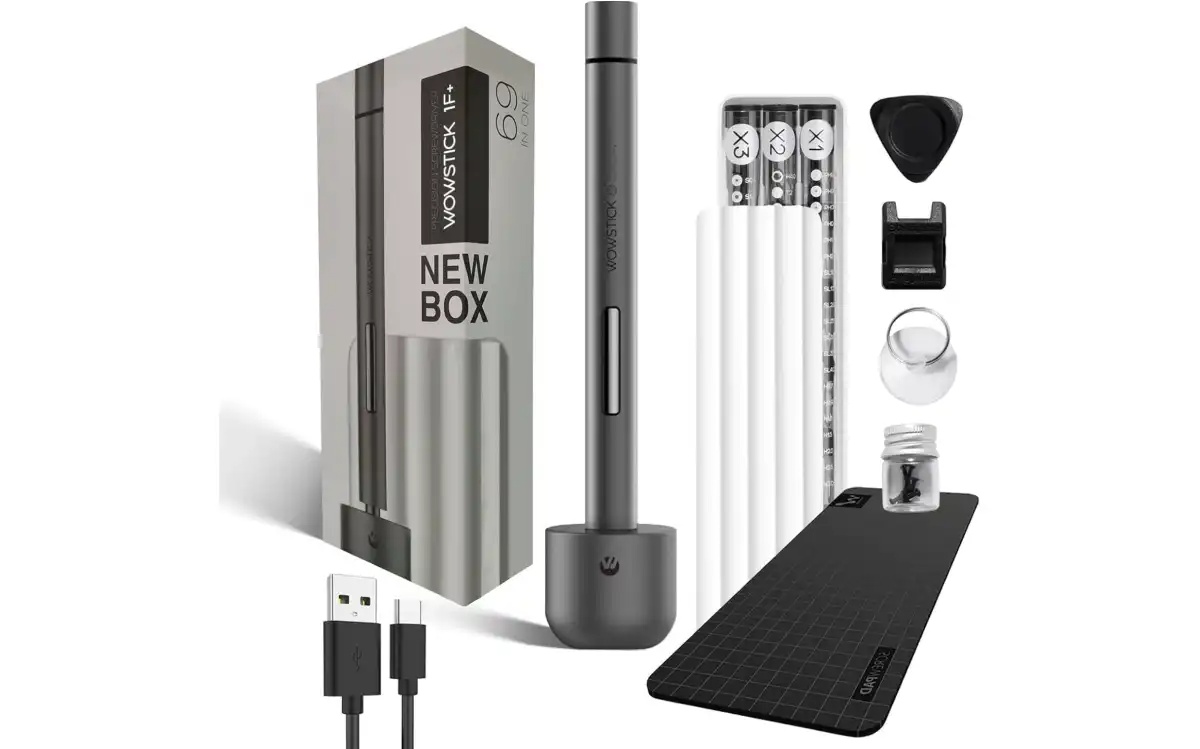
A pen-shaped driver can save time on small electronics screws. Match the bits to the repair and use a manual driver when you need more control. The original Wowstick 1F+ is commonly listed with Micro-USB charging, so check the port on the exact kit or choose a verified USB-C model.
2. Plug-in power bank
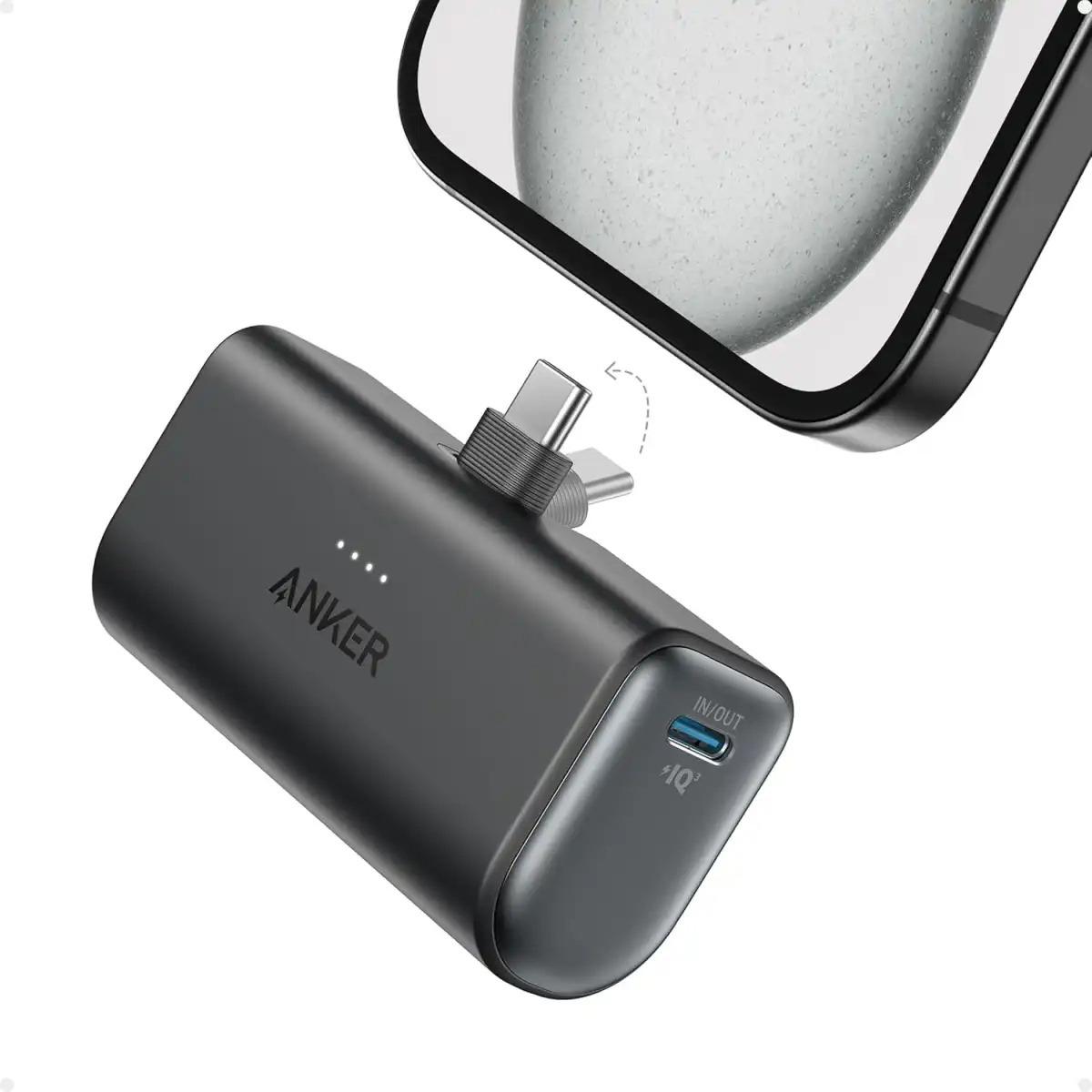
The Anker Nano A1653 is an example with a folding USB-C connector. Check clearance with your phone case and the output rating. Battery capacity on the package does not translate directly to one full phone charge.
3. Inspection camera
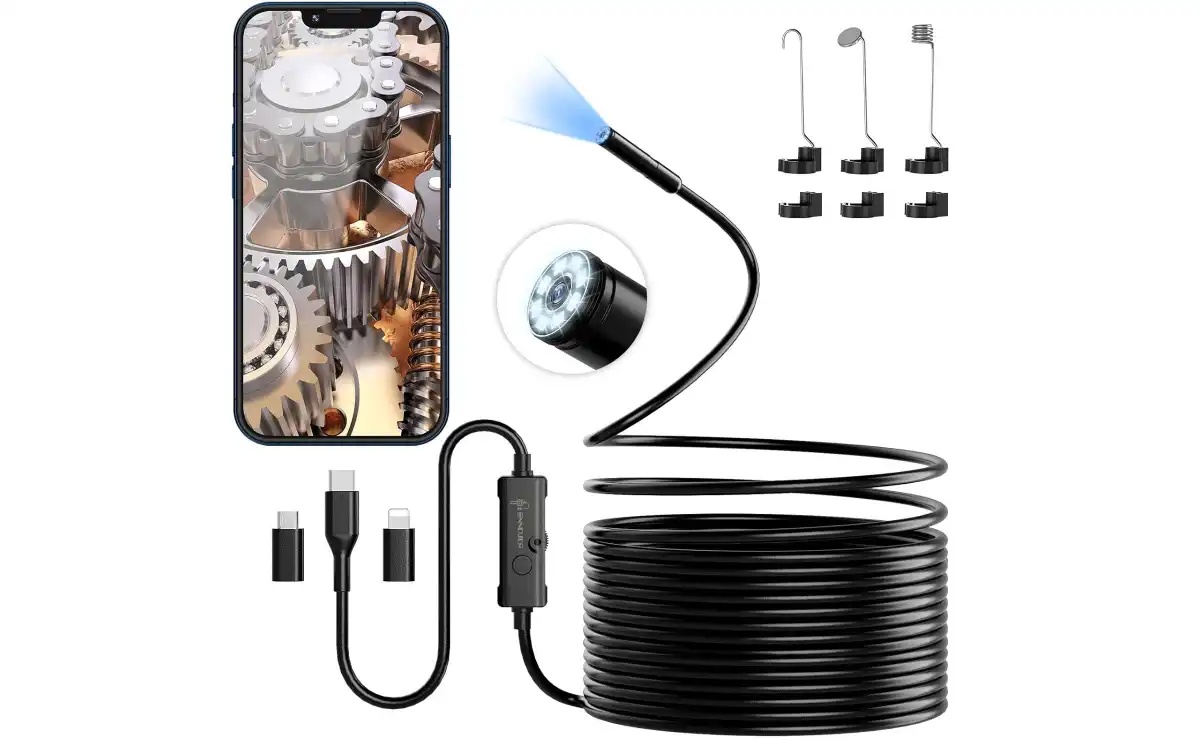
A phone-connected camera can help you look behind furniture or inside a tight space. Check USB host support, the required app and whether the waterproof rating covers only the probe. See how to connect an Android USB accessory.
4. Rechargeable flashlight
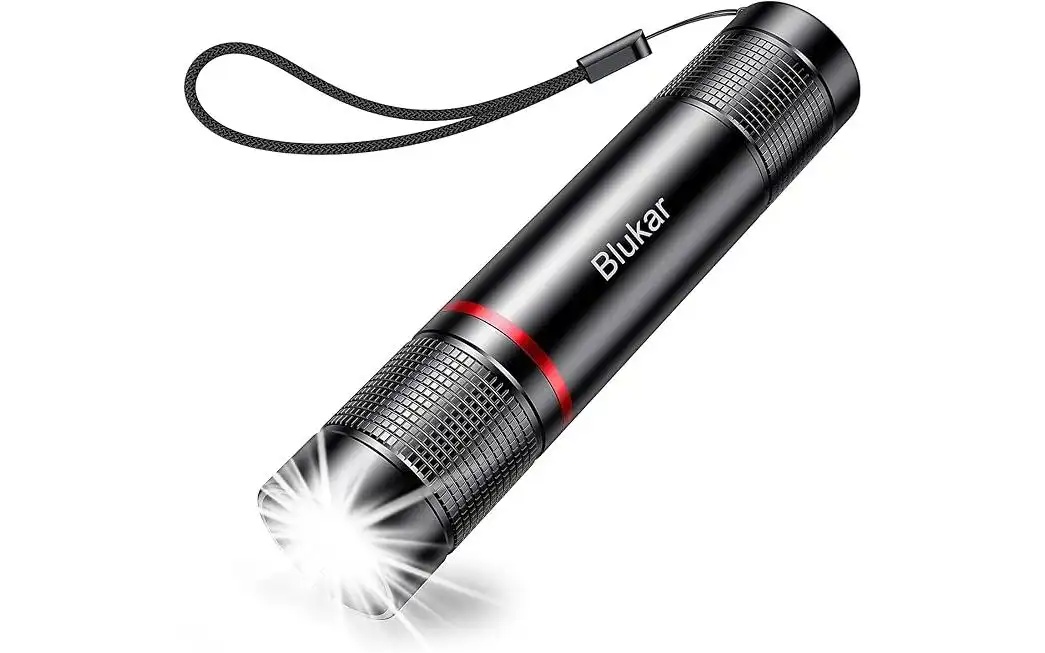
Check runtime at the brightness you plan to use and whether the exact model charges with a USB-C-to-USB-C cable. Keep a compatible cable with the light.
5. Phone-powered insect-bite heat device
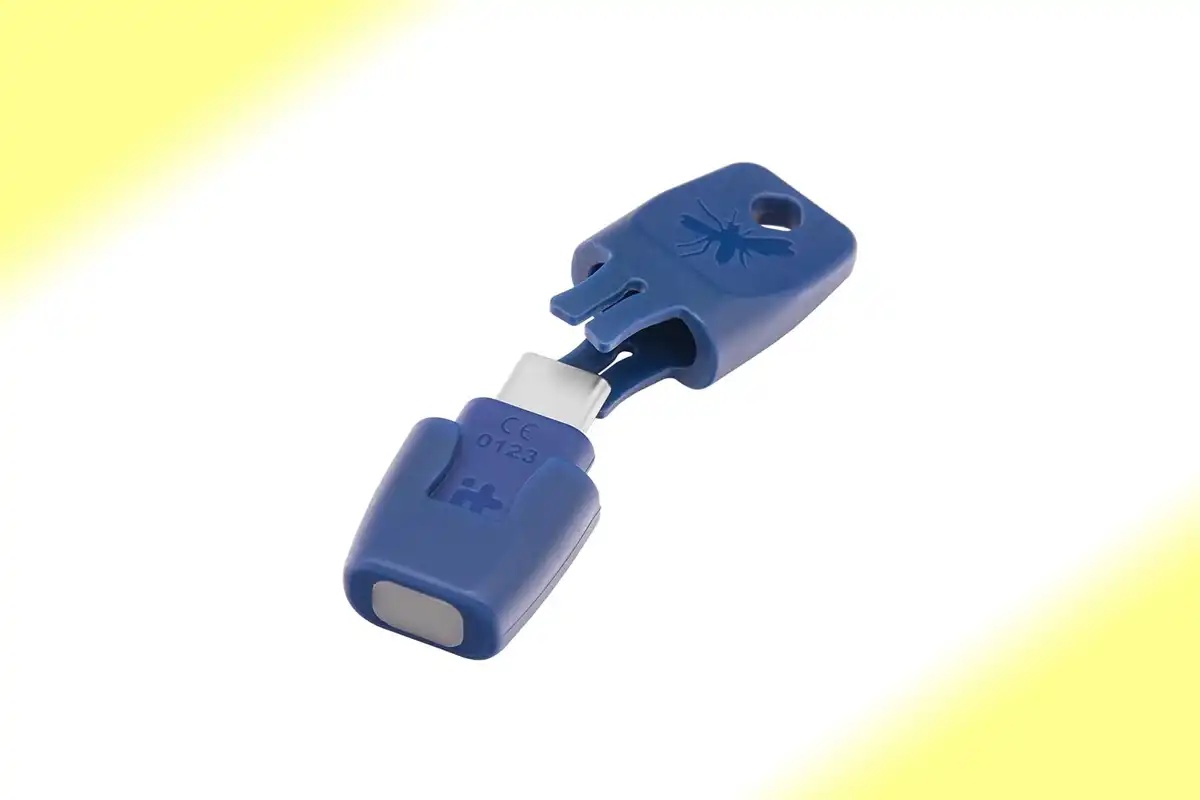
Products such as heat it draw power from a compatible phone and use an app. Check phone compatibility, intended use and restrictions in the manufacturer’s help material. Follow the product directions if you use one.
6. Compact tire inflator
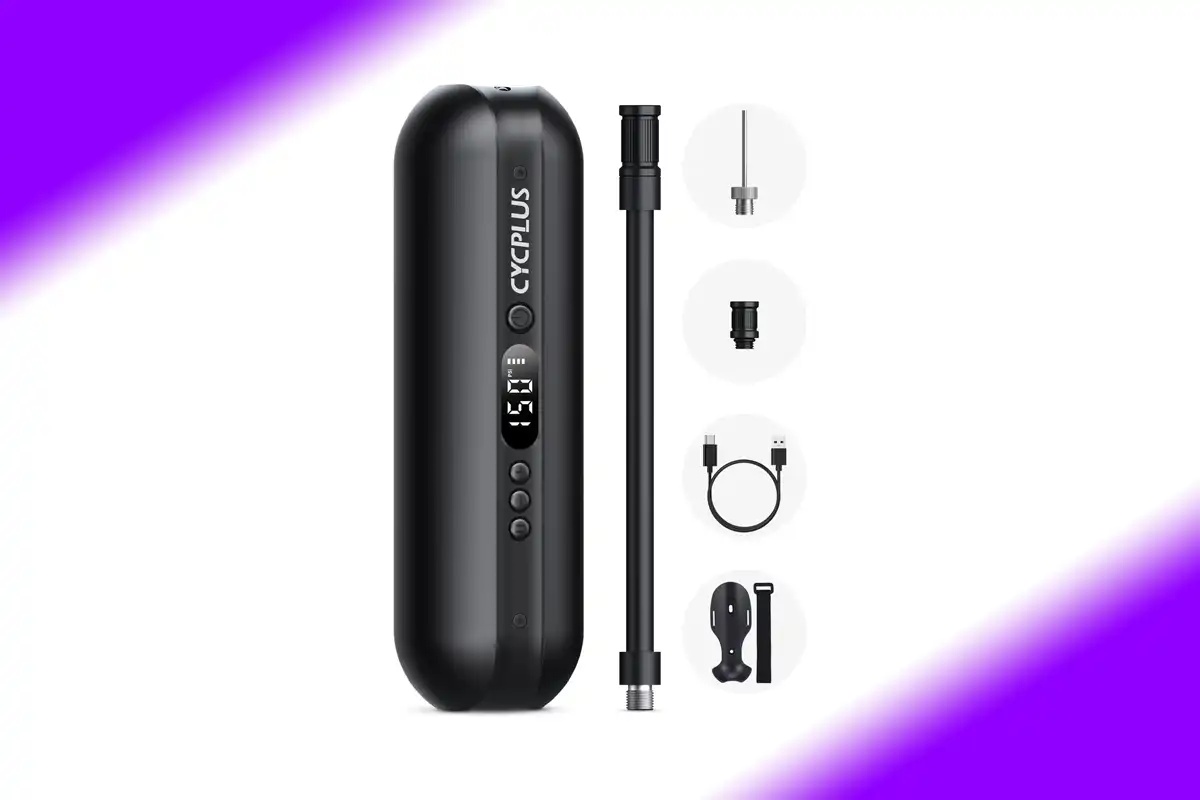
Check supported valves, pressure range and which tire sizes the manufacturer lists. A pump designed for bicycles may be impractical for a car tire. Confirm the charging port and use the tire pressure specified for your bike or vehicle.
7. Portable fan
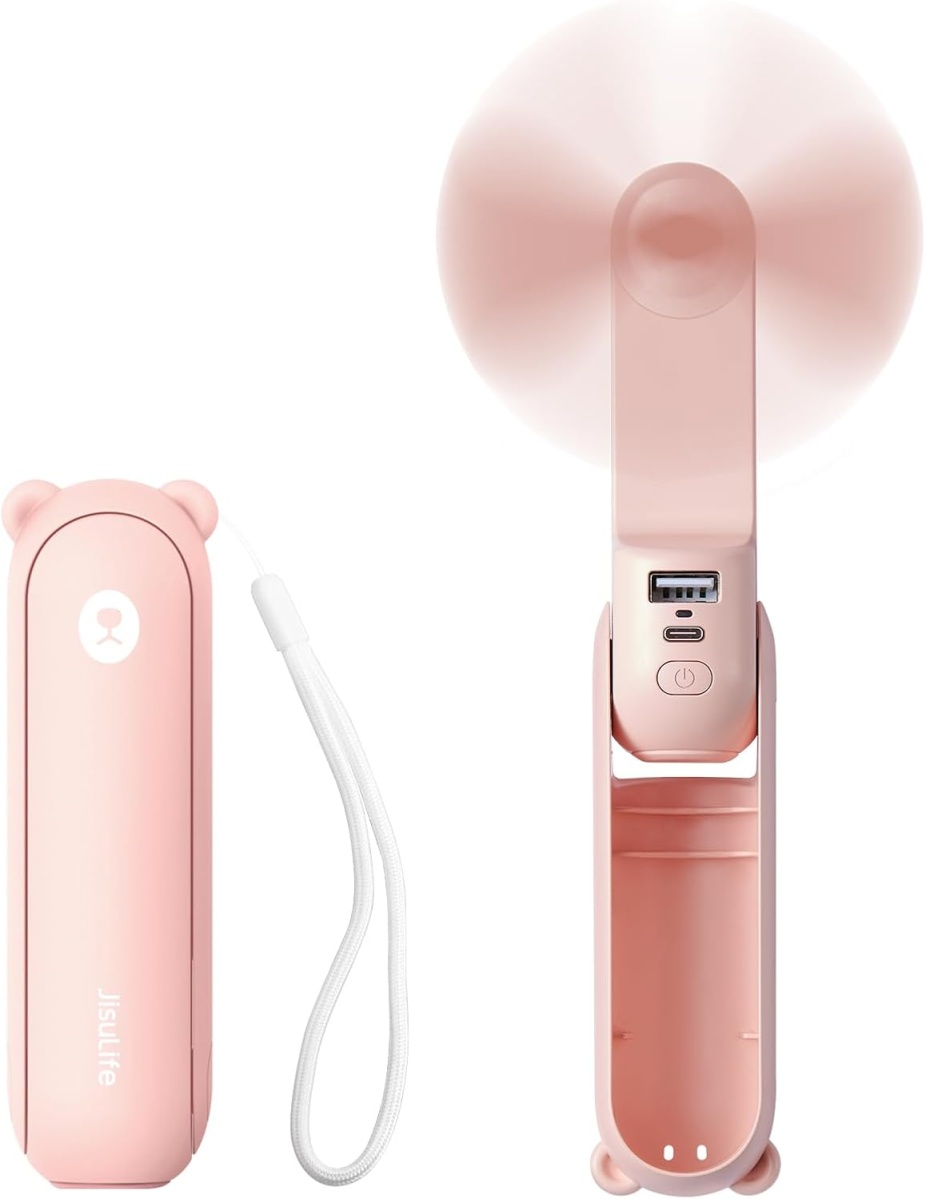
Choose between a fan with a rechargeable battery and one that must remain plugged in. For a desk, check noise and cable length. For travel, check runtime and whether it works while charging.
8. Clip-on reading light

Look for a clip that fits your book or shelf, a low brightness setting and a charging port you can verify from the model number. Similar-looking versions can use different connectors.
9. USB-C flash drive
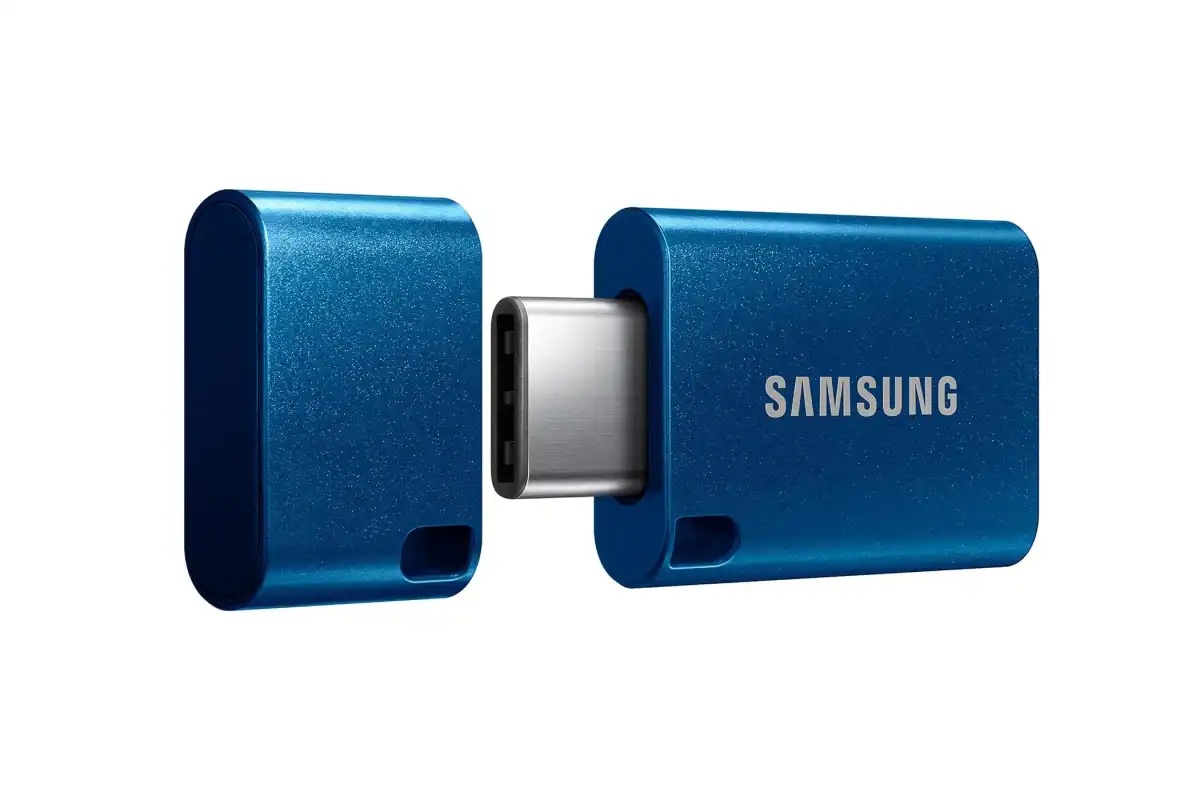
Check the phone’s file-system support and the port’s transfer speed. Recording directly to a drive requires support from the camera app and a drive fast enough for the video format. See other devices that can connect to a phone’s charging port.





Reader Comments 0
Sign in with email or Google to join the discussion.