Table of Contents
After switching to a USB-C phone, sort your Lightning cables by condition and actual need. Keep a small number for devices you still own, give working extras to someone who can use them, and take damaged or unwanted cables to an appropriate electronics recycling service.
Keep cables for the devices that still use Lightning
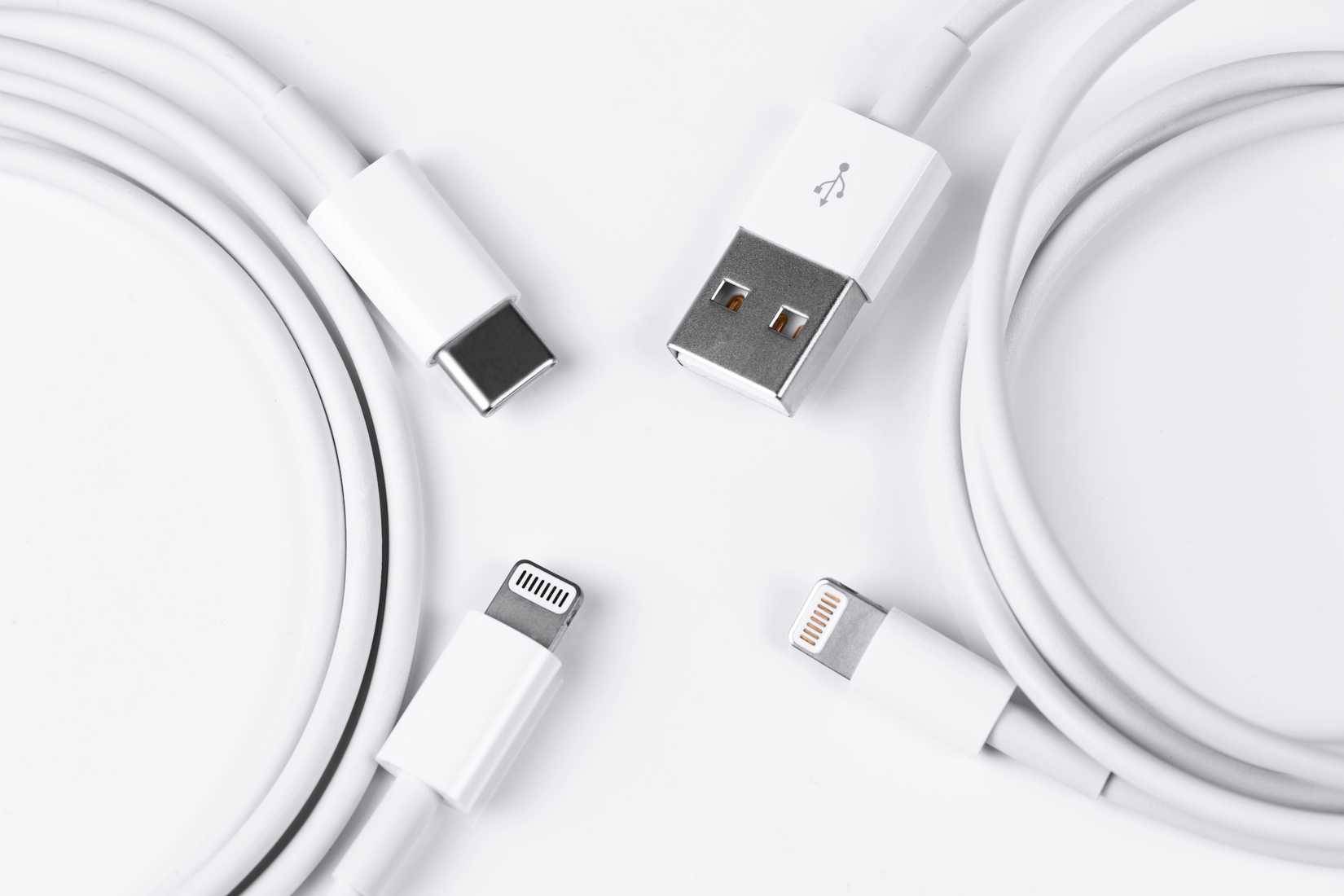
Check the port on each device rather than relying on its product name. Different generations of Apple accessories can use different connectors. An older keyboard, mouse, iPad, iPhone or AirPods case may still need Lightning, while a newer version may use USB-C.
Keep a cable where you charge that device and, if useful, one spare. There is no reason to keep exactly three cables if you own only one Lightning device—or none. Label any unusual cable so you remember what it serves.
Keep a passenger cable in the car
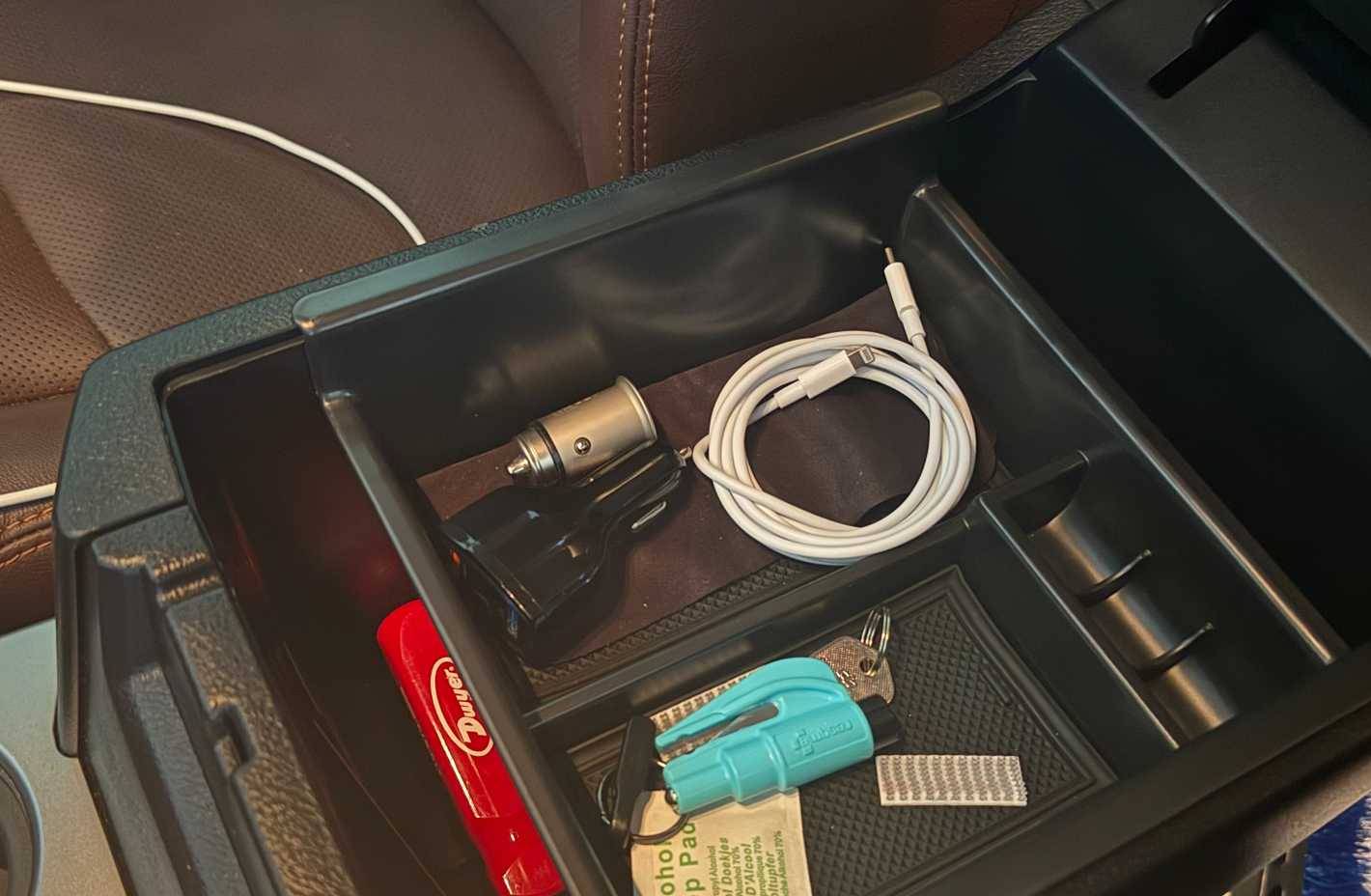
A working Lightning cable can still be useful for passengers with compatible phones. Match the other end to the car’s port or to a suitable USB car charger: USB-A and USB-C are different shapes.
A cable for charging is not automatically suitable for every wired CarPlay setup. If CarPlay matters, test the connection while parked and use a cable and port that support the required data connection. Store the cable so it cannot interfere with the pedals, gear selector or other controls.
Give working extras to someone who needs them
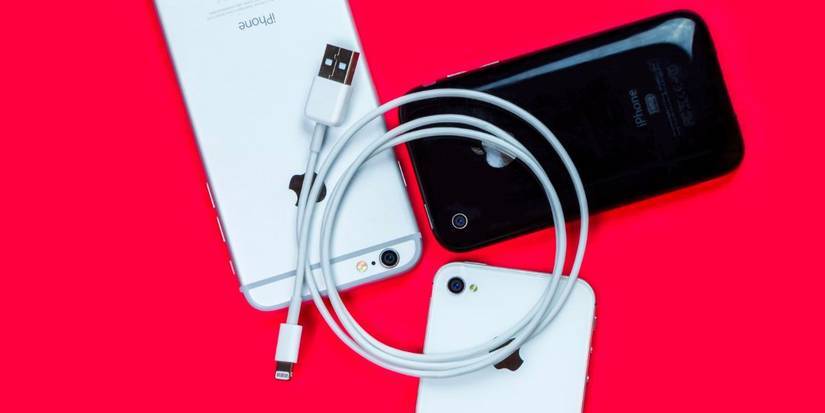
Ask friends, family or a local reuse organization before donating. Tell the recipient whether the cable has USB-A or USB-C at the charger end, and pass on only cables in good condition.
Check for split insulation, bent connectors, exposed wires and unreliable charging. Do not donate a damaged cable just to empty a drawer. This guide explains why damaged charging cables should be replaced.
Use an adapter only when its specifications fit
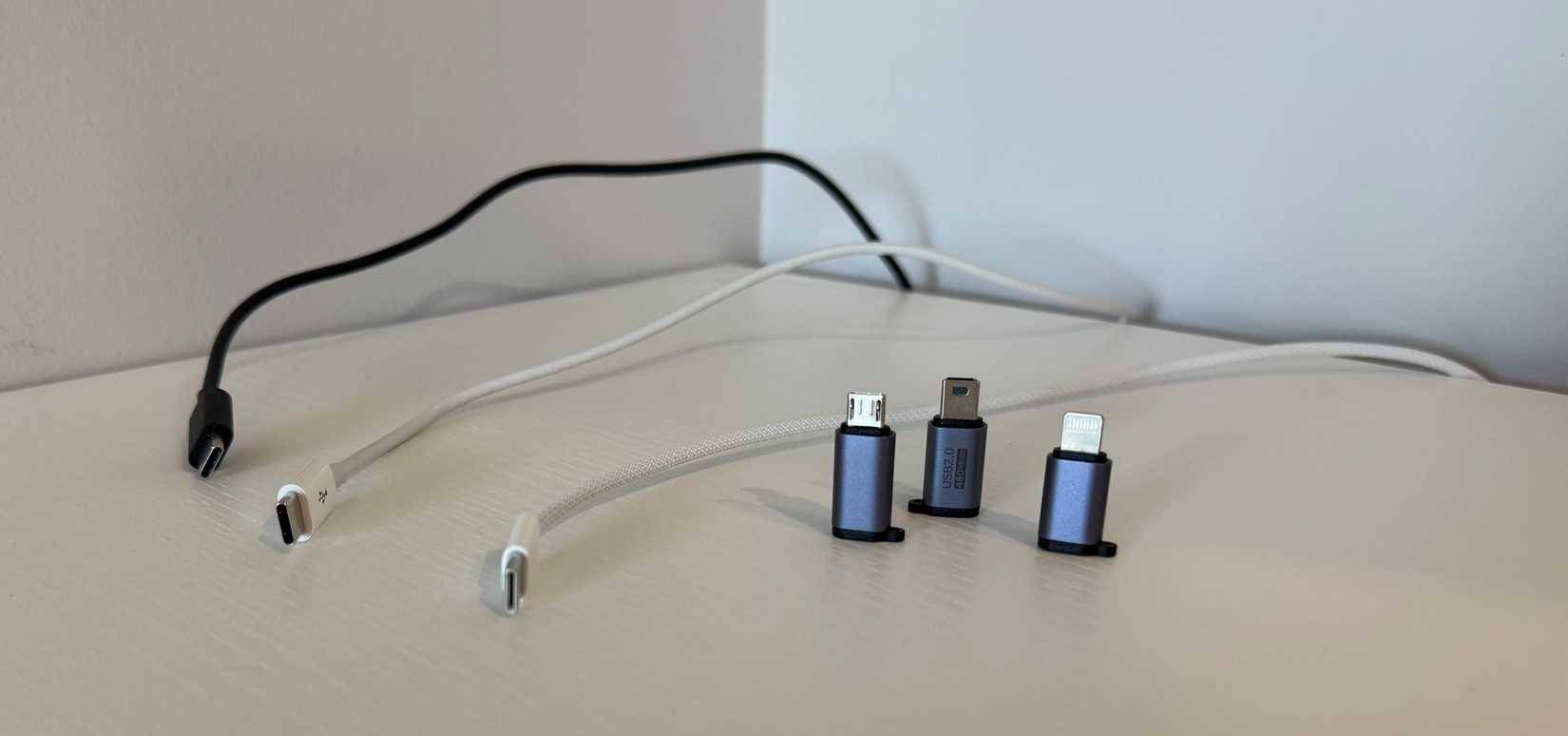
An adapter can make some Lightning accessories usable with a USB-C device, but connector fit alone does not guarantee charging, data, audio or CarPlay support. Check its direction and supported functions before buying.
For example, Apple’s USB-C to Lightning Adapter is designed to connect compatible Lightning accessories to USB-C iPhones and iPads. Apple notes that some cable, adapter and vehicle combinations can disrupt wired CarPlay, and recommends a direct cable connection in those cases.
Compare the adapter’s cost and capabilities with a direct USB-C cable. Buying several adapters simply to preserve unused cables may add clutter without solving a real need. A cable connects to a compatible charger or USB port; never insert a USB or Lightning connector directly into a mains socket.
Recycle what cannot be reused
Check local electronics collection rules, municipal recycling guidance or a retailer’s take-back program. Acceptance varies, so confirm that loose cables are included. Do not assume a household curbside recycling bin accepts them.
Bundle cables loosely for storage and keep only the ones with a clear purpose. If you need help identifying the connector on the replacement cable, see the explanation of USB Type-C and common cable types.
Related Articles
 We can still survive after being struck by lightning, why?
 Shocked the series of lightning strikes causing mass death
 What is lightning? Why is there lightning?
 How to Make and Use a Lightning Rod in Minecraft
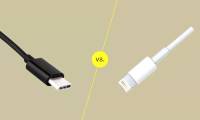 The Difference Between USB-C and Lightning
 Please download more than 50 lightning wallpapers, lightning wallpaper for computers
Reader Comments 0
Sign in with email or Google to join the discussion.