Table of Contents
While using a Windows Phone in 2025 is unrealistic for most people, you can still go back to the iconic Windows 8-inspired tile interface with the help of an Android launcher.
Windows Phone was one of the biggest 'what ifs' in tech. While not universally loved, it was a unique proposition at a time when the smartphone market was still growing and innovating, and its tiled interface was loved by many.
While using a Windows Phone in 2025 is unrealistic for most people, you can still go back to the iconic Windows 8-inspired tile interface with the help of an Android launcher, taking you back to 2014 while still having all the modern features of a modern smartphone.
Bring the squares back
Which Windows Phone launcher should you use?
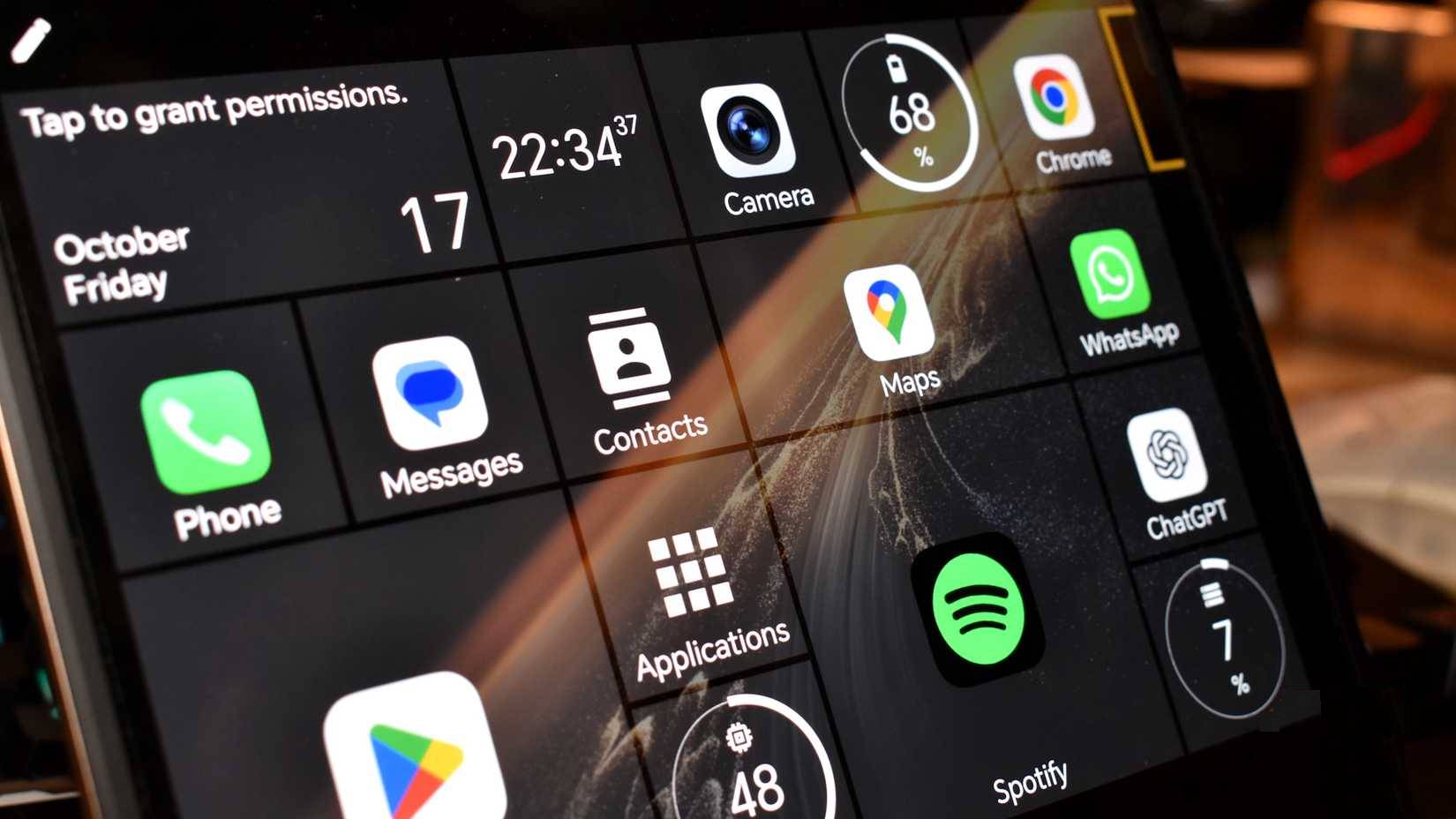
You can find a few good options to recreate Windows Phone on your Android smartphone.
For the most authentic Windows Phone experience, you should use Launcher10. It's extremely customizable and responsive, and many people love how easy it is to move apps around, resize, and create Windows Phone looks.
That said, Launcher10 crashes without warning, and sometimes apps disappear, change interface, or simply become unavailable, which is annoying.
So they eventually switched to Square Home, which, while not offering the same experience as Launcher10, didn't have any issues with stability in use. With the amount of time people spend on their phones every day, stability is more important than overall appearance.
Bring Windows Phone back to life with this app
Customize to your liking
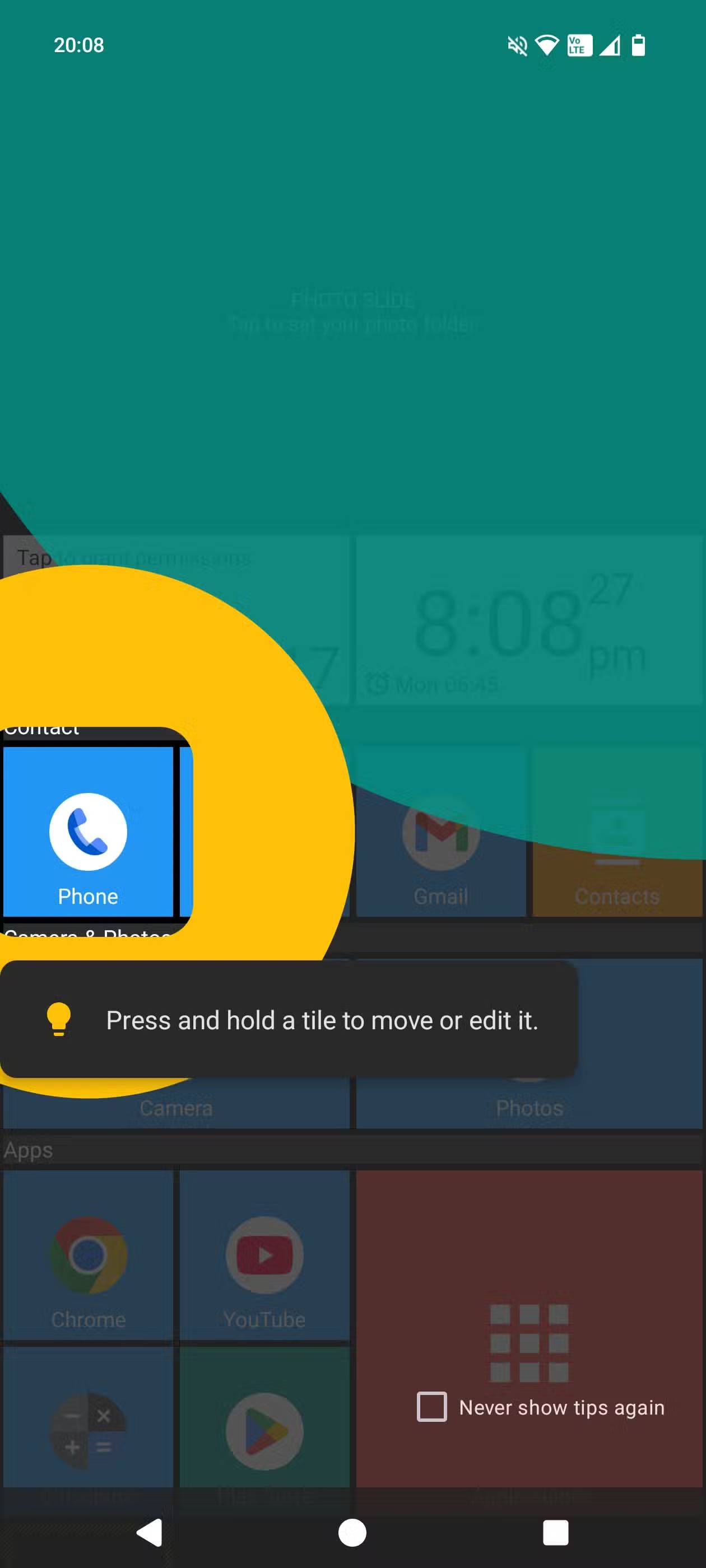
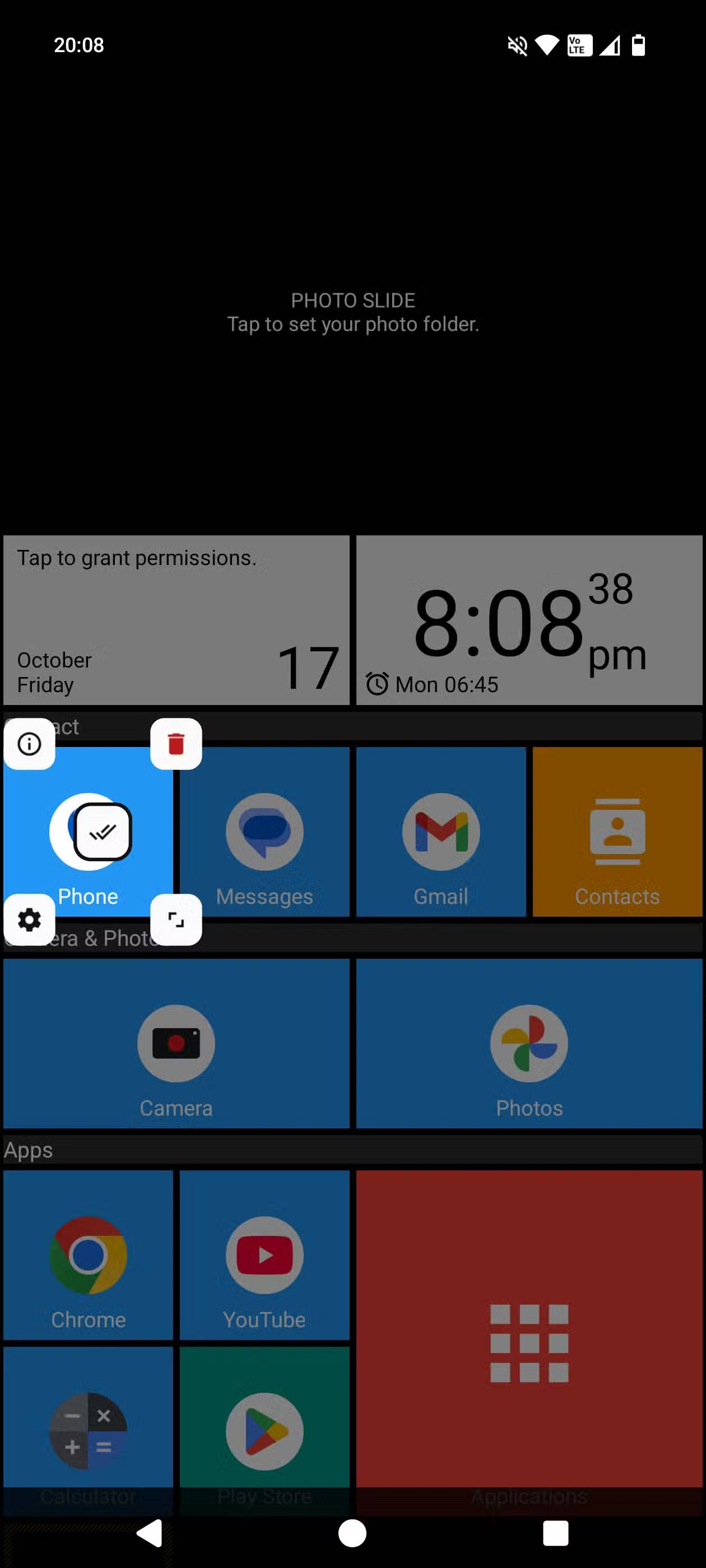
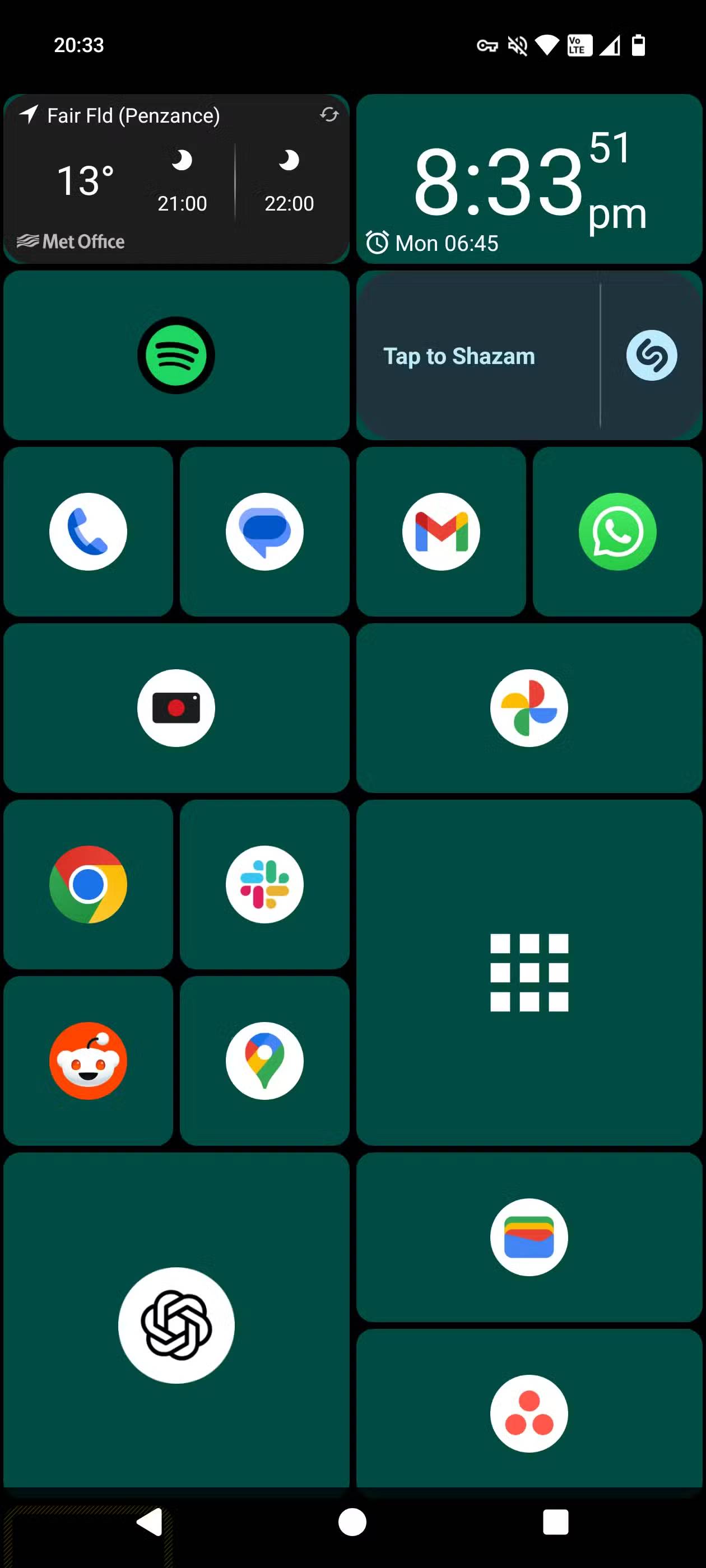
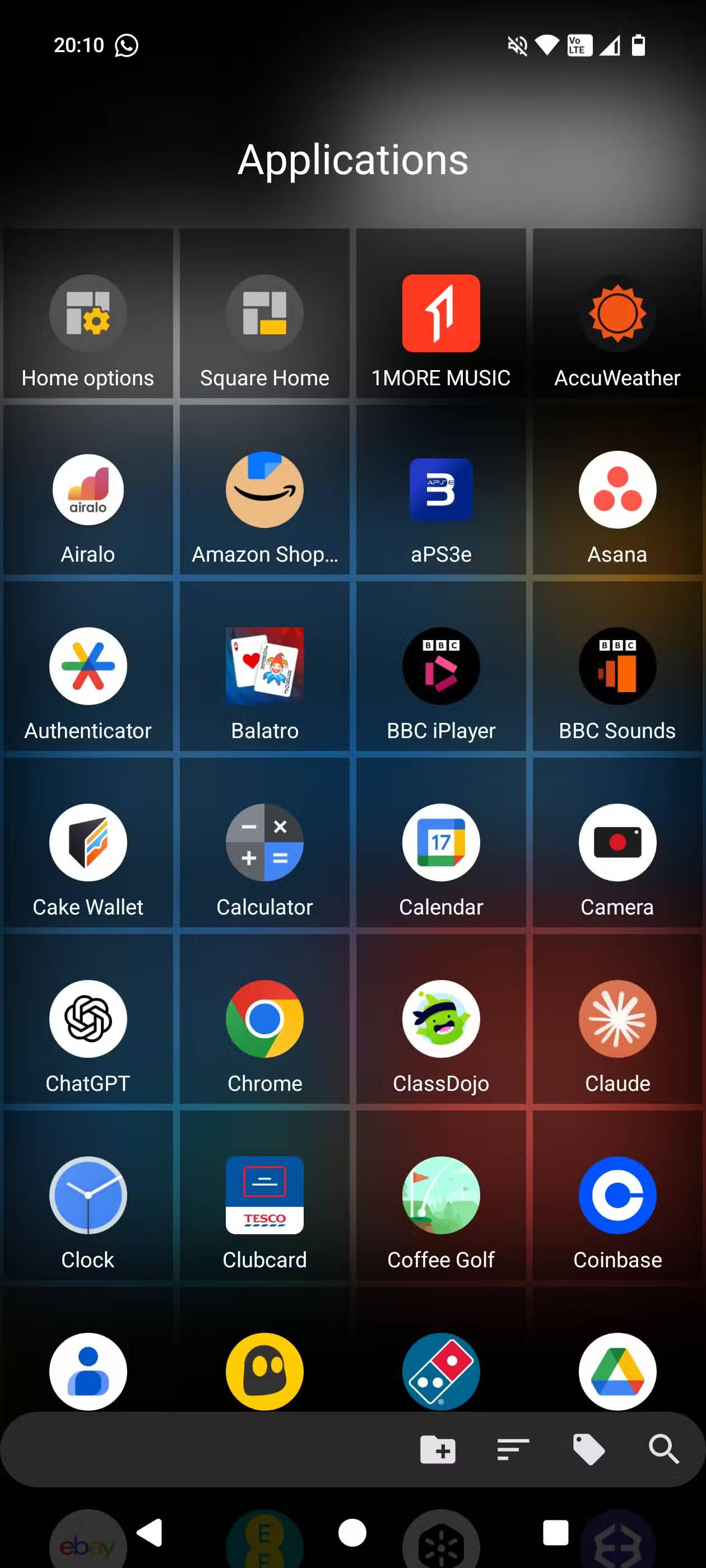
Switching to a Windows Phone-style launcher is a very different experience to how people usually organize their home screens. They often opt for a completely clean interface, using only icons at the bottom, along with Swiftly Switch for easy access to the most used apps ( Slack, Spotify, Wallet, Maps, etc.).
In addition to its stability, Square Home is also very easy to use. Moving tiles, resizing them, adjusting colors, and using the launcher's extensive customization options is incredibly simple, without any tutorials. One of the best features of Windows Phone is the ability to easily resize app tiles, and Square Home does just that. It's not quite Windows Phone, but the simplicity is great.
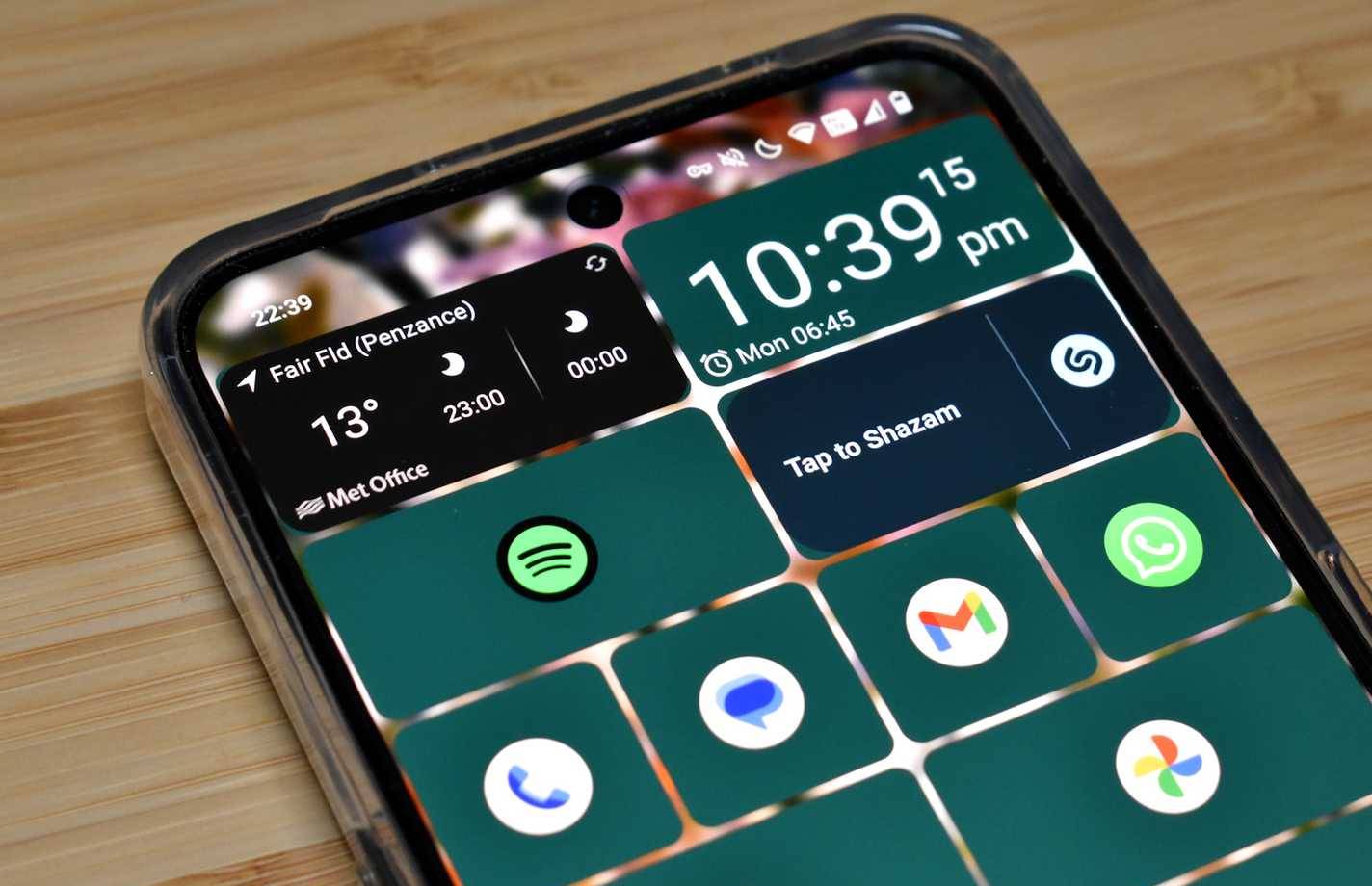
The visual customization is also great. People love being able to switch between colors, transparency, and more – but we'll talk more about that later.
Turns out, people want something different.
The colored tiles are nice, but what about something better?
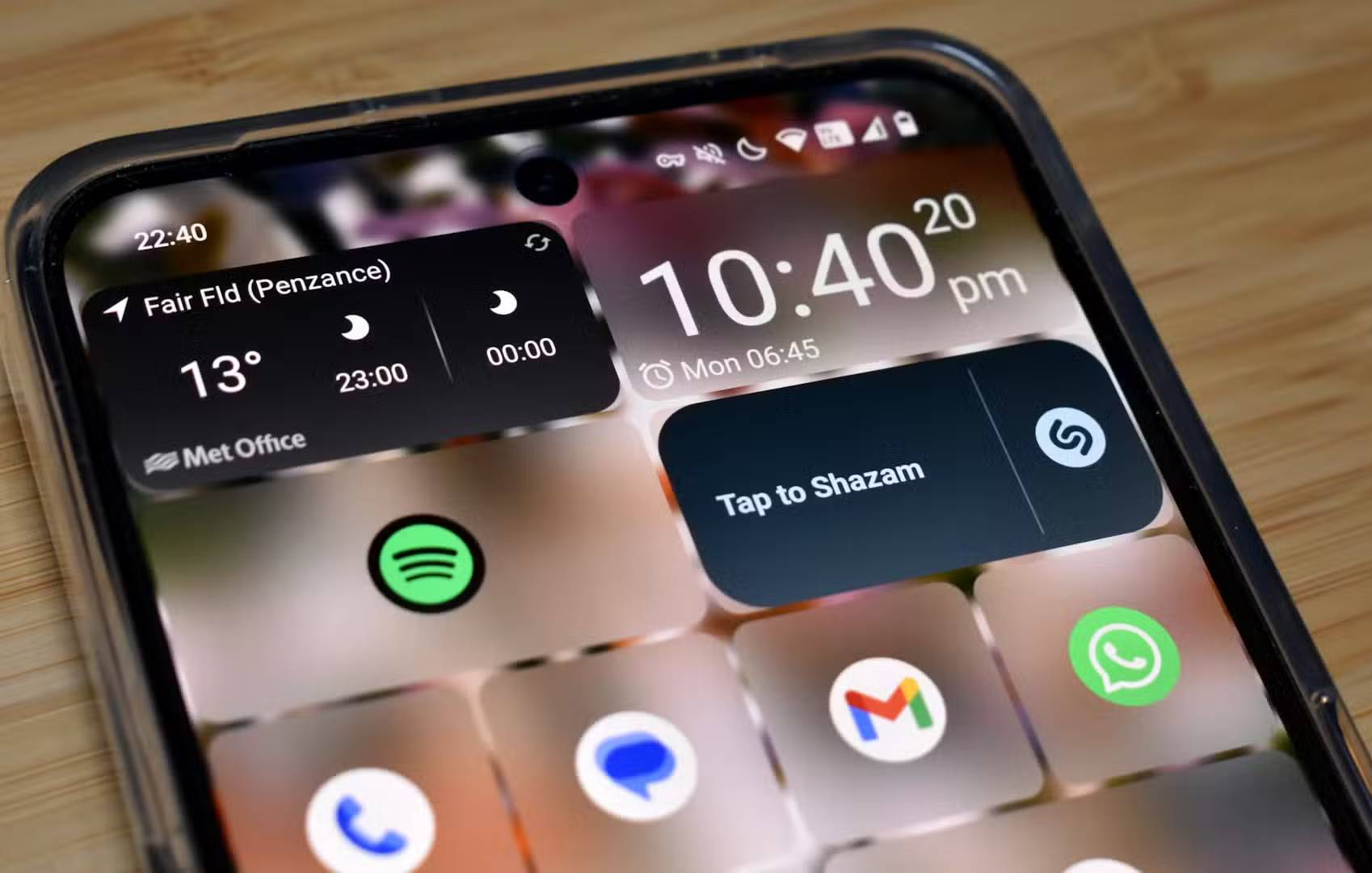
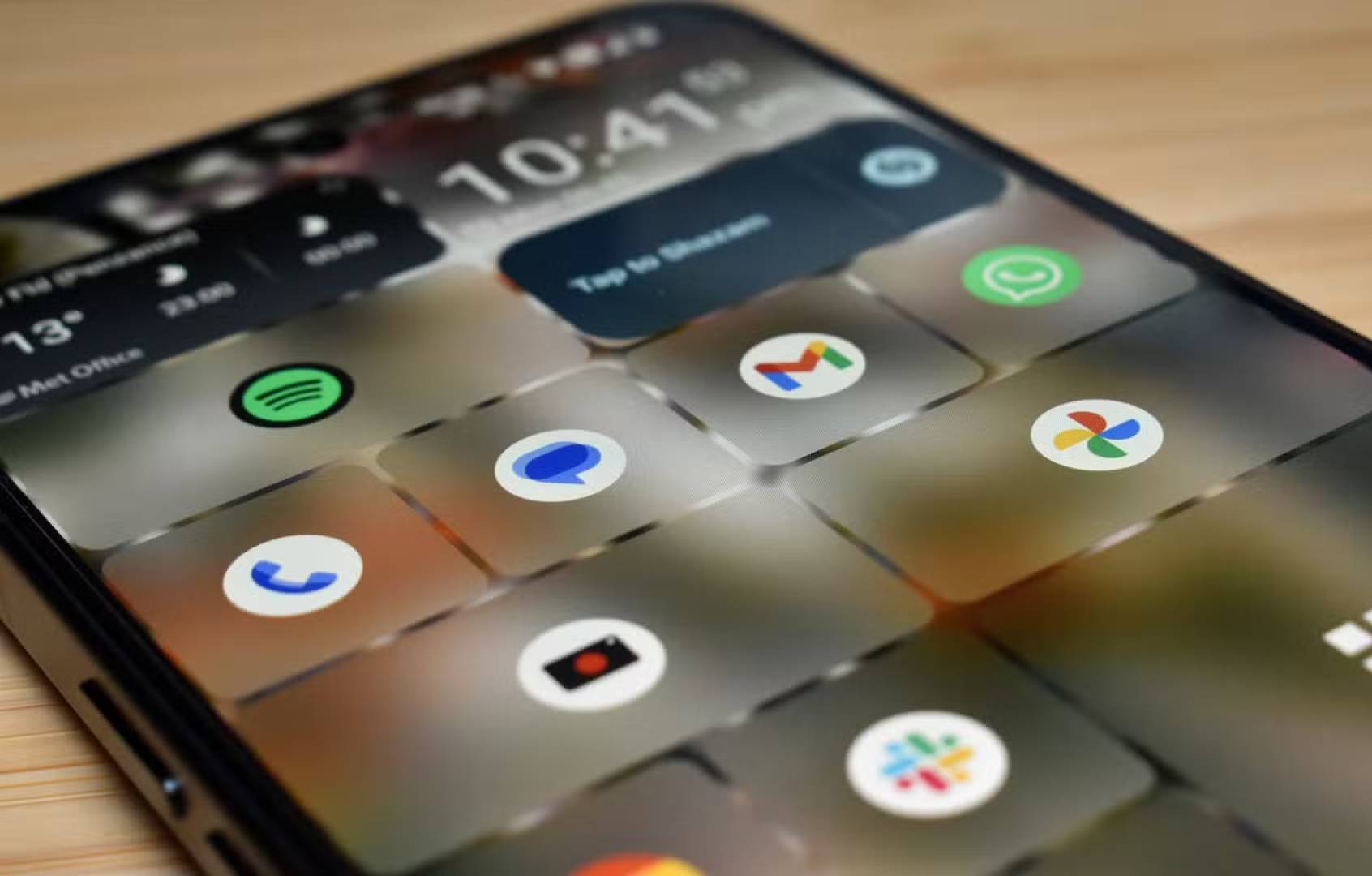
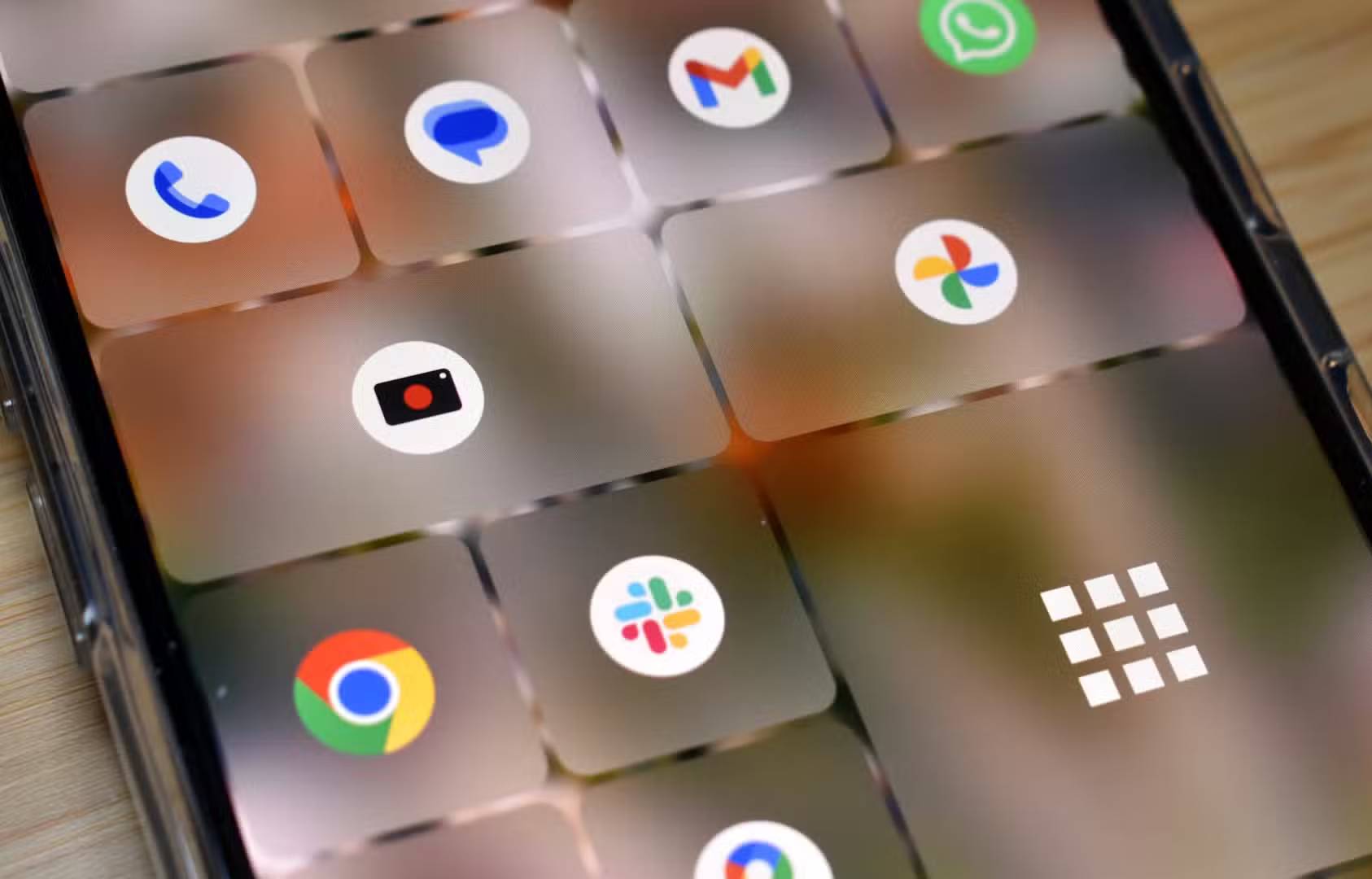
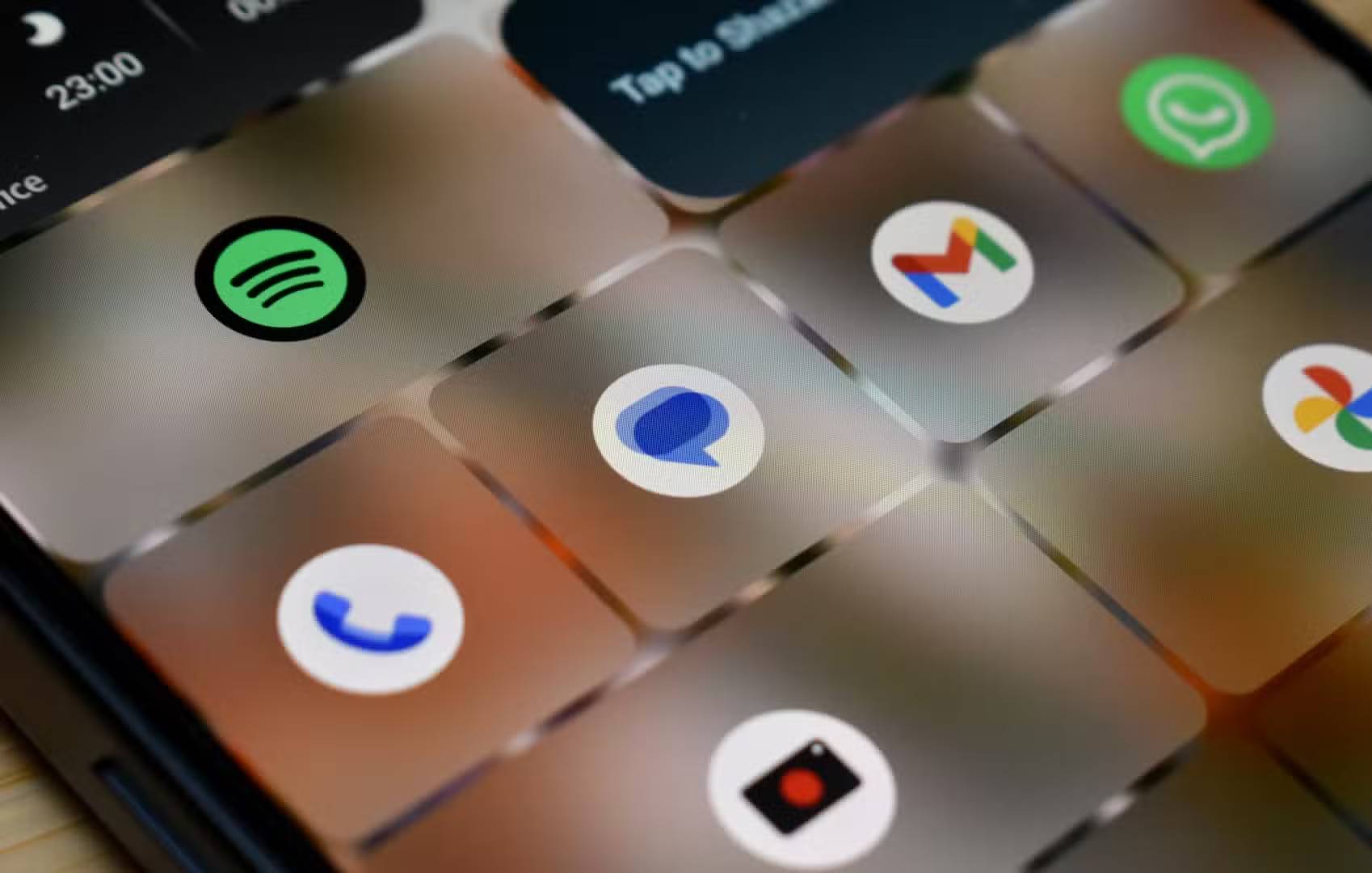
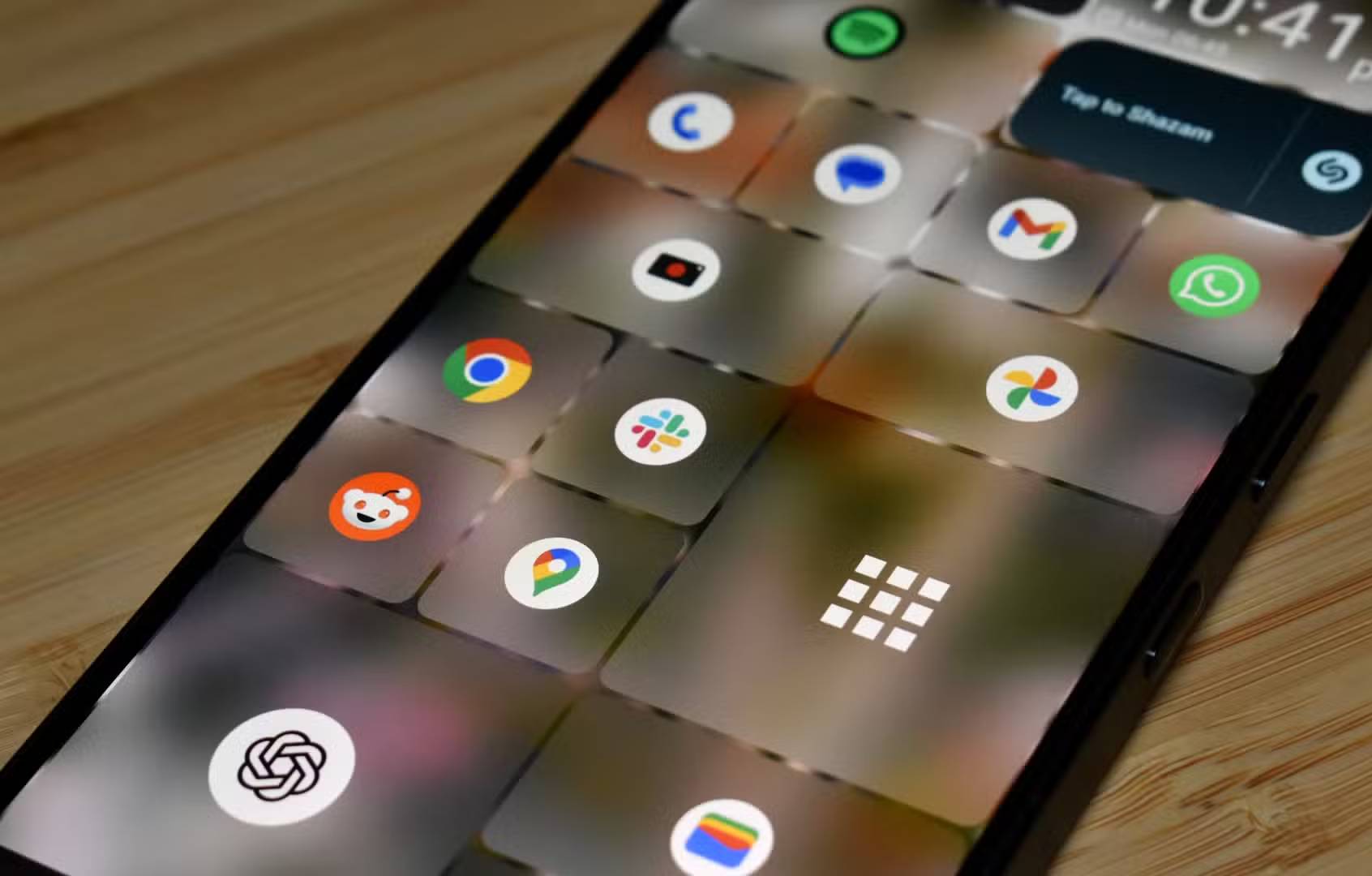
Color customization is what made Windows Phone stand out. Assigning different colors to each tile is a fun process and opens up some real customization, but it's not for everyone. It turns out that over the years of using Windows Phone and getting used to simpler home pages, colored tiles aren't exactly what people wanted.
But Square Home solves that problem too. Set a wallpaper, then make the tiles transparent, creating a translucent effect, a combination of both, a bit like Liquid Glass. So if you want to combine Windows Phone and iOS 26, Square Home is the Android launcher you've been looking for.
Ad-free and easy to use
Pay for premium, but only if you want
Now, let's talk about cost: There are no fees. Square Home is free for everyone. But the great thing is that despite that, it doesn't bother you with ads so you have to pay for that privilege.
Its premium features are free for 14 days after installation, but after that, it costs just a few dollars a year. Or, you can spend $6 for a lifetime license that unlocks all the premium features. Even on its About page, Square Home is easygoing and doesn't display a 'buy now' message. In a world where many apps are hell-bent on making you upgrade, that's refreshing.
Additional features like Live Tiles, media overlays, detailed customization options, and gestures are part of the premium plan. As mentioned, you get a 14-day trial, but really, just a few dollars for a year of access to all these features is a great value.
FAQ
Why Is It Great to Bring Windows Phone Tiles Back to Android: Explained?
In practical terms, while using a Windows Phone in 2025 is unrealistic for most people, you can still go back to the iconic Windows 8-inspired tile interface with the help of an Android launcher.
What factors are most important?
The article highlights that bring the squares back Which Windows Phone launcher should you use.
What is the main takeaway?
The main takeaway is that bring Windows Phone back to life with this app Customize to your liking Switching to a Windows Phone-style launcher is a very different experience to how people usually organize their home screens.
Related Articles
 Live Tiles Will Really Go into Oblivion If the Windows 10 20h14 minutes read
 How to Backup Android Phone to Google Cloud: Clear Instructions5 minutes read
 How to Back up and Sync Android Phone Contacts to Google2 minutes read
 7 Uses of the Back of the Phone9 minutes read
 Clear the Cache for Live Tiles on Windows 105 minutes read
 Windows 10 Will Soon Be Equipped with One of the Most Interesting Features3 minutes read
Reader Comments 0
Sign in with email or Google to join the discussion.