Table of Contents
Explore 6 must-know keyboard shortcuts when using perplexity's comet browser.
Comet changed the way people used the web, but using your browser by clicking menus and writing long prompts isn't the best way to be productive. The best way to use your browser is to use its keyboard shortcuts a lot.
Mark all tabs
Save all tabs in the current session
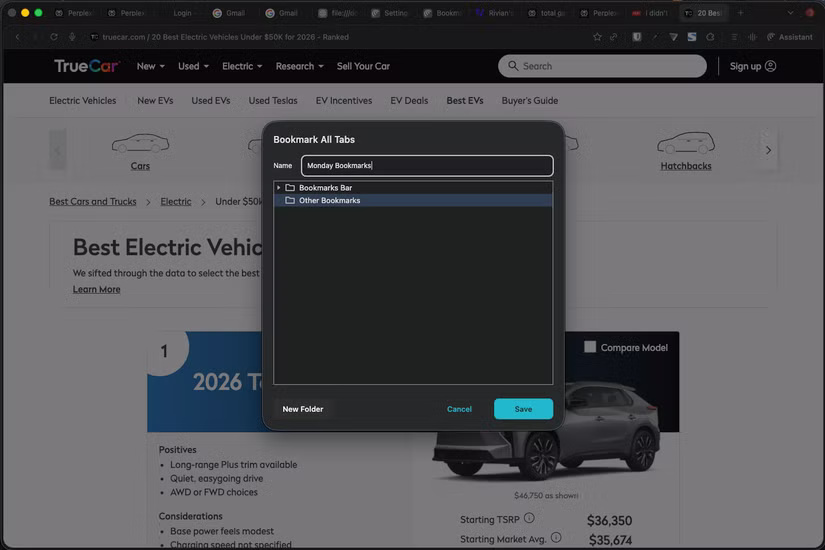
This might seem unnecessary to some, but it has proven to be a useful tab management trick in everyday workflows. Web content writers are constantly inundated with tons of tabs. But Perplexity has changed that completely, as the browser now has a better tab management system.
Before you leave work, simply bookmark all your current tabs and save them to a separate bookmarks folder, then close them all. You can open the previous day's bookmarks folder the next day, but only if necessary, when you return to work, which reduces the mental burden of deciding which tabs to close the next morning. The keyboard shortcut for this is Shift + Cmd + D .
Launch Comet Assistant
Chat with Perplexity on any tab
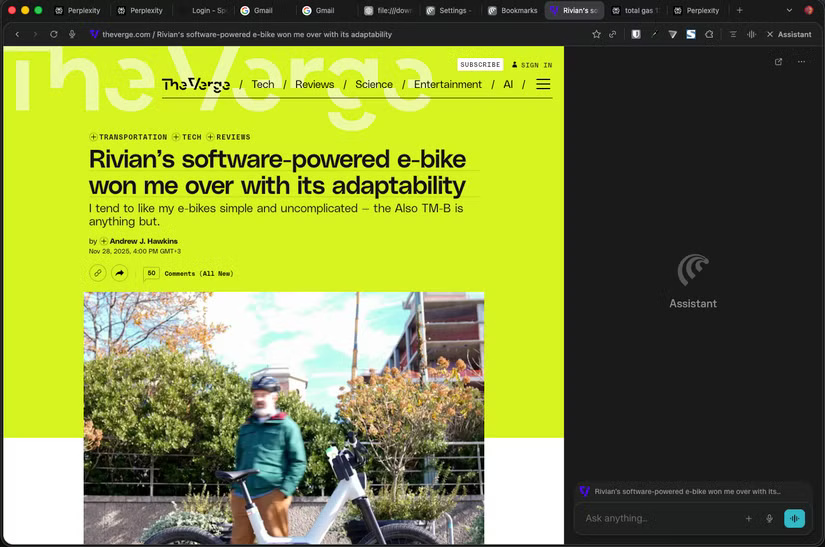
Another handy shortcut to know is Option + A . By pressing this command, you will immediately open Comet Assistant in your browser. This is very useful in research, when you want to learn about the current website without having to read through every detail, which, as you can imagine, saves a lot of time for any in-depth research work.
As a loyal user of the Arc browser, being able to instantly open Comet Assistant makes it easy to learn about anything on the current web page, offering almost identical functionality to Ask on Page.
Open Voice Mode immediately
Chat with Perplexity with your voice
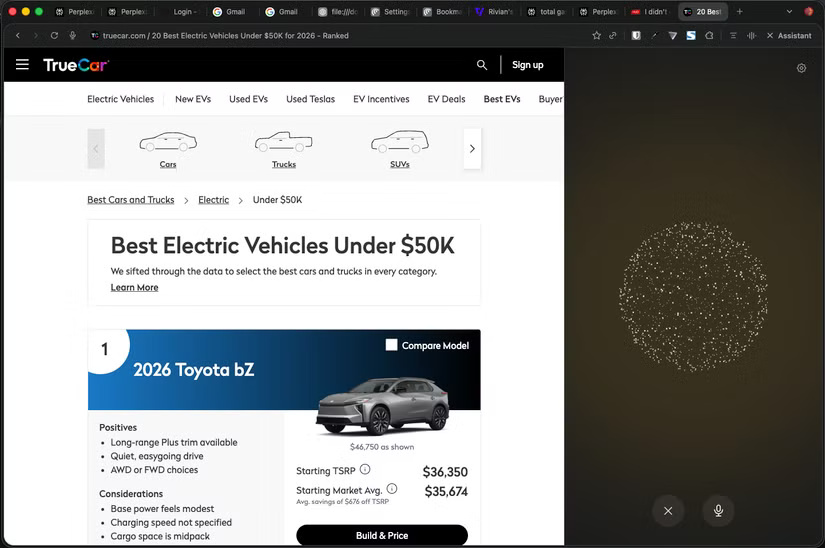
Even if you don't like using any kind of voice assistant, Comet's Voice Mode has proven to be a time-saver in your daily workflow. Instead of typing commands or clicking the corresponding icon in your browser's menu bar, you can launch Voice Mode with Option + Shift + V and ask Perplexity to deliver the latest tech news first thing in the morning, or before you leave work.
Search in open tabs
No more scrolling through dozens of tabs
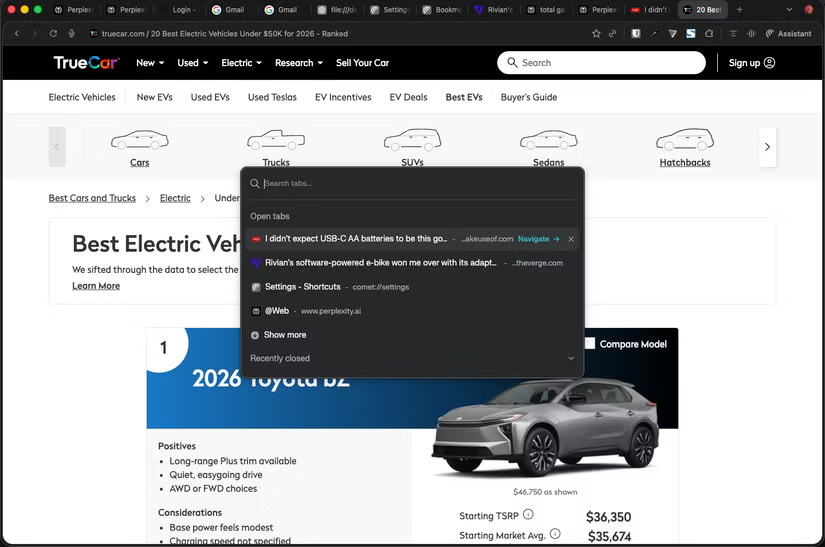
One of the best features of Arc that I wish every browser would adopt is the Command Bar. If you've used Arc or are still on the fence, you know how easy it is to switch between tabs with the Command Bar. Now, in Comet, you have the same feature, and you can launch it with the keyboard shortcut Shift + Cmd + A .
After pressing that shortcut, Comet will open a small window so you can browse through your open tabs. You can even type in a query to search for a specific tab, which is handy when you have a lot of tabs open.
Search for information using Google Search
Yes, Comet lets you search via Google
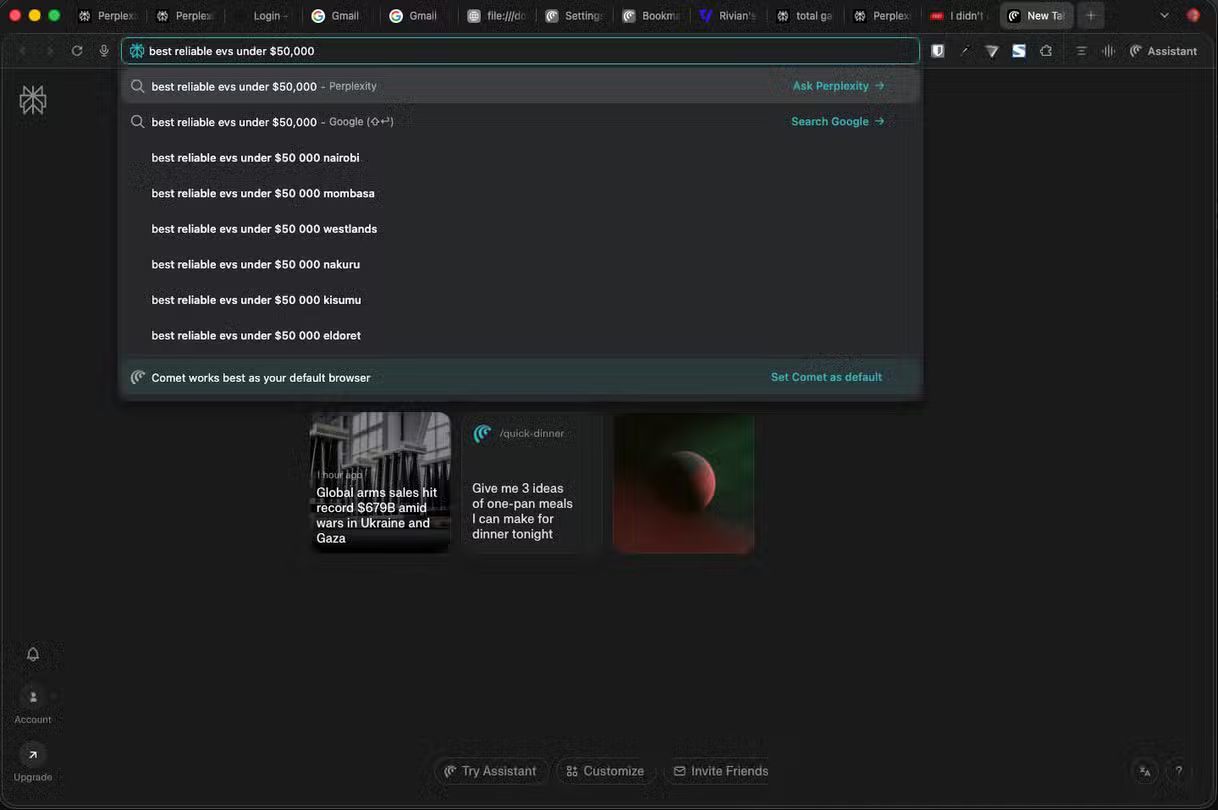
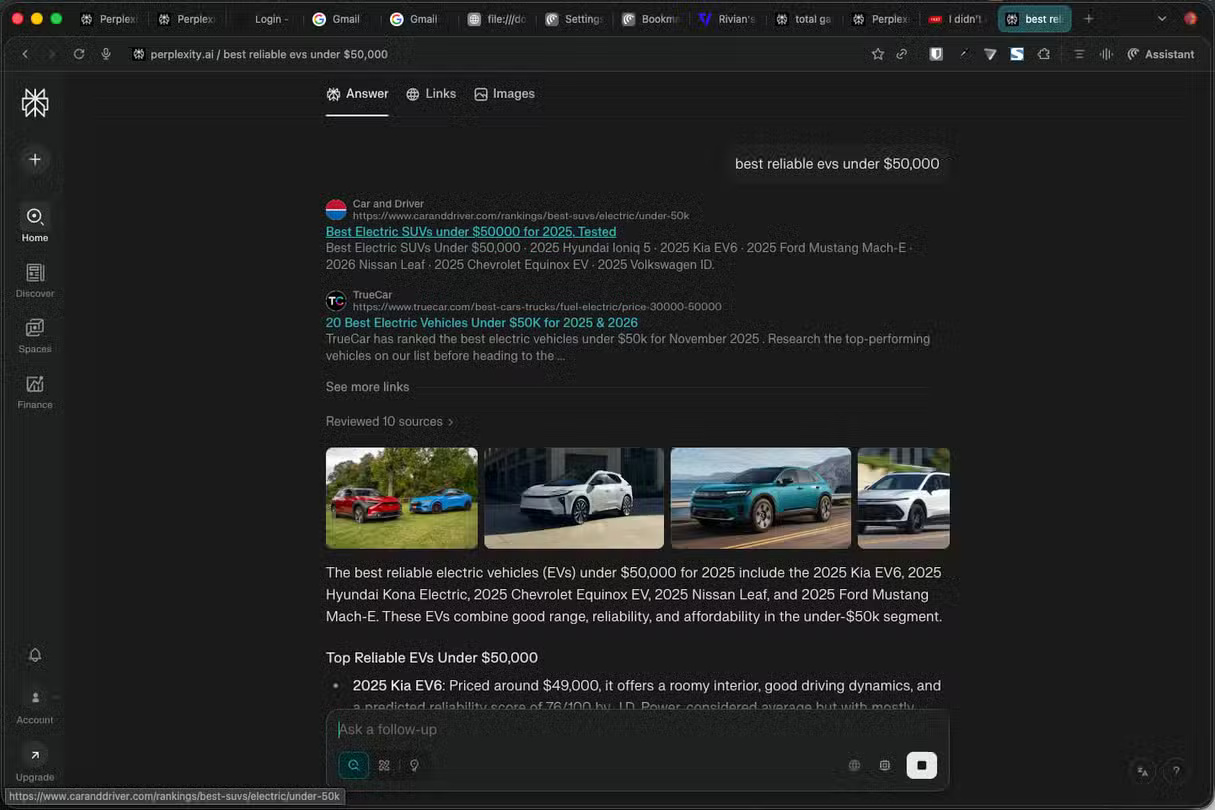
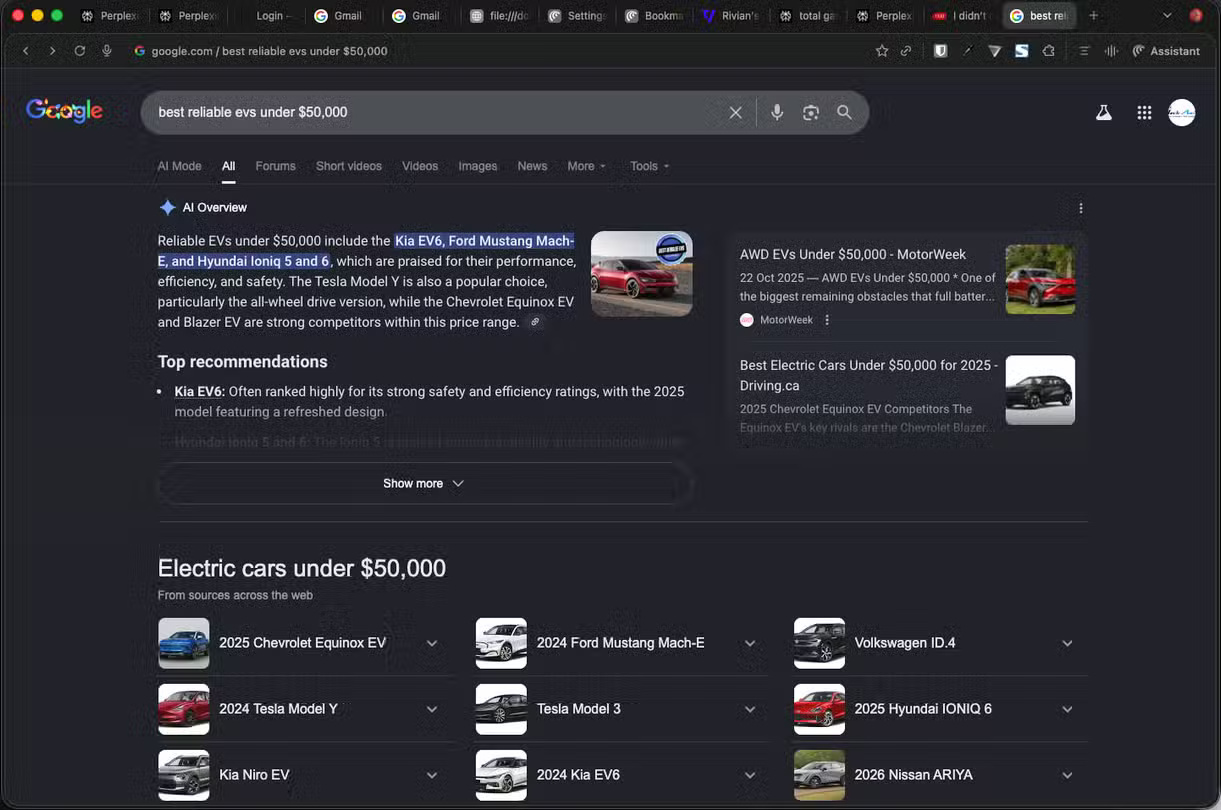
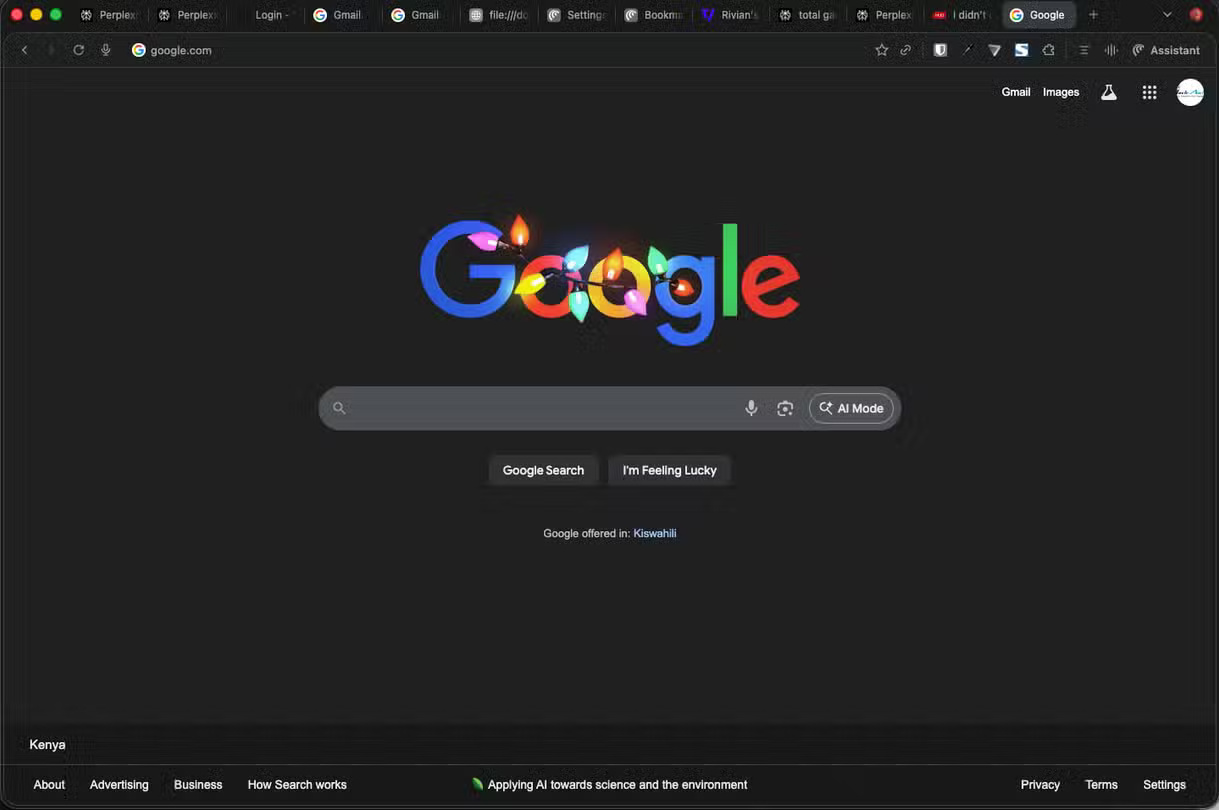
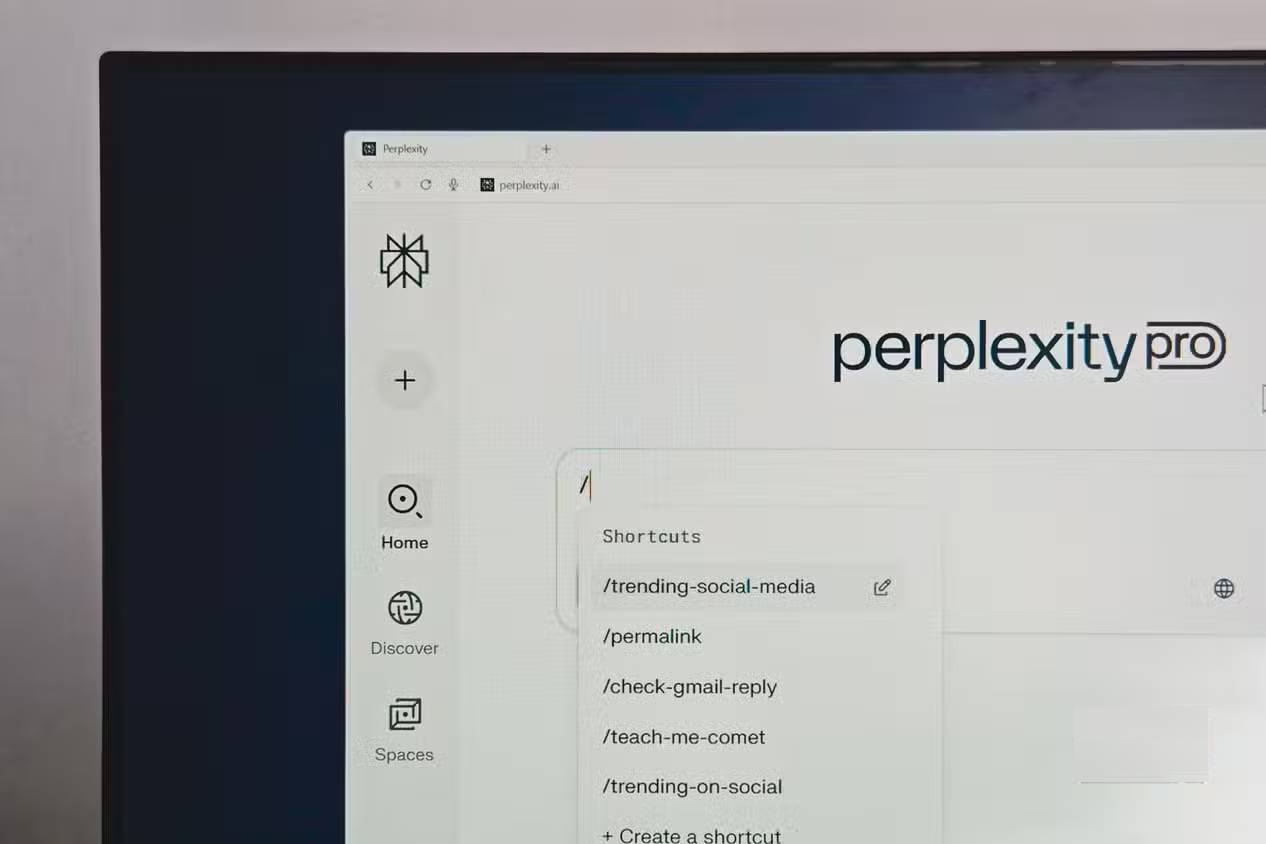
While Comet is an AI-first browser, it doesn't limit you to using Perplexity all the time. You can search for information the traditional way through Google. For example, if you're following a developing story, you'll prefer to read articles published on the web.
After typing a search query into your browser's search bar, pressing Enter on your keyboard will open Perplexity and post your query to LLM. But if you want to search Google, you can press Shift + Enter after typing your query into Comet's search bar. This will tell Perplexity to use Google's search engine instead of asking LLM for a response.
Current website summary
Get a quick summary
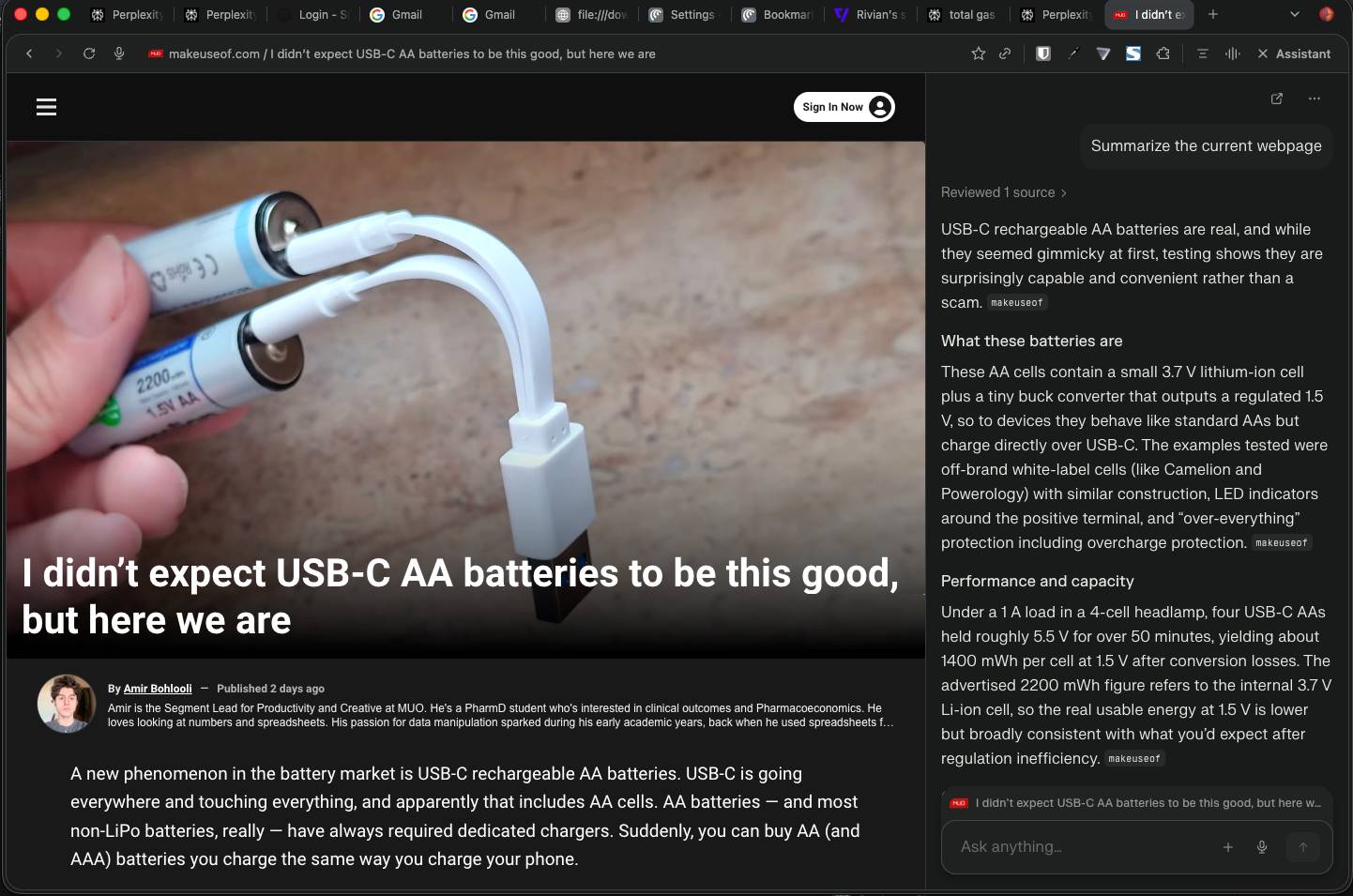
People who occasionally have to read through several articles to put together a well-researched article appreciate how Comet makes it easy to capture the core details of any open web page. Just use the shortcut Option + S , Comet will instantly open Assistant and ask Perplexity to 'Summarize the current web page.' In just a few seconds, Perplexity will have a summary of the open tab. Easy!
FAQ
What is 6 must-know keyboard shortcuts when using perplexity's comet browser?
Explore 6 must-know keyboard shortcuts when using perplexity's comet browser.
What key points does this article cover?
The article focuses on Mark all tabs, Save all tabs in the current session, Launch Comet Assistant, with practical explanations and examples.
How can you use this information in practice?
Use the explanations to compare options, verify important details, and make a more informed decision. Apply the recommendations that best match your goals and situation.
Related Articles
 Perplexity Comet - AI-integrated Web Browser6 minutes read
 Why Is Perplexity Comet a Worthy AI Browser Replacement for Safari?6 minutes read
 Perplexity's New Comet Browser Will Completely Change the Way You Use7 minutes read
 Why Are People Returning to Brave After Trying Perplexity's AI Browser8 minutes read
 Keyboard Shortcuts in Illustrator Are Often Used, Keyboard Shortcuts Are7 minutes read
 Useful Shortcuts on Web Browsers9 minutes read
Reader Comments 0
Sign in with email or Google to join the discussion.