Table of Contents
Start with ChatHub if you want to see several replies at once, Poe if you want to browse a catalog of bots, or Perplexity if you want web research with sources to inspect. Monica and Merlin are useful if you want AI tools alongside the pages you already read. Check the current model list and limits for any plan before subscribing.
Poe: browse and try different bots

Poe gives you access to bots from different providers under one account. Start a clean conversation with each bot and paste the same prompt. Check point costs before running several long prompts, since costs can vary by bot and usage.
Monica: work with text in your browser
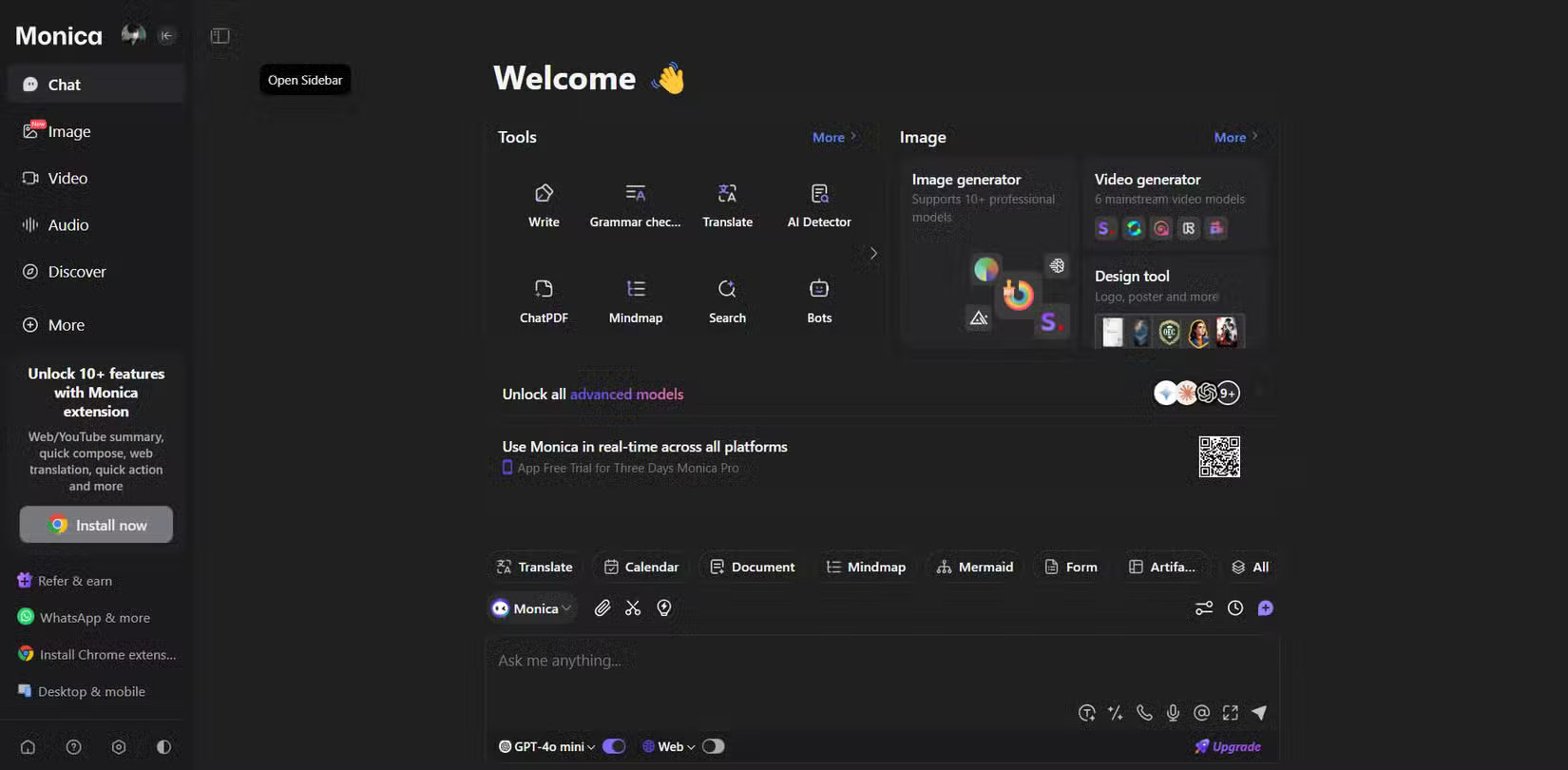
Monica combines model selection with tools such as summarizing and rewriting. Try it on a public page and see whether the browser workflow saves steps over switching to a separate chat. Review which sites an extension can access before enabling it.
Perplexity: research and follow sources
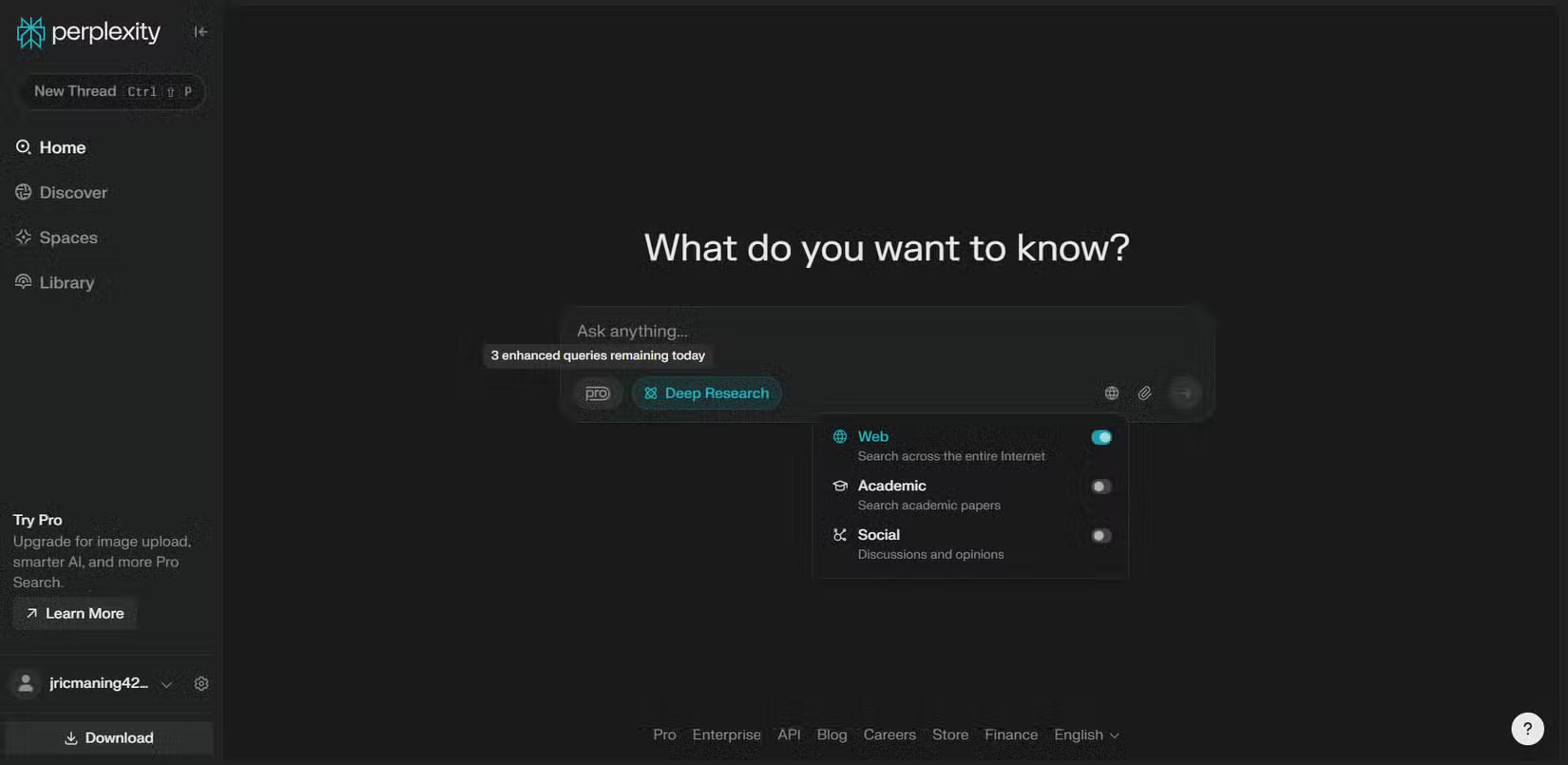
Perplexity emphasizes web search and source links. Its model choices depend on the plan and search mode. Open the cited documents to confirm important claims. See the guide to verifying AI-generated claims.
Merlin: ask questions about a page
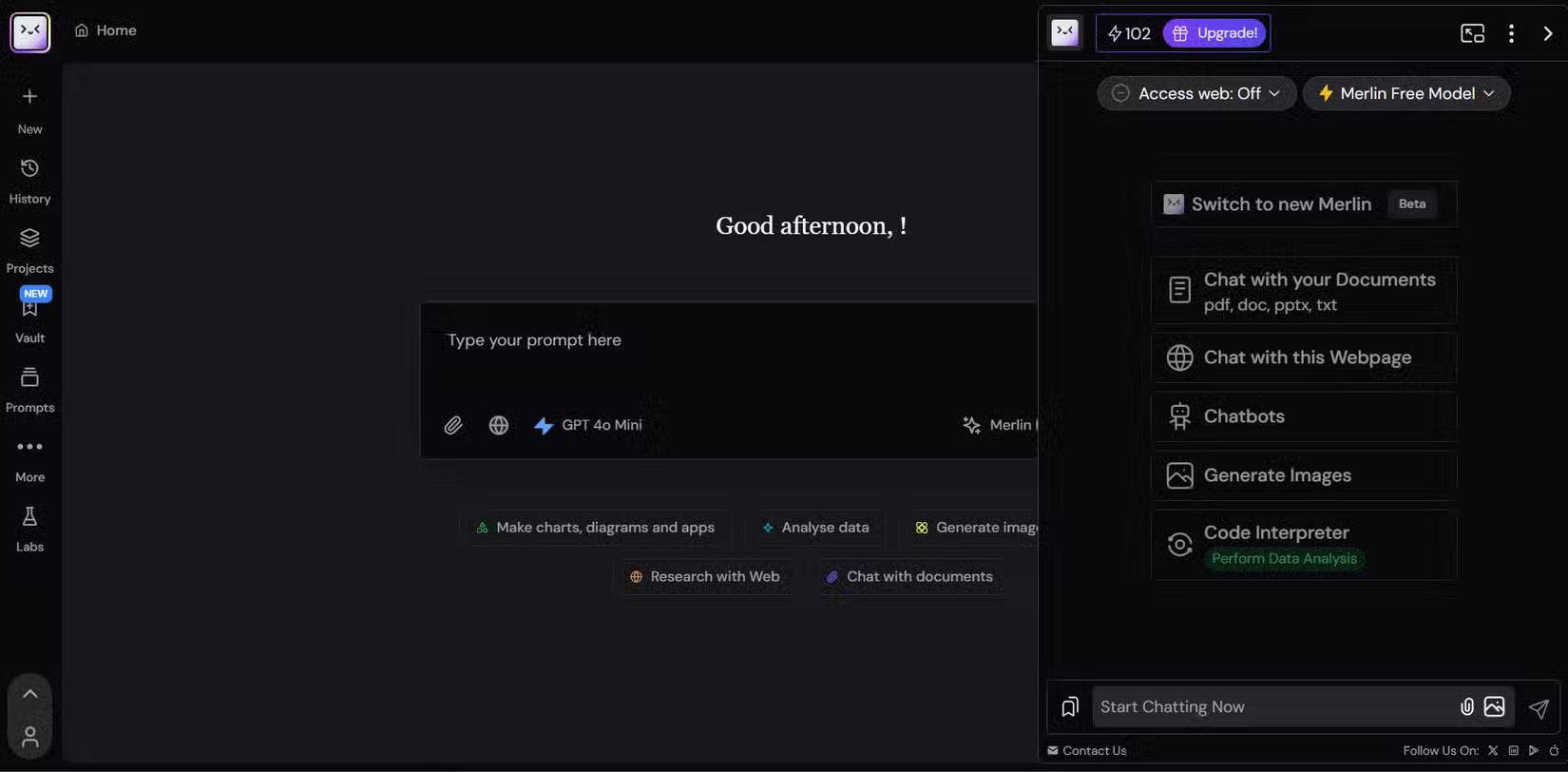
Merlin provides browser-based access to multiple models. Test whether it can handle a page or document you use regularly, then check the quota and permissions. Use public or fictional examples for a comparison. See how to protect sensitive data when using AI.
ChatHub: compare replies side by side
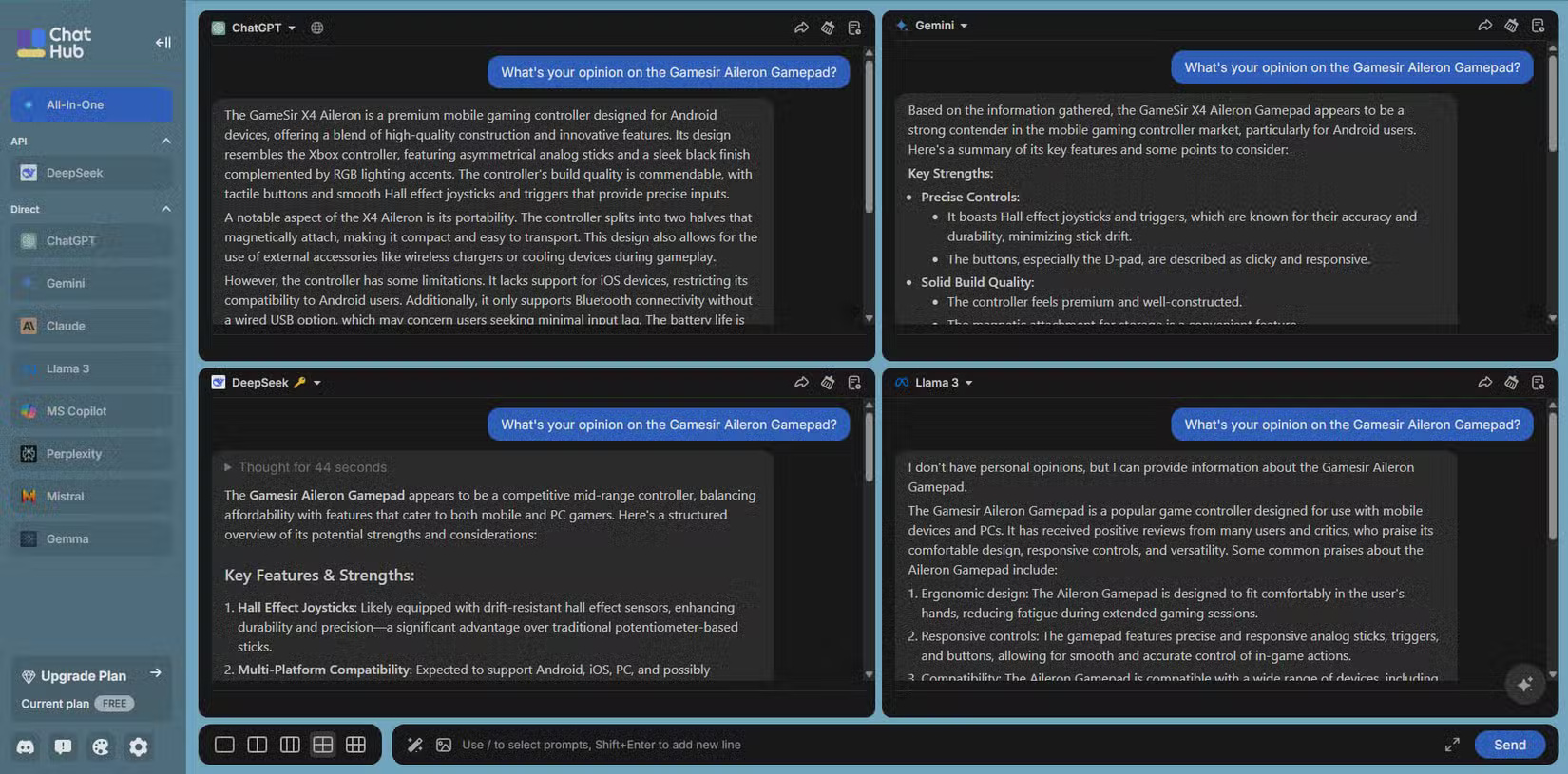
ChatHub presents multiple answers in parallel. This helps when comparing how models structure the same answer or whether they follow a format. If your setup uses an API key, check the provider’s separate usage charges and how the app handles the key.
Run a fair comparison
Pick one task with a known answer or a clear rubric. Use the same prompt and source text in fresh chats, and keep web search either on or off for all models if the app allows it. Score accuracy, completeness and instruction-following. Record the model and mode shown by each app, since providers may use different defaults even when the model name is the same.
Related Articles
 Experience AI chatbots for free on the same website
 Online Gaming Platforms: The Role of Chatbots
 'Chills' with scary interactions between humans and AI chatbots
 AI chatbots for psychological counseling: More harm than good?
 How to move multiple apps at once on iPhone
 5 things not to be shared with AI chatbots
Reader Comments 0
Sign in with email or Google to join the discussion.