Table of Contents
This guide organizes the entries in "6 Offline Maps for iPhone" and explains what each option, idea, or example offers. It also highlights practical details that matter when comparing the choices.
6. Google Maps
It's hard to talk about navigation without mentioning Google Maps, and for good reason. It's fast, accurate, and fully featured — when you're connected to the Internet. Offline, the experience is dramatically reduced.
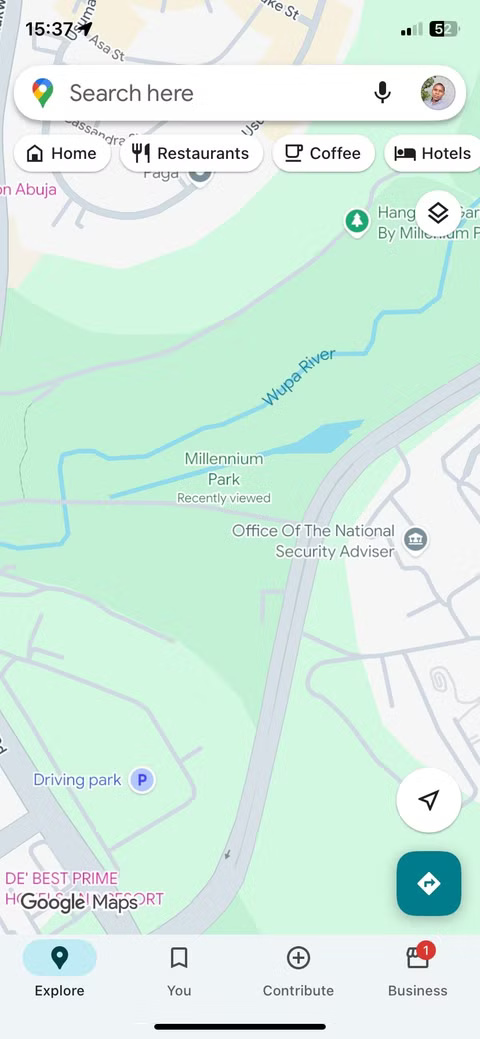
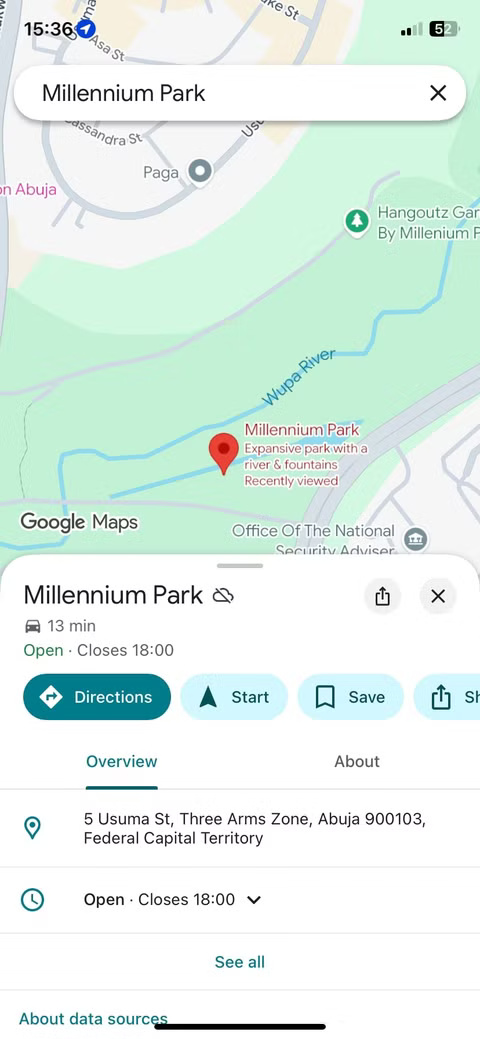
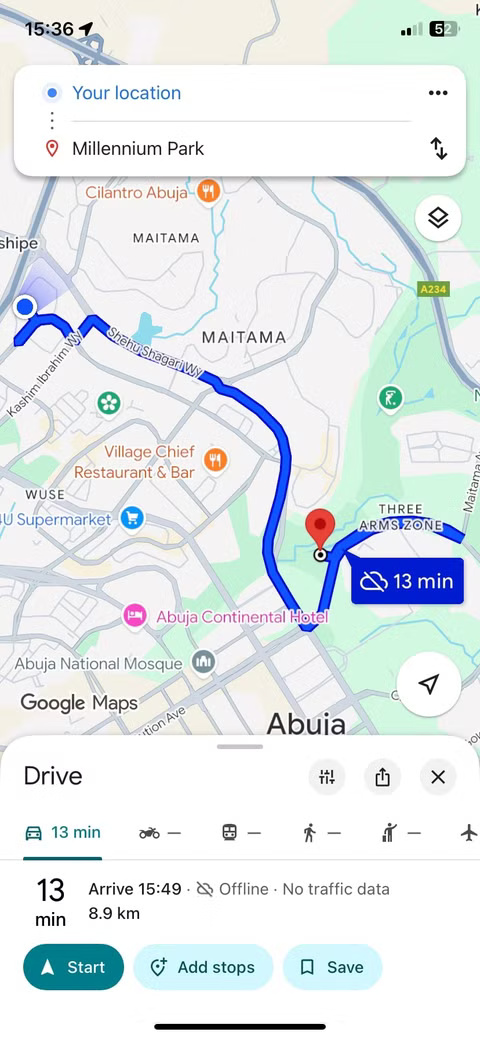
While you can download specific map areas for offline use, those maps come with some limitations. You get basic turn-by-turn navigation while driving, but walking and cycling routes disappear when you go offline. Real-time traffic, alternate routes, and dynamic rerouting are also unavailable. What you're left with is a stripped-down version of a great online tool.
5. HERE WeGo
HERE WeGo offers a compelling offline mapping experience, especially in Europe. The app lets you download maps for entire countries or regions, and when offline you still have access to turn-by-turn navigation, voice guidance, and a clean interface that supports walking, driving, and cycling directions.
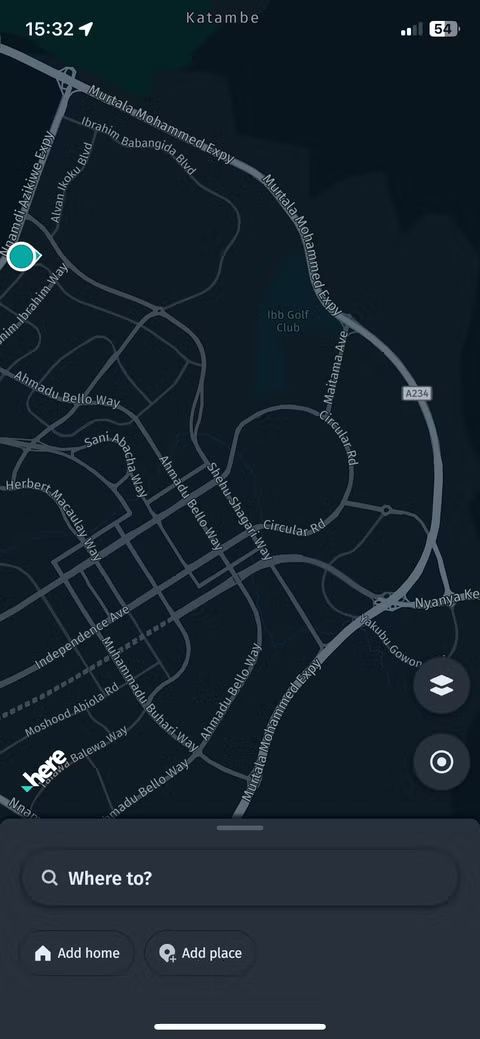
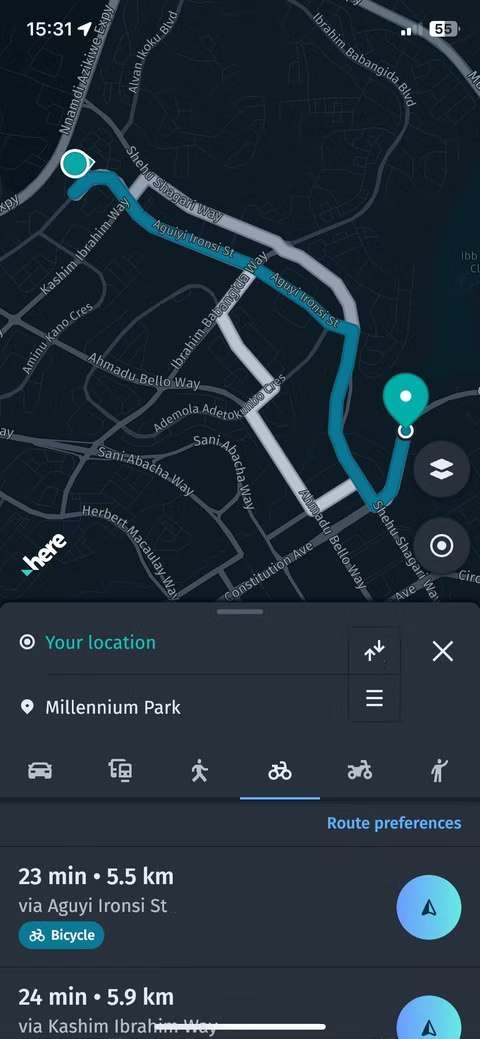
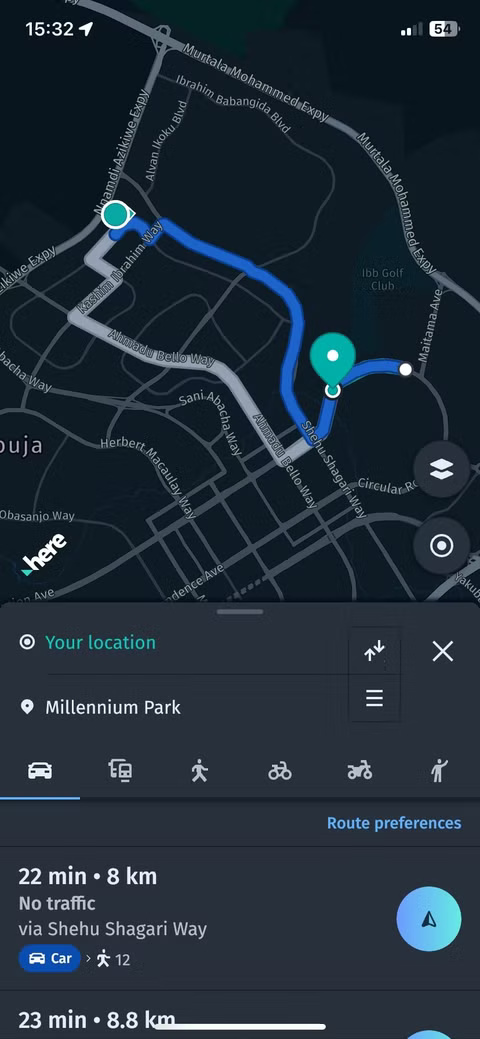
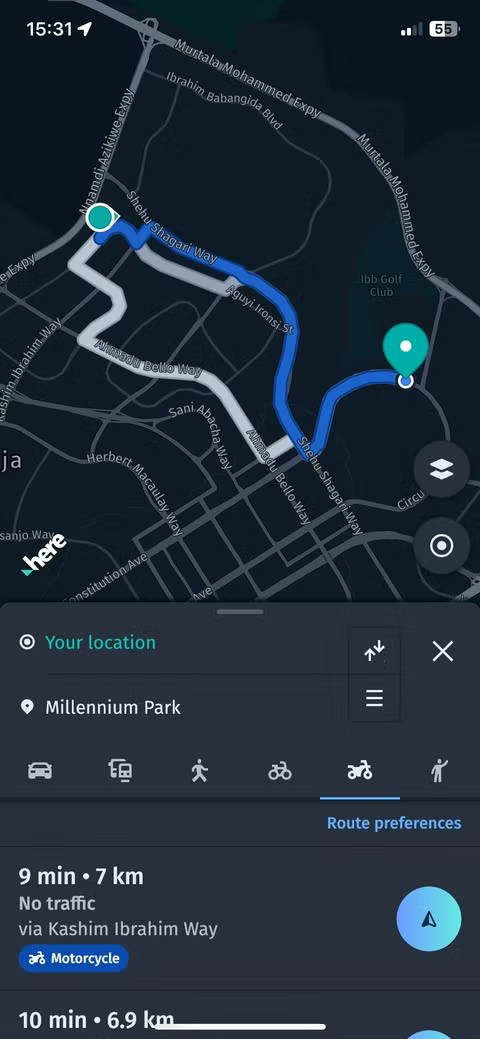
The app's standout feature is its public transport support. While it covers more than 1,900 cities globally, offline traffic information is more reliable in European cities, where the app has the strongest data partnerships.
4. Organic Maps
Organic Maps focuses on one thing: Giving you offline maps that are completely free of tracking, ads, or background data collection. It's open source, privacy-protected, and built on OpenStreetMap data. If you're interested in a lightweight, private experience, this is it. This focus on privacy is why some people have ditched Google Maps for Organic Maps.
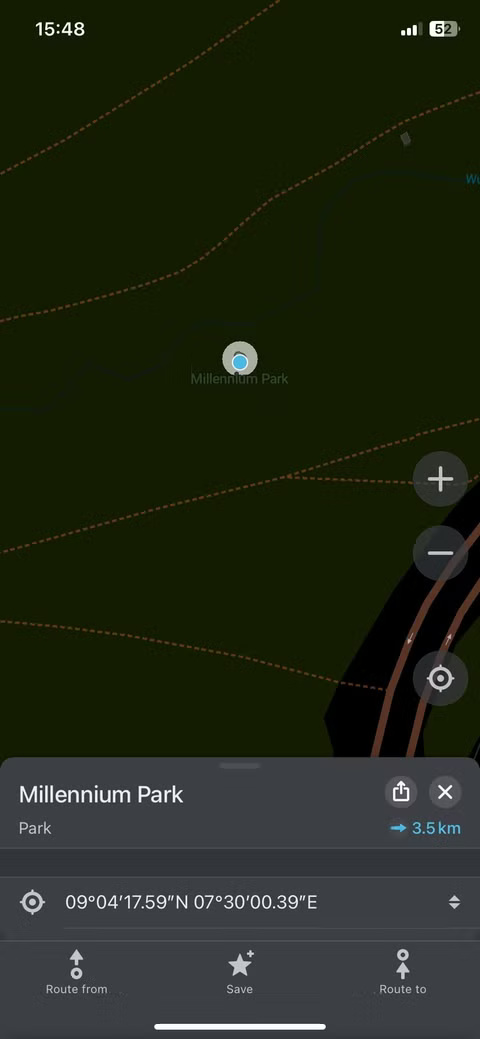
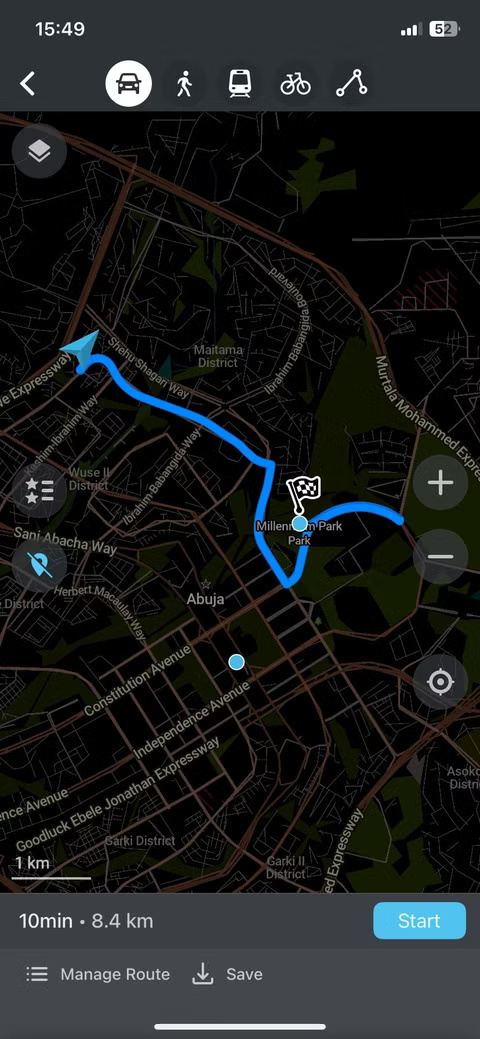
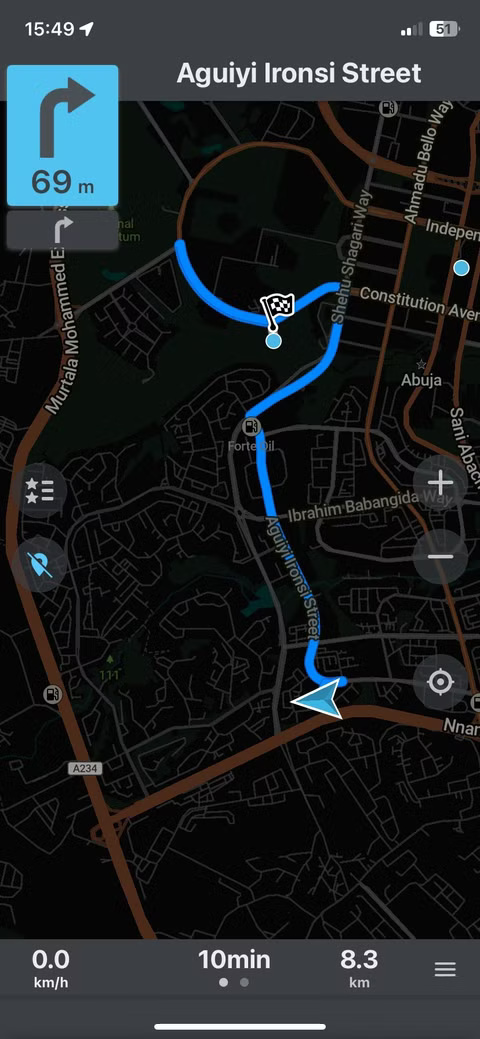
The app is particularly useful for hiking and cycling, with support for trails, elevation, and natural landmarks that many larger apps miss. However, the overall experience is more about functionality than polish. The interface is simple, search can be limited, and map detail is lacking in some areas. Navigation works offline, but voice guidance and routing aren't as smooth as in other apps.
3. Sygic
Some apps are designed for casual use. Sygic is not one of them. From the moment you open the app, you realize this is not a basic mapping tool. Its offline maps are visually rich, with 3D building images and a polished interface that feels like it was made for professional drivers.
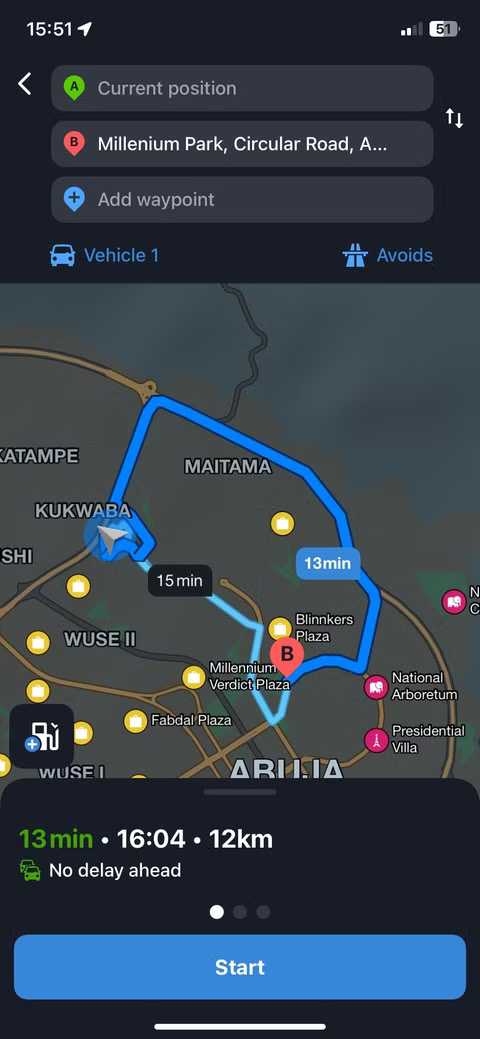
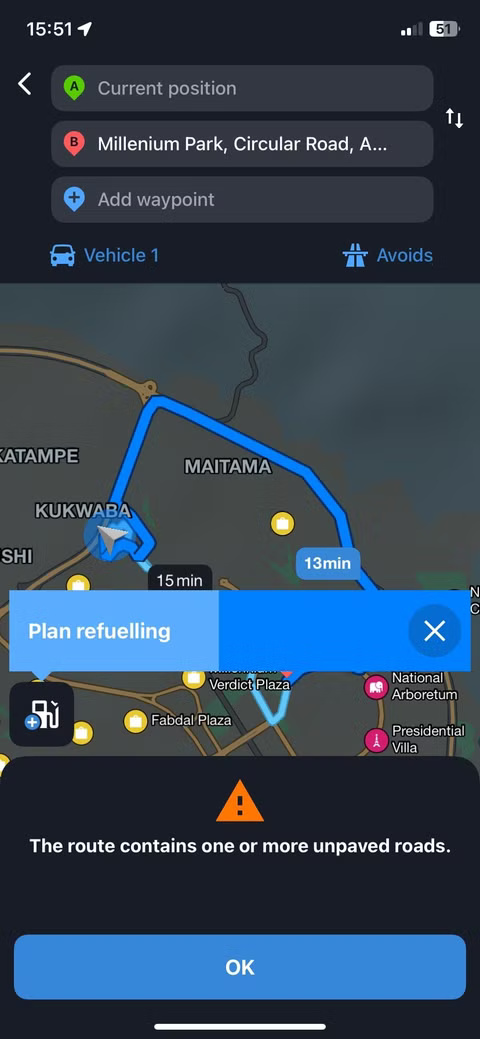
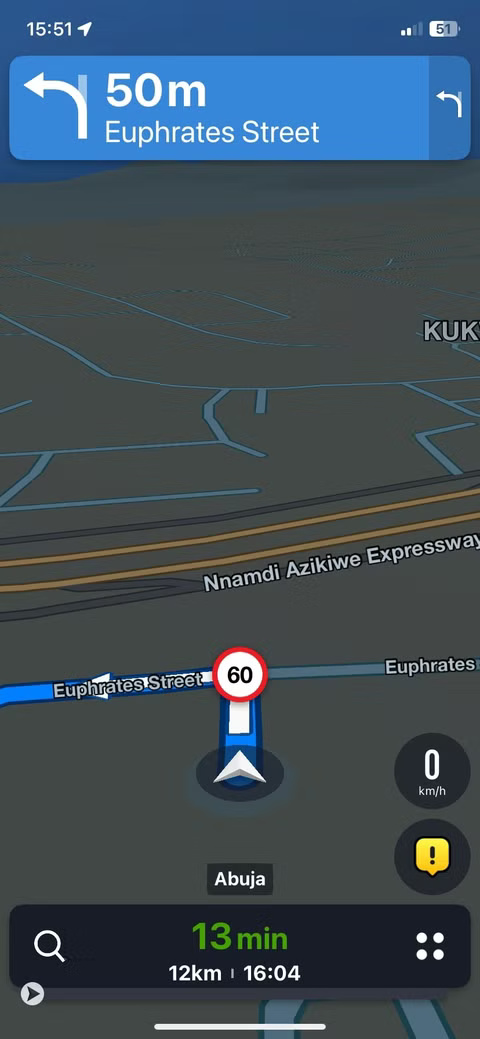
During testing, Sygic worked very well offline. You can download data for an entire country, and when offline you still get turn-by-turn voice navigation, detailed route planning, and sometimes even speed limit warnings.
Where Sygic sets itself apart is its advanced feature set. There's a head-up display that projects directions onto the windshield (with proper setup), speed camera alerts, and even vehicle-specific routing options. However, most of these premium features are capped by a paid subscription.
2. Guru Maps
Guru Maps covers all the basics and more. It offers full offline functionality with detailed maps, voice navigation, and quick search, all without an Internet connection. You can download maps for entire countries, plan routes, and mark locations with ease.
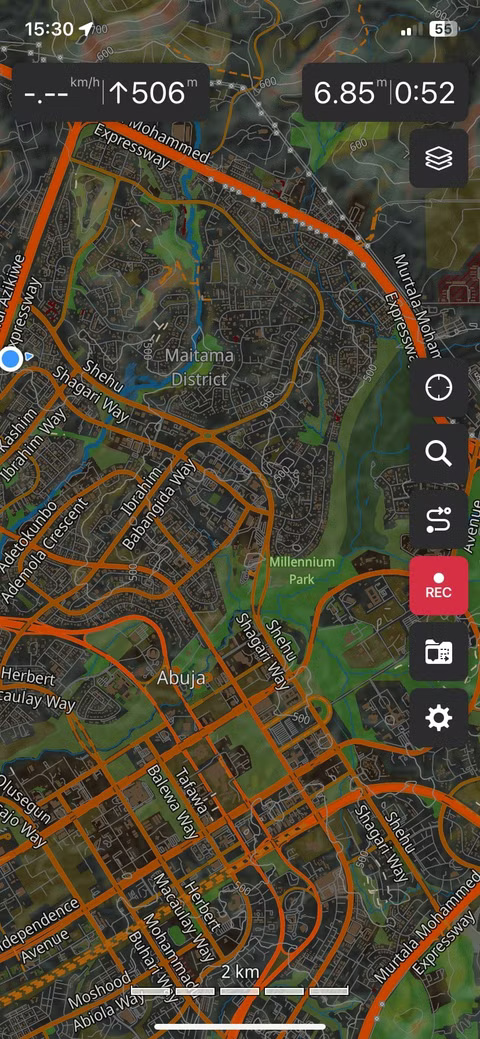
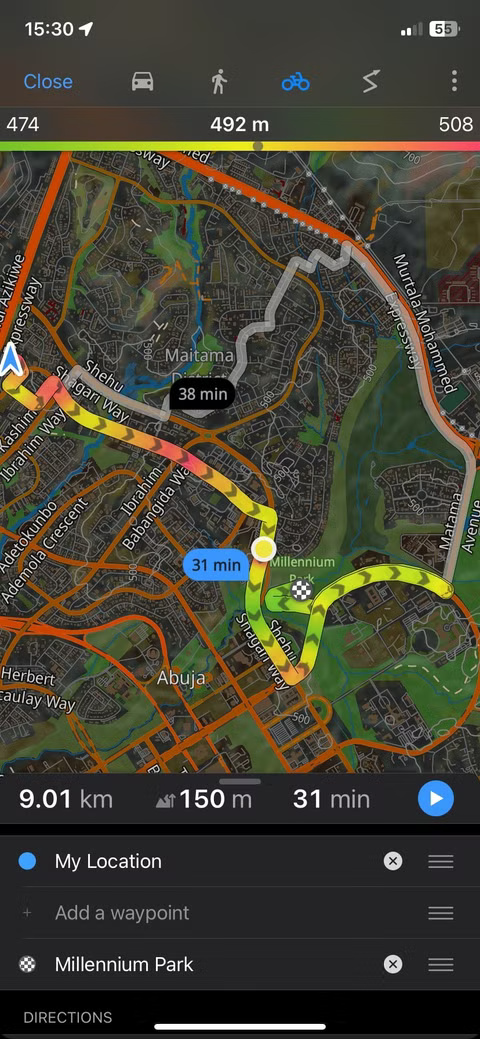
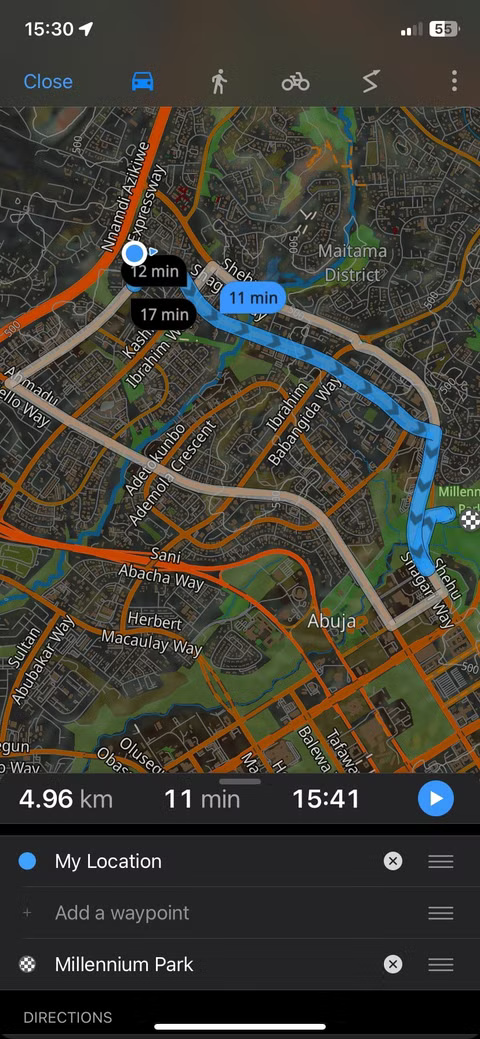
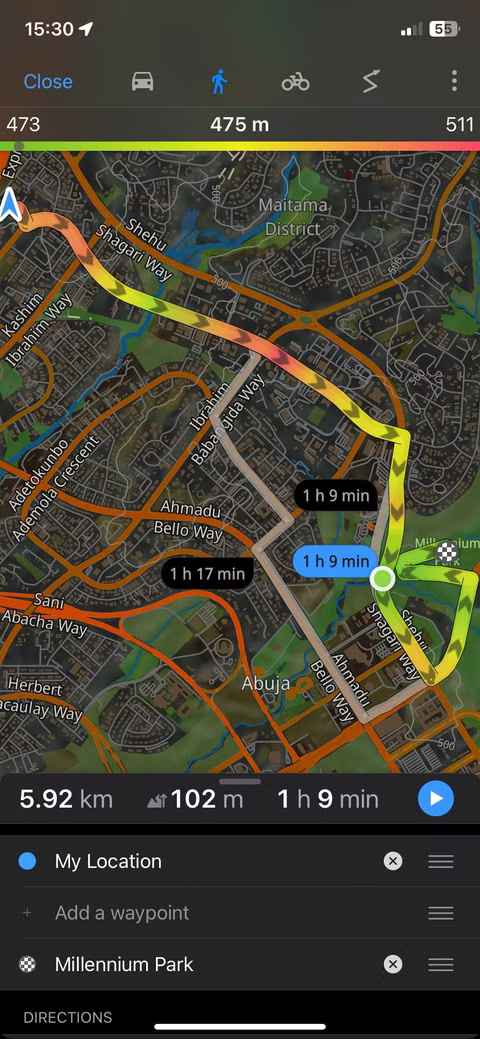
What sets Guru Maps apart is the level of control it offers. You can switch between different map sources, record GPS tracks, and even import your own routes or data files. For travelers and outdoor enthusiasts who want more than basic navigation, these tools are truly useful. The interface is clean and easy to get used to, making it great for everyday use.
1. MAPS. ME
For travelers who want a truly free and effective offline navigation tool, MAPS. ME is a surprising choice. It's fast, lightweight, and offers impressively detailed maps for walking, driving, and cycling - all without an internet connection. You simply download maps for the countries or regions you need, and the app stores everything locally.
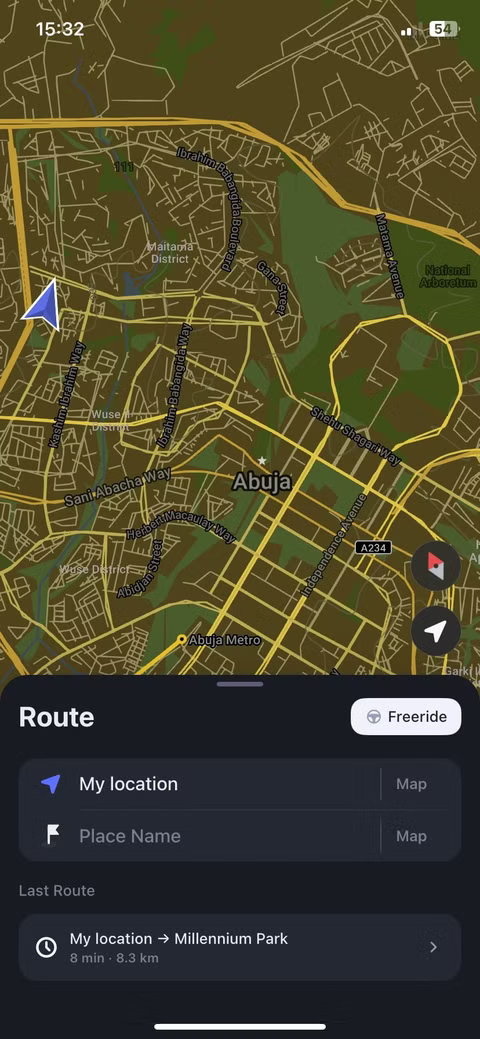
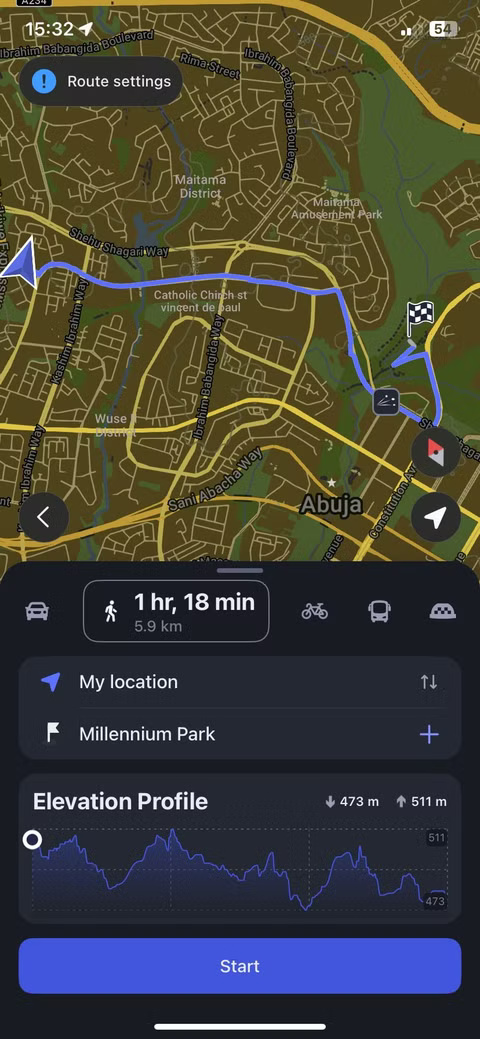
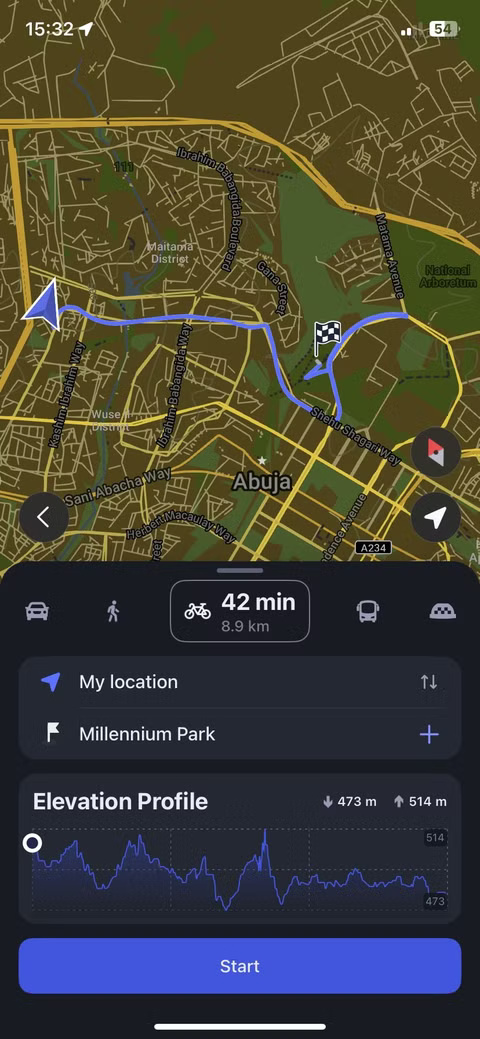
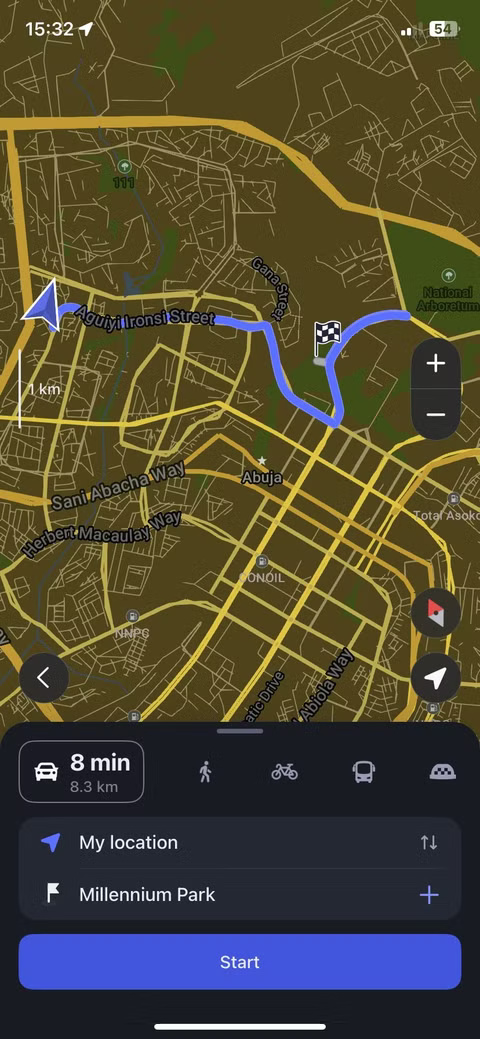
When offline, the app still provides turn-by-turn navigation, search, and bookmarking functionality without requiring registration or login.
Despite being free, MAPS. ME doesn't inject ads, track your movements, or lock useful features with a paywall. It's a rare case where an app does exactly what it promises and more.
FAQ
What should you know about 6. Google Maps?
It's hard to talk about navigation without mentioning Google Maps, and for good reason. It's fast, accurate, and fully featured — when you're connected to the Internet. Offline, the experience is dramatically reduced.
What should you know about 5. HERE WeGo?
HERE WeGo offers a compelling offline mapping experience, especially in Europe. The app lets you download maps for entire countries or regions, and when offline you still have access to turn-by-turn navigation, voice guidance, and a clean interface that supports walking, driving, and cycling directions.
What should you know about 4. Organic Maps?
Organic Maps focuses on one thing: Giving you offline maps that are completely free of tracking, ads, or background data collection. It's open source, privacy-protected, and built on OpenStreetMap data. If you're interested in a lightweight, private experience, this is it. This focus on privacy is why some people have ditched.
What should you know about 3. Sygic?
Some apps are designed for casual use. Sygic is not one of them. From the moment you open the app, you realize this is not a basic mapping tool. Its offline maps are visually rich, with 3D building images and a polished interface that feels like it was made for professional drivers.
Related Articles
 How to Download Offline Maps on Apple Maps3 minutes read
 How to Use Offline Bing Maps on Windows 108 minutes read
 Instructions for Using Google Maps Offline on Android5 minutes read
 How to Prevent Windows from Automatically Updating Offline Maps3 minutes read
 How to Download Google Maps to Your Phone for Offline Use, Without4 minutes read
 These GPS Apps Do Not Need the Best Internet Connection for Android6 minutes read
Reader Comments 0
Sign in with email or Google to join the discussion.