Table of Contents
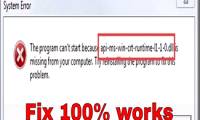
The message “api-ms-win-crt-runtime-l1-1-0.dll is missing” usually means an app cannot find a required Microsoft C runtime component. Do not download the DLL by itself from a third-party site or copy it into Windows folders. Install or repair the runtime through Microsoft, update Windows, and then repair or reinstall the affected app.
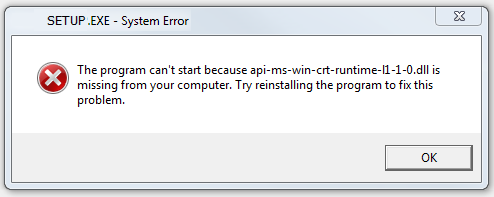
Fix the missing runtime error
1. Install Windows updates and restart
Open Settings > Windows Update, check for updates, install applicable updates, and restart. Then try the app again. Some older Windows releases required a Universal C Runtime update; on a supported current Windows version, install updates through Windows Update rather than fetching loose DLL files.
2. Install the Microsoft Visual C++ Redistributable
Download the latest supported Visual C++ Redistributable from Microsoft. Choose the package architecture required by the app: an x86 app needs the x86 runtime even on 64-bit Windows; x64 apps need x64. If you do not know which build you have, check the app publisher’s support instructions. Restart Windows after installation and test the app.
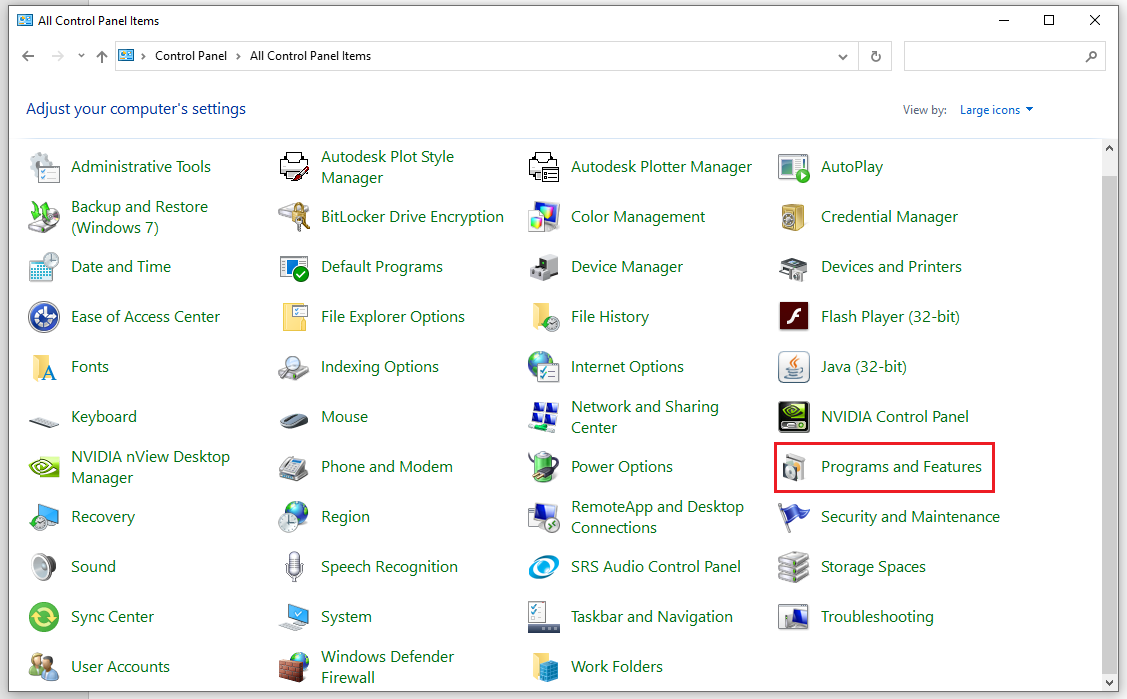
3. Repair or reinstall the affected app
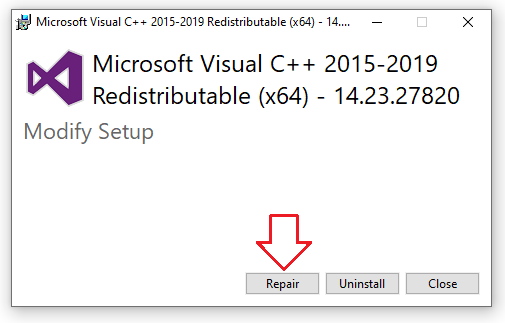
If only one program shows the error, use its installer’s Repair option if available, or uninstall and reinstall it from the publisher’s official site. The app may require an older, app-specific runtime; follow its publisher’s instructions rather than guessing which package to remove.
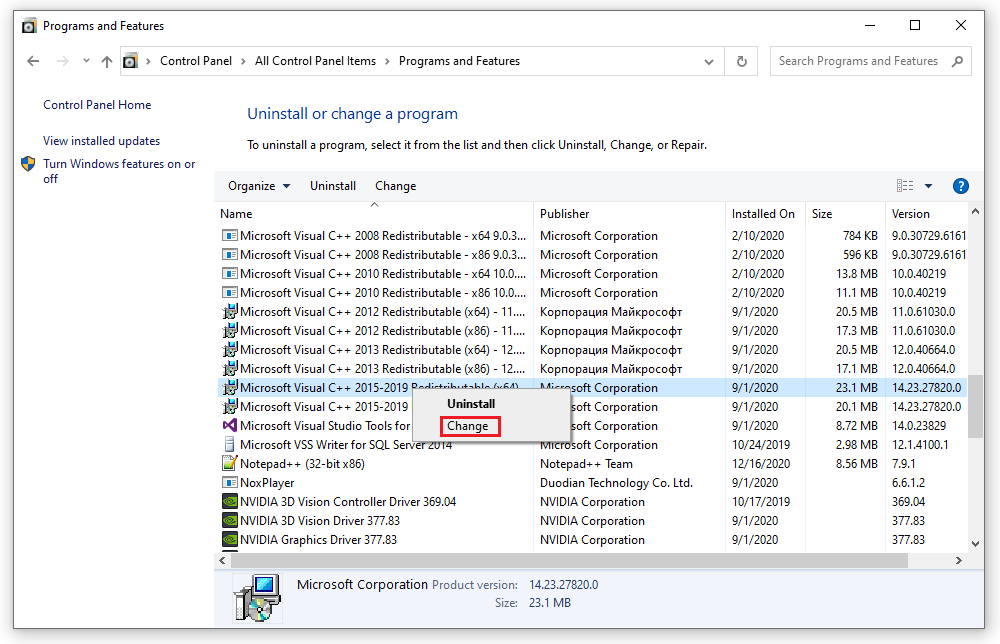
4. Check system files if Windows has broader problems
If several apps fail or Windows itself is unstable, follow Microsoft’s system-file repair instructions. Open Command Prompt as an administrator, run DISM.exe /Online /Cleanup-image /Restorehealth, wait for it to complete successfully, then run sfc /scannow. Avoid manual DLL replacement or registry-cleaner utilities.
If the error remains
- Note the exact app name, version, Windows version, and whether it is 32-bit or 64-bit.
- Contact the app’s publisher and ask which supported Visual C++ runtime it requires.
- Use only Microsoft’s official download pages for runtime packages.
- If the PC runs an unsupported Windows release, move to a supported version where possible; old runtime instructions may not apply safely.
The missing DLL message does not mean you should source that individual file from a DLL download site. A Microsoft redistributable installs the needed runtime components together and is easier to service safely.

Related Articles
 How to fix Runtime error in Windows
 How to fix Runtime error R6034 on Windows
 How to fix 'The program can't start because api-ms-win-crt-runtime-l1-1-0.dll is missing from your computer'
 How to fix api-ms-win-crt-runtime-l1-1-0.dll error
 How to fix api-ms-win-crt-runtime-l1-1-0.dll is missing error
 What is Runtimebroker.exe or Runtime Broker and why is it running on the computer?
Reader Comments 0
Sign in with email or Google to join the discussion.