Table of Contents
Check your TV’s app store before choosing from this list. Android TV, Google TV, Roku, Fire TV, and other platforms offer different apps. Some titles also vary by country. Use VLC for local files, a remote customization tool for frequent actions, or a niche streaming service for a particular kind of film.
1. Lifetime Movie Club for Lifetime films
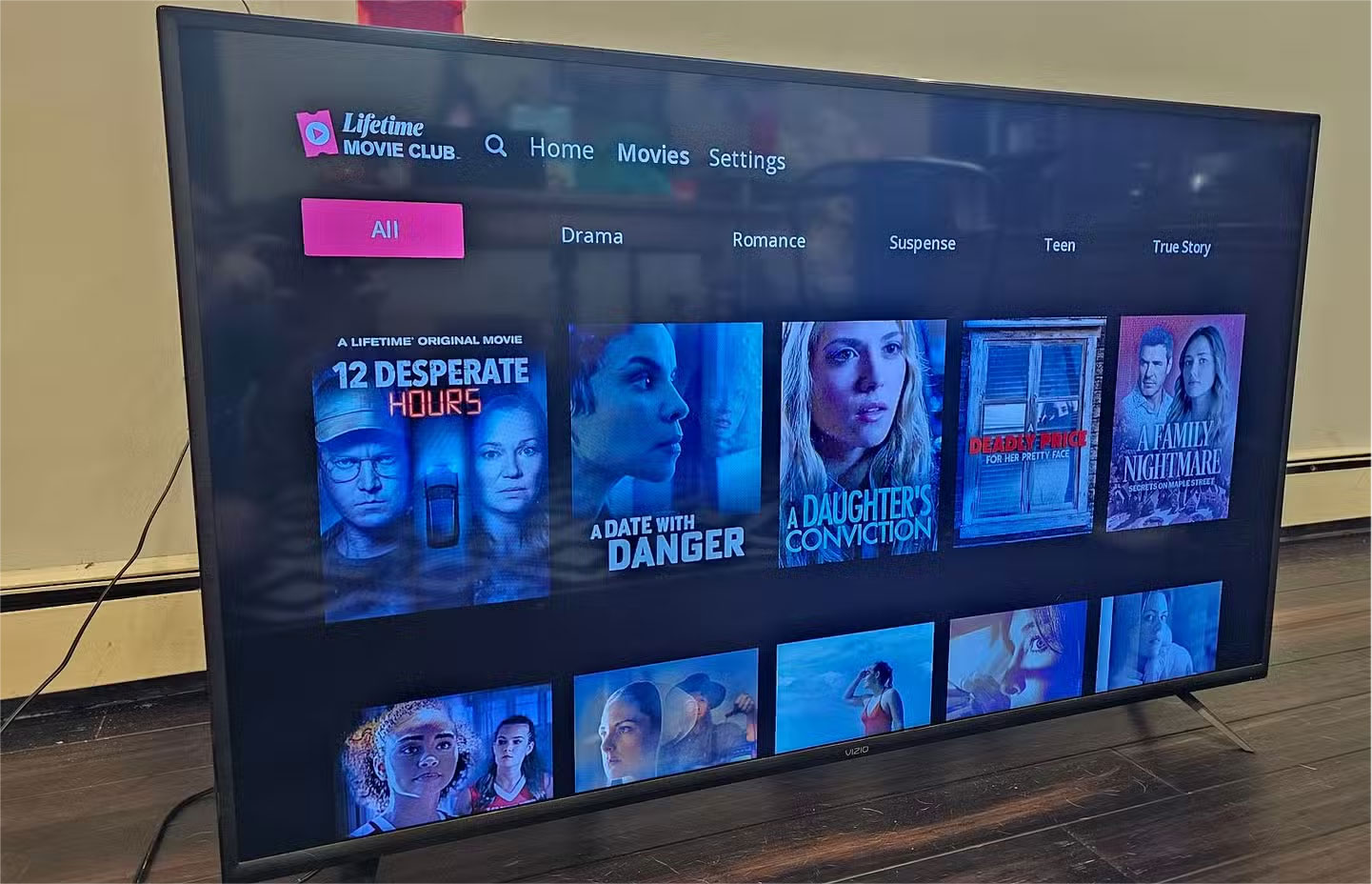
This subscription service focuses on Lifetime movies. Check the current device list and browse the available titles before subscribing.
2. VLC for local video
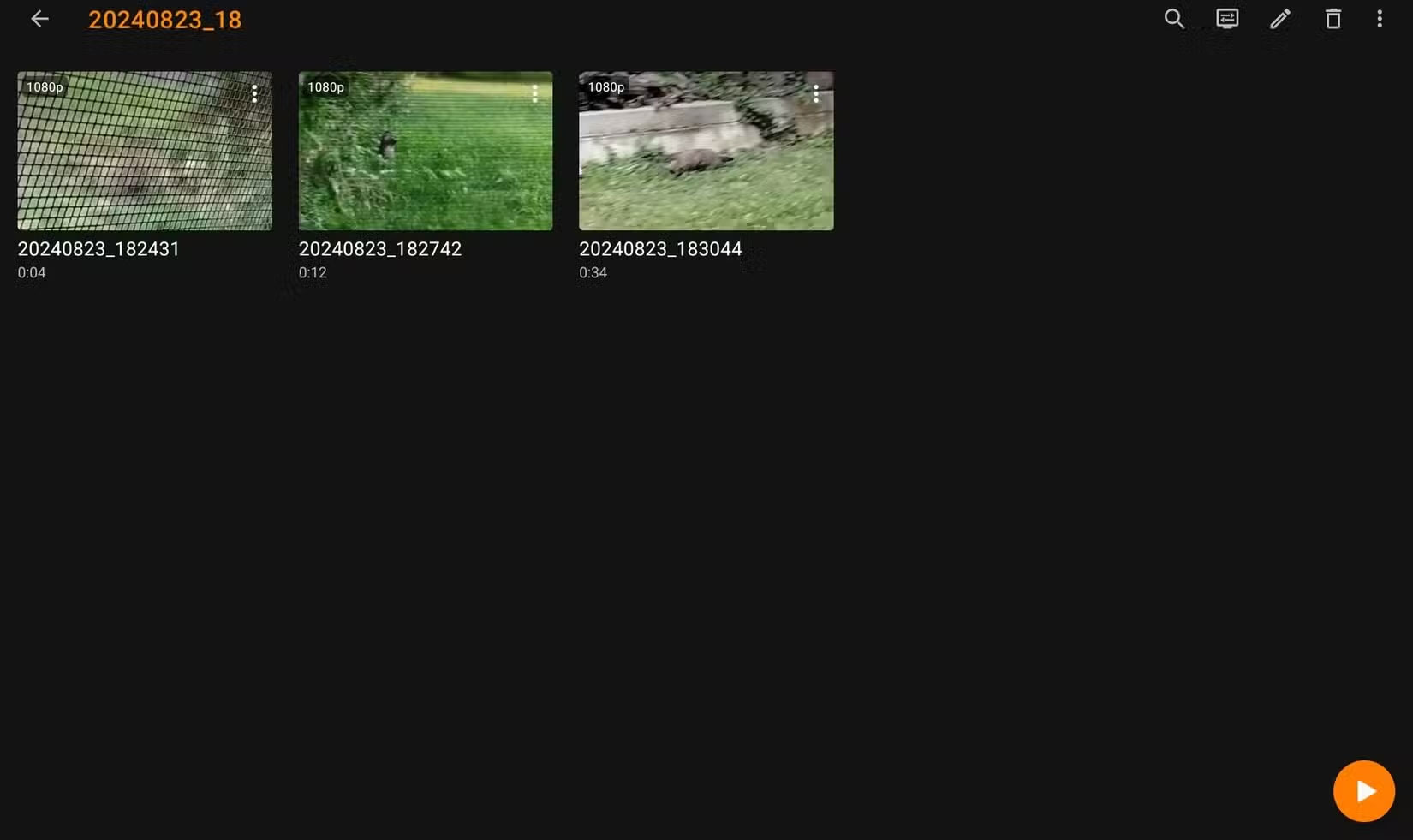
VLC for Android TV can play many personal videos. Test a file you own from supported USB storage or a local share. Codec support and USB access can differ by device.
3. tvQuickActions for remote shortcuts
Use it on a compatible Android-based TV to assign a shortcut to a supported key. Review the permissions it requests and test one button first. Some remote buttons are reserved by the system.
4. Aerial Views for a video screensaver
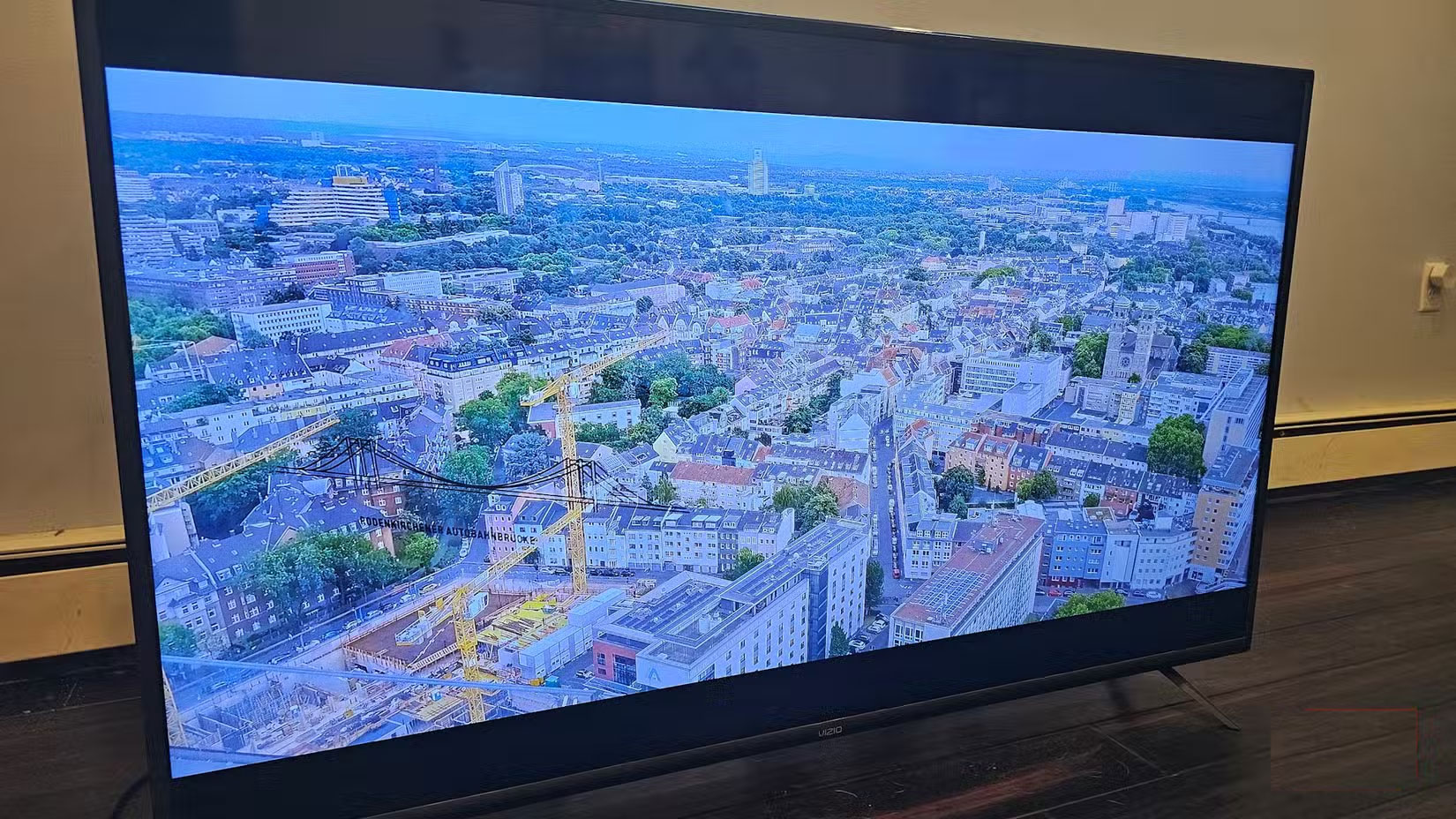
Aerial Views supports several Android-based devices. Use the system’s screen timeout when nobody is watching. A screensaver is not a substitute for your display maker’s panel-care advice.
5. Shout! TV for cult and library titles
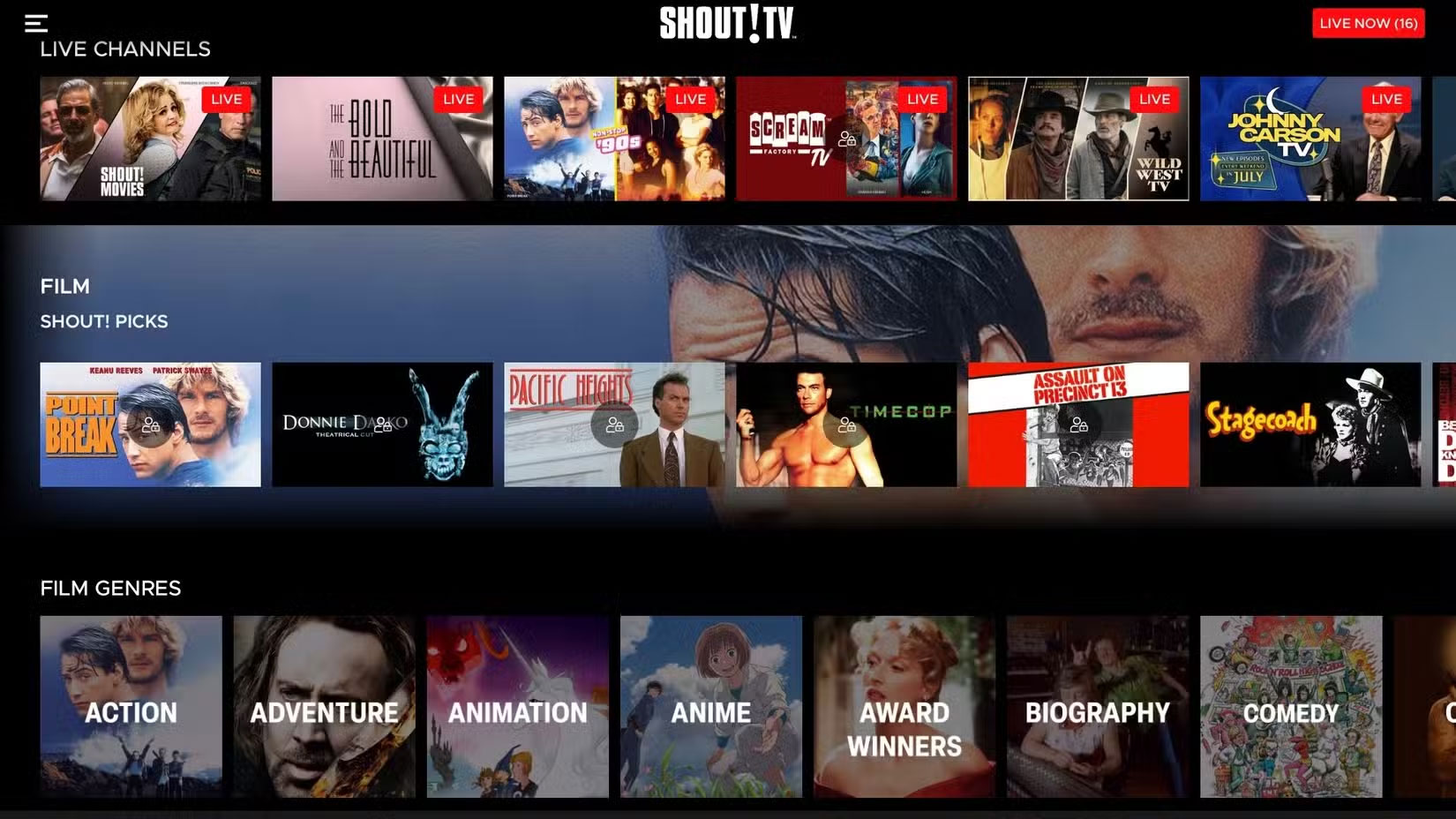
Browse Shout! TV for films and shows that appeal to you. Check your region, player, and current catalog. Availability can change even when the app is installed.
6. Projectivy Launcher for a simpler home screen
On a supported Android TV or Google TV device, try Projectivy Launcher to reorganize shortcuts. Check what your TV permits and how to return to its original launcher before changing defaults.
7. Minecraft videos for building ideas
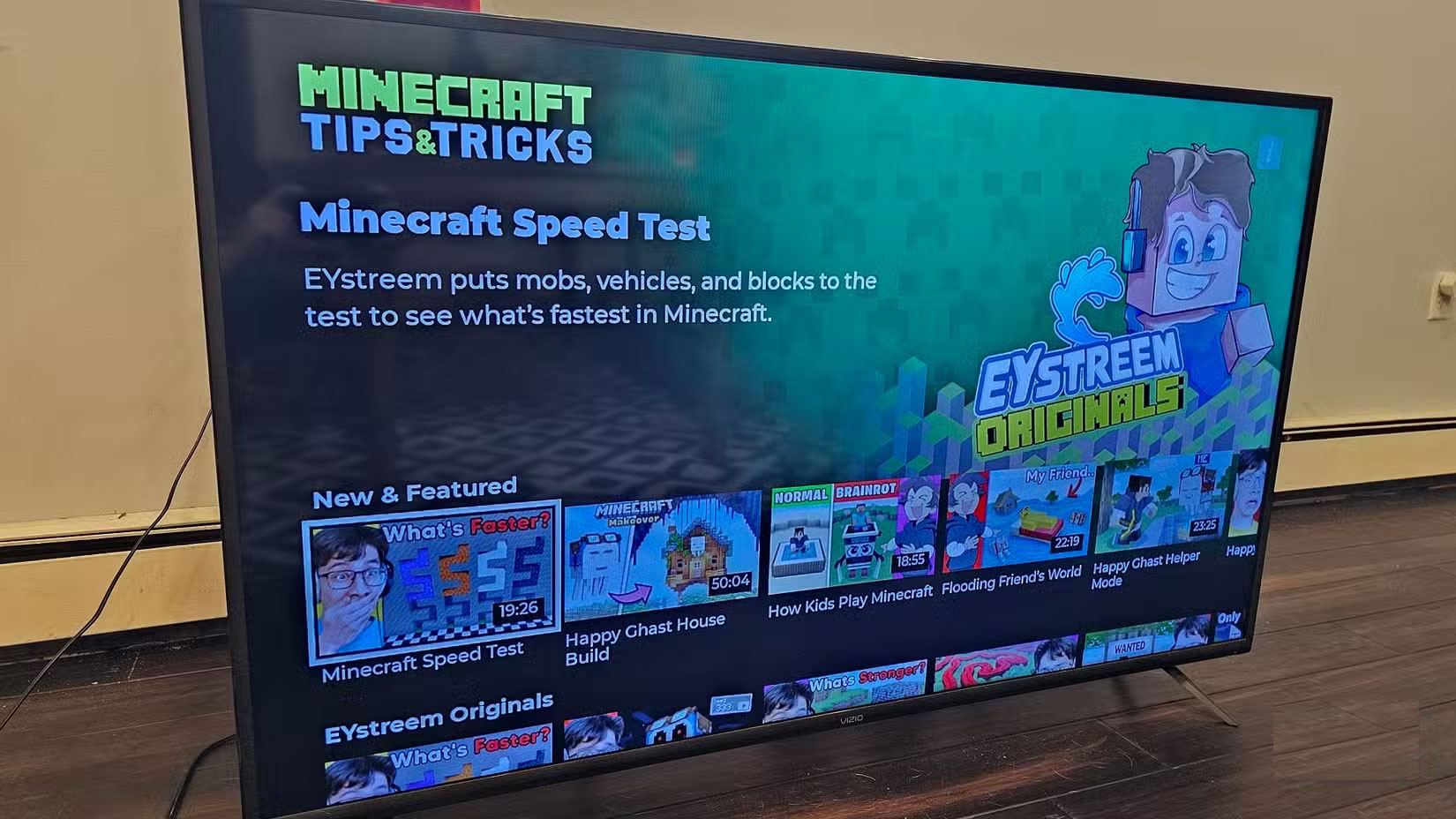
Look for Minecraft tutorial channels in your TV’s store. If the specific channel shown is unavailable, use a supported video app and search for the build or game edition you want. See apps you can use with local content or other Fire TV app ideas.
Related Articles
 5 Smart TV Apps You Can Use Without Wi-Fi
 Remove These 7 Pre-Installed Apps From Your Smart TV!
 Unlock the hidden potential of your Smart TV with these 6 must-have apps!
 How to Install Apps to Smart TV
 Smart TV isn't complete until you install Kodi: Here's how to get started!
 How to Speed Up a Slow Smart TV
Reader Comments 0
Sign in with email or Google to join the discussion.