Table of Contents
The Meta AI button opens an optional assistant in WhatsApp. You can keep using regular messages without opening it. If your concern is privacy, distinguish between messages you send to people and content you explicitly send or share with Meta AI.
What happens when you tap the button?
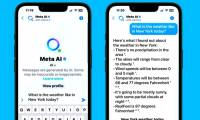
The button opens a chat with Meta AI, where you can ask questions or use other supported tools. Deleting an AI conversation from the chat list is separate from removing the shortcut. The controls available may vary by version and region.
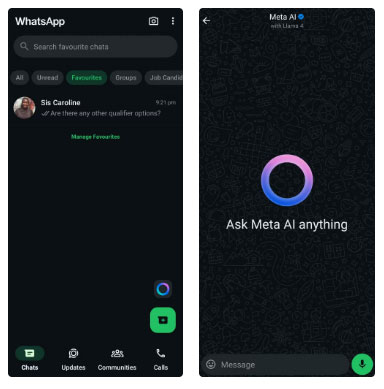
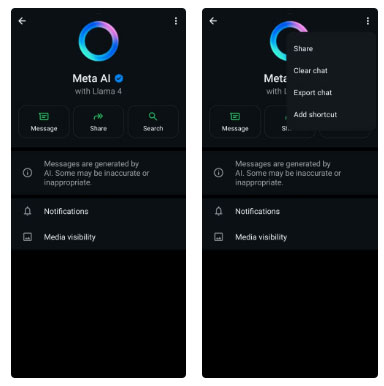
What can Meta AI see?
WhatsApp says personal conversations remain end-to-end encrypted. Meta receives prompts and content you choose to share with the assistant, including messages that call it into supported conversations. Review WhatsApp’s AI chat history guidance for information on how its AI interactions are handled. Avoid putting identifiers, personal records or confidential work into those prompts.
Choose how to use AI in a chat
- Skip the shortcut and avoid mentioning @Meta AI if you only want to message people.
- For a sensitive group or one-to-one chat, check Advanced Chat Privacy. Where available, it restricts supported AI features in that conversation.
- If you already used the assistant, see how to manage Meta AI chat history and review the confirmation for the action you choose.




Reader Comments 0
Sign in with email or Google to join the discussion.