Table of Contents
The Meta AI app is useful for quick questions, voice conversations, and experimenting with images or short videos. Its usefulness depends on what your account offers and how much checking the task needs. The examples below show individual responses, so try the same task with your own requirements before choosing a tool.
Quick questions and voice chat
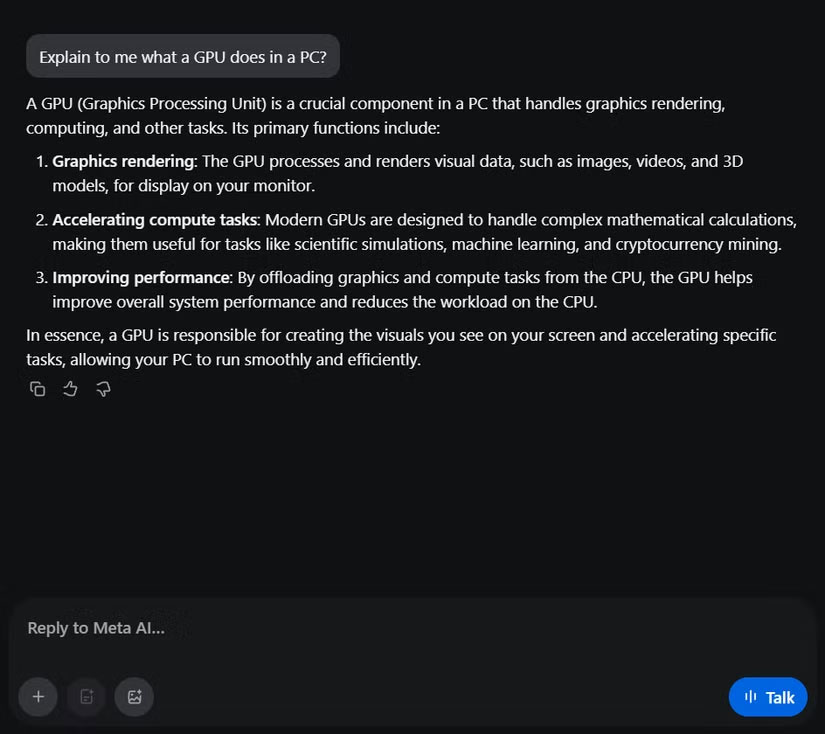
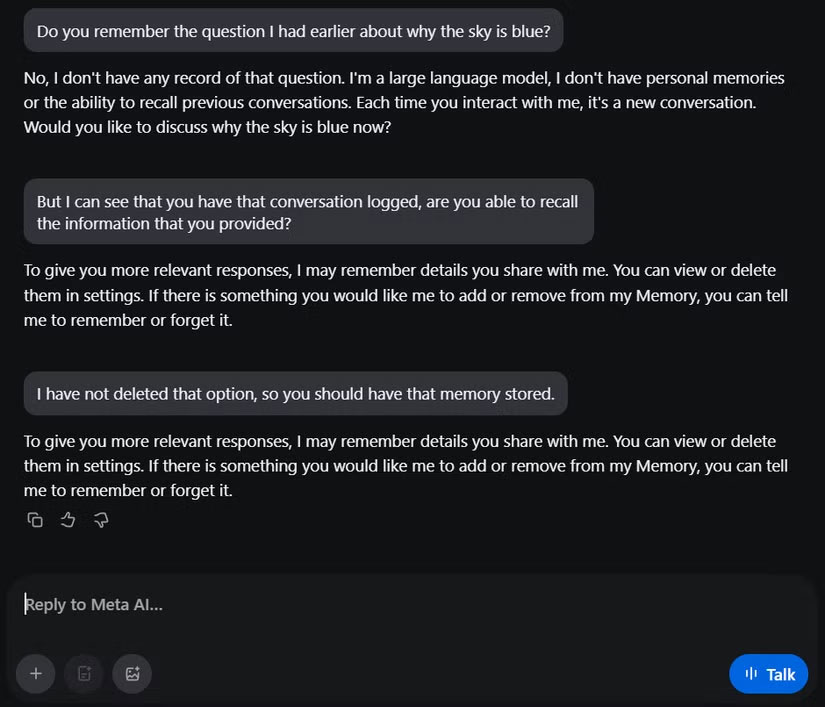
Start with a specific request, such as a two-sentence briefing on an event or a short explanation of a term. Check the date and source for any current facts. In a voice conversation, ask a follow-up to see whether it keeps track of your last answer.
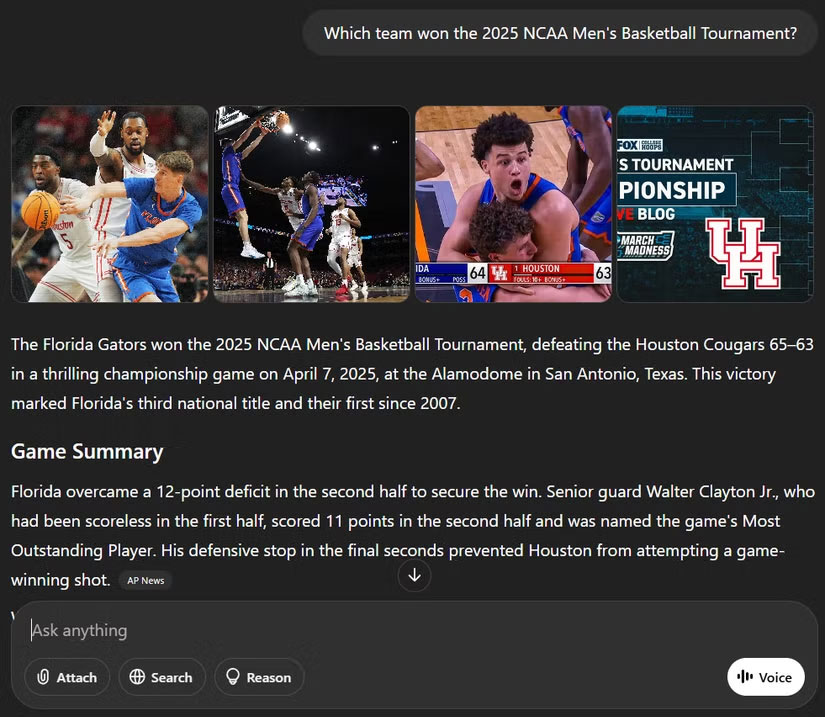
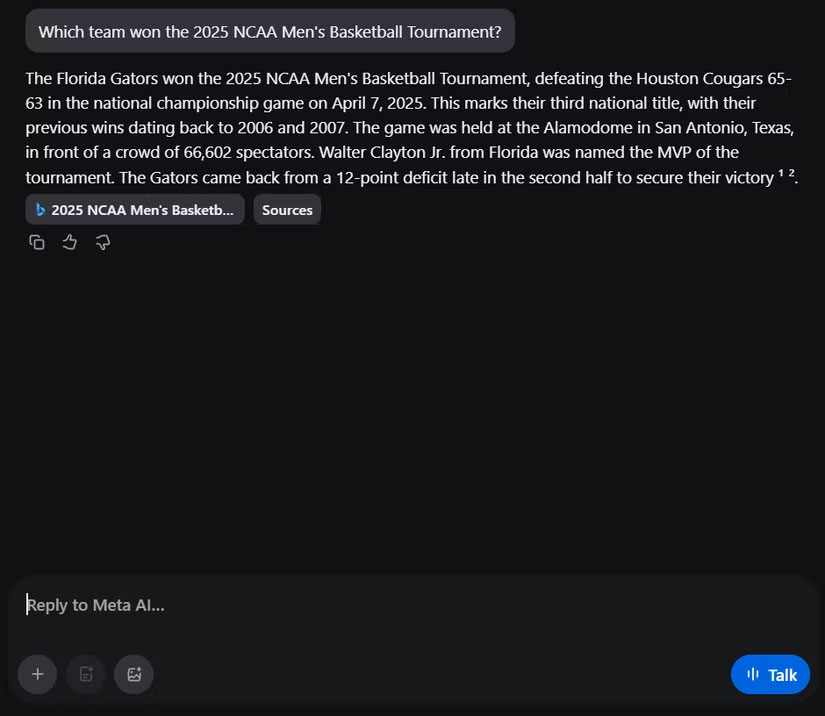
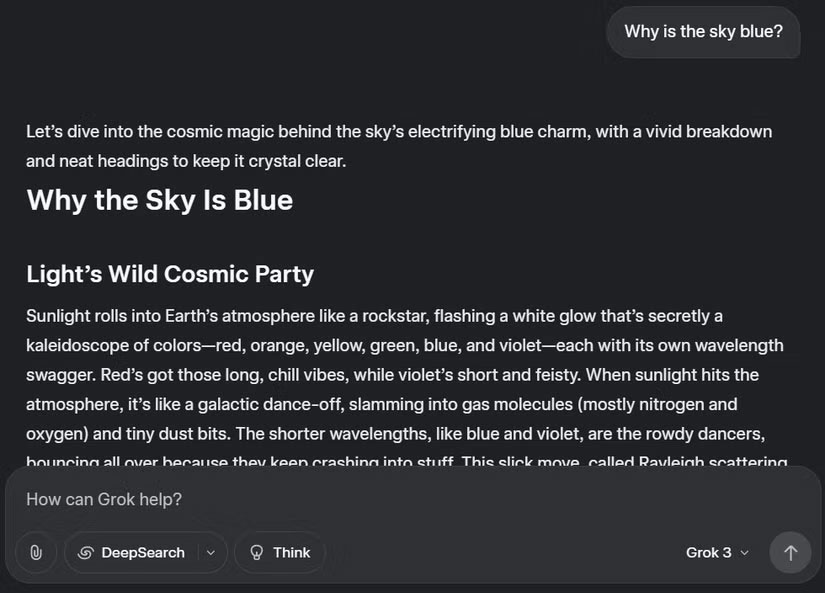

Image generation and editing
Ask for one concrete change at a time, such as replacing the background while keeping the subject and framing. Check the finished image for changed details, unwanted text, and rough edges around the subject.
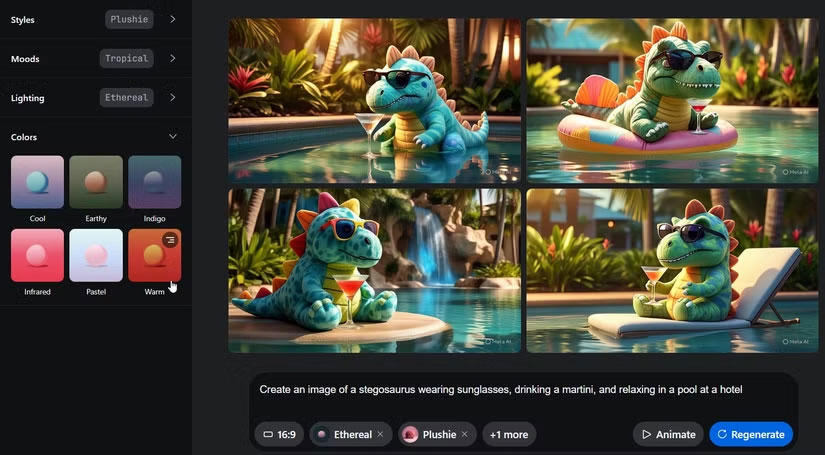


Meta also introduced Vibes for creating, remixing, and sharing short AI videos. Check the difference between previewing a creation and sharing it to the feed.
Limits to test before relying on it
- Technical answers: Give it a problem with a known answer and ask for the steps. Check the reasoning against an authoritative reference.
- Continuity: In a multi-step task, ask it to repeat the constraints before completing the next step. Keep your own copy of important requirements.
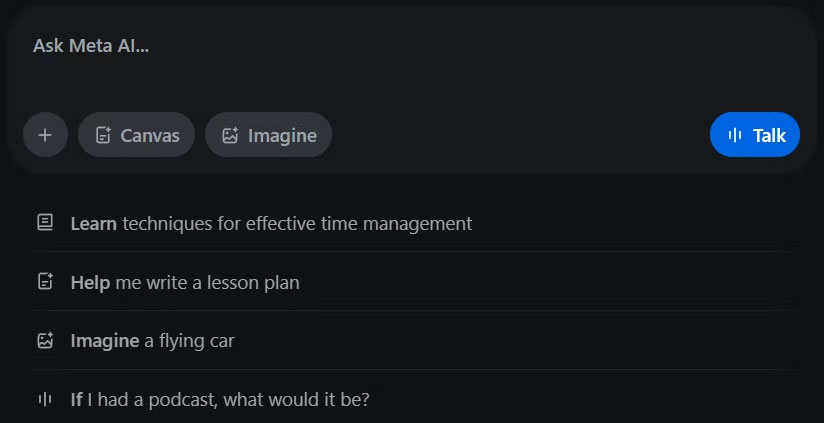
- App and account features: Check which creation or personalization controls appear where you use Meta AI. Meta’s app overview explains how its assistant and sharing features are presented.



Related Articles
 Pros and cons of PassKeys feature on iOS 16
 Windows 11 pros and cons, should you upgrade now?
 Pros and cons of using cloud storage for remote work
 What is Dynamic AMOLED display? Pros and cons? On which phone?
 Change this setting immediately if you use Meta AI!
 Meta AI vs. ChatGPT: Which AI Assistant Should You Use?
Reader Comments 0
Sign in with email or Google to join the discussion.