Table of Contents
This updated guide compares favorite AI tools for web research and highlights the details that matter most. Gone are the days when online research was a time-consuming (and frankly, boring) process. Artificial intelligence (AI) is crawling the web for insights, whether you want basic tips or need research for your college thesis.
1. Perplexity
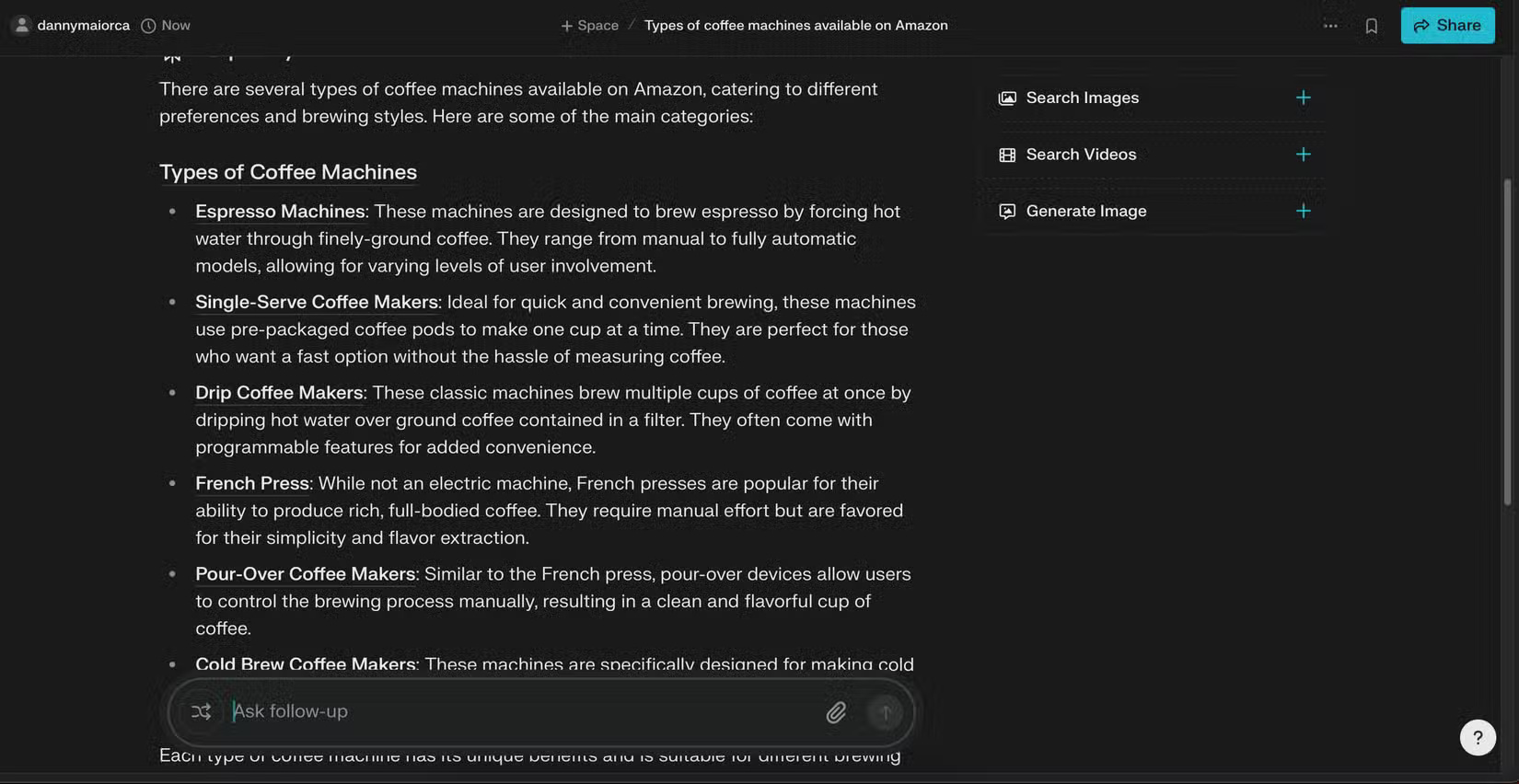
Perplexity is one of the best AI tools if you want software that acts like a search engine. Every time you search for a topic, you get a comprehensive reasoning and a list of sources where the information was extracted. The app then provides a summary of your responses and follow-up questions so you can dig deeper into your research if needed.
While the app's basic tools are some of the best, Perplexity does not stop there. With the Deep Research feature, you'll first get some initial information about your query. Then the app will dig deeper to find all the stats and citations you need. Once you're done, you'll see everything in three tabs:
- Deep Research
- Images
- Sources
In our experience, Perplexity's Deep Research tool is significantly more comprehensive than Copilot and ChatGPT (though It is best to still consider subscribing to Perplexity Pro and ChatGPT Plus ). Overall, Perplexity is so good that it might turn AI skeptics off; Along with browsing articles, you'll also get images and videos related to your search.
Perplexity is available as a web app; the desktop app does not offer any additional benefits, so you'll want to use it in your browser from your computer. You can download the app on iOS and Android.
- Get Perplexity for iOS | Android (Free, in-app purchases available)
2. ChatGPT Deep Research
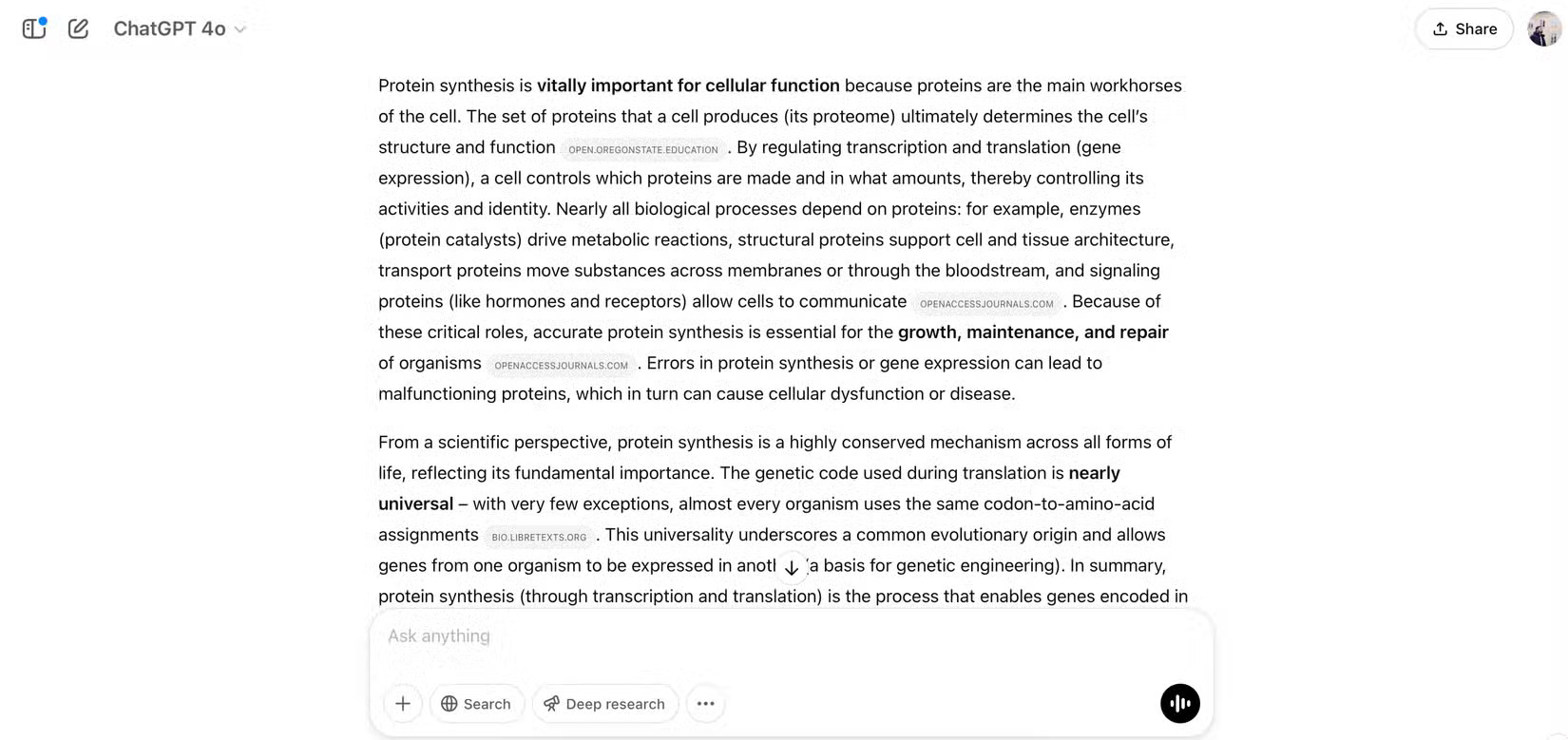
You can use ChatGPT Deep Research in a variety of ways, such as exploring statistics and sourcing for your larger research projects. it is a great companion for students, academics, and you'll find similar uses if you're looking to do research for your work. At the time of writing in April 2025, the software is available to ChatGPT Plus and PRO users.
While searching the web, ChatGPT provides live updates. You'll see what the software has found throughout the research process, giving you a better overall picture. This is especially helpful considering that ChatGPT usually takes at least 3-5 minutes to collect research and put it all together in the app.
Once you've compiled your research, ChatGPT's Deep Research tool gives you a full breakdown. You'll see the sources used for each point, allowing you to choose through and research further if needed. You'll get access to a limited number of Deep Research credits each month if you have a premium subscription.
- Download ChatGPT for iOS | Android (Free, in-app purchases available)
3. Microsoft Copy
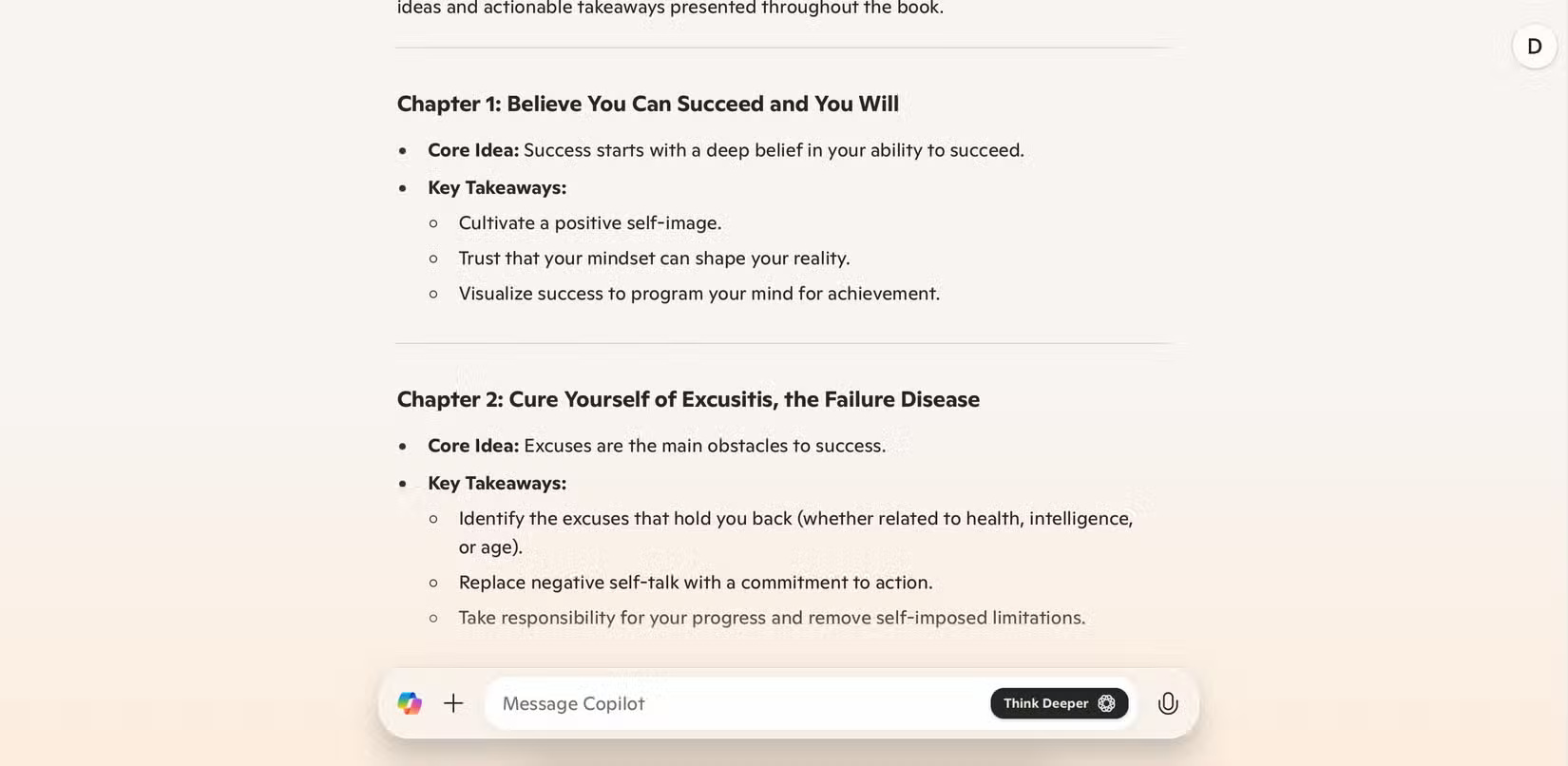
While Copilot's Deep Research tool isn't on the same level as ChatGPT or Perplexity, the basic version can compete with them. Copilot is great at visualizing data and making it easier to understand. for instance, its mind map graphics tend to be less glitchy than ChatGPT's.
Copilot is great for creating tables. You can use this to compare different products you might want to buy, and it is also useful for highlighting key statistics or talking points from your research projects.
To use Copilot, you can sign in with your personal Microsoft or GitHub account. The basic version is free, but you can subscribe for $20/month. You can try it for free for 30 days before paying a monthly fee.
- Get Copilot for iOS | Android (Free, in-app purchases available)
4. iAsk
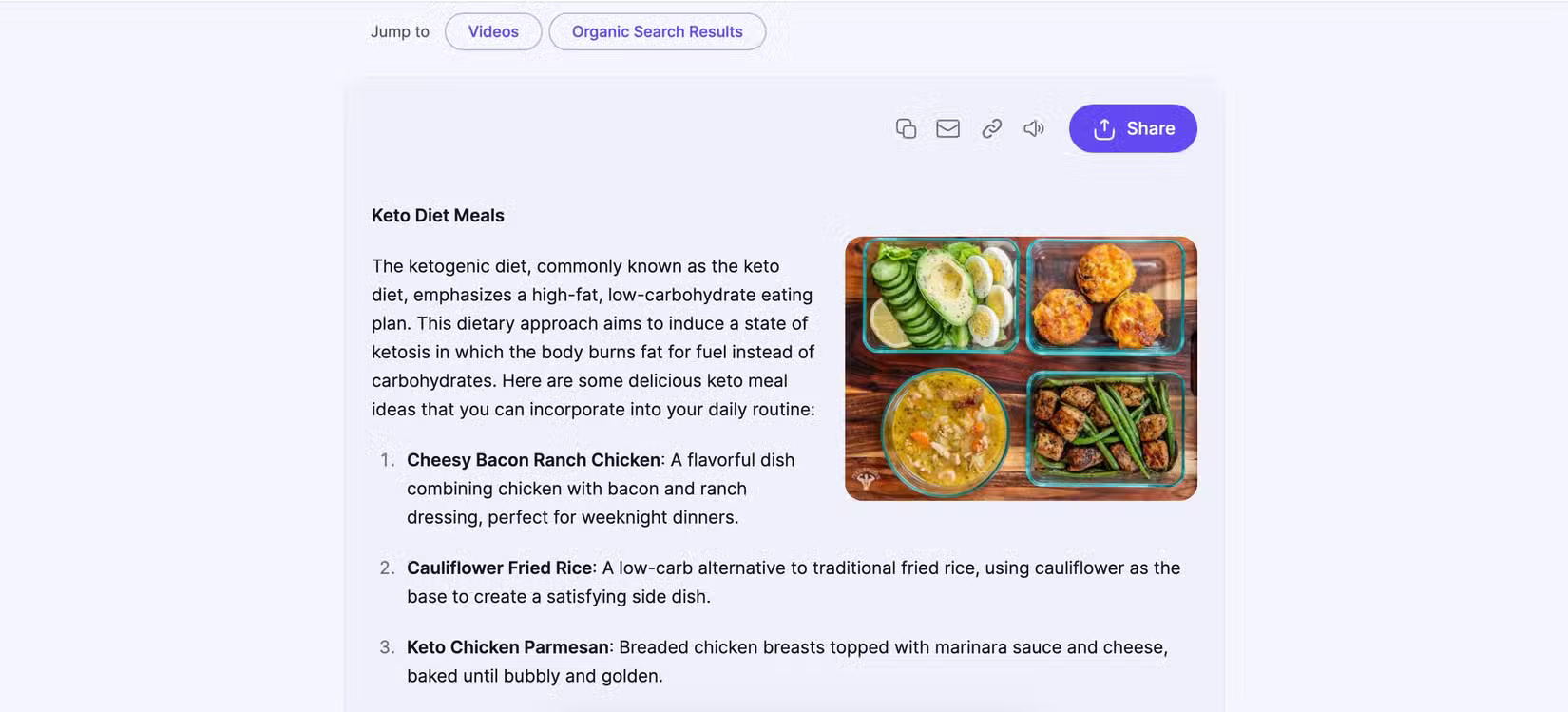
iAsk lets you filter prompts and get more accurate responses through:
- Question
- Academic
- Right away
- Forum
- Wiki
- Expert
When using this tool, you can use iAsk in your search engine by downloading the extension for Google Chrome. If you do not want to use the extension, you can ask questions in the web app. iAsk lets you research in incognito mode if you do not want your history saved, and no account is required to use the tool.
You'll get results pulled from online articles, social media, and elsewhere when you get your answer, with a combination of text, video, and images. If you need more information, you can use the Elaborate tool. Otherwise, you can dig deeper using the Related Questions tab or by asking more questions.
If the answer you get is too confusing, you can use the Simplify feature instead.
- Get iAsk for iOS (Free, in-app purchases available)
5. LitMaps
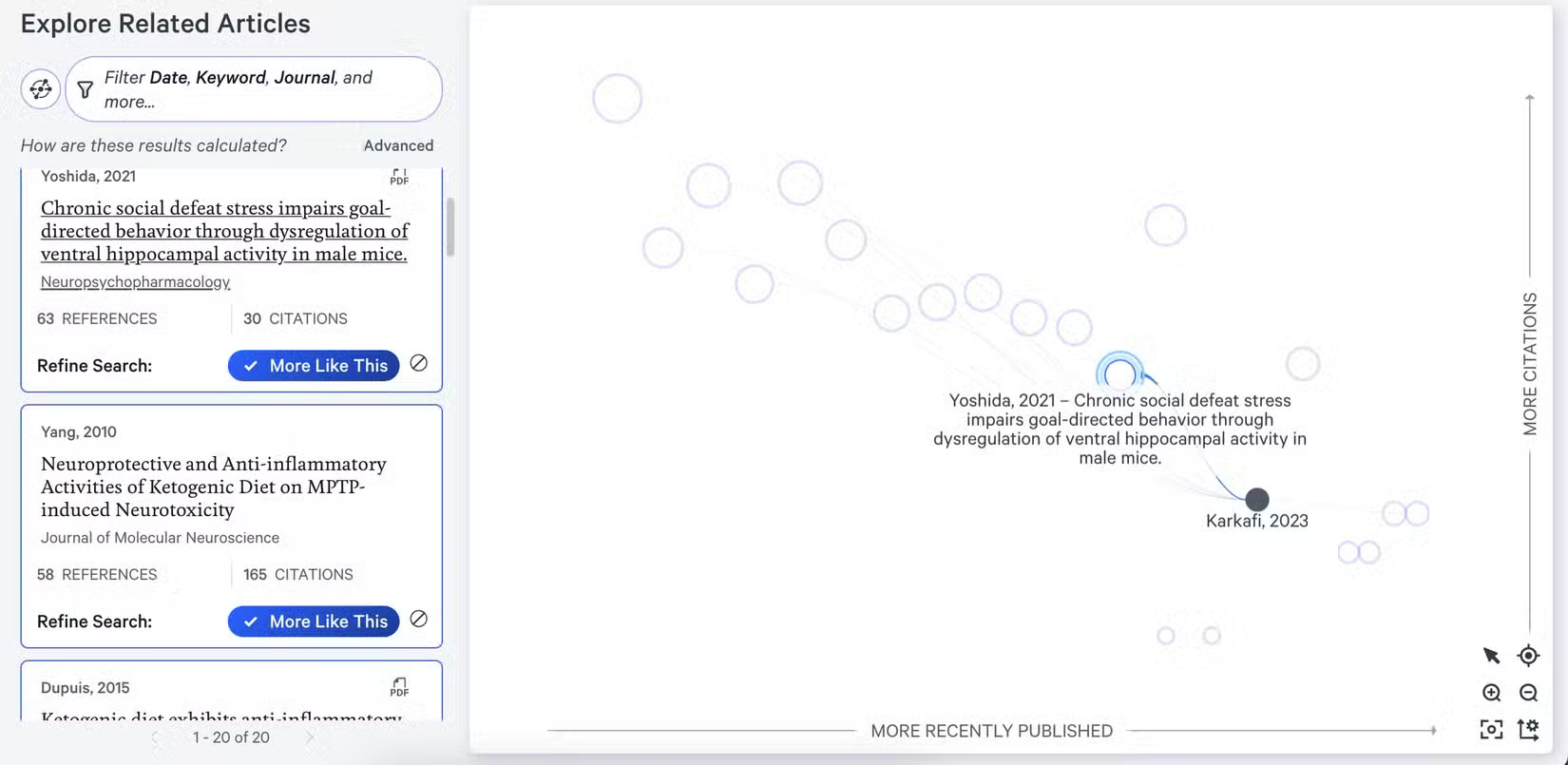
If you're looking to enhance your academic research with AI, LitMaps might be what you're looking for. The tool is designed specifically for scientific research, making it perfect for your next research paper or major dissertation. To ensure more accurate results, you can see which papers do not have enough citations.
Once you select a research article, LitMaps will provide a list of similar articles. Once you have a list, you will get a summary of each research article when you select it. Filter by date and journal title for more precise results.
While It is best to still read the research papers to get a full overview, LitMaps is a great place to start. With the summary information, you can then decide whether the paper is worth reading further.
Whether you're doing research for personal, professional, or academic reasons, these AI research tools will help you achieve your goals. Many are free to use at a basic level, though you'll need a paid subscription to unlock some features. Cross-referencing with Google search results will help you build a powerful strategy for more efficient research.
FAQ
How were the favorite ai tools for web research options evaluated?
The comparison focuses on practical features, ease of use, limitations, compatibility, and the type of user each option is most likely to help.
Which option is best for beginners?
Beginners should prioritize a clear interface, useful documentation, reliable support, and the core features needed for their first project.
Should I choose a free or paid option?
Start with a free option when it covers your needs. A paid plan may be worthwhile when you need advanced tools, commercial rights, collaboration, or professional support.
Related Articles
 Top AI Tools for in-Depth Research11 minutes read
 How to Create a Portable PC Diagnostic USB with Your Favorite8 minutes read
 7 Reasons Why Hapic Is Becoming a Favorite Free Photo Editor6 minutes read
 How to Use My Favorite Files to Create Favorite Files on Windows3 minutes read
 Top AI Tools to Support Essay Writing and Scientific Research9 minutes read
 Guide to Writing Research Reports on Copilot4 minutes read
Reader Comments 0
Sign in with email or Google to join the discussion.