Here are five ways to find them and enhance your listening experience.
1. Search for the Official Audio Version
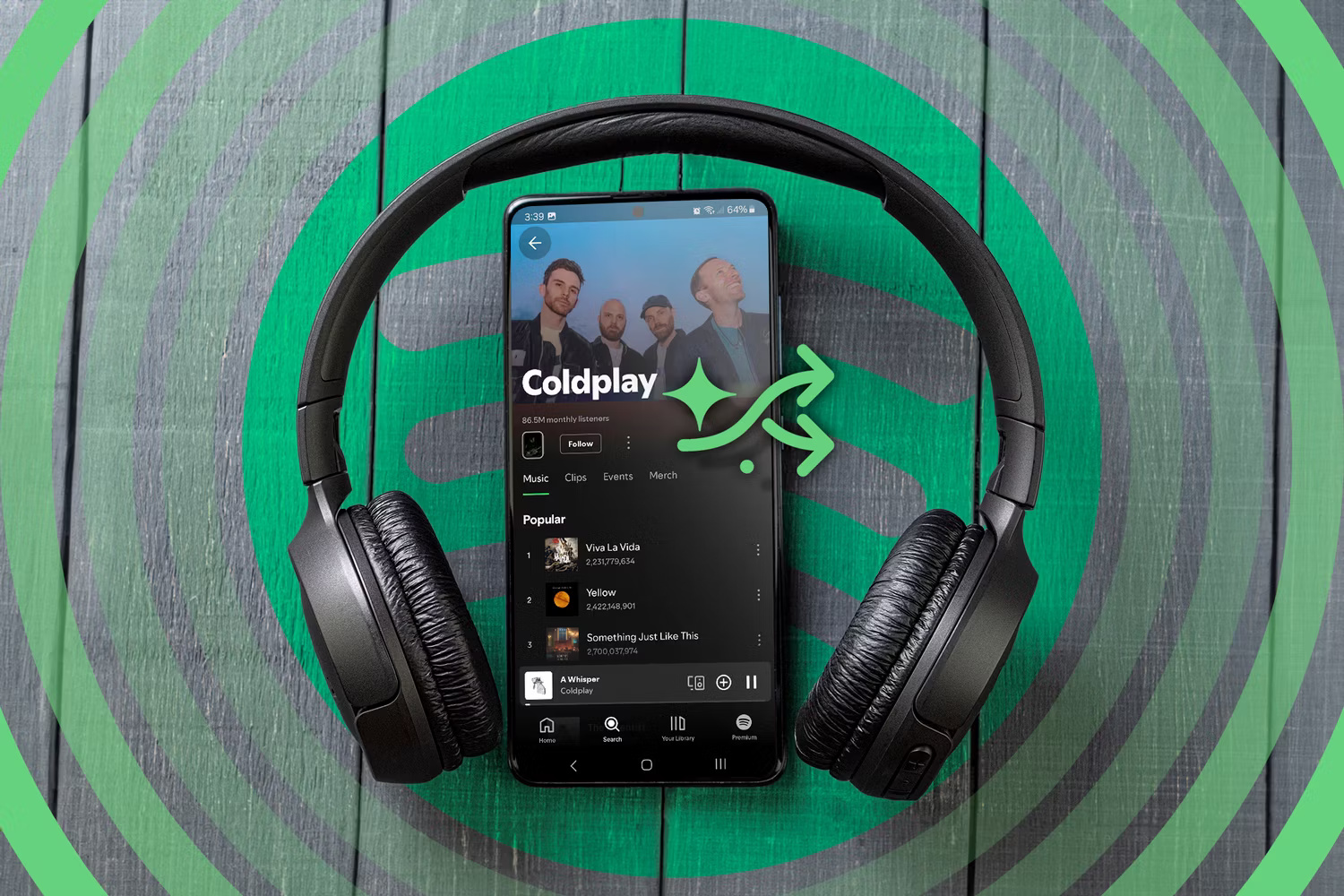
If you're streaming your favorite songs on a streaming platform, one way to find better quality versions is to search for the official audio track. YouTube Music, for example, can host multiple versions of any popular song.
You can find both live and official versions of an artist's performance. But the live version won't be as good as the official recording.
To work around this, you can search for the artist name followed by the song name – for example, Dua Lipa New Rules. From the search results, select the song uploaded by the artist. This will work on any music streaming service.
2. Upgrade to a Paid Plan
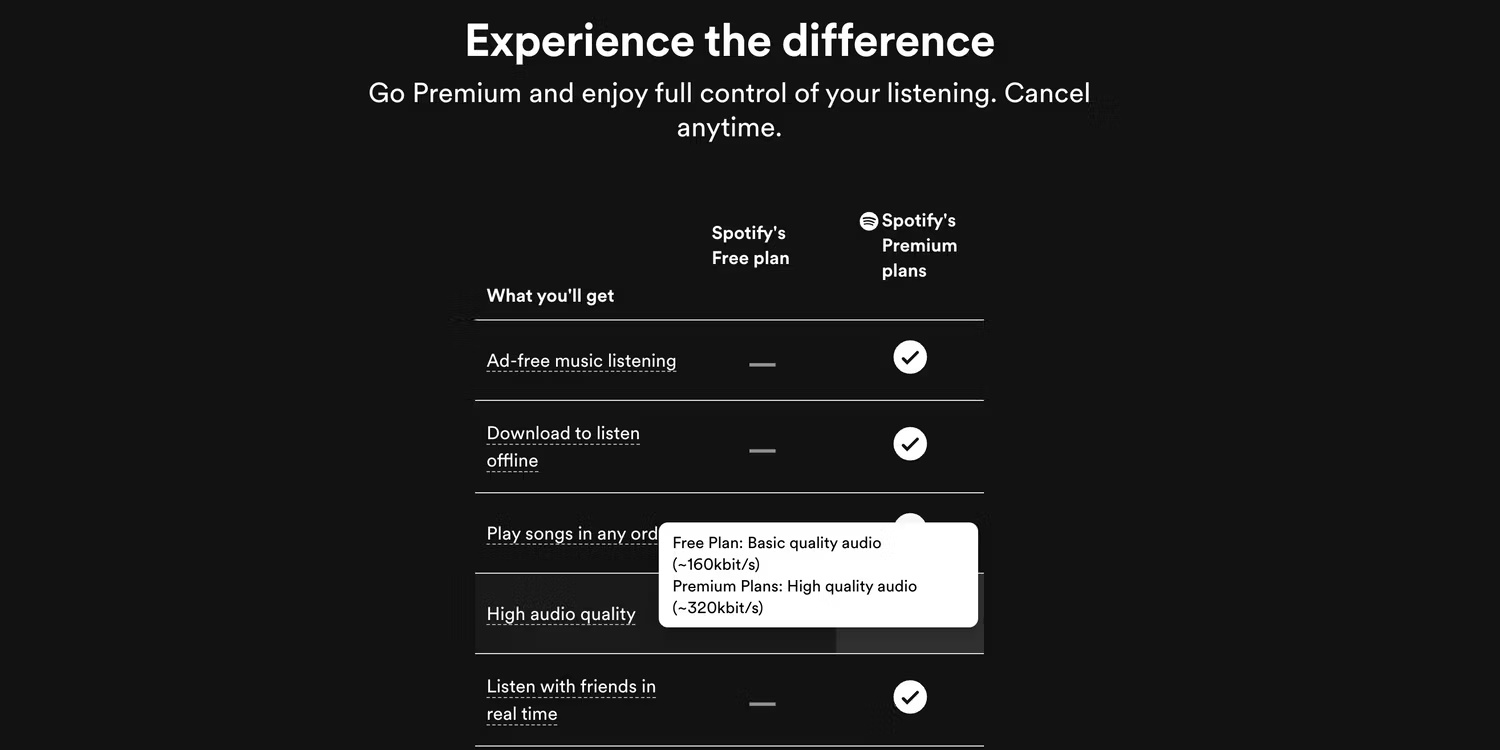
Some streaming services stream music at different quality levels, depending on your subscription plan. For example, Spotify has a free, ad-supported subscription plan that limits audio bitrates to 160kbps. Its premium plan doubles the streaming bitrate to 320kbps.
Spotify is just one example. If you check closely on any music streaming service that offers more than one plan, you'll see the same thing with most other services out there. So if you want the best audio quality, you'll need to check to see if your favorite streaming service has a plan that offers better quality and upgrades.
However, in recent times, most streaming services have abandoned the practice of separating subscription packages based on streaming quality.
3. Switch to a Streaming Service with High-quality Audio
If you need to stream your audio in the best possible quality, your current streaming service may not be able to meet your needs. For example, YouTube Music maxes out at 320kbps, which isn't the highest quality. If you need lossless music, you'll have to switch to higher-quality streaming services like Apple Music and Tidal.
Switching from one music streaming service to another isn't easy, as you run the risk of losing your playlists. However, there are some great online tools that can get the job done in no time. You can transfer your Spotify playlists to Apple Music, and some of them will let you do the same for most major music streaming services.
4. Buy Audio CDs
The technology may seem outdated, but CDs are still worth buying. Most digital formats are heavily compressed to reduce the size of audio files, making it easy to share and stream music without a reliable Internet connection.
However, the slight inconvenience associated with CDs won't be a problem if you need to listen to music in the best quality. You can buy CDs online from Amazon, BestBuy, eBay, Bandcamp, etc. You can also buy them offline at record stores.
5. Buy High Quality Audio Files
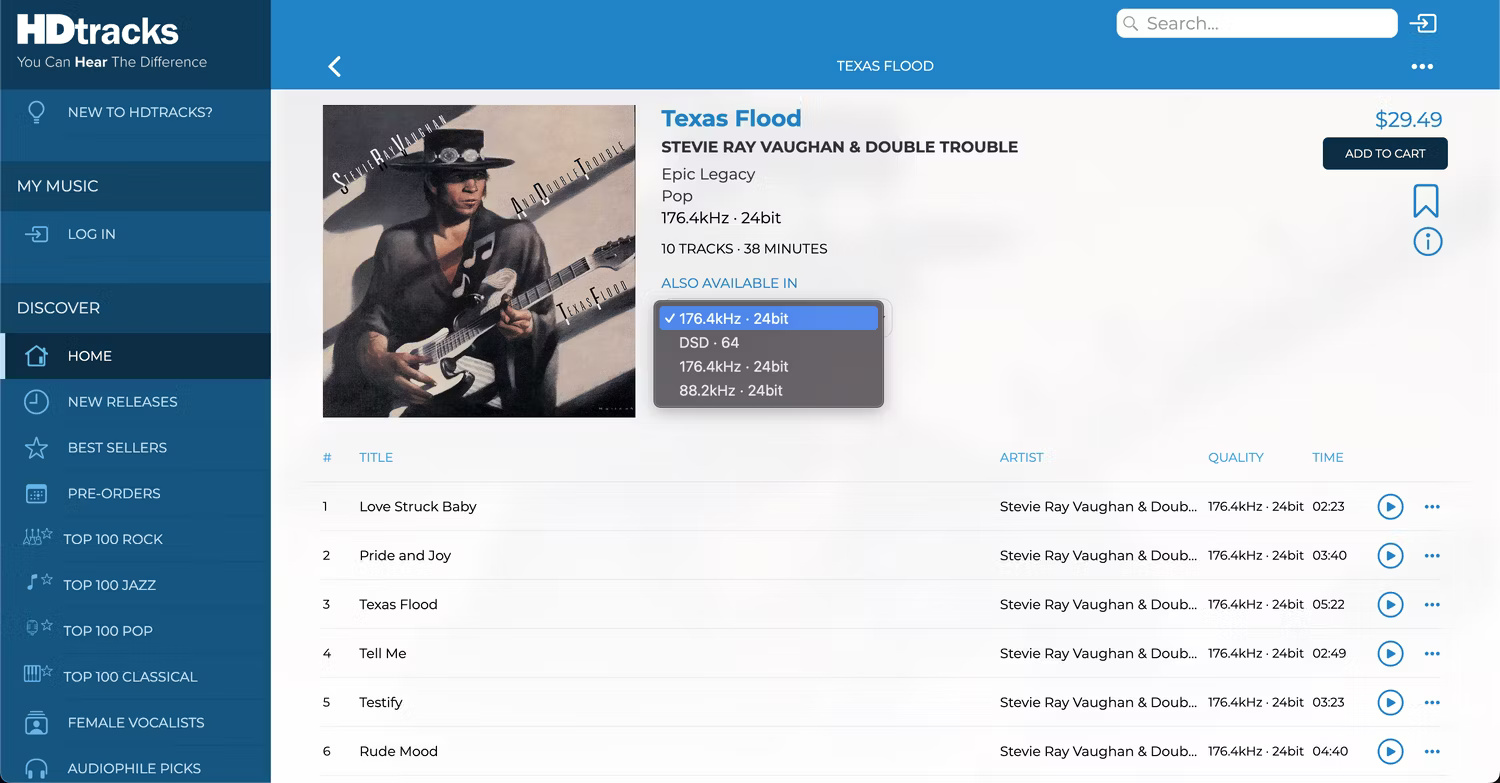
If you prefer to buy music instead of paying for streaming services, you can get higher quality versions of your favorite songs by purchasing high-quality versions. Most online music stores allow you to purchase audio files in different qualities. The problem is that higher quality options often cost more. However, it's still worth the investment if you want the best sound quality.
Sites like HDtracks, Bandcamp, ProStudioMasters, and 7digital sell higher quality music, up to 24-bit 192kHz.
There are a number of ways to find better quality versions of songs. Whether you prefer to pay for streaming services or buy music directly, there are ways to get a higher quality version than what you're experiencing right now.




Reader Comments 0
Sign in with email or Google to join the discussion.