Table of Contents
This guide organizes the entries in "4 Best Browser Extensions to Block Email Trackers" and explains what each option, idea, or example offers. It also highlights practical details that matter when comparing the choices.
4. PixelBlock
PixelBlock is one of the easiest tracking blocking extensions to use. It doesn't require any complicated setup or configuration. Head to the PixelBlock Chrome Web Store, add the extension to Chrome, and you're good to go. You'll see a red eye icon whenever PixelBlock detects and blocks tracking pixels in your emails.

However, if you use anything other than Gmail and a non-Chromium browser (like Firefox-based browsers), you're out of luck. While PixelBlock is convenient, it only works on Gmail and is only available for Chromium-based browsers like Google Chrome, Microsoft Edge, Brave, etc. Chances are you already have a Gmail account and are using a Chromium-powered browser right now. But if you don't, read on.
3. Ugly Email
Another great alternative to Gmail tracker blockers is Ugly Email. The extension is open source and has over 50,000 users on the Chrome Web Store. And if you're not a Chrome fan or don't use a Chromium-based browser, there's also a Firefox version available.
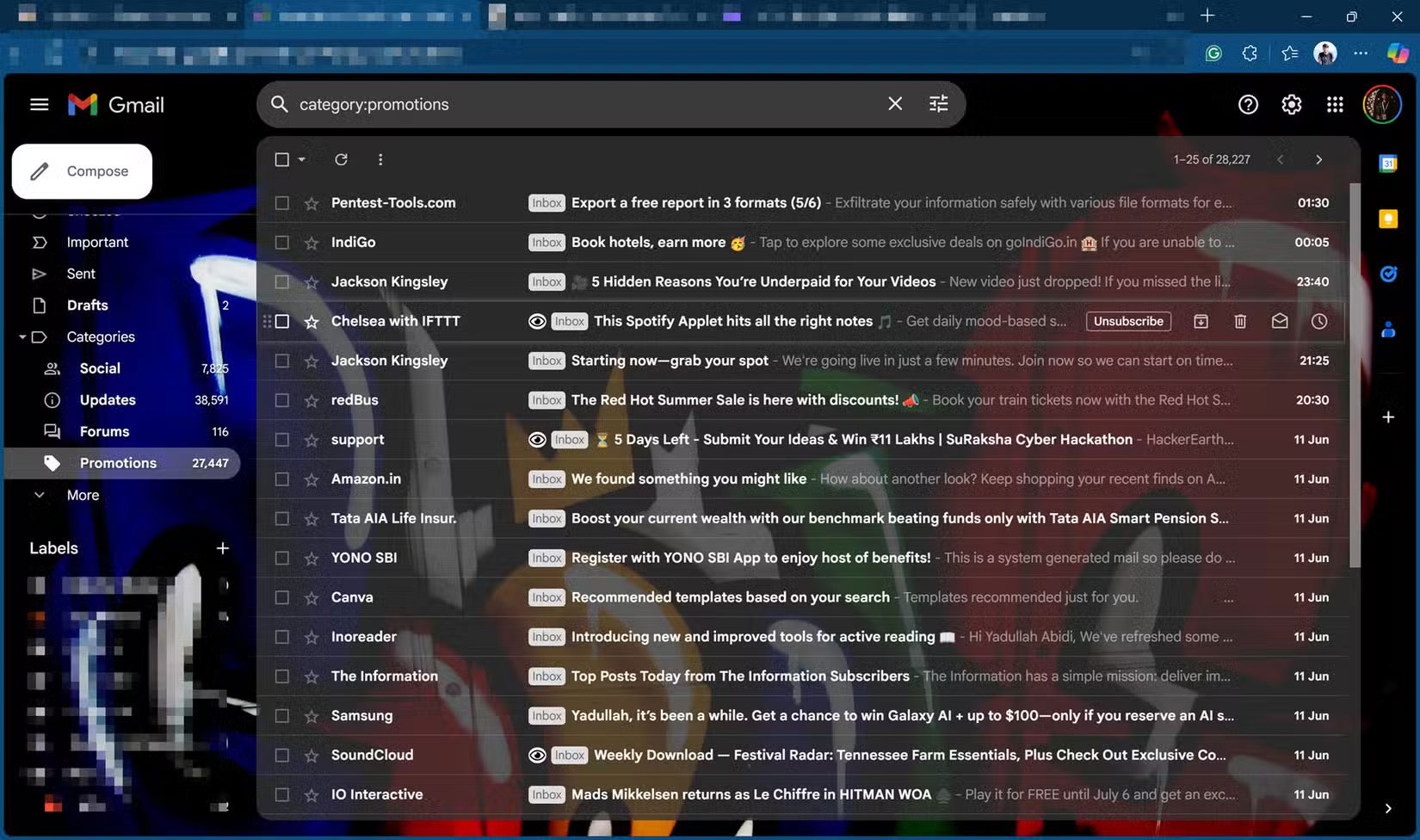
It works very similarly to PixelBlock, in that you only need to install it once and then do nothing else. Once installed, the extension will automatically scan your inbox for emails containing tracking pixels. Any emails with trackers in them will be labeled with an eye icon and the tracker will be blocked immediately. If you hover over the icon, you can also see which trackers the extension is blocking.
2. Trocker
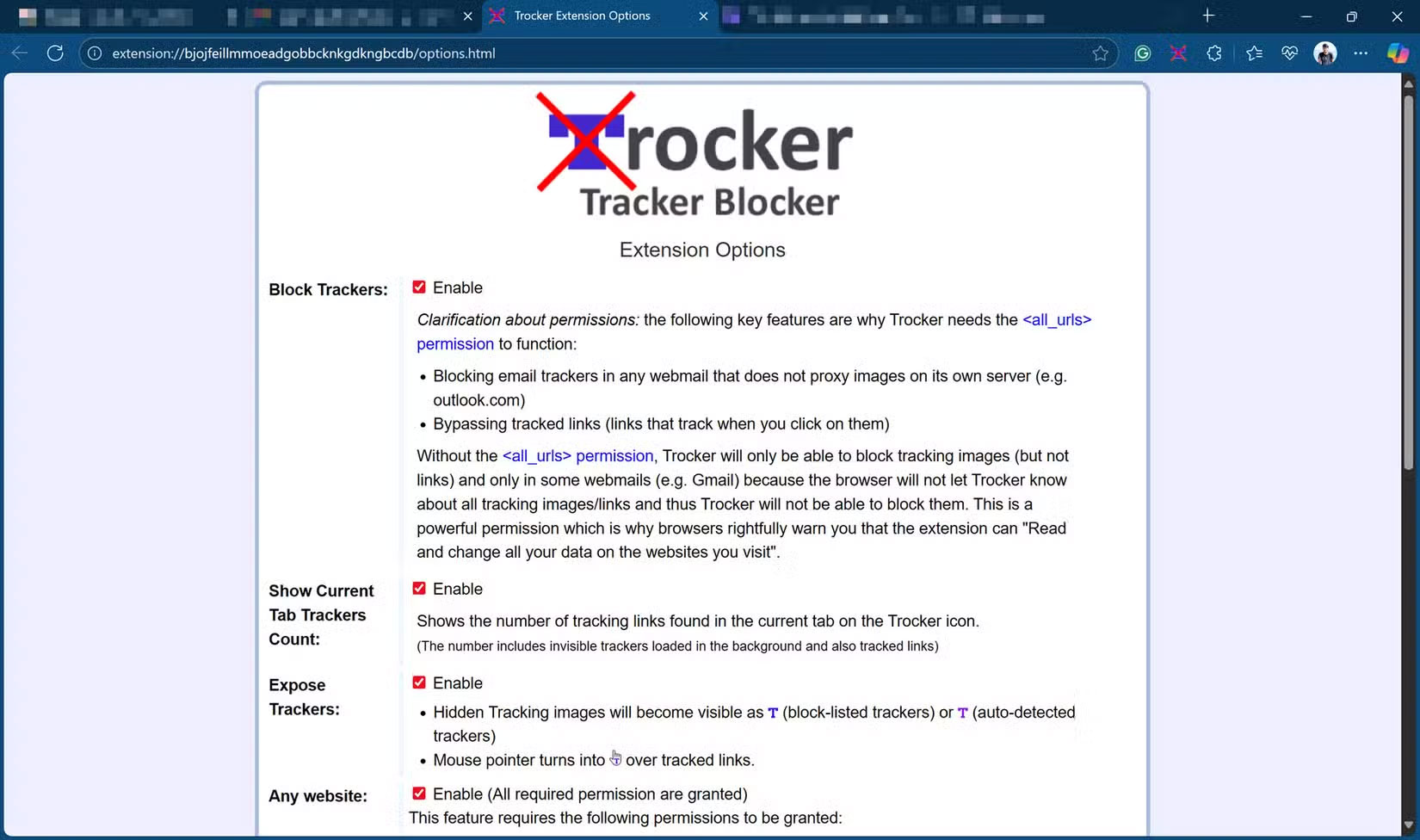
If you're looking for a one-size-fits-all solution to blocking email trackers, Trocker is as close as you'll get. The extension is open source, available for both Chrome and Chromium browsers via the Chrome Web Store, and there's also a Firefox version.
Unlike PixelBlock or Ugly Email, Trocker claims to work on all web emails. This means that as long as you access your email in a browser with the extension installed, you'll be protected from trackers trying to track you. In Gmail, Yahoo, and Outlook, the extension also has heuristic tracker detection that "detects and blocks almost all email tracking attempts, even from obscure trackers."
1. uBlock Origin/uBlock Origin Lite
You may know uBlock Origin as the ad blocker available for both Chromium and Firefox browsers. However, this extension also comes with a tracker blocker suite that can block tracked emails in a variety of webmail interfaces.
That said, uBlock Origin does require proper setup to get the most out of it. The extension is set up to block most trackers by default and will work fine out of the box, but there are some trackers that will occasionally be missed.
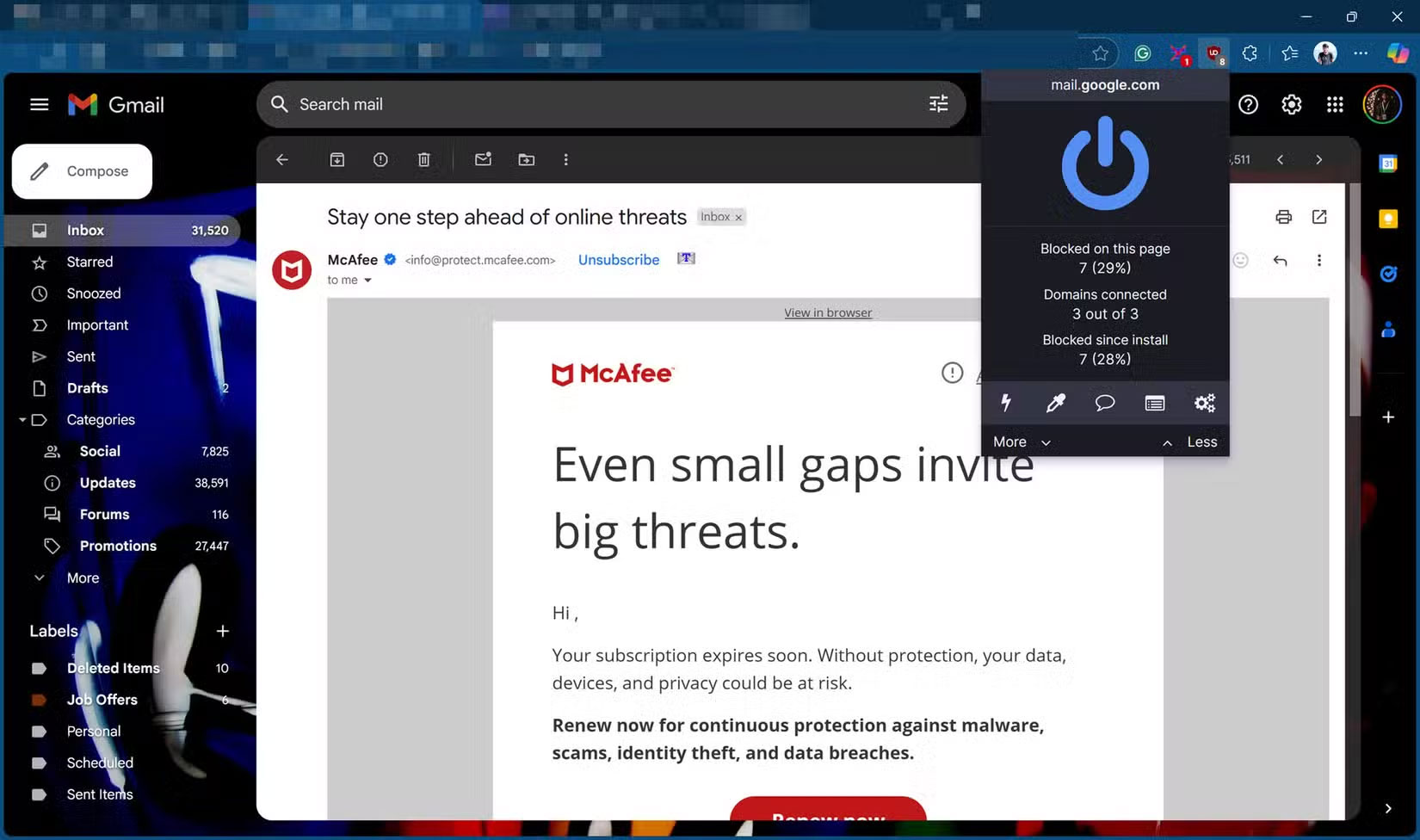
To get around those issues, you'll have to manually enable some settings, like AdGuard Tracking Protection in the extension's settings. You can also add your own entries to the extension's filter list to block any new trackers you might encounter.
FAQ
What should you know about 4. PixelBlock?
PixelBlock is one of the easiest tracking blocking extensions to use. It doesn't require any complicated setup or configuration. Head to the PixelBlock Chrome Web Store, add the extension to Chrome, and you're good to go. You'll see a red eye icon whenever PixelBlock detects and blocks tracking pixels in your emails.
What should you know about 3. Ugly Email?
Another great alternative to Gmail tracker blockers is Ugly Email. The extension is open source and has over 50,000 users on the Chrome Web Store. And if you're not a Chrome fan or don't use a Chromium-based browser, there's also a Firefox version available.
What should you know about 2. Trocker?
If you're looking for a one-size-fits-all solution to blocking email trackers, Trocker is as close as you'll get. The extension is open source, available for both Chrome and Chromium browsers via the Chrome Web Store, and there's also a Firefox version.
What should you know about 1. uBlock Origin/uBlock Origin Lite?
You may know uBlock Origin as the ad blocker available for both Chromium and Firefox browsers. However, this extension also comes with a tracker blocker suite that can block tracked emails in a variety of webmail interfaces.
Related Articles
 6 Browser Extensions That Change the Way You Use the Web6 minutes read
 How to Block Pop-ups: Practical Guide9 minutes read
 7 Browser Extensions to Make the New School Year Easier7 minutes read
 How to Block Any Website on Chrome, Safari or Other Browsers9 minutes read
 How to Block Email Addresses on iPhone: Practical Guide9 minutes read
 5 Browser Extensions That Make Every Website More Useful: Practical Guide7 minutes read
Reader Comments 0
Sign in with email or Google to join the discussion.