Table of Contents
The right 3D printer depends less on a single “best” ranking than on what you plan to make. The Creality Ender-3 V3 SE and WEEDO Tina2S are approachable filament printers, the Original Prusa i3 MK3S+ is a mature and well-documented platform, the Phrozen Sonic Mini 8K prioritizes fine resin detail, and the Creality K1 Max combines an enclosed CoreXY design with a larger build area.
Before choosing, decide between filament and resin, measure the largest part you expect to print, and budget for materials, replacement parts, and safety equipment. Model availability and bundles vary by region, so confirm the current package contents and support terms before purchasing.
Quick comparison
| Model | Print process | Best suited to | Main consideration |
|---|---|---|---|
| Creality Ender-3 V3 SE | FDM/FFF filament | First general-purpose printer | Open-frame design |
| WEEDO Tina2S | FDM/FFF filament | Small models and limited desk space | Small build area |
| Original Prusa i3 MK3S+ | FDM/FFF filament | Users who value documentation and a proven platform | Older generation and open frame |
| Phrozen Sonic Mini 8K | LCD resin | Detailed miniatures and jewelry-scale parts | Resin handling and post-processing |
| Creality K1 Max | CoreXY FDM/FFF filament | Larger parts and faster workflows | More space, cost, and maintenance |
1. Creality Ender-3 V3 SE: an accessible first filament printer
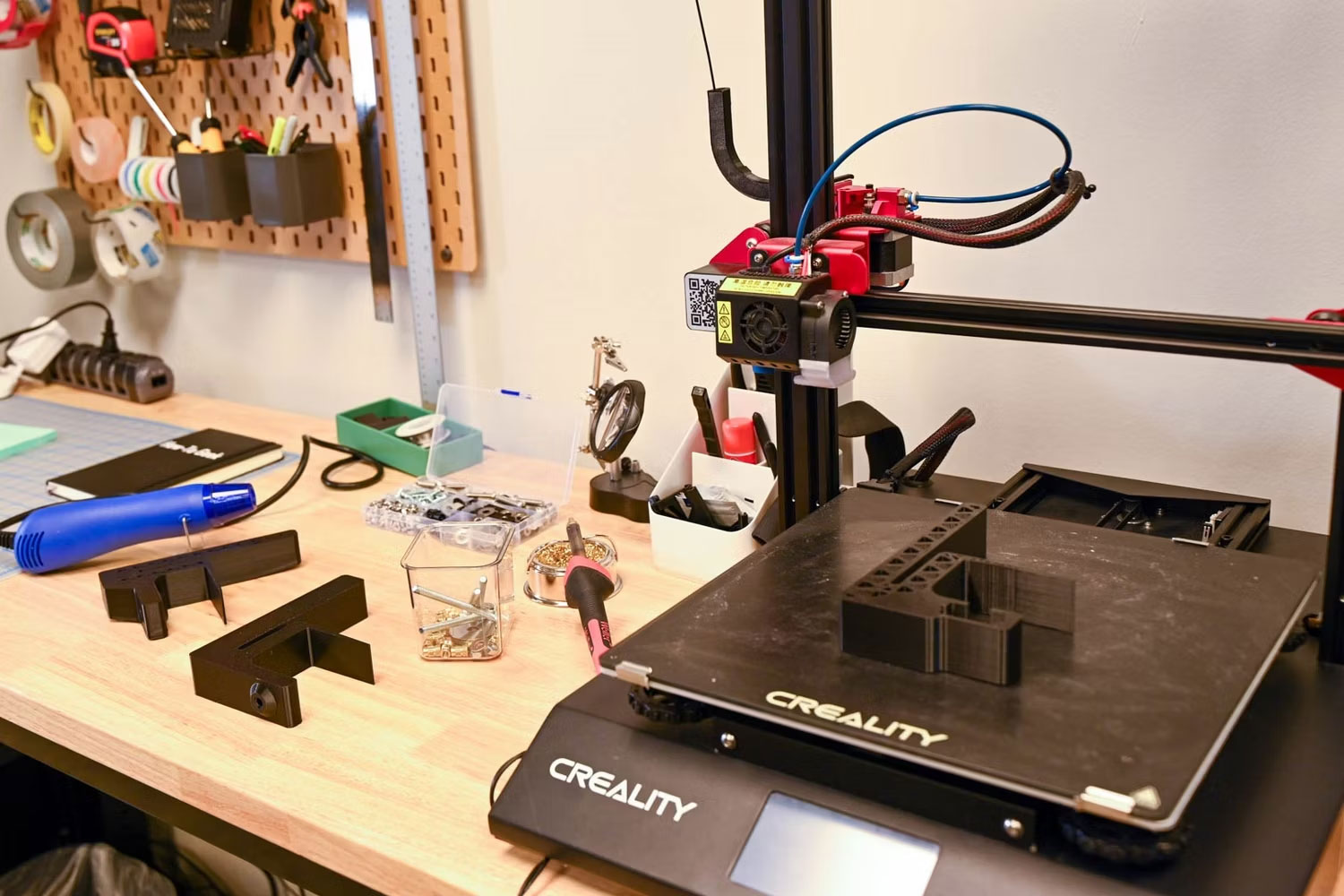
The Ender-3 V3 SE is a sensible starting point for people who want to print common filament materials without assembling a machine from a large kit. Its CR Touch probe and strain sensor automate bed leveling and the initial Z offset, reducing two common setup hurdles. The direct-drive Sprite extruder is also useful for flexible TPU as well as everyday PLA and PETG.
Creality specifies a 220 × 220 × 250 mm build volume, a maximum print speed of 250 mm/s, and maximum acceleration of 2,500 mm/s². Those are ceiling figures rather than a guarantee for every model: real speed depends on the material, layer height, geometry, cooling, and quality settings.
Choose it if: you want an affordable, general-purpose FDM printer and do not mind learning basic calibration and maintenance. Look elsewhere if: you need an enclosure for temperature-sensitive materials or want a printer that isolates hot and moving parts from its surroundings.
2. WEEDO Tina2S: compact printing for small projects
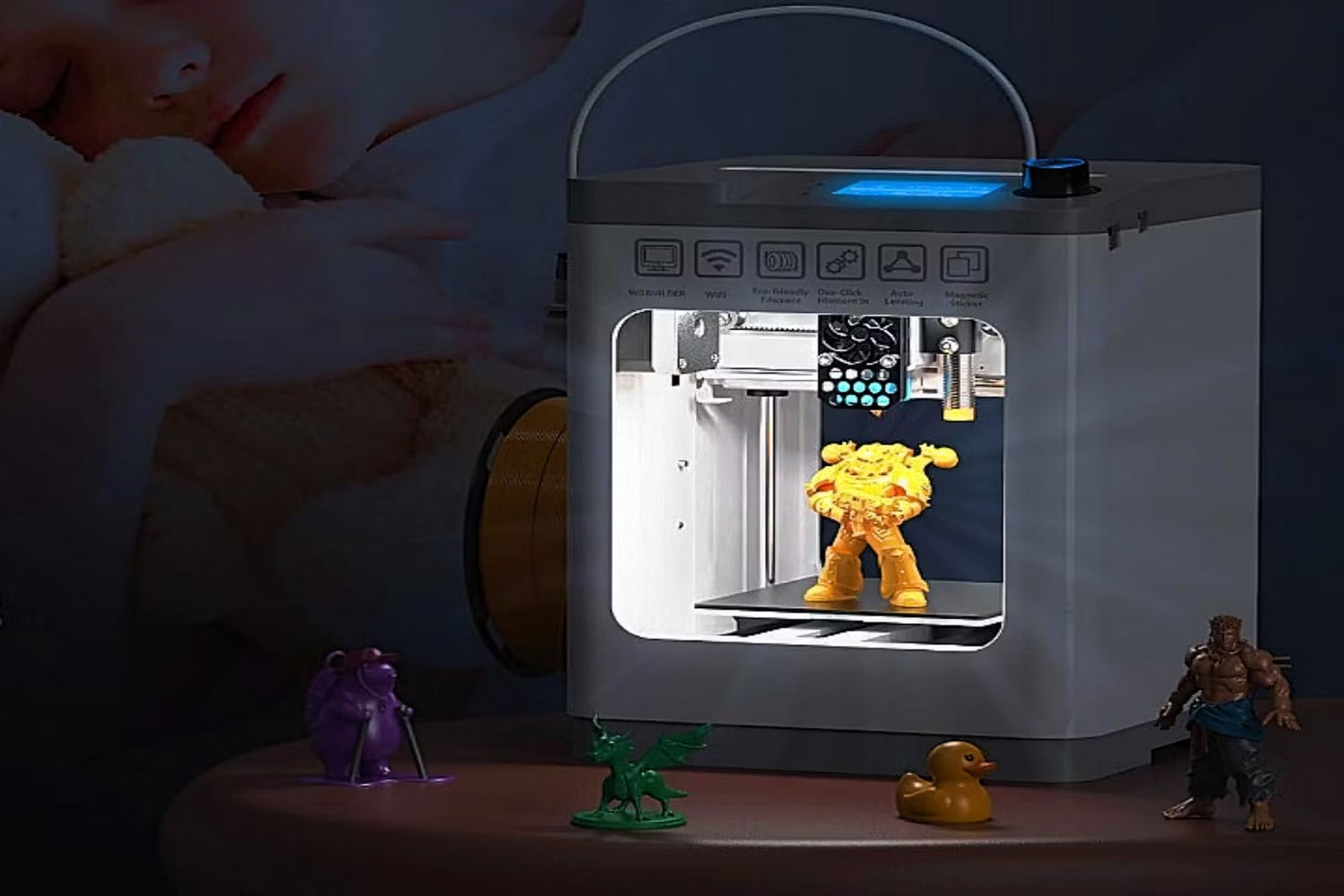
The Tina2S focuses on convenience and a small footprint. It arrives assembled, includes automatic bed leveling, and uses a removable magnetic build plate. That combination is helpful for short classroom demonstrations, small toys, and first experiments where a full-size bed would be unnecessary.
The compact build area is also its biggest limitation. A model that exceeds the bed must be scaled down or divided into sections, and the small frame does not make it the right tool for production work. “Silent” operating modes can reduce distraction, but fans and motion still produce some noise.
Choose it if: desk space and simple setup matter more than print volume. If a child will use any 3D printer, an adult should supervise setup and operation because the nozzle and build area can become hot and moving parts remain exposed.
3. Original Prusa i3 MK3S+: a proven, repairable platform
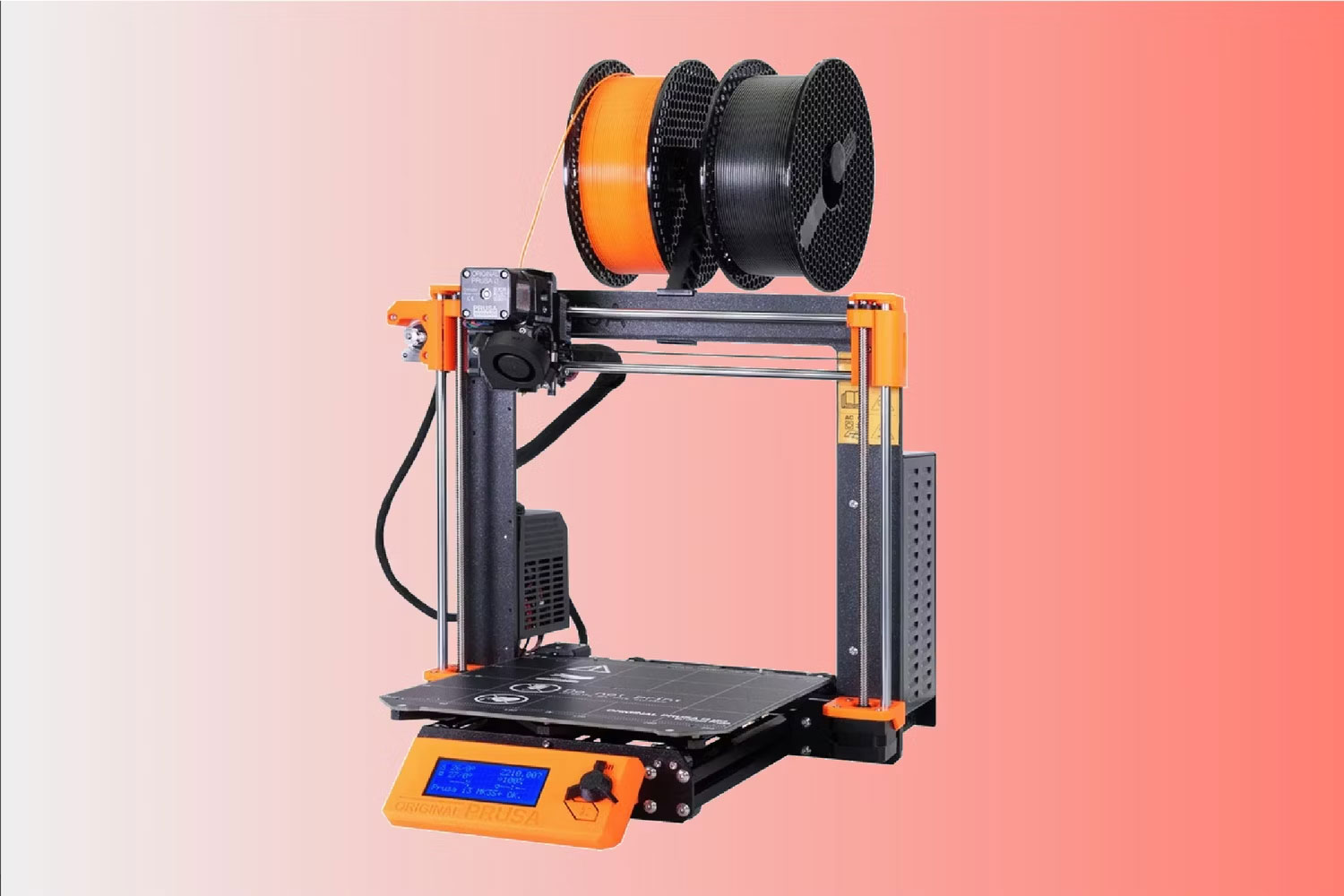
The MK3S+ remains relevant for users who value extensive documentation, replaceable parts, and a mature software profile more than the newest speed claims. It uses mesh bed leveling, a removable magnetic steel sheet, and a filament sensor that can pause a job when filament runs out or its movement is abnormal.
Its 250 × 210 × 210 mm build volume works for many household parts and medium-size models. The printer supports a broad range of 1.75 mm thermoplastics, but the correct sheet, nozzle, enclosure, and temperature settings still depend on the chosen material.
This is an older Prusa generation, so compare the cost of a new or used MK3S+ with current models and available upgrade paths. A used machine is only a good value when the motion system, heaters, wiring, print sheets, and extruder are in sound condition.
4. Phrozen Sonic Mini 8K: high-detail resin printing
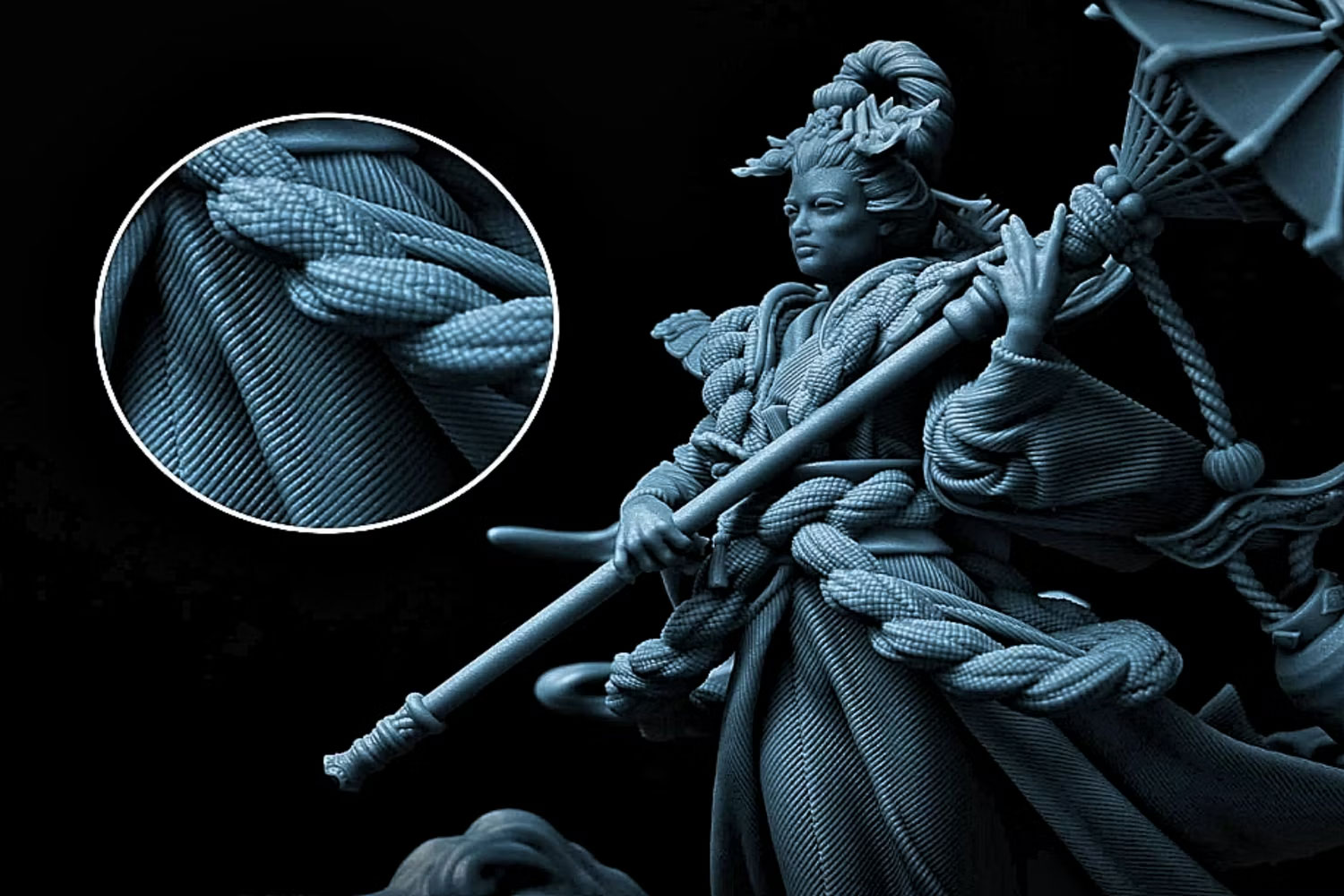
The Sonic Mini 8K uses an LCD mask to cure resin and is designed for small objects where surface detail matters. Phrozen lists a 165 × 72 × 180 mm printing volume and 22-micron XY resolution. That narrow build area suits miniatures, jewelry masters, and detailed display pieces better than large functional parts.
Resin printing has a different workflow from filament printing. A finished part normally needs draining, washing, support removal, and final curing. Uncured resin and contaminated cleaning materials must be handled, stored, and disposed of according to the resin maker’s safety instructions and local rules. Include gloves, cleaning supplies, curing equipment, and a suitable work area in the true setup cost.
Choose it if: fine detail is the priority and you are prepared for post-processing. Avoid it if: you need a low-mess classroom device or mainly print larger mechanical parts.
5. Creality K1 Max: larger CoreXY filament printing
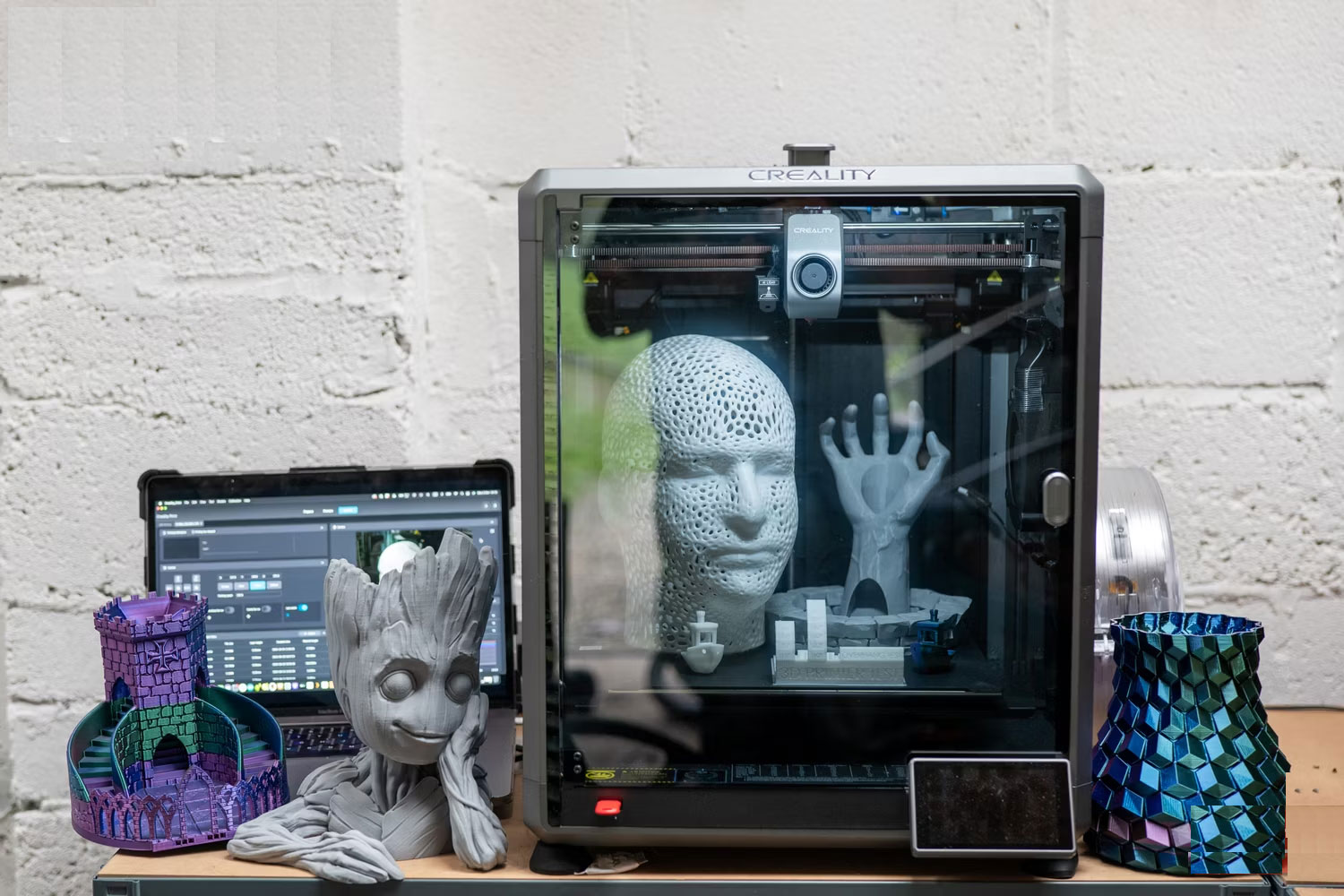
The K1 Max offers a 300 × 300 × 300 mm build volume in an enclosed CoreXY format. Creality advertises a maximum print speed of 600 mm/s and acceleration up to 20,000 mm/s², while also identifying 300 mm/s as a typical speed. Treat the headline figure as a capability under suitable conditions, not the correct setting for every filament or model.
The larger bed can reduce the need to split a design, and the enclosure makes the machine easier to manage than an open frame for some temperature-sensitive filaments. It still needs adequate placement, ventilation appropriate to the material, routine nozzle and build-surface care, and enough clearance to load filament and service the printer.
Choose it if: you routinely need larger parts or shorter production time. Smaller projects may not justify its footprint and cost.
What to check before buying
- Process: FDM is usually simpler for functional parts; resin excels at small detail but adds chemical handling and cleanup.
- Usable build volume: compare the dimensions of your real models, including supports, brim, and orientation—not just the printer’s external size.
- Material support: confirm nozzle temperature, bed temperature, enclosure needs, and manufacturer-supported filament or resin.
- Workflow: account for slicer compatibility, file transfer, calibration, post-processing, and replacement consumables.
- Support: check whether manuals, firmware, spare parts, and seller service are available in your region.
- Total cost: add filament or resin, build surfaces, nozzles, wash-and-cure supplies, ventilation, and failed-print waste.
If you need to create or repair printable models, compare 3D modeling software and learn how an STL mesh can be converted to STEP for CAD work. Users focused on engineering drawings can also review AutoCAD alternatives with 2D and 3D capabilities.
Related Articles
 The Best Multifunction Printer 201817 minutes read
 Top 5 Best Printers of 2026: What You Need to Know8 minutes read
 Photo Printers for Phones: Top 6 Best Mobile Photo Printers 20197 minutes read
 4 Basic Steps to Use the Printer for New Users7 minutes read
 Printers: Select Printer for Small Office8 minutes read
 What Type of Printer Should I Buy: Color or Black and White?9 minutes read
Reader Comments 0
Sign in with email or Google to join the discussion.