Table of Contents
There is no single best printer for every buyer. A family printing occasional homework has different needs from a photo studio, a busy office, or a shipping desk. The five models below cover those distinct jobs, so the useful comparison is output type, paper handling, ink or label cost, and workflow—not one overall ranking.
Check local availability, replacement-supply prices, and operating-system support before buying. Printer bundles and regional model numbers can differ, and one model in this list—the Zebra GK420d—is discontinued and is mainly relevant to existing installations or used-equipment buyers.
At a glance
| Printer | Primary use | Maximum practical format | Key trade-off |
|---|---|---|---|
| Epson EcoTank Photo ET-8500 | Home photos and creative projects | Borderless letter-size photos | Higher purchase price than basic home printers |
| Canon PIXMA MG3620 | Light home printing, scanning, and copying | Letter/legal documents; small borderless photos | No automatic document feeder |
| Brother MFC-J6955DW | Busy office and ledger-size documents | Up to 11 × 17 inches | Large desktop footprint |
| Epson SureColor P900 | Professional and enthusiast photo printing | Up to 17 inches wide | Ink and fine-art media costs |
| Zebra GK420d | Direct-thermal labels | Four-inch-class labels | Discontinued; 203 dpi only |
Epson EcoTank Photo ET-8500: refillable-ink photo all-in-one
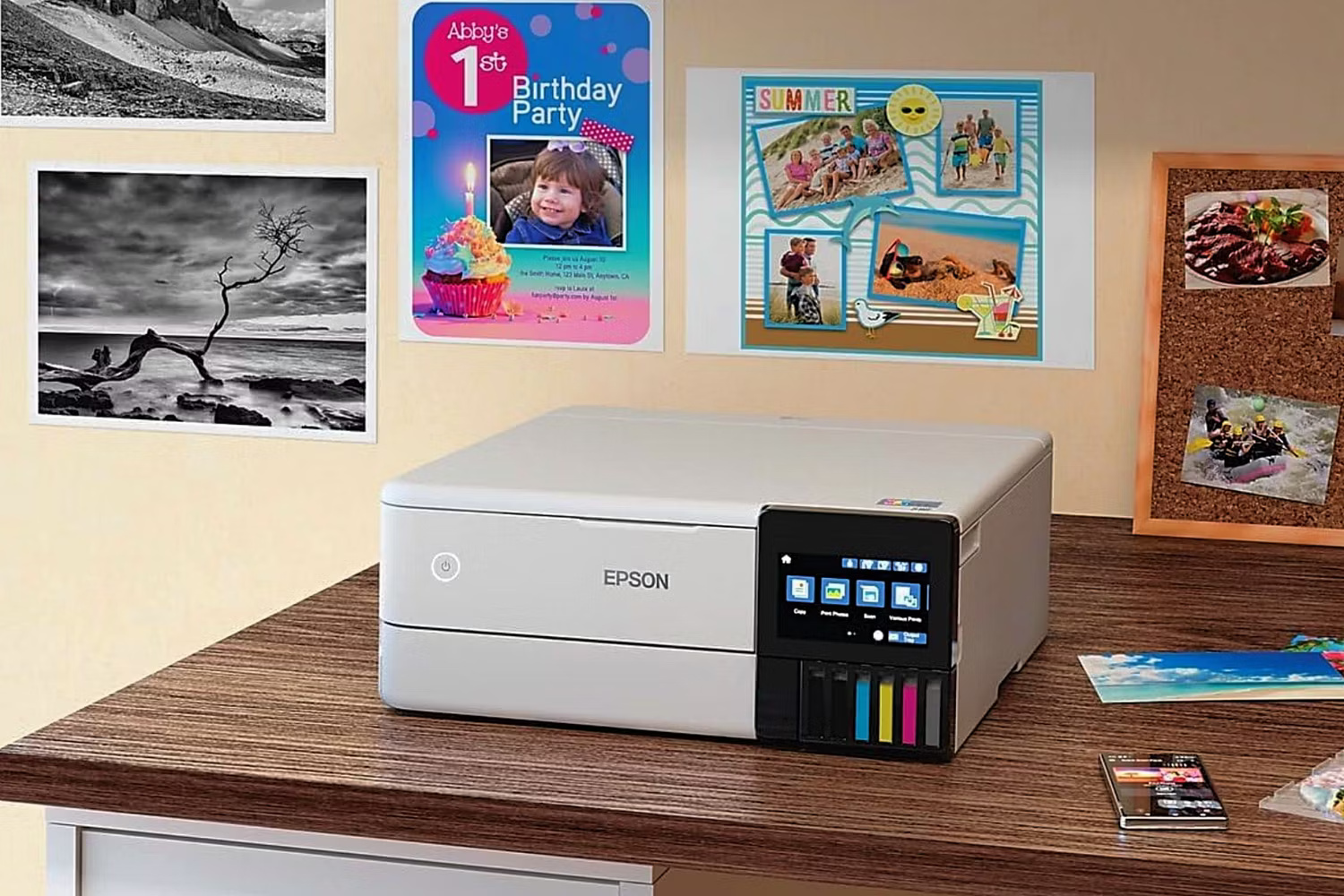
The ET-8500 is aimed at households and small creative workspaces that print both photos and ordinary documents. Its six-color bottle-fed ink system can reduce supply cost compared with small photo-ink cartridges when print volume is high enough. It is cartridge-free, not ink-free: owners still need genuine compatible ink bottles and must account for maintenance and occasional printhead cleaning.
The printer can produce borderless photos up to 8.5 × 11 inches, scan and copy on its flatbed, print automatically on both sides of supported plain paper, and print on compatible CDs and DVDs. For borderless photos up to 13 × 19 inches, the related ET-8550 is the wide-format version.
Best for: frequent home photo printing alongside schoolwork, invitations, and creative media. Not ideal for: a document-heavy office that needs an automatic document feeder or high-volume multi-page scanning.
Canon PIXMA MG3620: low-cost home all-in-one
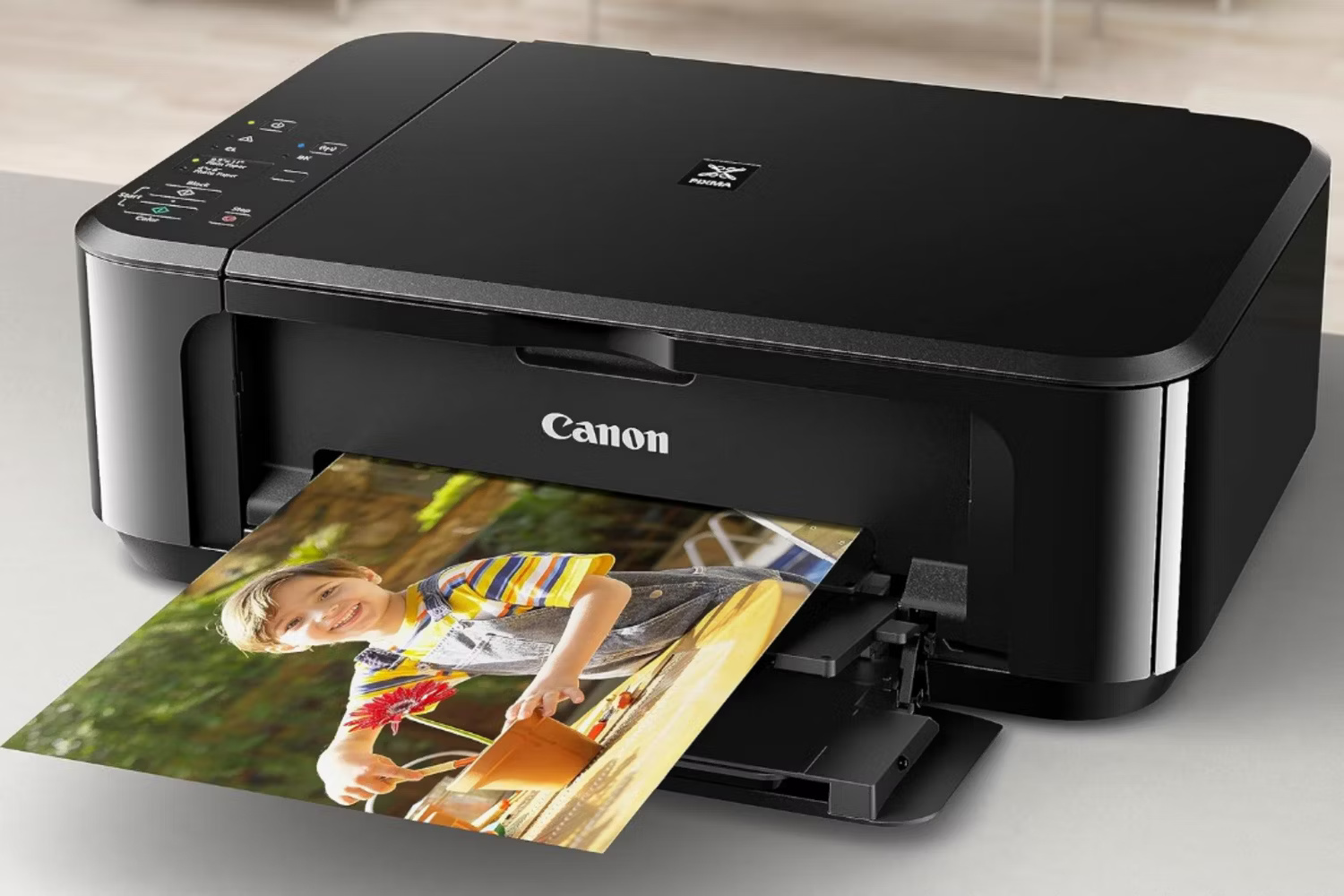
The PIXMA MG3620 covers the basics: color inkjet printing, flatbed scanning, and copying. Automatic two-sided document printing is a useful feature at this price level, and wireless support includes Apple AirPrint, Mopria Print Service, and Canon’s mobile app. A direct USB connection is also available.
Its low purchase price does not automatically mean a low long-term cost. The printer uses cartridges, so estimate cost per page from the cartridges sold in your region and your expected mix of color and black-and-white pages. It also lacks an automatic document feeder, making a stack of scans a page-by-page task.
Best for: occasional documents and snapshots where compact size and a low initial cost matter. If printing from Apple devices is important, verify the network requirements and learn how to check AirPrint support.
Brother MFC-J6955DW: ledger-size office all-in-one
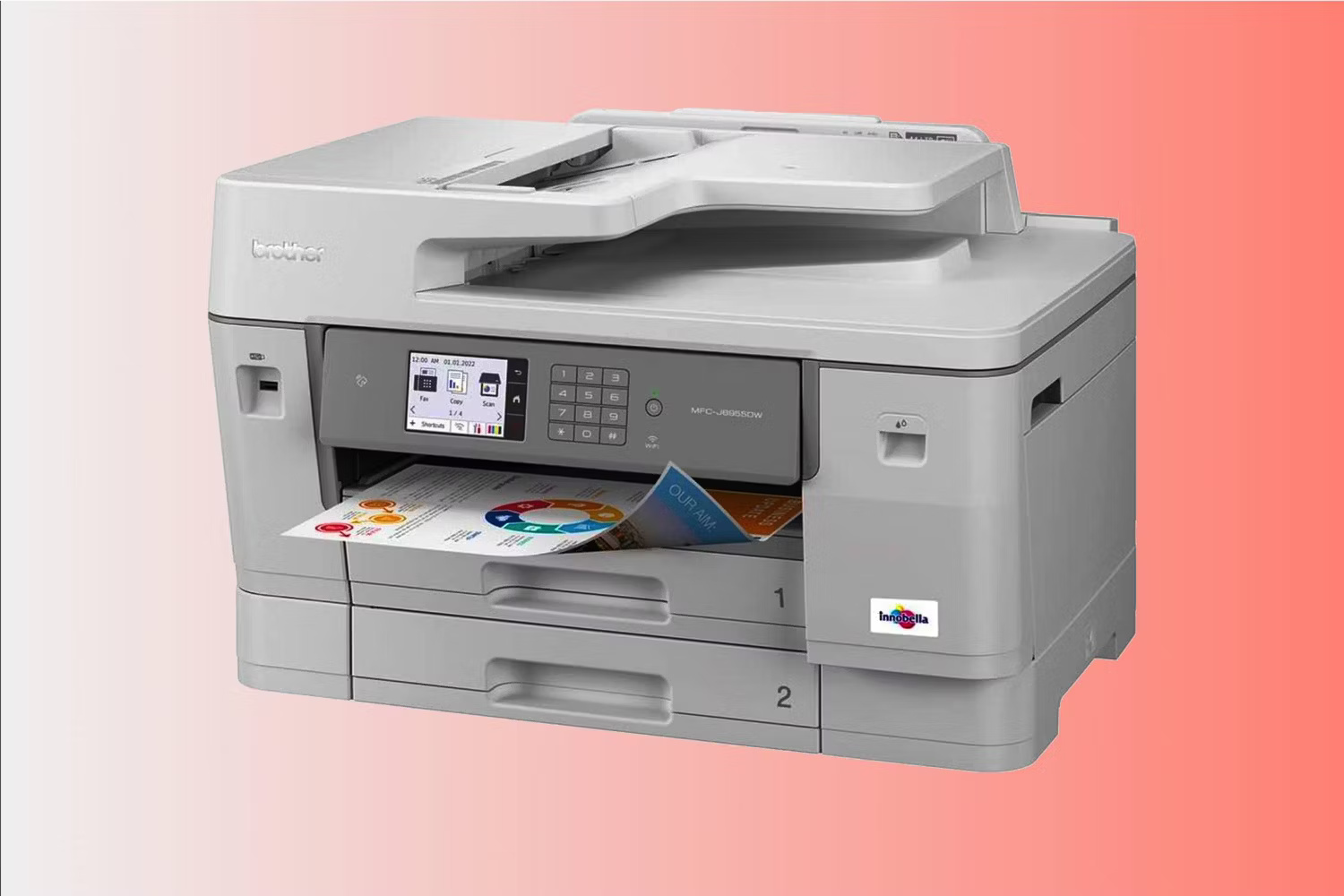
The MFC-J6955DW is designed for offices that work with spreadsheets, plans, flyers, or forms up to 11 × 17 inches. It can print, copy, scan, and fax at that size, including automatic two-sided workflows. Brother rates its ISO print speed at up to 30 pages per minute for black or color output.
Paper handling is a major advantage: two 250-sheet trays provide 500 sheets of main capacity, while a separate multipurpose tray accepts up to 100 sheets. The automatic document feeder is a different component; it feeds originals for scanning, copying, or faxing rather than expanding blank-paper capacity. If duplex scanning is important, compare the distinctions between ADF, RADF, and single-pass document feeders.
Best for: a workgroup that genuinely needs ledger-size output and scanning. Check first: the printer’s physical dimensions with trays extended, cartridge yield assumptions, network requirements, and whether fax is useful in your workflow.
Epson SureColor P900: 17-inch fine-art photo printing
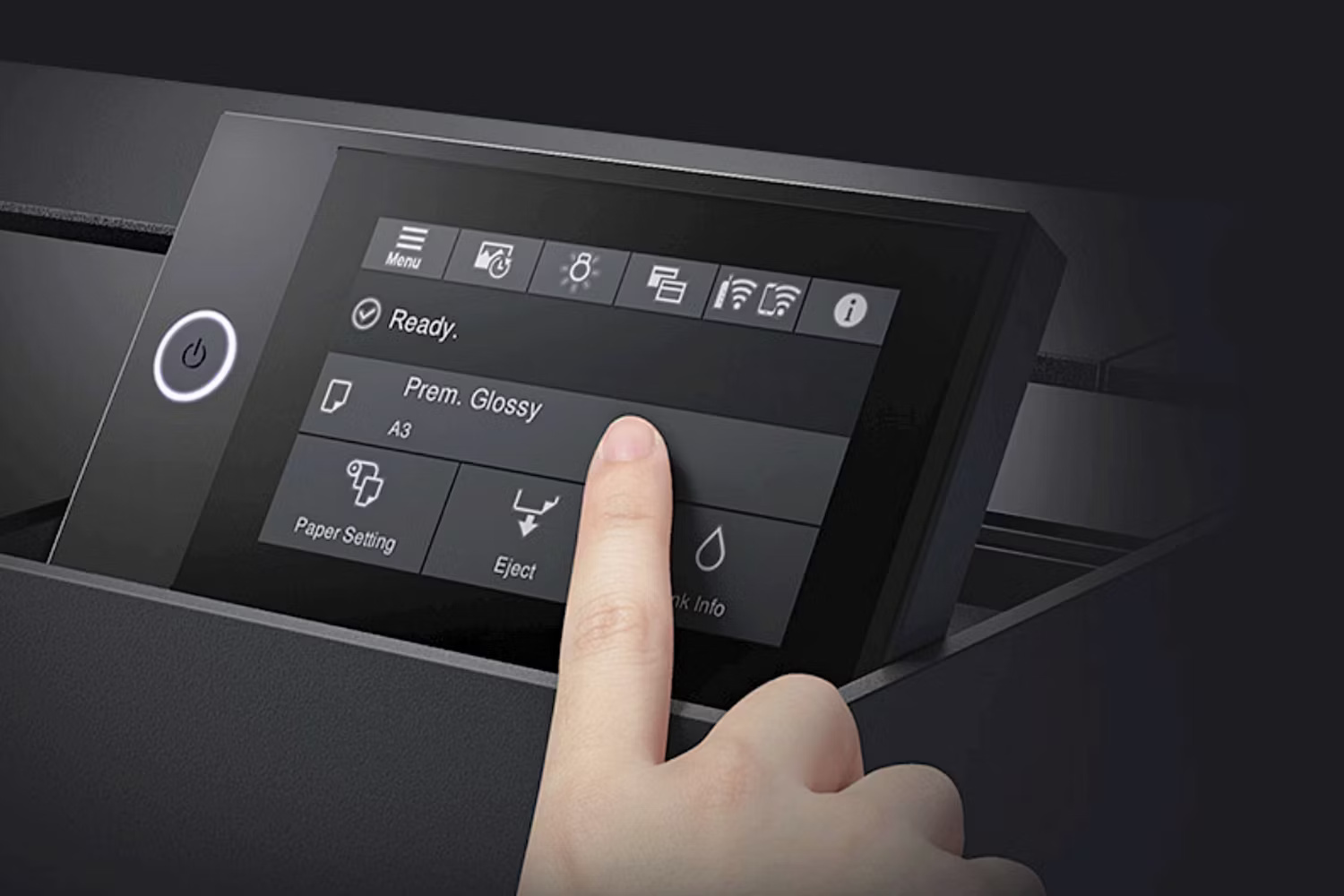
The SureColor P900 is a specialized 17-inch photo printer for photographers and artists who need greater control over paper, color, and monochrome output. It uses Epson’s ten-color UltraChrome PRO10 pigment-ink set and dedicated channels for Photo Black and Matte Black, so switching between supported glossy and matte media does not require a black-ink changeover.
Unlike the ET-8500 and MG3620, the P900 is not an all-in-one: it does not scan or copy. Its value comes from wide-gamut photo output, support for cut sheets and compatible fine-art media, and optional roll-paper handling. Print quality still depends on a color-managed workflow, the correct media profile, nozzle condition, and suitable source files.
Best for: exhibition prints, portfolio work, and serious home studios. Include ten ink cartridges, premium paper, maintenance, and test prints in the budget; buyers who only need small casual photos will be better served by a simpler photo printer.
Zebra GK420d: a legacy direct-thermal label printer
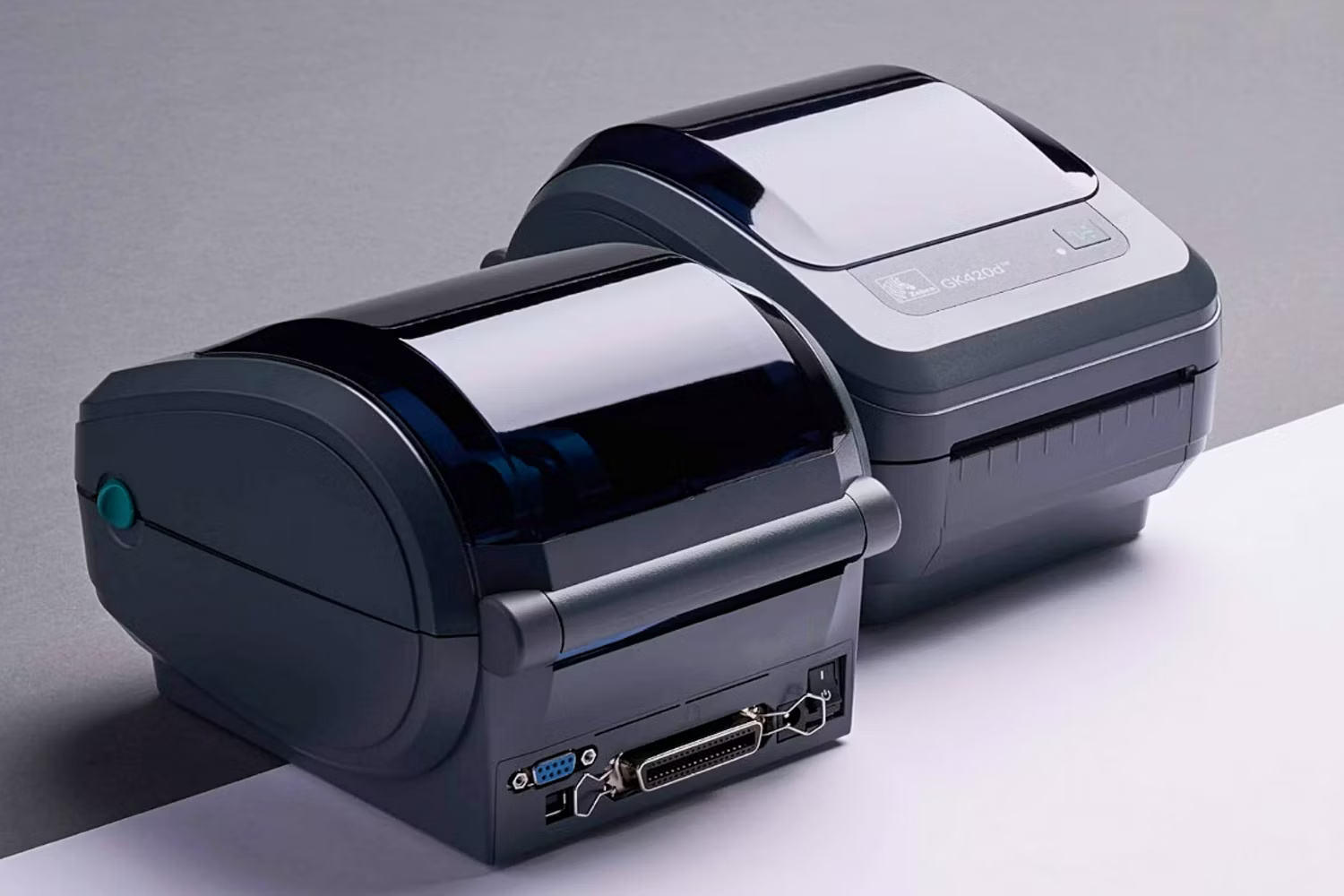
The GK420d prints on heat-sensitive direct-thermal media, so it does not use ink or a thermal-transfer ribbon. Its four-inch-class width and support for common shipping and barcode labels made it popular at dispatch desks. The 203 dpi resolution is adequate for many ordinary barcodes and address labels but is not intended for very small text or intricate graphics.
Zebra no longer sells the GK420d, and the manufacturer lists the ZD421 as its replacement. A used GK420d may still make sense when an organization already has compatible labels, drivers, and a tested application, but a new installation should compare current models. Confirm the connection type on the exact unit—USB, serial, Ethernet, and other options varied by configuration—and test it with the shipping platform before purchase.
Best for: maintaining an established label workflow at low acquisition cost. Direct-thermal labels can darken or fade when exposed to heat, light, or abrasion, so choose media according to how long the label must remain readable.
How to choose among them
- Start with the output: photos, office documents, ledger-size pages, and shipping labels require different hardware.
- Estimate real volume: compare monthly pages, cartridge or bottle yields, cleaning cycles, and the cost of the paper or labels you will actually use.
- Check paper handling: look for automatic duplex printing, tray capacity, an ADF, and the exact supported sizes and media weights.
- Confirm connectivity: USB, Wi-Fi, Ethernet, AirPrint, and mobile apps are not interchangeable; verify every device and network you need.
- Plan for support: current drivers, firmware, warranty service, and readily available consumables matter more than a low clearance price.
If most of your work is high-volume black text, compare laser printers for home and office before choosing an inkjet. Laser models often suit text-heavy workloads, while inkjets remain attractive for color, photographs, and versatile media handling.
Related Articles
 The Best Multifunction Printer 201817 minutes read
 5 Best 3D Printers of 2026: What You Need to Know7 minutes read
 Photo Printers for Phones: Top 6 Best Mobile Photo Printers 20197 minutes read
 4 Basic Steps to Use the Printer for New Users7 minutes read
 Printers: Select Printer for Small Office8 minutes read
 What Type of Printer Should I Buy: Color or Black and White?9 minutes read
Reader Comments 0
Sign in with email or Google to join the discussion.